
Top 10 Google Gemini Alternatives
January 2, 2026
January 2, 2026
January 2, 2026
January 2, 2026

Google Gemini has become a popular choice for teams exploring generative AI. It supports text, image, and code-based prompts and integrates closely with Google Workspace tools like Google Docs and Google Drive.
That tight integration works well inside Google’s ecosystem, but it doesn’t suit every workflow. Pricing can become a concern as usage grows. Meeting support stays limited to Google Meet. Some teams also want clearer control over user data security and how shared data is handled.
Due to these limits, many teams start looking at Gemini alternatives. Some need better support for meetings and sales calls. Others want stronger research tools, deeper data analysis, or greater flexibility to integrate AI across different platforms.
In this article, you’ll learn:
- Why teams look for Gemini alternatives
- Which tools work best for meetings, research, and content creation
- How to choose the right Gemini alternative
What Is Google Gemini? (Overview)
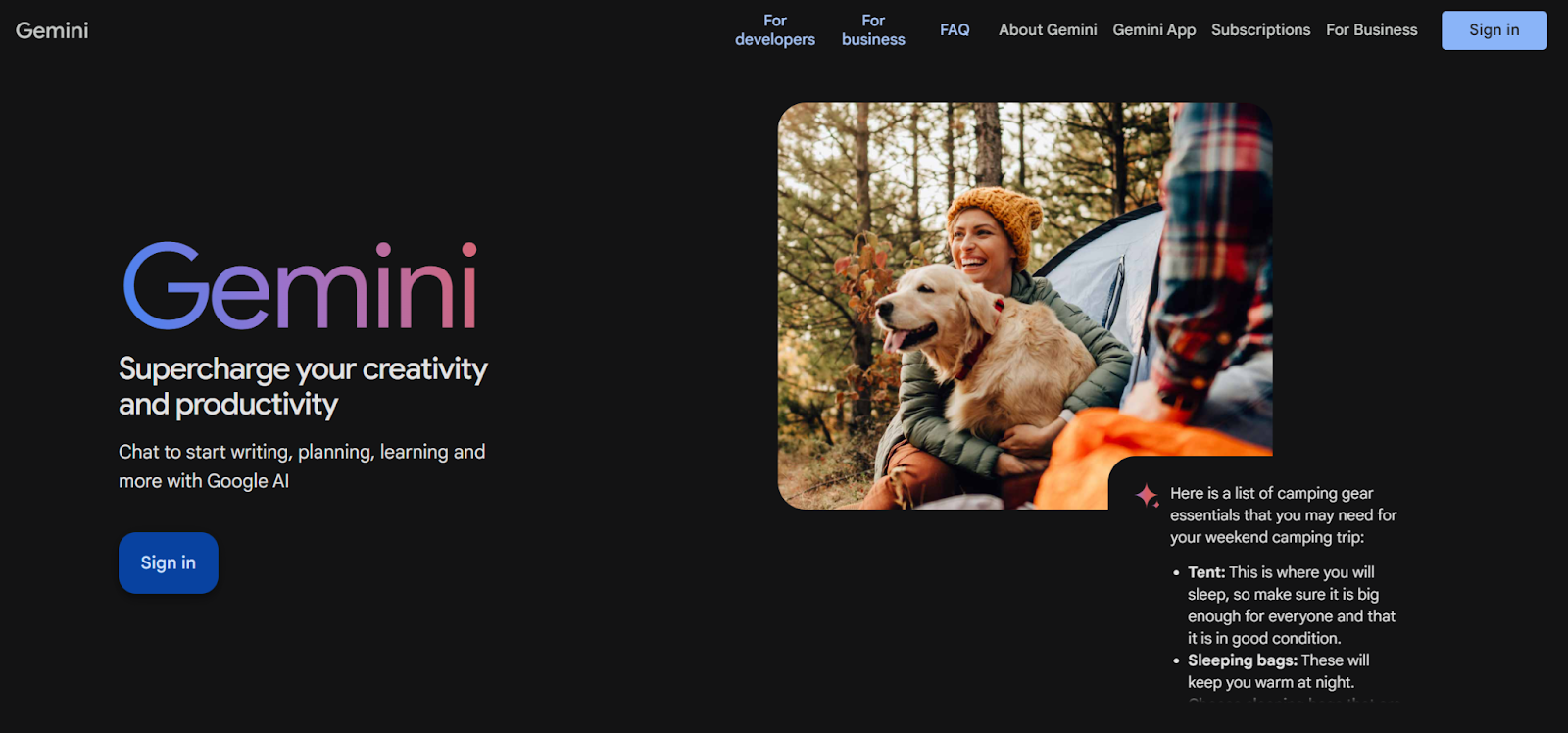
Google Gemini is Google’s generative AI assistant built on large language models. It supports natural language prompts and multimodal input, allowing users to work with text, images, and code from a single interface.
Gemini can help with tasks like drafting content, reviewing documents, analyzing data, and writing code. It is designed for both everyday use and more advanced AI applications through Google AI Studio and Vertex AI.
Key capabilities include:
- Text-based writing and editing
- Image understanding and basic image generation
- Code assistance for development tasks
- Data analysis for structured files and documents
Gemini also integrates directly with Google Workspace tools such as Google Docs and Google Drive, allowing users to apply AI features inside existing workflows.
Why Teams Look for Google Gemini Alternatives
Google Gemini covers a wide range of use cases, but it doesn’t always fit how teams actually work. These are the most common reasons people start exploring alternatives.
- Cost concerns: Premium pricing can be a barrier. As usage grows, paid plans may not fit every budget, especially for teams relying on AI tools daily.
- Platform limitations: Gemini works best inside Google’s ecosystem. If your workflow extends beyond Google Workspace, the experience can feel restrictive.
- Privacy considerations: Data handling policies matter. Some teams want clearer control over user data security, shared data, and how company data is used.
- Specialized needs: General-purpose AI doesn’t always work well for focused tasks. Some workflows benefit more from purpose-built tools designed for specific use cases.
- Integration challenges: Third-party connections are limited. Teams often require AI tools that integrate more easily with existing apps and knowledge systems.
- Meeting management limits: Gemini’s AI features only work in Google Meet. Teams running meetings across Zoom or Microsoft Teams often turn to tools like Tactiq, which supports cross-platform meetings and real-time transcription.
Top 10 Google Gemini Alternatives
We’ll start with tools that solve specific problems better than a general-purpose AI assistant. Meetings are often the first place teams feel the limits of Gemini
1. Tactiq (Best for meetings)
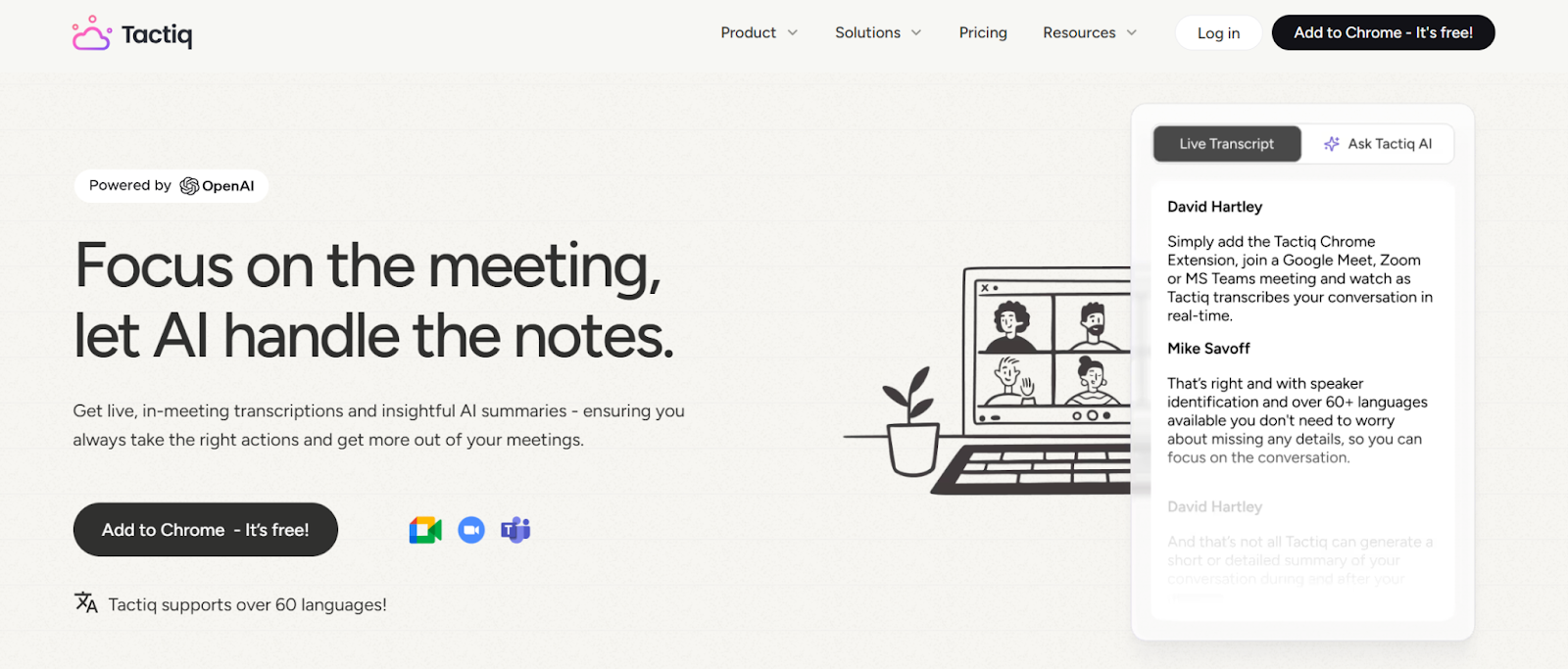
Tactiq is an AI-powered meeting tool built for live conversations. Instead of prompting after the fact, Tactiq works during meetings and turns discussions into usable notes, summaries, and follow-ups.
What Tactiq does well
- Real-time meeting transcription
- AI-generated summaries and action items
- Speaker identification and searchable transcripts
- Exports to Google Docs, Notion, and other tools
- Works across Zoom, Google Meet, and MS Teams
Pricing
- Free plan available
- Paid plans unlock advanced AI features and workflows (plans start at $8/month)
Best for
- Teams that rely on meetings
- Sales calls, interviews, and team syncs
- Anyone who needs accurate meeting records
Integration capabilities
- Zoom
- Google Meet
- Microsoft Teams
- Google Docs, Slack, Notion, and other knowledge tools
Pro Tip: If meetings happen across multiple platforms, use Tactiq to capture transcripts once and reuse them in ChatGPT, Claude, or Gemini for deeper analysis.
{{rt_cta_ai-convenience}}
2. ChatGPT (Best for conversational AI and general-purpose tasks)
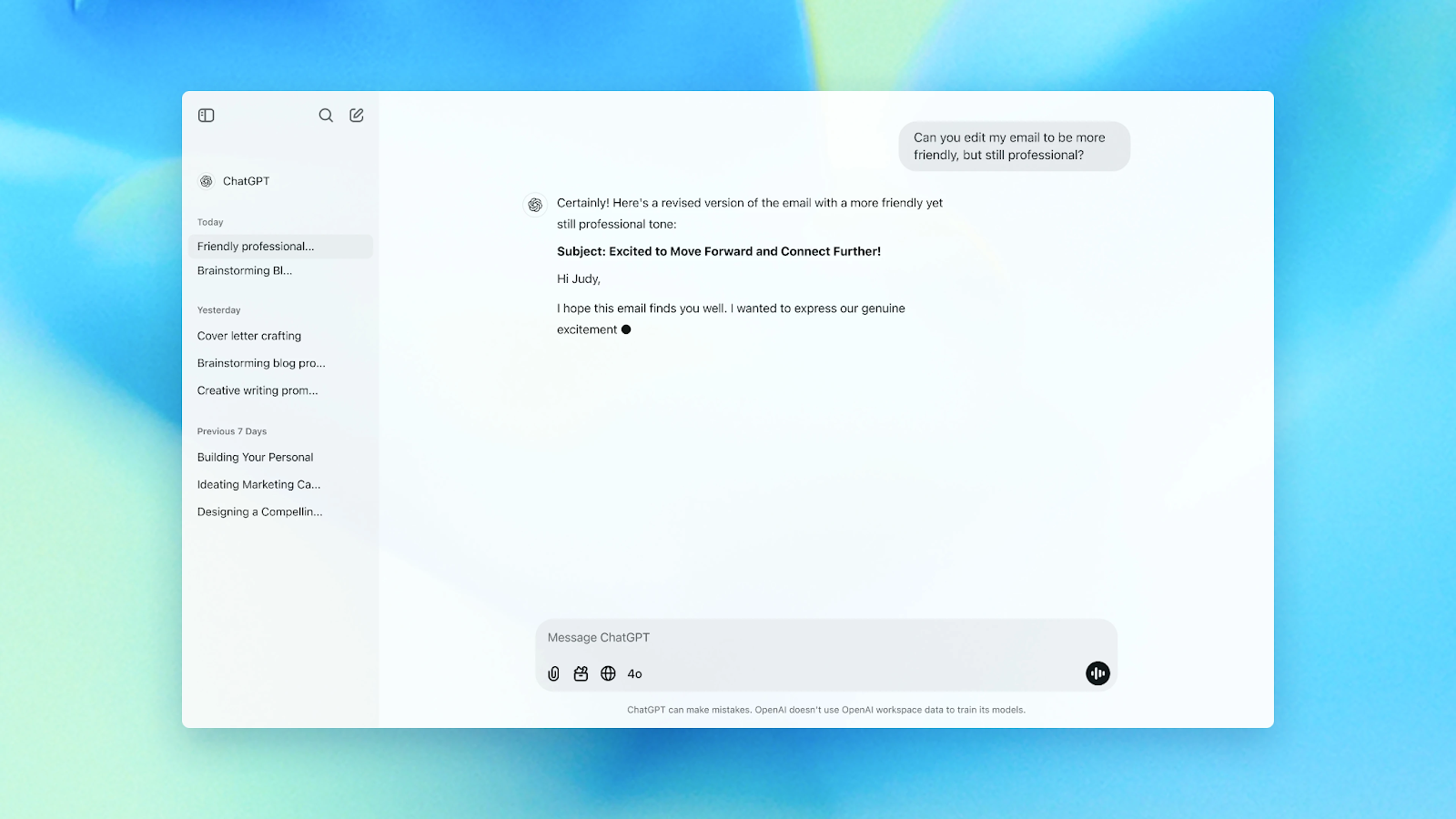
ChatGPT is a general-purpose AI assistant built for writing, research, and problem-solving. It runs on GPT-5, OpenAI’s latest model, which adds built-in reasoning to improve accuracy and response quality.
What ChatGPT does well
- Writing and editing content
- Brainstorming ideas and outlines
- Research summaries and explanations
- Basic data analysis and file uploads
- Coding help and task automation
ChatGPT supports file uploads, image analysis, and live web search through Atlas, which helps surface current information with sources. Users can also collaborate on longer writing or coding tasks using Canvas, making it useful for projects that need ongoing revisions.
Pricing
- Free plan: $0
- ChatGPT Plus: $20 per month
- ChatGPT Team: $25 per user per month (billed annually)
- Enterprise: Custom pricing
Best for
- General-purpose AI tasks
- Writing, research, and ideation
- Teams that want flexibility outside Google Workspace
Integration capabilities
- Web and desktop apps
- Mobile apps with voice input
- API access for custom AI tools
- Apple device integration
If pricing is a key factor, this breakdown compares ChatGPT pricing with that of Claude, DeepSeek, and Perplexity.
3. Claude (Best for long-form content and document analysis)
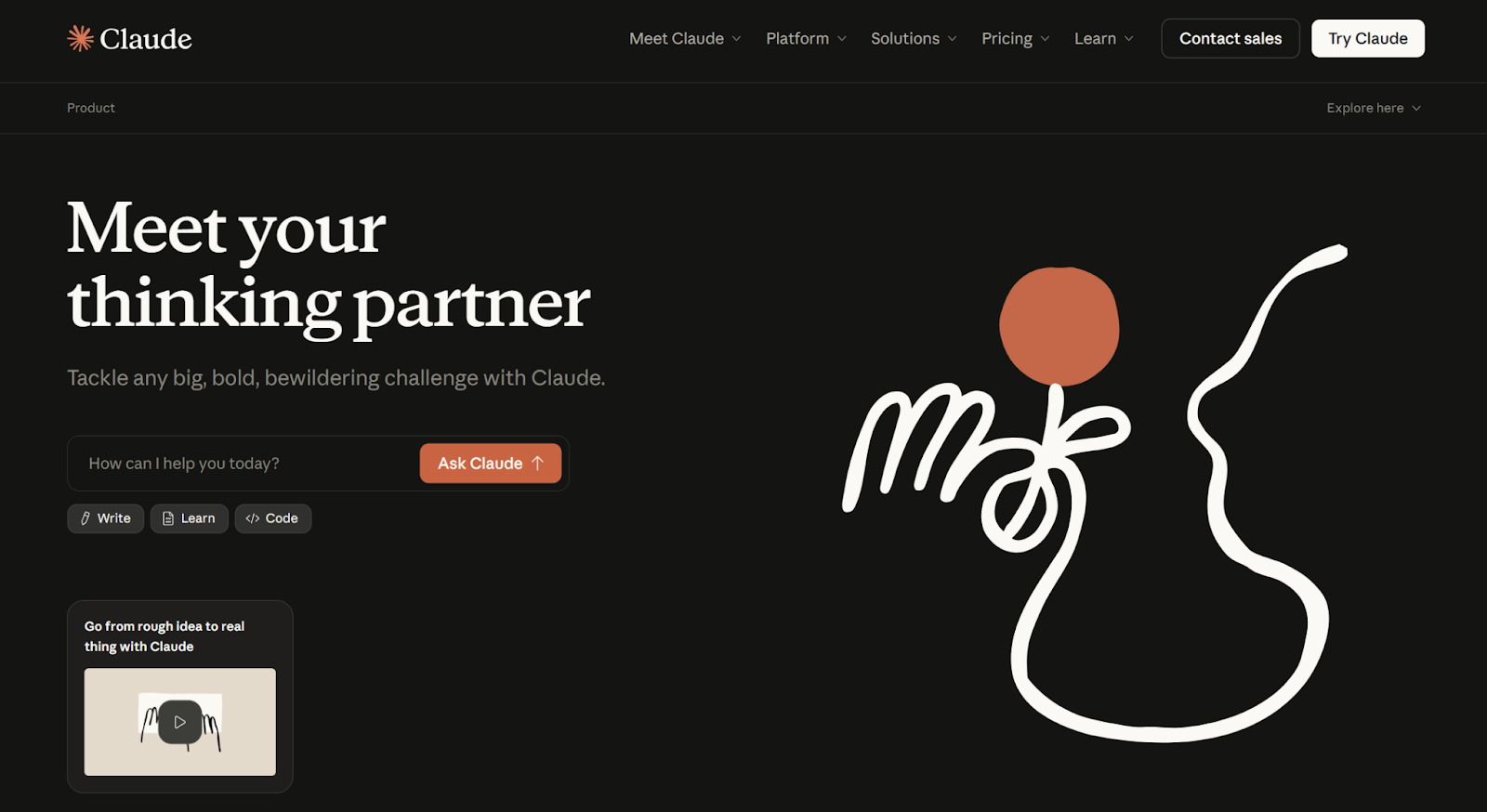
Claude is an AI assistant designed for deep thinking, structured reasoning, and long-form work. Teams often use Claude as a thinking partner for complex writing, research, and document-heavy tasks where context matters.
What Claude does well
- Long-form writing and editing
- Document analysis and summarization
- Breaking down complex problems step by step
- Research synthesis and critical thinking
- Coding review, debugging, and documentation
Claude also supports file attachments, visual analysis, and structured outputs like tables, reports, and study guides. Its large context window allows it to keep track of details across long conversations without losing accuracy.
Pricing
- Free plan available
- Paid plans unlock higher-capability models and larger context windows (plans start at $17, annual billing)
- Team and enterprise plans available for collaboration and security needs
Best for
- Long documents and research-heavy workflows
- Writing, editing, and structured thinking
- Teams that need strong context retention
Safety-focused approach
Claude is developed with a strong emphasis on safety, transparency, and responsible AI use, which appeals to teams working with sensitive or high-stakes information.
You can also learn more about Claude vs. ChatGPT.
4. Microsoft Copilot (Best for Microsoft 365 users)
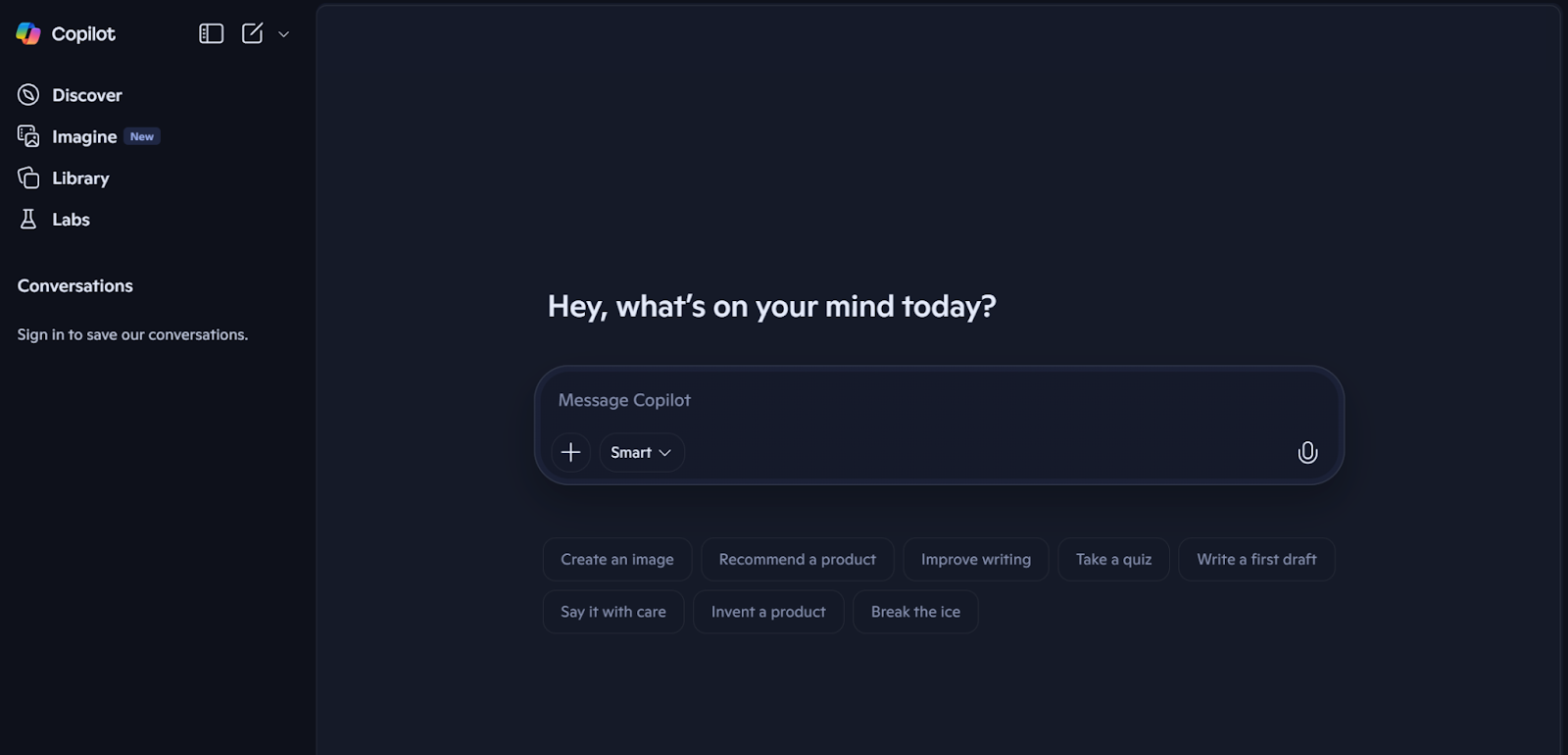
Microsoft Copilot is an AI assistant built into Microsoft’s ecosystem and designed to support everyday work across Microsoft 365 apps.
What Microsoft Copilot does well
- Drafts and edits content in Word
- Analyzes data and creates formulas in Excel
- Builds slide decks in PowerPoint
- Summarizes emails and threads in Outlook
- Supports meeting notes and recaps in Teams
Pricing
- Copilot (free): Limited web access
- Copilot for Microsoft 365: $9.99 per user per month
- Enterprise plans available
Best for
- Teams embedded in the Microsoft ecosystem
- Document-heavy and reporting workflows
Limitations
- AI meeting features only work in Microsoft Teams
- Limited value outside Microsoft 365 apps
- Paid plans are required for full access
You can also learn more about Gemini vs Copilot.
5. Perplexity AI (Best for research with citations)
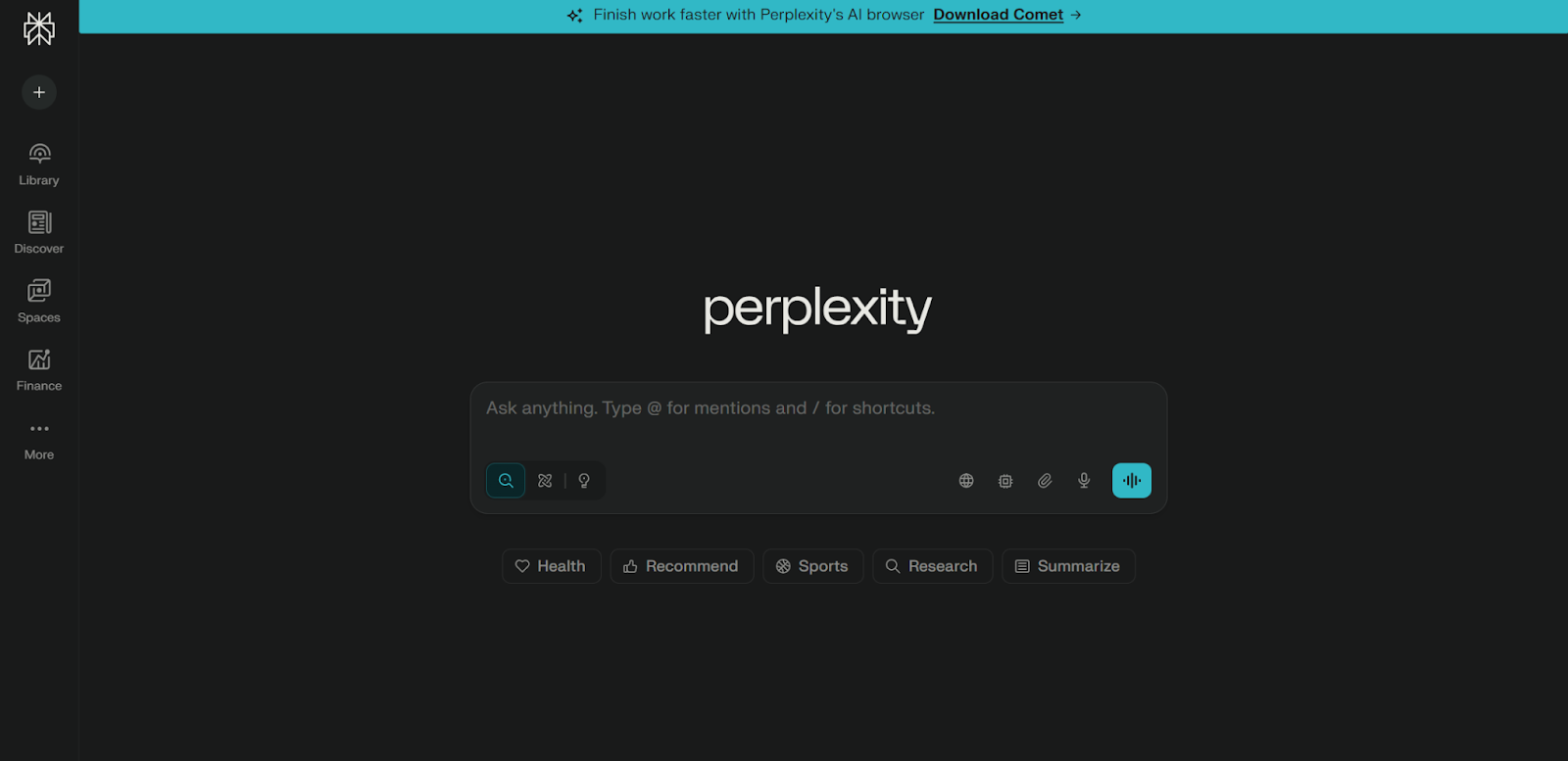
Perplexity AI is an AI-powered search and research tool focused on answering questions with sources. Instead of generating responses from memory alone, it pulls information from live web search and links directly to the sources it uses.
This makes Perplexity useful for research tasks that require accuracy, verification, and up-to-date information. Teams often use it to explore topics, scan web pages, review research papers, and validate facts quickly.
What Perplexity AI does well
- Answers questions with cited sources
- Real-time web search and updates
- Research summaries and comparisons
- Follow-up questions with context awareness
- Clear separation between facts and sources
Pricing
- Free version available
- Perplexity Pro: $20 per month
- Enterprise plans available
Best for
- Research and fact-checking
- Market analysis and trend tracking
- Teams that need exact information with sources
Limitations
- Less suited for long-form content creation
- Limited workflow and collaboration features
- Not designed for meetings or internal documentation
Learn more below:
6. DeepSeek (Best for advanced reasoning)
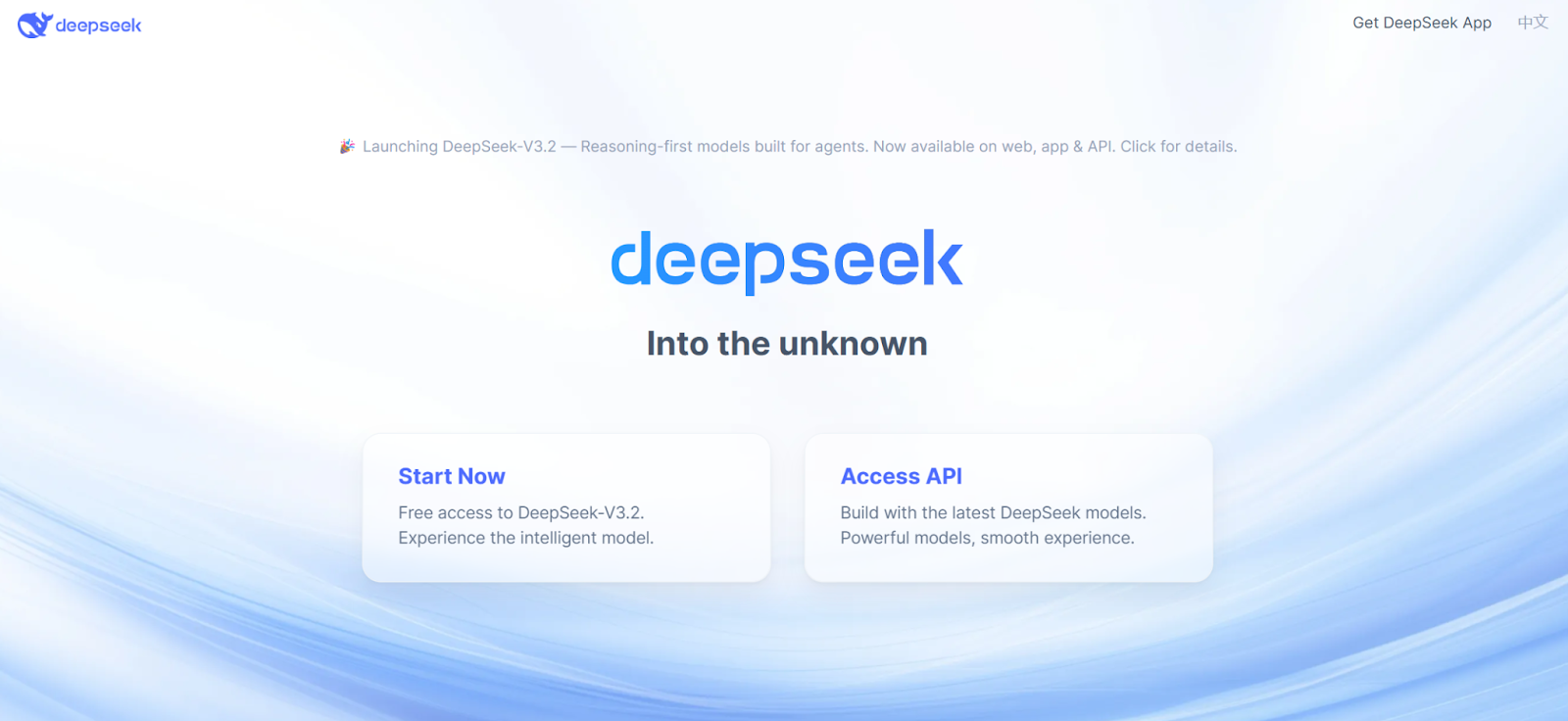
DeepSeek is an AI platform known for strong reasoning and technical problem-solving. It’s often used for tasks that require step-by-step logic, mathematical thinking, and structured analysis rather than conversational writing.
What DeepSeek does well
- Advanced reasoning and logical problem-solving
- Technical analysis and math-heavy tasks
- Code generation and debugging
- Support for open-weight and open-source models
- Greater control for teams exploring self-hosting
Pricing
- Free access available
- Paid options vary by model and usage
Best for
- Technical tasks and engineering work
- Teams exploring custom or self-hosted AI models
- Advanced users who need strong reasoning capabilities
Limitations
- Less polished UI compared to mainstream tools
- Not designed for meetings or content workflows
- Requires technical expertise to get full value
7. GitHub Copilot (Best for coding)
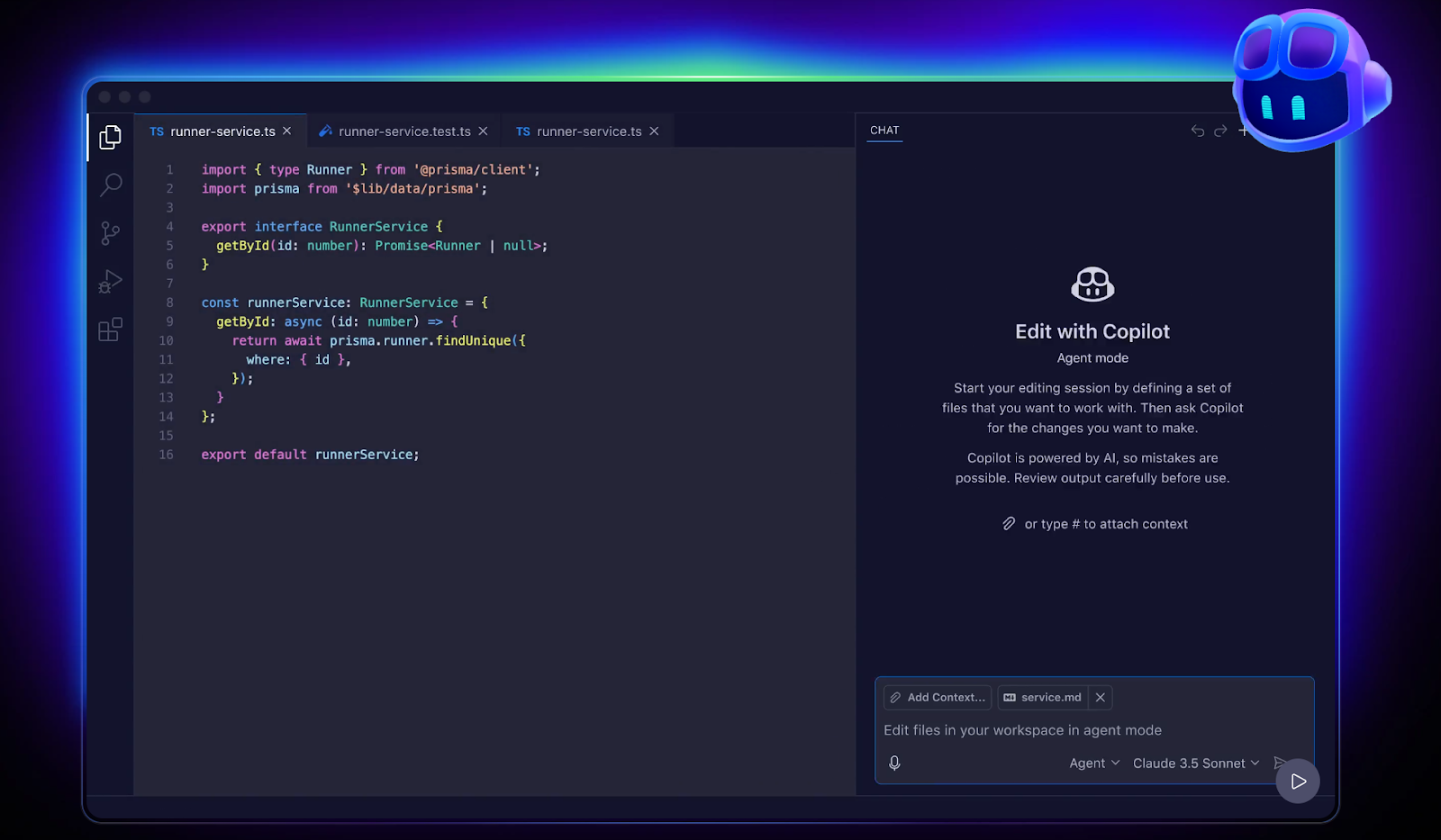
GitHub Copilot is an AI coding assistant built to support developers directly inside their code editor. It focuses on code generation, suggestions, and debugging rather than general conversation.
What GitHub Copilot does well
- Code completion and suggestions
- Generating functions and boilerplate
- Debugging and refactoring support
- Explaining code and logic
- Works inside popular IDEs
Pricing
- Free plan available
- Paid plans start at $10
Best for
- Software developers and engineers
- Teams building and maintaining codebases
- Technical workflows focused on development
Limitations
- Limited value outside coding tasks
- Not designed for research, writing, or meetings
- Requires development experience
8. Grok (Best for fact-checking information)
Grok is an AI chatbot designed for real-time information and fast answers to current events. It’s built with a strong focus on live data, which makes it useful for checking facts, tracking trends, and following news as it breaks.
What Grok does well
- Real-time fact-checking
- Current events and trend analysis
- Quick summaries of breaking news
- Public data and social signal awareness
Pricing
- Paid plans start at $30
Best for
- Journalists and researchers
- News monitoring and trend tracking
- Fact-checking time-sensitive topics
Limitations
- Less suited for long-form writing
- Limited document and file analysis
- Not designed for meetings or internal workflows
You can also learn more about Grok vs ChatGPT.
9. Mistral AI (Best for European AI standards)

Mistral AI is an AI platform known for its focus on open-source models, transparency, and compliance with European regulations. It’s often chosen by teams that care about data sovereignty and alignment with globally recognized standards.
What Mistral AI does well
- Open-source and open-weight AI models
- Strong focus on privacy and security controls
- Supports self-hosting and custom deployments
- Suitable for technical and enterprise use cases
- Designed with European compliance in mind
Pricing
- Free plan available
- Paid plans start at $14.99/month
Best for
- Teams with strict data residency needs
- Organizations building custom AI applications
- Technical teams managing their own infrastructure
Limitations
- Requires technical expertise
- Less beginner-friendly than chat-based tools
- Not designed for meetings or general productivity tasks
10. Brave Leo (Best for privacy-focused AI)
Brave Leo is an AI assistant built directly into the Brave browser. It’s designed for users who want AI help without sacrificing privacy or sharing unnecessary personal data.
What Brave Leo does well
- Privacy-first AI assistance
- Avoids retaining user conversations
- Summarizes web pages and articles
- Answers questions from open web pages
- Lightweight writing and editing support
Pricing
- Free version available
- Leo AI Premium: $14.99 per month
Best for
- Privacy-conscious users
- Web research and reading
- Lightweight AI tasks inside a browser
Limitations
- Limited advanced features
- Not designed for meetings or deep workflows
- Requires using the Brave browser
Comparison Table of Google Gemini Alternatives
Here’s a side-by-side view of the top Google Gemini alternatives, focusing on what each tool does best and how they compare across key criteria.

This comparison makes it easier to spot which tools fit specific workflows, especially when meetings are part of daily work.
Note: AI pricing changes often. Plans and features may shift over time, so it’s best to check each tool’s website for the most up-to-date pricing details.
How To Choose The Right Gemini Alternative
With so many Gemini alternatives available, the right choice depends on how you actually use AI day to day. A few clear factors can help narrow it down.
- Start with your primary use case: Some tools focus on writing and content creation. Others work better for research, coding, or meetings. Pick a tool that solves your most frequent task first.
- Check your ecosystem: If you work mainly in Google Workspace or the Microsoft ecosystem, native tools may feel easier to adopt. Mixed tool stacks often benefit from more flexible, standalone AI tools.
- Review your budget: Free plans vary widely. Some offer meaningful free access, while others require paid tiers for advanced features. Pricing transparency matters as usage grows.
- Think about privacy and data control: Teams handling sensitive or company data should look closely at user data security, shared data policies, and hosting options.
- Look at integration needs: If AI needs to connect with your documents, knowledge management tools, or meeting platforms, integration support becomes critical.
Choosing the right Gemini alternative is less about finding the most powerful model and more about finding the tool that fits your workflow without friction.
Wrapping Up
Google Gemini is a strong AI tool, but it isn’t the right fit for every workflow. As this list shows, there are many capable Gemini alternatives built for specific needs, from research and coding to privacy-first browsing and long-form analysis.
No single AI assistant does everything well. The best choice depends on how you work, which tools you already use, and where AI creates the most value in your day.
Meetings are a good example. General-purpose AI tools struggle to capture live conversations, especially across different platforms. That’s why purpose-built meeting tools matter when discussions, decisions, and follow-ups happen in real time.
If meetings play a big role in your work, consider using a dedicated transcription tool that works across Zoom, Google Meet, and Microsoft Teams.
Try Tactiq for free to capture meeting conversations, generate summaries, and turn discussions into clear next steps, no matter which platform you use.
FAQs About Google Gemini Alternatives
What is the best free alternative to Google Gemini?
Several tools offer a free version. ChatGPT and Claude both provide free access for writing and research. Perplexity also offers free research with citations, though advanced features require a paid plan.
Is there a Gemini alternative that’s better for research?
Yes. Perplexity AI is designed for research and fact-checking with cited sources. Claude is also strong at deep research when working with long documents and large context windows.
Which AI chatbot is best for long documents?
Claude is a strong choice for long-form content and document analysis. It handles large files, keeps context across long conversations, and works well for reports and study materials.
Can I use these Gemini alternatives for free?
Most tools listed offer a free tier or limited free access. Paid plans usually unlock advanced models, larger context windows, or additional features.
What’s the best Gemini alternative for meetings?
For meetings, general AI chatbots fall short. Tactiq is built specifically for live meetings and works across Zoom, Google Meet, and Microsoft Teams, making it a better fit for meeting workflows.
Related articles








Want the convenience of AI summaries?
Try Tactiq for your upcoming meeting.
Want the convenience of AI summaries?
Try Tactiq for your upcoming meeting.
Want the convenience of AI summaries?
Try Tactiq for your upcoming meeting.