
Gemini vs Copilot: A Quick Comparison Guide (2026)
September 27, 2025
September 27, 2025
December 20, 2025
December 20, 2025

Choosing between Gemini vs Copilot takes more clarity than most comparisons offer. Both AI tools have expanded fast.
With both platforms growing in similar directions, the real decision comes down to how you work each day. This guide breaks down the latest capabilities, highlights the real differences, and shows where these AI chatbots now overlap.
You’ll learn:
- Key updates to Gemini’s and Copilot’s newest AI models
- How each artificial intelligence handles writing, data, meetings, and creative tasks
- A side-by-side capabilities matrix for clearer decisions
- When a hybrid setup makes the most sense for your workflow
Google Gemini Features: What This AI Assistant Does Bes
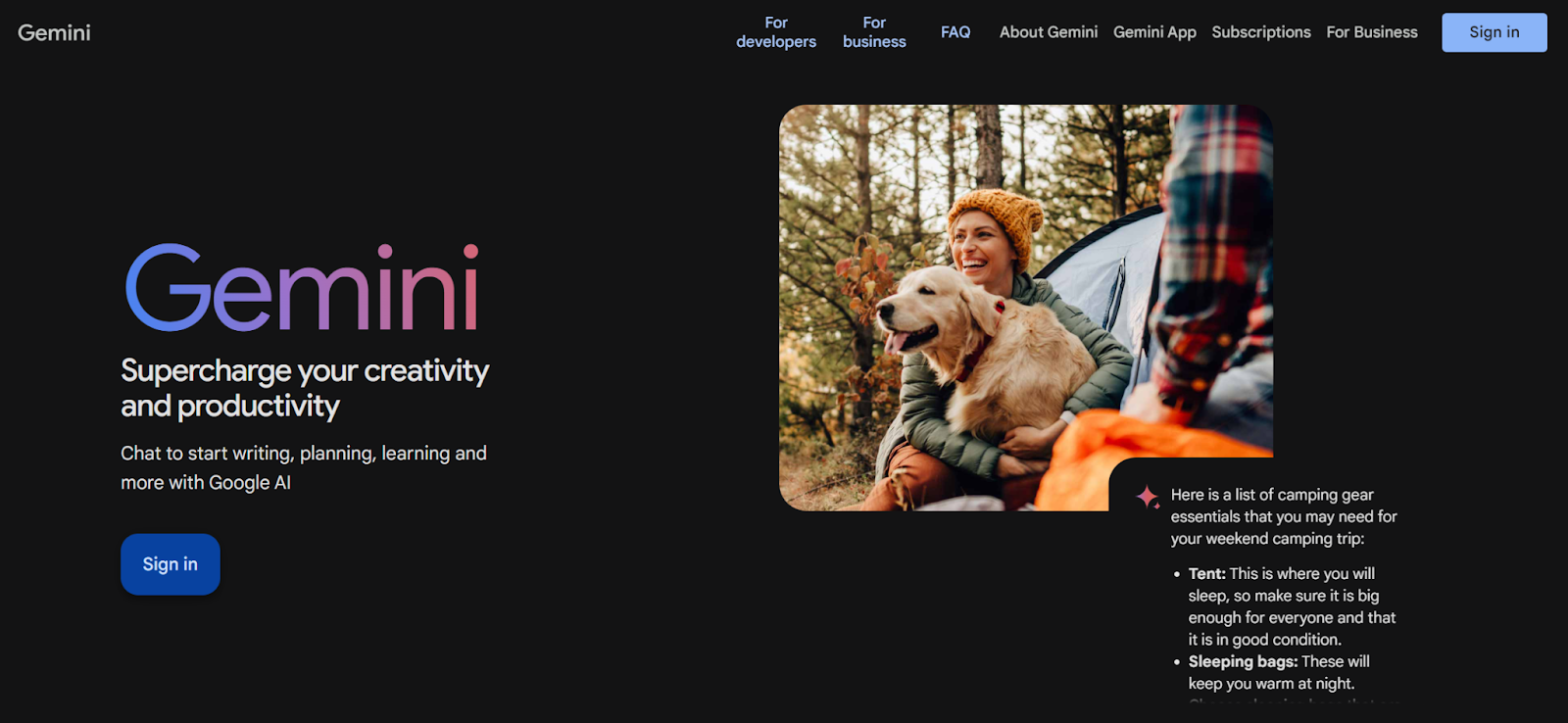
Google Gemini now supports stronger reasoning, deeper app integrations, and more creative tools. The newest models in the Gemini 2.5 and 3 series focus on long-form understanding, code support, and multi-app workflows across Google Workspace.
Here’s what Gemini advanced does well today:
Improved reasoning and code support
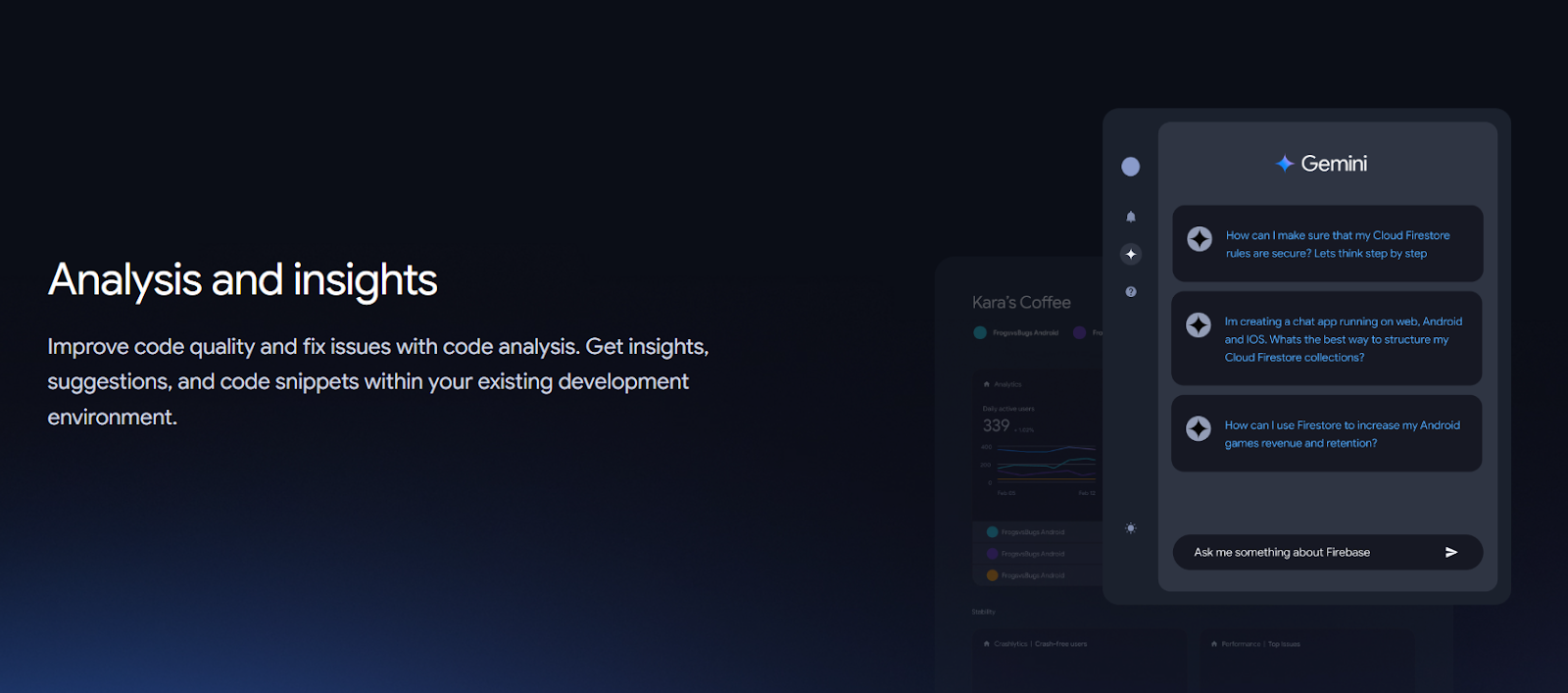
Gemini 2.5 Pro and Gemini 3 models handle complex logic, longer chains of thought, and multi-step coding tasks. They can review large codebases, offer fixes, and explain technical decisions. These models also support debugging and analysis across long files and structured projects.
Deep Workspace integration across Google apps
Gemini now connects to Gmail, Meet, Google Calendar, Google Docs, Google Drive, Google Maps, Google Photos, and more. This lets you ask for updates, find files, summarize emails, plan events, and handle tasks without switching apps. This experience also extends to Gemini’s mobile apps.
Gemini pulls context directly from your workspace to ensure consistency.
Massive context window for large files
Gemini can work with very long documents, multi-file uploads, and code repositories. It supports analysis of books, long reports, and up to thousands of lines of code in a single session. This makes it useful for research, audits, planning materials, and technical reviews.
Creative tools for images, video, and writing
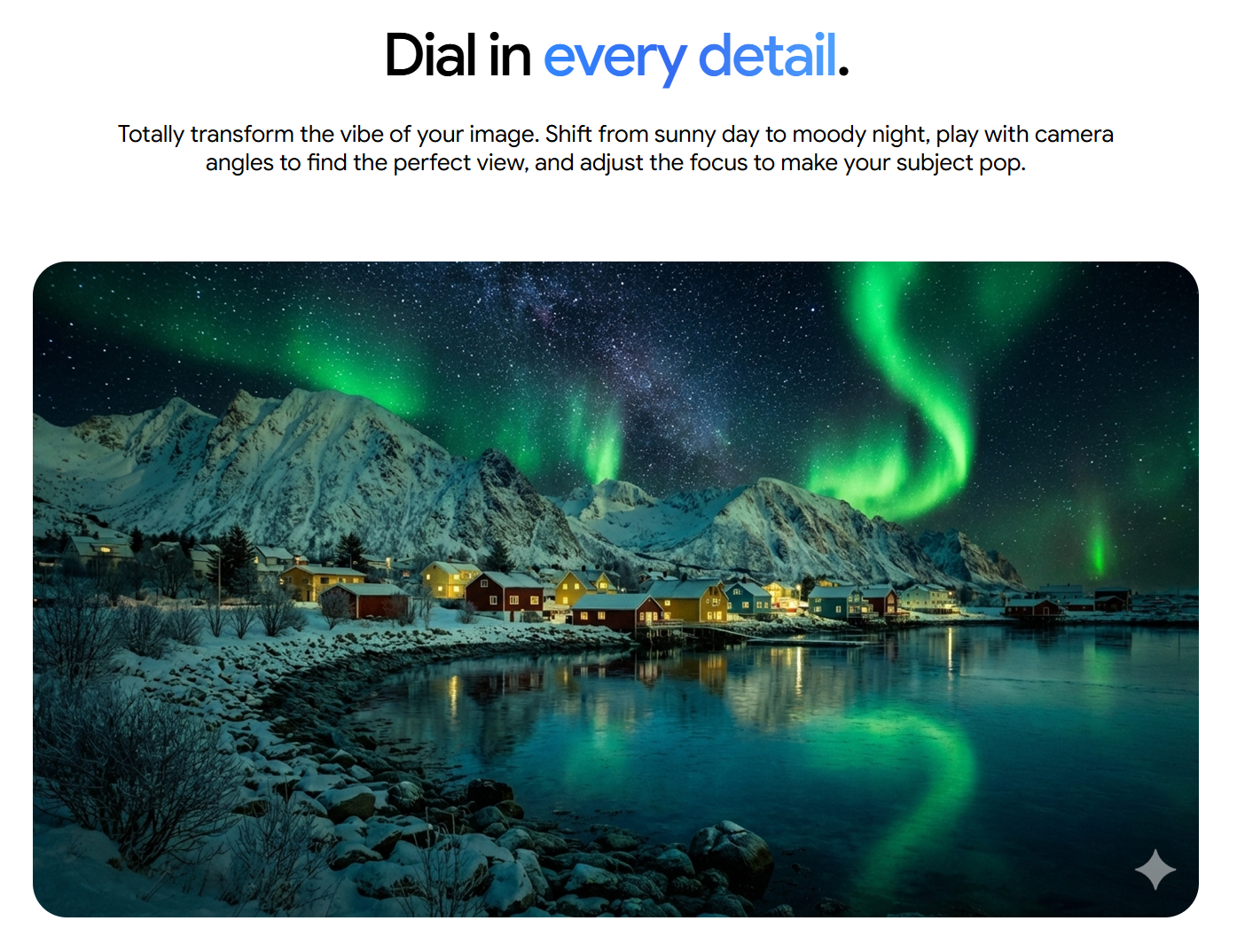
Gemini includes tools for image generation (Nano Banana), writing tasks, and video creation with Veo, but there is no unlimited image generation, only higher usage limits on paid plans.
You can draft content, brainstorm ideas, create visuals, and turn prompts into short cinematic clips. These features help with content planning, design ideas, and creative storytelling.
Personalized AI agents and custom workflows
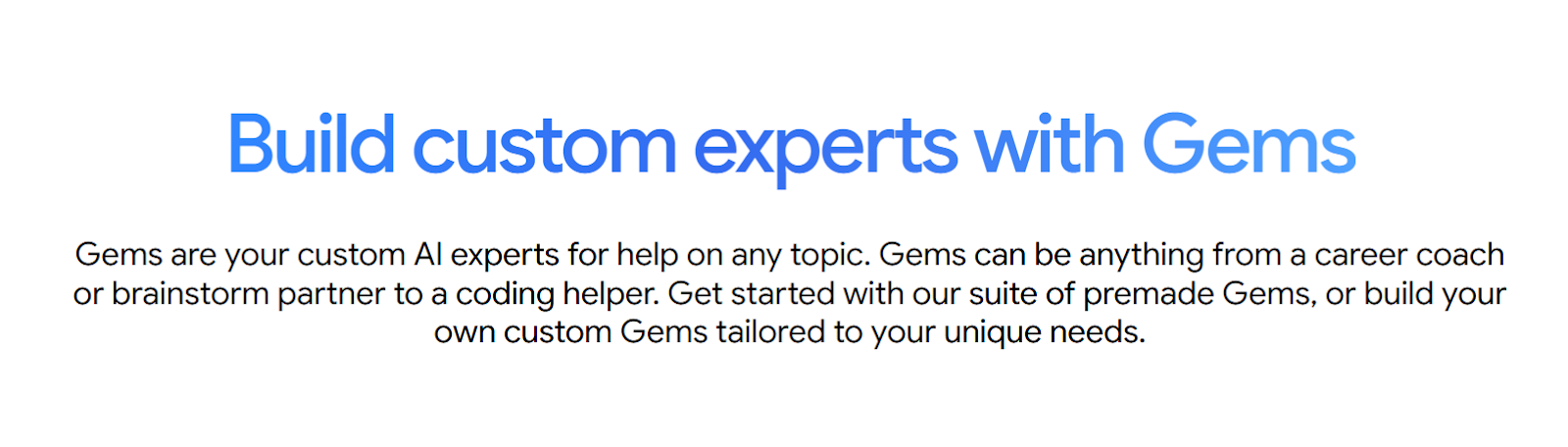
With Gems, you can create custom AI assistants for specific tasks. You can upload instructions, attach files, and shape Gemini into a specialist for writing, research, planning, or coding. This reduces repetitive work and builds consistent outputs across projects.
💡Pro tip: Need a simple and effective AI workflow for meetings? Tactiq works with Google Meet, MS Teams, and Zoom. You’ll get a real-time transcript, AI summaries, and even ask questions during the meeting.
Microsoft Copilot Strengths: Core AI Features for Productivity
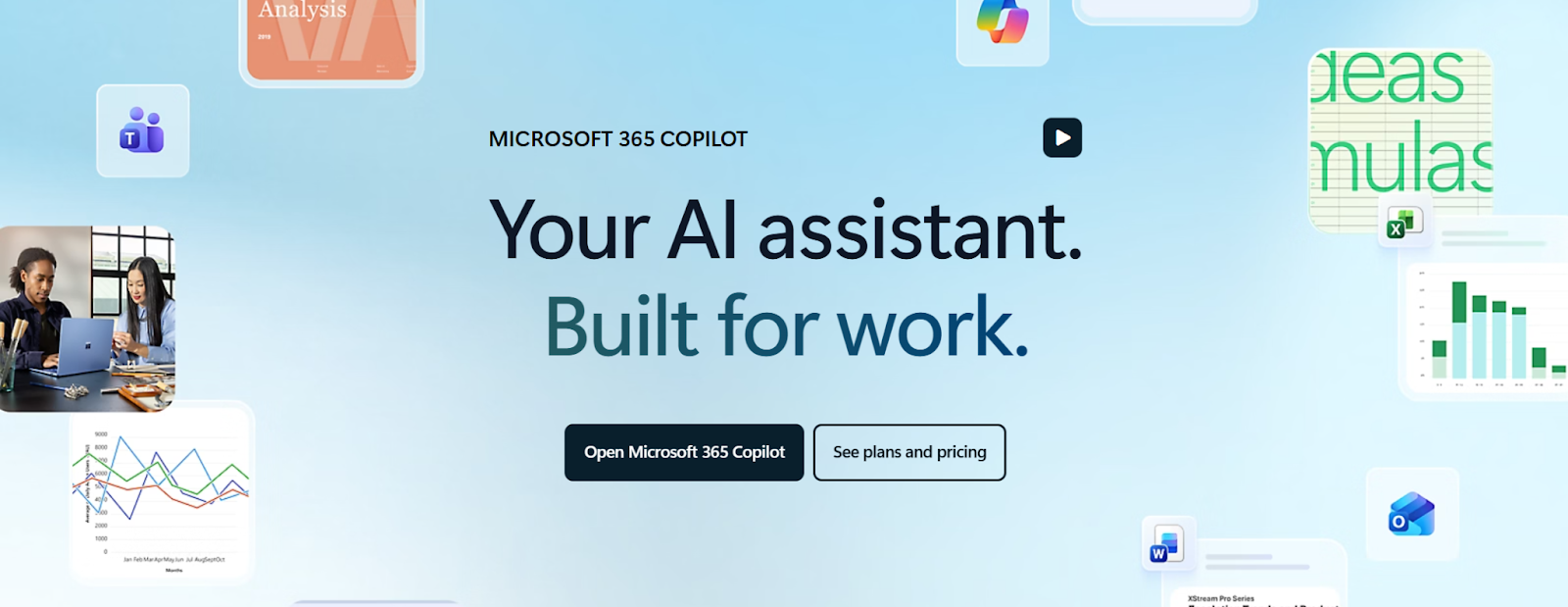
Microsoft Copilot continues to expand inside Microsoft 365. It supports powerful models, integrates with the apps people use each day, and now reaches across external services through new connectors. Copilot helps with writing, data analysis, meetings, and task follow-through inside the Microsoft ecosystem.
Here’s what Copilot does well today:
Deep integration across Microsoft 365 apps
Copilot works inside Word, Excel, PowerPoint, Outlook, Teams, OneNote, and Loop. It can write drafts, summarize long threads, create presentations, review spreadsheets, and answer questions using the content you already have in your Microsoft 365 account.
Copilot pulls context from your documents, chats, emails, and meetings through Microsoft Graph to produce relevant answers.
Cross-service search with Connectors
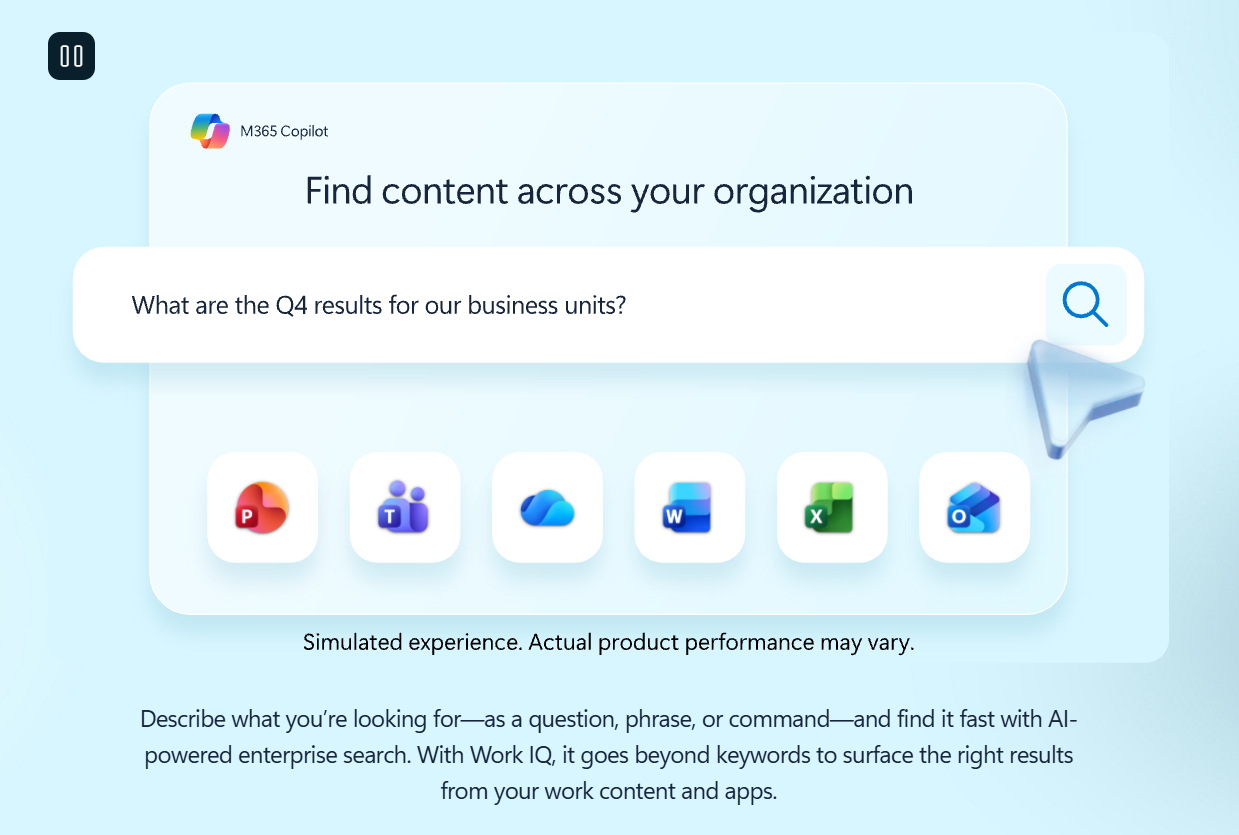
Copilot Search lets you find information across Microsoft 365 and approved third-party services. You can connect Gmail, Google Drive, Google Calendar, and other data sources to bring everything into one place.
A single prompt can surface files, conversations, tasks, or references from across your connected accounts.
Meeting and communication support in Teams
Copilot summarizes meetings in real time, answers questions about the discussion, and highlights key points, tasks, and owners during the call. It can also summarize up to 30 days of chat content in Teams and help you stay informed without the need to read long threads. These features reduce the catch-up work that often follows meeting-heavy schedules.
Agents for workflow automation
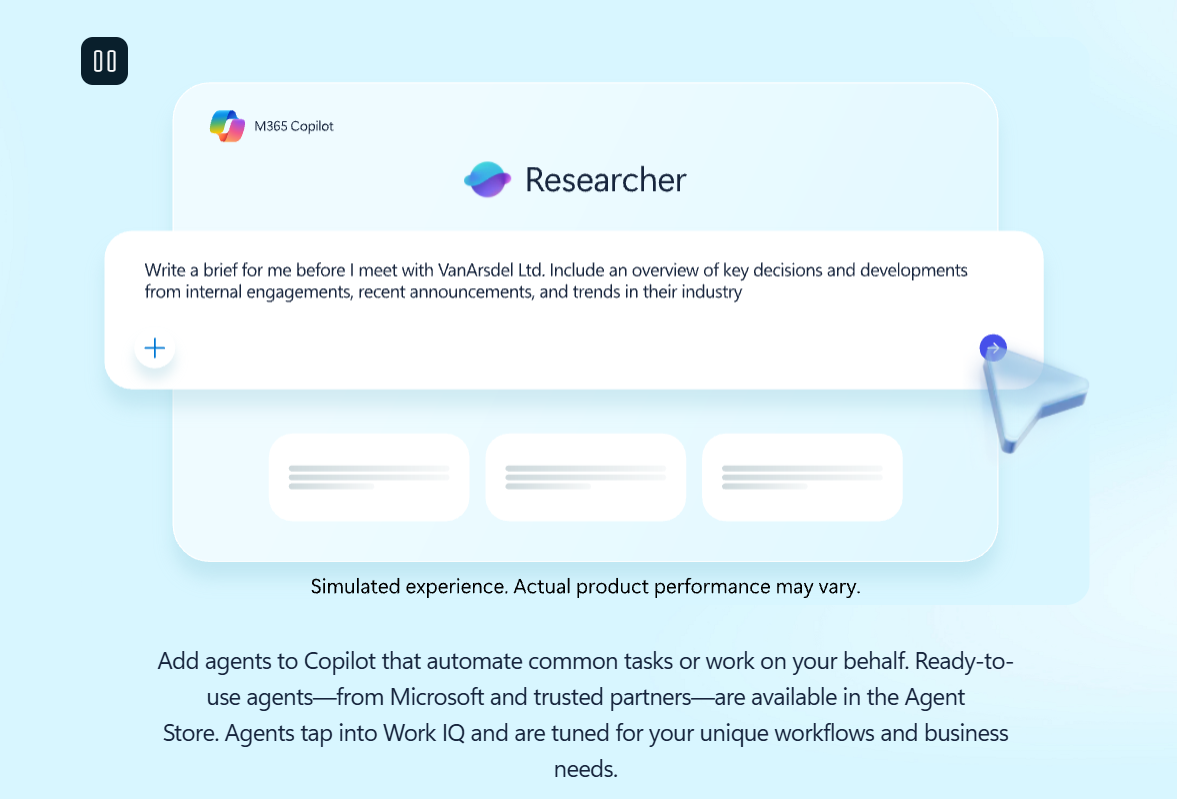
Microsoft now supports custom Copilot agents that can handle focused tasks, such as checking shipment statuses, generating help-desk tickets, or pulling HR data. These agents run on your organization’s internal sources through Microsoft Graph, giving Copilot a more active role in day-to-day operations.
For technical teams, GitHub Copilot extends this ecosystem into code workflows, supporting developers inside their IDEs.
Optional model flexibility with Claude
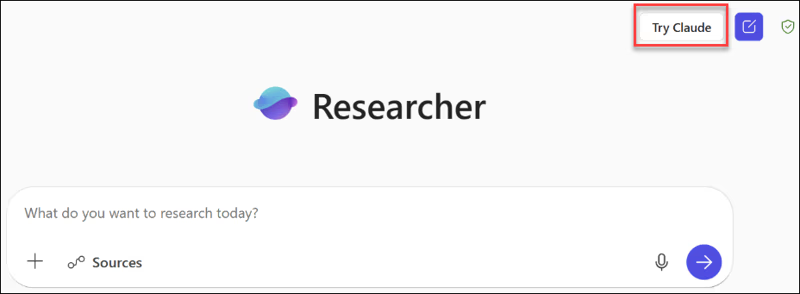
Copilot includes access to Anthropic’s Claude models for users who want different reasoning or writing styles. You can switch models inside the Copilot interface when crafting prompts, giving you more flexibility depending on the task.
Gemini vs Copilot: Side-by-Side Feature Reality Check
Gemini and Copilot now share more features than before. Both support stronger models, multi-app workflows, and custom agents. The difference comes from how each tool handles research, writing, files, and daily work tasks.
Here’s a simple matrix to compare the core capabilities:
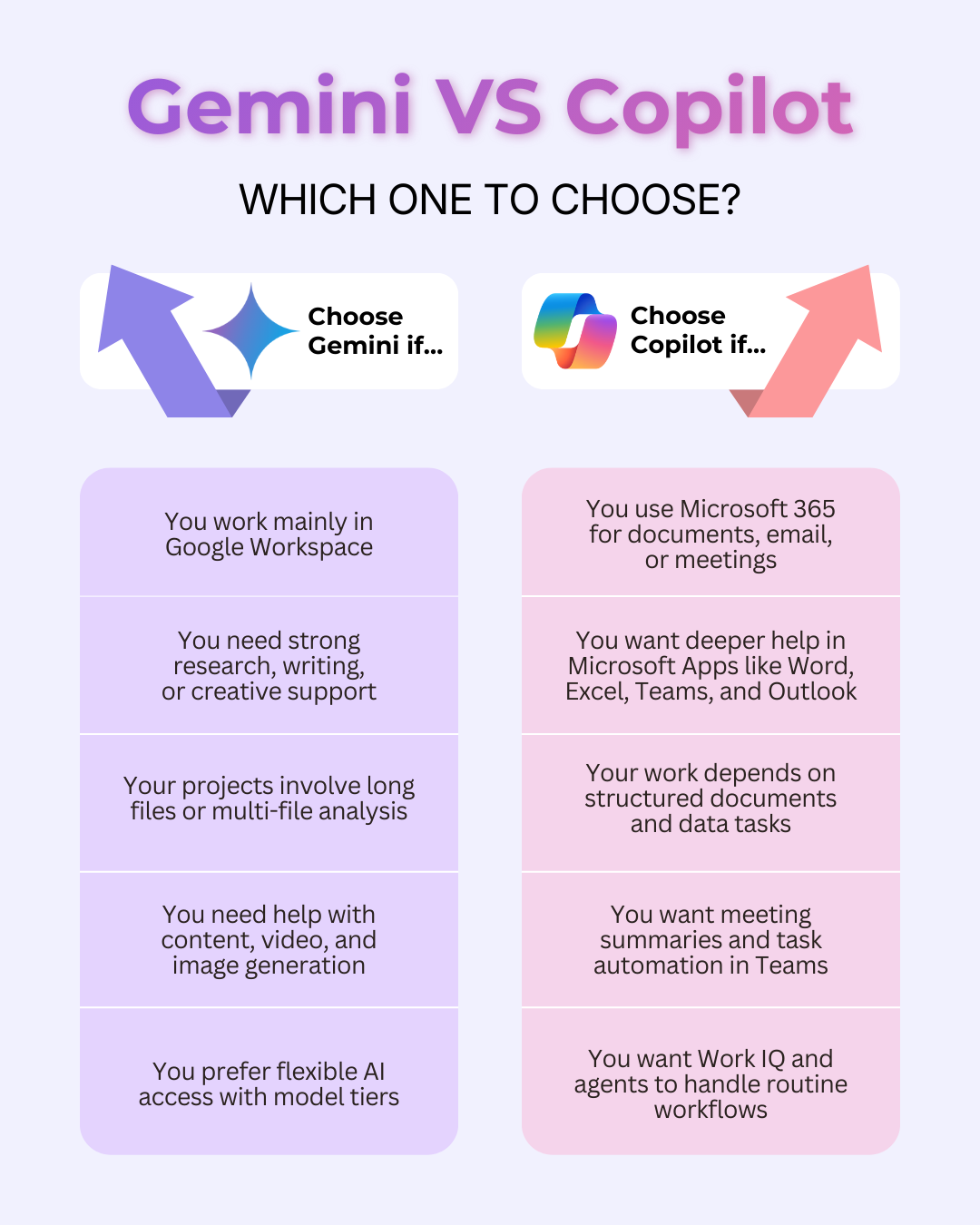
This matrix gives your readers a clear view of where the tools overlap and where each one stands out.
Gemini vs Copilot: Pricing Comparison
Pricing depends more on the ecosystem you choose rather than a single AI subscription. Both platforms bundle their strongest features into broader plans, so the real cost comes from the tools you use daily.
Google Gemini pricing
Gemini offers three main tiers through Google One:
- Free: Access to core models and basic features in the Gemini app.
- Google AI Pro ($19.99/month): Higher access to Gemini 3 Pro, Deep Research, image and video tools, and expanded limits across Google apps.
- Google AI Ultra ($249.99/month): The highest model limits, advanced video creation, Deep Think, and extended agent capabilities.
These tiers unlock Gemini features directly inside Gmail, Docs, Drive, and other Google Workspace apps.
Microsoft Copilot pricing
Copilot is now bundled inside Microsoft 365 plans:
- Microsoft 365 Personal ($9.99/month): Copilot included for one user, plus desktop apps, 1 TB storage, Teams, Designer, and Clipchamp.
- Microsoft 365 Family ($12.99/month): Supports up to six people, but Copilot is available only to the subscription owner.
- Microsoft 365 Premium ($19.99/month): Adds higher Copilot usage limits and exclusive AI features for the main account holder.
Copilot also includes search, chat, design tools, agents, and GPT-5 access within the Microsoft 365 environment.
What this means for most users
Gemini’s cost depends on the model tier you choose. Copilot’s cost depends on your Microsoft 365 plan. Gemini is often the lower entry point for full AI access, while Copilot becomes more valuable if you already rely on Word, Excel, Outlook, and Teams.
Note: Pricing is subject to change as models can be packaged with other products within the Google Workspace and Microsoft Ecosystems. Please check the latest pricing directly on its respective websites.
Gemini vs Copilot: Pros and Cons
Now that you’ve seen how both platforms work, the choice between Gemini and Copilot becomes much clearer.
Google Gemini
Pros
- Strong real-time research with Google search and web understanding
- Deep file support with large context windows
- Creative tools for images, video, and writing
- Solid integration across Google Workspace apps
Cons
- Some advanced features sit behind higher-tier plans
- Lighter meeting support compared to Teams
- Best results appear when your work already lives in Google Workspace
Microsoft Copilot
Pros
- Tight integration across Microsoft 365 apps
- Delivers on the Copilot promise of context-aware help inside Microsoft 365 apps
- Strong in meetings, email threads, and structured document work
- Powerful search and agent support for daily workflows
Cons
- Copilot access applies only to the subscription owner in shared plans
- Higher model limits require Premium
- Works best if your files and communication are already in Microsoft 365
Gemini vs Copilot: Which One to Choose?
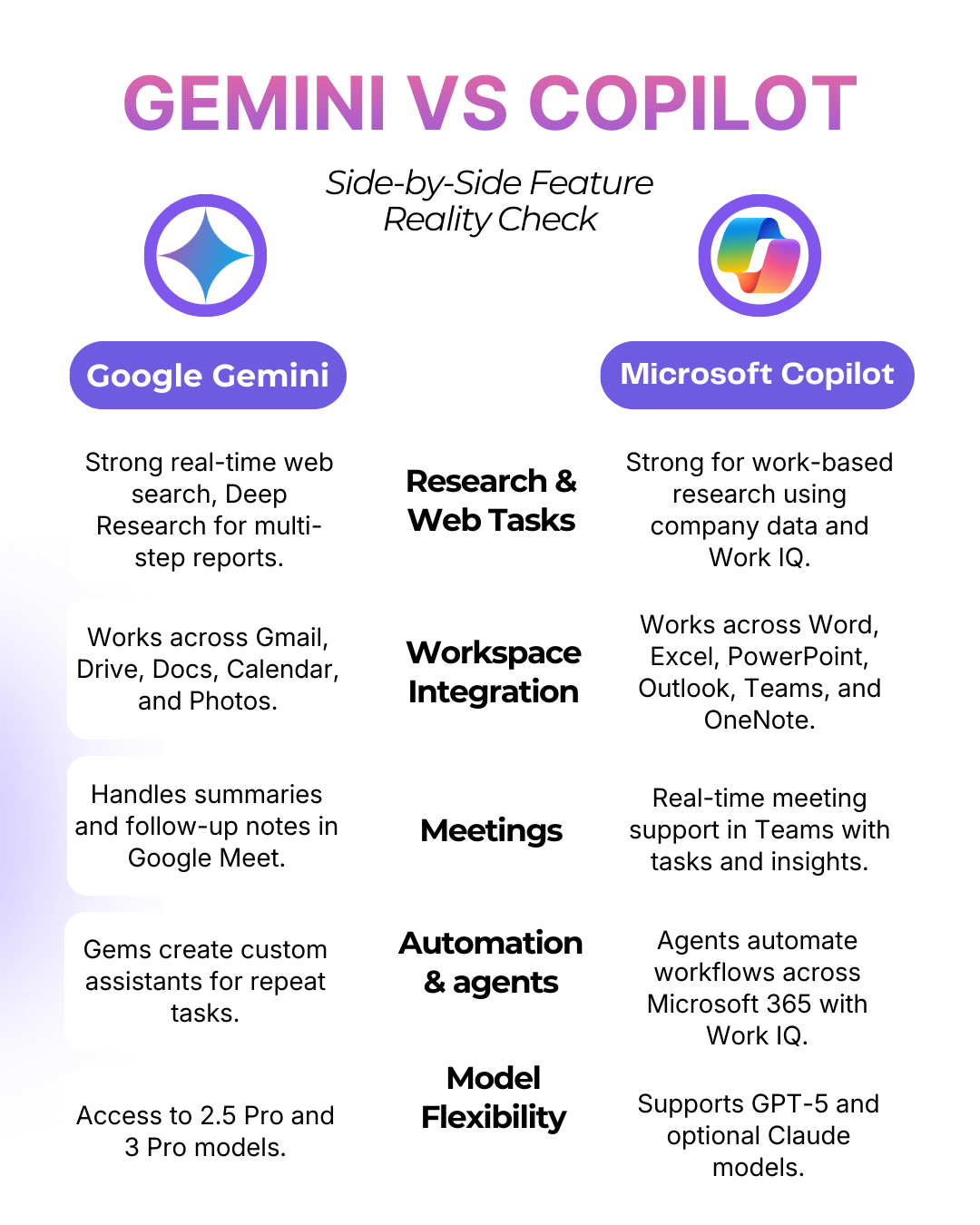
The best pick between Gemini and Copilot depends on the tools you rely on and the kind of work you handle each day.
Both platforms handle core tasks well. The right choice depends on where your files live and which apps shape your week.
The hybrid approach
A growing number of teams now use both tools.
Gemini handles research, creative work, and large file analysis, while Copilot supports meetings, email threads, and structured documents. This split works well when your projects move between Google Workspace and Microsoft 365.
Gemini can shape ideas, produce drafts, and analyze long materials. Copilot can refine those drafts, prepare presentations, and track follow-up tasks. Using both makes each tool feel more focused, not redundant.
Better Meeting Workflows with Tactiq
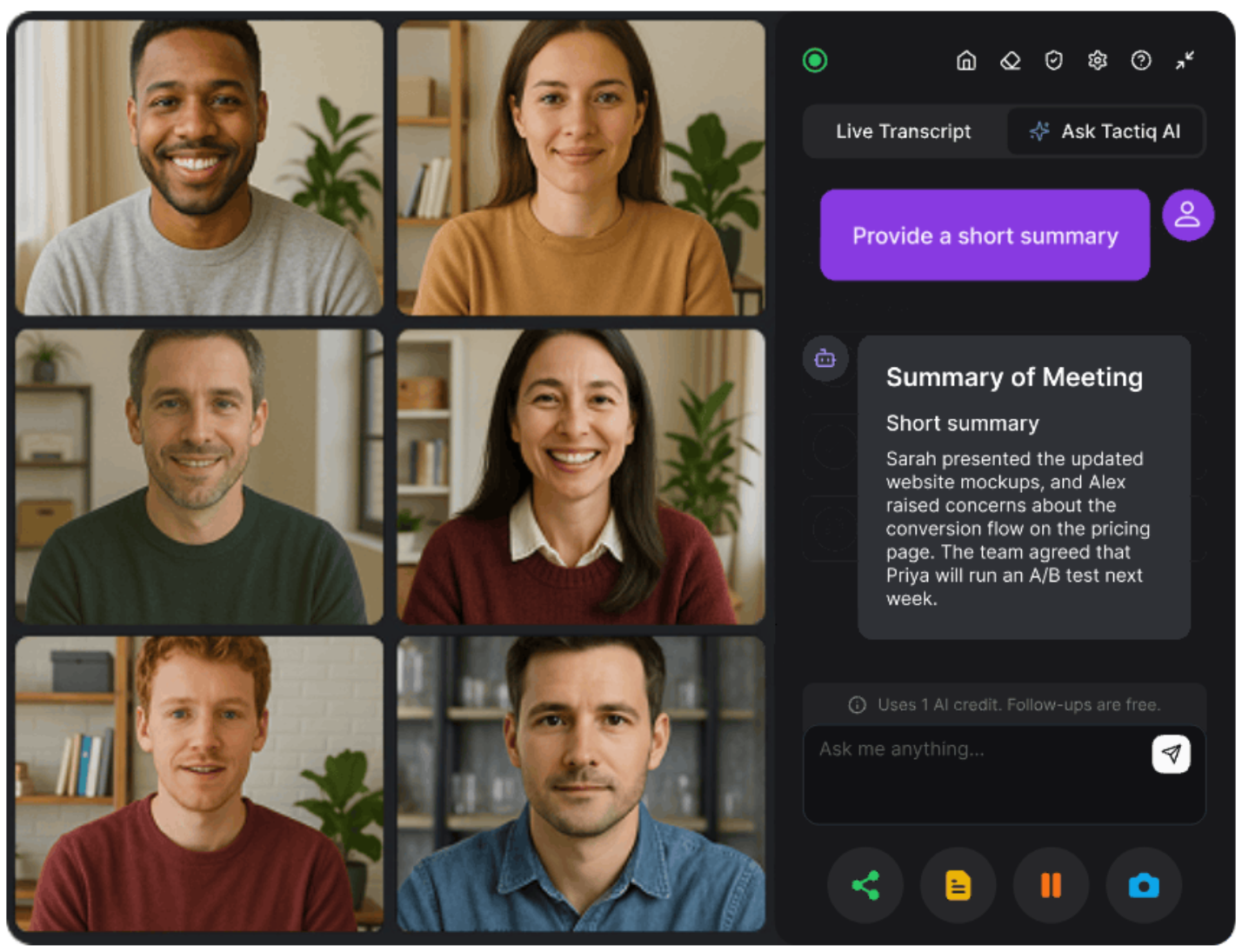
Gemini and Copilot handle meeting notes in their own ecosystems. But what happens when your team switches between Google Meet, Zoom, and Microsoft Teams?
Tactiq gives you one meeting workflow that stays the same across all platforms, so your notes, summaries, and follow-ups stay consistent no matter which tool you use.
Tactiq captures the full conversation and turns it into clear, usable information you can send to either Gemini or Copilot for deeper work.
With Tactiq, you can:
- See real-time transcription across Meet, Zoom, and Teams
- Capture key points without writing notes manually
- Get instant summaries with decisions and action items
- Use in-meeting AI during the call for quick clarity
- Use AI Workflows to automate follow-ups and file saving
Tactiq becomes the central layer for meeting insights, even when your team blends Google Workspace and Microsoft 365 tools.
Install the Tactiq Chrome Extension for free and build a simple, reliable workflow for every meeting.
Don’t want Gemini or Copilot? Here are more models you can explore:
- ChatGPT, Claude AI, DeepSeek, and Perplexity pricing comparison
- ChatGPT vs Perplexity
- ChatGPT vs Perplexity vs Claude
- Grok vs ChatGPT
- Perplexity vs Gemini
{{rt_cta_ai-convenience}}
The Bottom Line: Gemini vs Copilot
The choice between Gemini and Copilot depends on where your work already lives. Gemini fits teams that rely on Google Workspace, long-form research, and creative tasks. Copilot fits teams that work daily in Microsoft 365 and want deeper support for documents, meetings, and structured workflows.
Both tools now cover similar ground. The difference shows up in how each one connects to your files, apps, and meetings. Many teams use both and let each tool handle what it does best.
If meetings sit at the center of your workflow, Tactiq fills the gap. It captures live conversations, creates clear summaries, and prepares clean transcripts you can use with either Gemini or Copilot.
Choose the AI that best fits your daily tools. Build the rest of your workflow around clarity and follow-through.
FAQs: Gemini vs Copilot
Is Copilot better than Gemini?
Copilot works best for people who rely on Microsoft 365 apps like Word, Excel, Outlook, and Teams. Gemini works better for research, creative tasks, and workflows inside Google Workspace.
Is Gemini 2.0 better than Copilot?
Gemini’s newer models focus on reasoning, long files, and creative tools. Copilot focuses on deep app integration, meetings, and structured work. Neither replaces the other across all tasks.
Can I replace Copilot with Gemini?
You can if your work lives mostly in Google Workspace. If your daily tools include Excel, Outlook, or Teams, Copilot is harder to replace.
What is the difference between Copilot Premium and Gemini Premium?
Copilot Premium increases usage limits and unlocks advanced features inside Microsoft 365. Gemini Premium tiers unlock stronger models, creative tools, and deeper access across Google apps.
Which AI is better for everyday productivity tasks?
The best option depends on your main tools. For research-heavy tasks, Gemini’s real-time web access can be useful, while Copilot focuses more on documents, meetings, and internal work context. For meetings across platforms, Tactiq adds structure, summaries, and follow-up support.
Related articles








Want the convenience of AI summaries?
Try Tactiq for your upcoming meeting.
Want the convenience of AI summaries?
Try Tactiq for your upcoming meeting.
Want the convenience of AI summaries?
Try Tactiq for your upcoming meeting.