

AI Meeting Automation for Google Meet
Efficiently transcribe your meetings with Tactiq. Instant AI-powered transcriptions and actionable insights. Try it for free!
Add to Chrome - It's free!(opens in a new tab)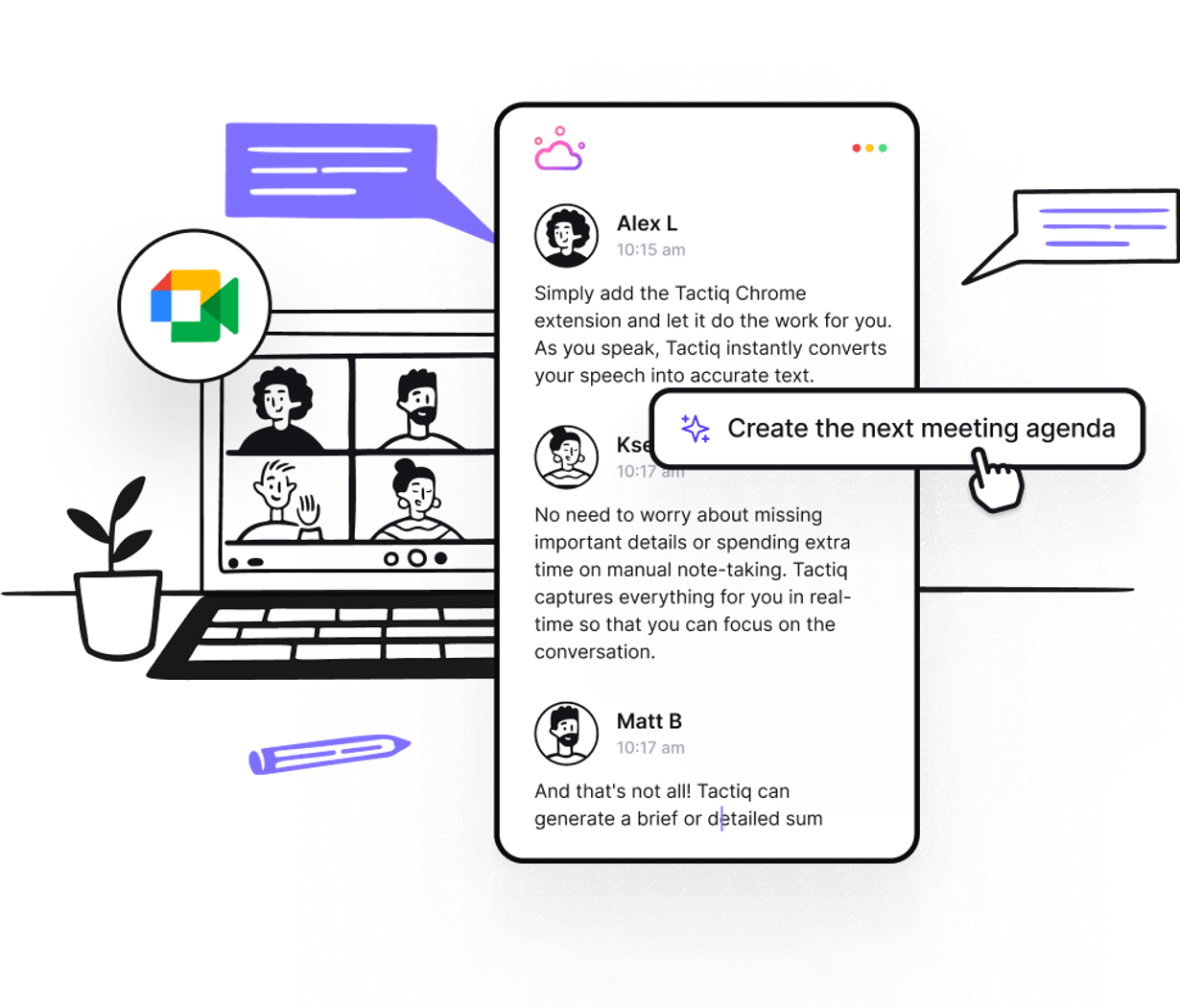
Loved by 1,000,000 users in 10,000 organisations








Get started in seconds!
Boost productivity with AI Meeting Automation for Google Meet
Simply add the Tactiq Chrome extension and get started
Add the free Tactiq Chrome extension
Get started in seconds. Add Tactiq Chrome extension. Connect your Google, Microsoft Teams or Zoom account. Start an instant meeting or join your next one to view automatic transcription.
Add to Chrome for free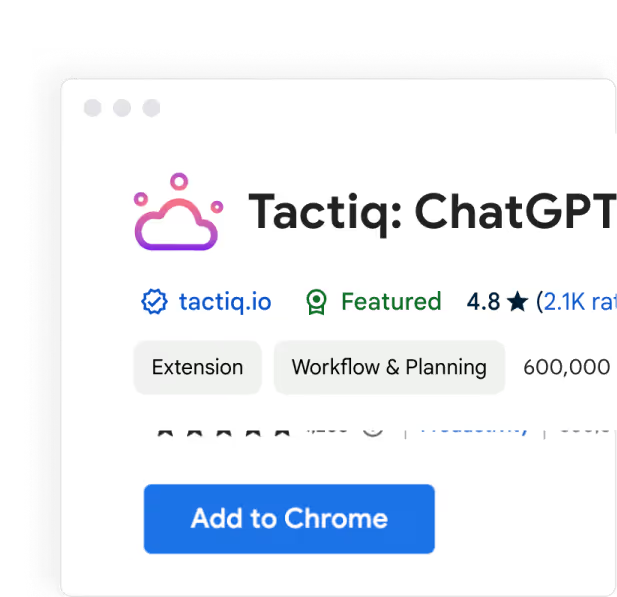
Seamlessly Automate Google Meet Notes with AI
Experience seamless AI Meeting Automation for Google Meet. Tactiq transcribes in real-time, highlights key points, and generates actionable insights effortlessly.
Add to Chrome for free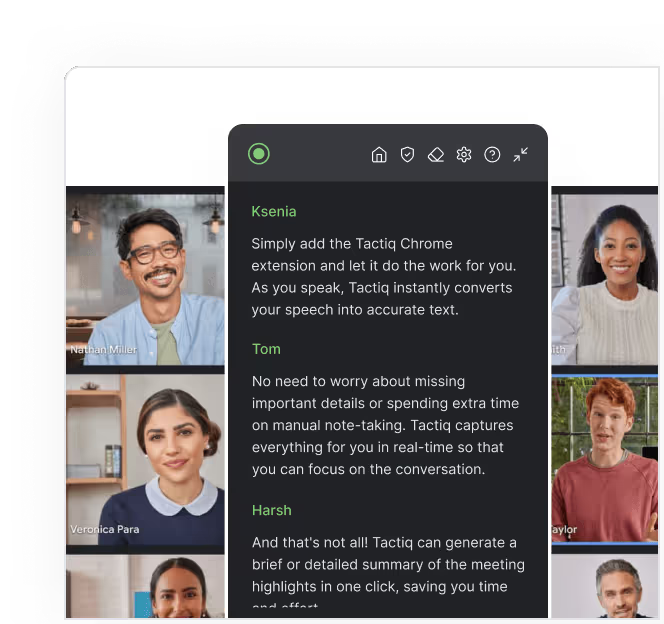
Generate meeting insights
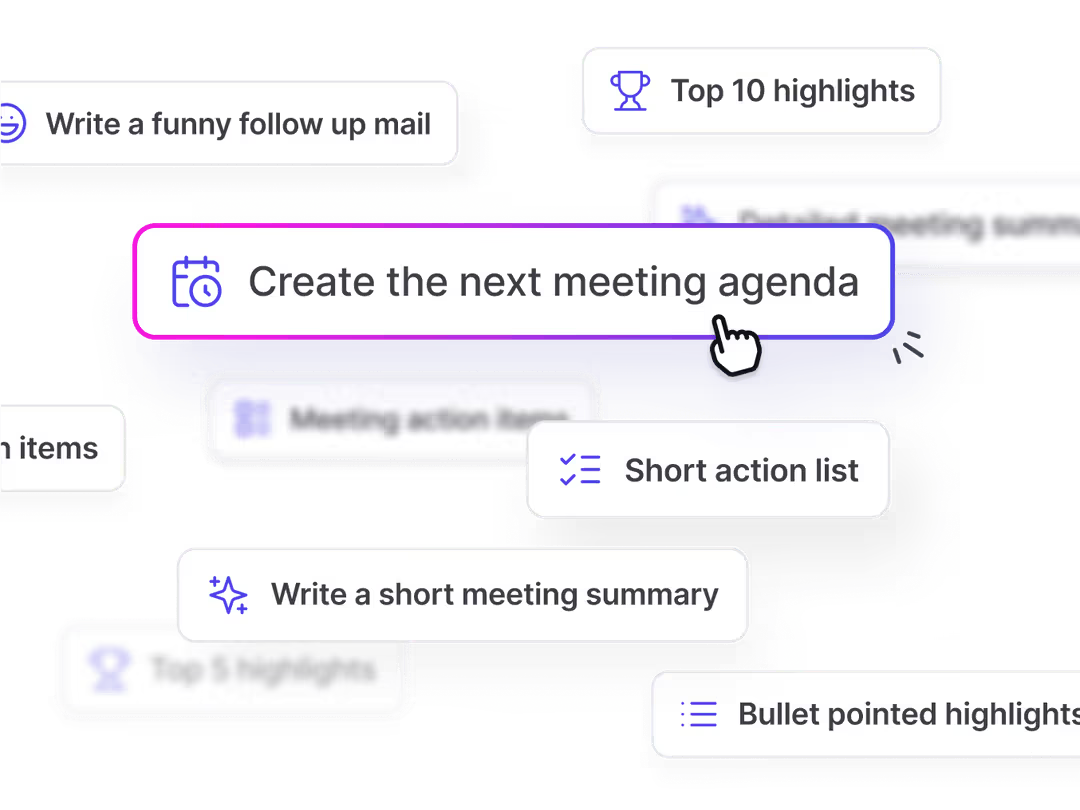
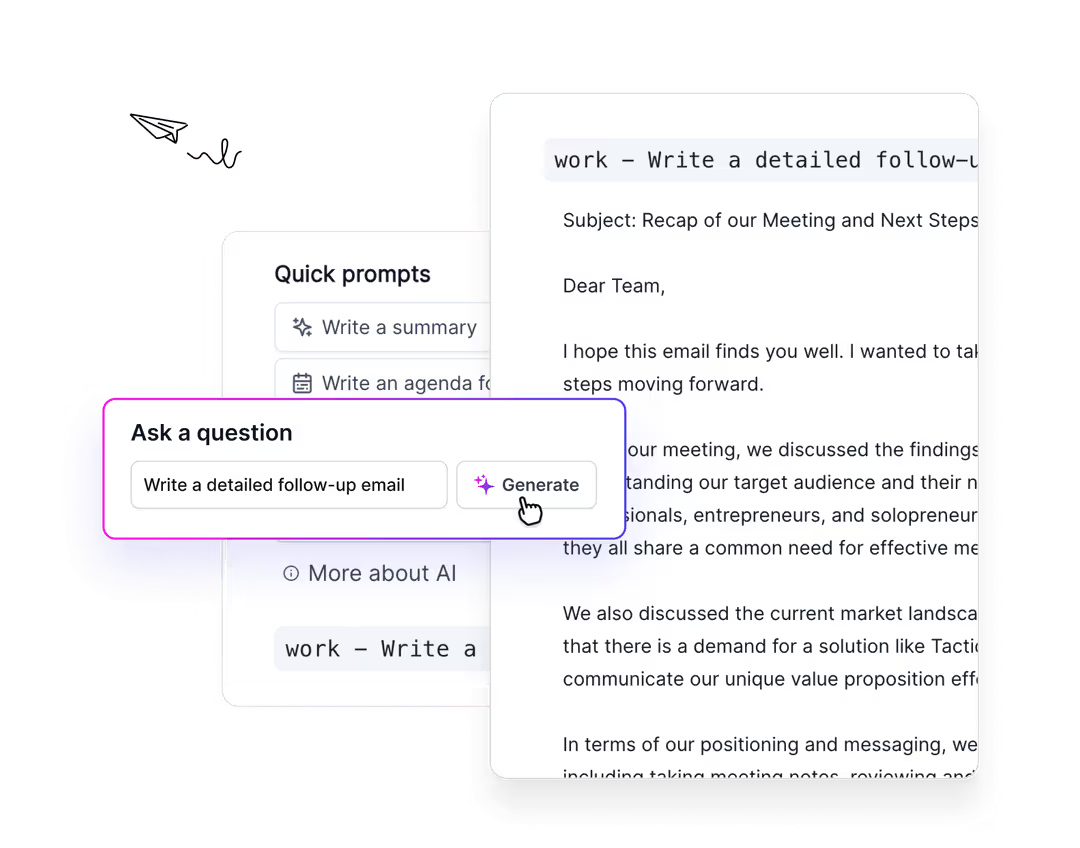
using AIUse quick AI prompts to generate a meeting summary, action items, bullet point highlights, and more. You can dive deeper by asking specific questions using AI.
Add to Chrome for free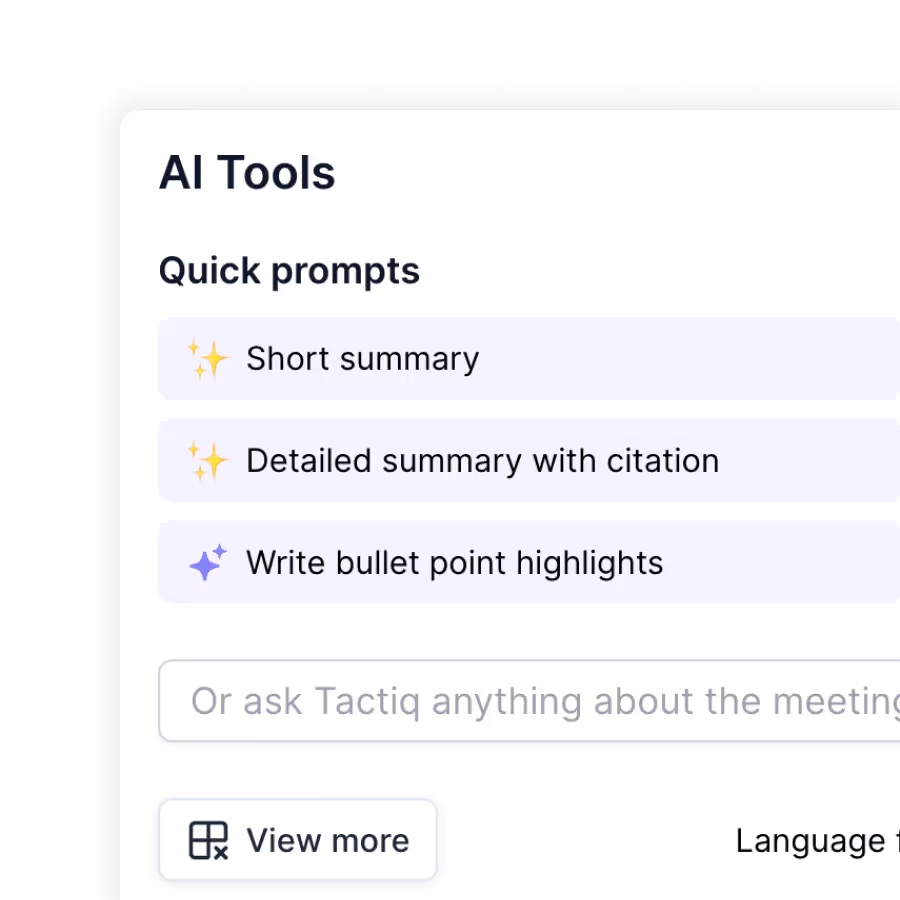
In meeting experience
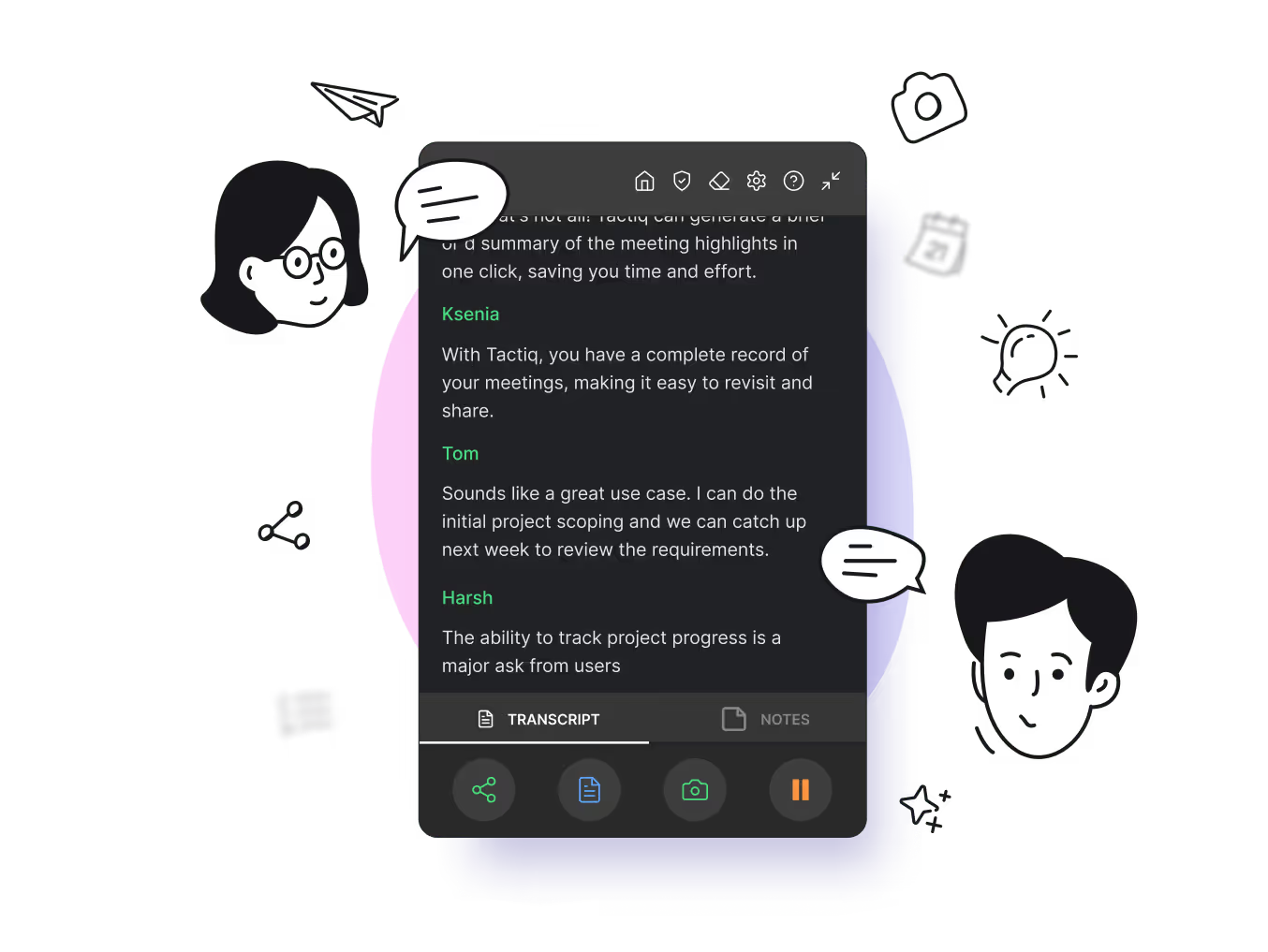
Real-Time Transcriptions in Google Meet
Say goodbye to manual note-taking! With Tactiq, get real-time transcriptions during your Google Meet sessions. Focus on the conversation while our AI captures every word accurately, providing a complete and searchable transcript post-meeting.
Take the next step with AI
Instant AI-Powered Meeting Summaries
Tired of sifting through long meeting notes? Tactiq provides instant AI-generated summaries, highlighting key points and action items. Save time and ensure everyone is on the same page with concise summaries delivered right after your Google Meet ends.
Testimonials
Our users love us!

See what they are saying
- AI put to real use. Love it.

Vertika Nigam
- Great transcription and excellent AI features. Saves us a ton of time notetaking for meetings.

Sam Gridley
- I wish I'd had this extension sooner...the newer AI features make a great product even better. Highly recommended.

Christian Pennisi
- Sou um evangelizador da ferramenta. Todos os meus alunos e colegas professores estão usando.

Helio Costa Jr
- Tested almost all similar products, Only Tactiq that transcribes the conversation on the fly.

Andre Daniel Ridwan
- Reomiendo 100% esta fabulosa aplicación IA. gran ayuda para todo.

Jorge cardenas gutierrez
AI Meeting Automation for Google Meet
Boost your Google Meet experience with Tactiq's AI Meeting Automation. Get real-time transcriptions, actionable insights, and seamless follow-ups all within your meetings.
Real-Time Transcription
Focus on the conversation while Tactiq provides live transcriptions of your Google Meet sessions. Easily review and share meeting notes instantly.
Automated Meeting Summaries
Save time with AI-generated summaries that capture key points and action items from your Google Meet. Never miss an important detail again.
Actionable Insights
Get immediate insights and follow-up tasks right after your meeting. Tactiq identifies essential information, ensuring you always know the next steps.
Custom AI Questions
Ask specific questions directly within your meeting transcripts. Get tailored responses, draft emails, or create tasks with Tactiq's AI capabilities.
Seamless Integration
Tactiq works flawlessly with Google Meet, making it easy to incorporate AI automation into your existing workflow without any hassle.
Shareable Transcripts
Effortlessly share meeting transcripts with participants. Ensure everyone is on the same page and has access to the information they need.

FAQs
Frequently Asked Questions
Can Tactiq help me remember key discussion points?
Yes, Tactiq not only transcribes your meetings but also highlights key points and action items. This ensures you have a clear record of what was discussed and what needs to be done next.
How do I start using Tactiq to transcribe my meetings?
Getting started is easy. Install the Tactiq Chrome extension, and it will automatically work with Google Meet, Zoom, and Microsoft Teams to transcribe your meetings in real-time.
Is it possible to upload past recordings for transcription?
Absolutely! You can upload any past meeting recordings to Tactiq, and it will transcribe them just as it would during a live session. This ensures you have complete records of all your meetings.
Can Tactiq transcribe meetings in multiple languages?
Yes, Tactiq supports transcription in over 30 languages, including English, Spanish, French, and German. You can easily switch the language in the Tactiq widget during your meeting.
How does Tactiq's transcription feature work?
Tactiq listens to your meetings and transcribes everything in real-time. It captures all spoken words and generates a detailed transcript, so you don't miss any important points.
Boost meeting productivity with AI for Google Meet.
Never get distracted and waste time on taking meeting notes. Let Tactiq automate meeting tasks, save time, and boost productivity.
Add to Chrome for free