
ChatGPT vs Perplexity: Which AI Tool Is Best in 2026?
July 21, 2025
July 21, 2025
September 10, 2026
September 10, 2026
Both ChatGPT and Perplexity have evolved significantly over the past year, and the conversation around them has shifted along with them. Where the comparison used to be "creative writing vs. real-time search," it's now a much richer question.
TL;DR
- ChatGPT is the better all-rounder: strongest for creative writing, conversational depth, custom workflows, and now agentic coding through Codex
- Perplexity is the better research and verification tool: search-first, citation-first, with the Comet browser, Model Council, and a Computer agent for hands-off task execution.
- Pricing in 2026 is more layered than ever: ChatGPT now spans Free, Go ($8), Plus ($20), Pro ($100), and Pro ($200). Perplexity runs Free, Pro ($20), and Max ($200), with student and enterprise tiers on either end.
- Most heavy users run both and pair them with a meeting layer like Tactiq to capture the conversations that fuel the prompts.
ChatGPT vs. Perplexity
ChatGPT and Perplexity are two of the most popular AI tools in 2026. Here's what each one offers at a glance.
What is ChatGPT?
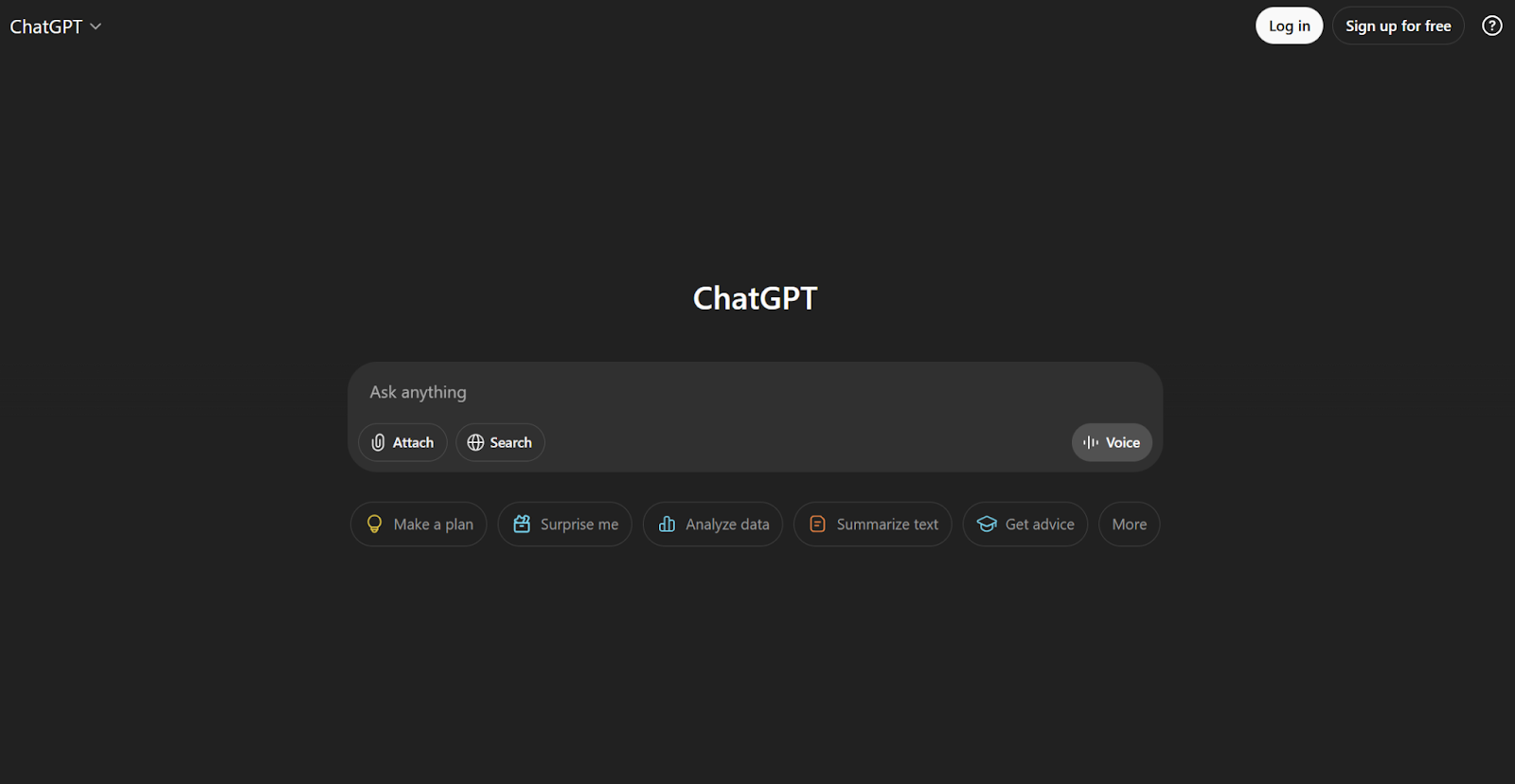
ChatGPT is a conversational AI assistant built by OpenAI. It's known for its ability to write, brainstorm, edit, code, and help you think through just about anything, from drafting a meeting agenda to building a full product.
Pro Tip 💡: If you need a simple workflow to summarize a meeting transcript, try Tactiq instead of ChatGPT. It can automatically transcribe meetings and then turn them into summaries and action items, all in one place.
Key features:
- Chat-based interaction with human-like responses, powered by GPT-5 (default is GPT-5.5 as of April 2026)
- Strong creative writing, content creation, and brainstorming
- Voice, image, and file input across plans
- Web browsing and real-time data access (significantly improved in GPT-5.5)
- Codex for agentic coding, including terminal sessions and pull-request reviews
- File Library for persistent documents you can reference across chats
- Projects that hold up to 40 files of working context
- CarPlay integration for hands-free use in the car
- 60+ app connectors with write actions (Google Docs, Sheets, Outlook, and more)
- Custom GPTs for repeatable, task-specific workflows
What is Perplexity?
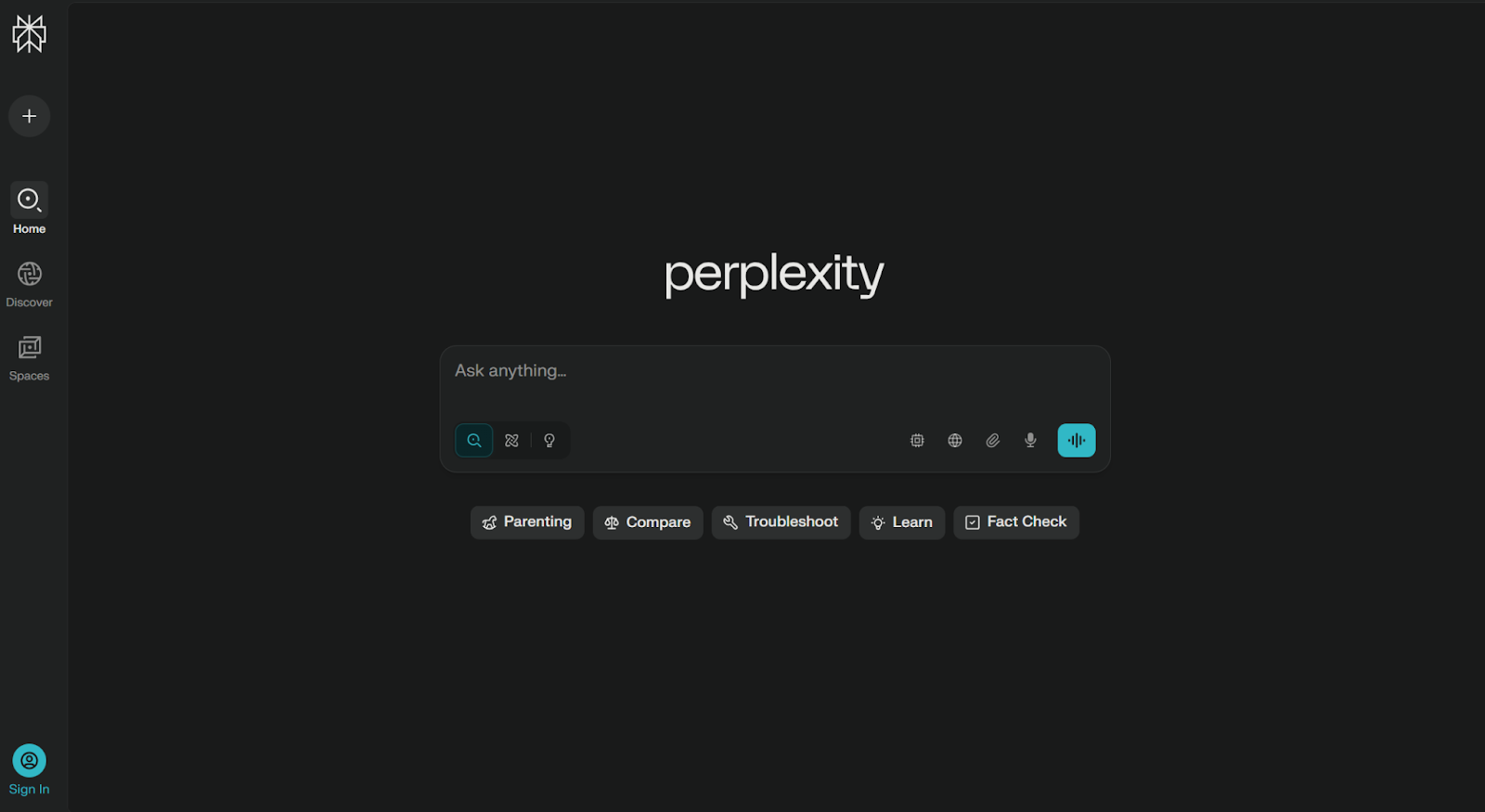
Perplexity is an AI-powered answer engine that uses natural language processing and live web search to answer questions with cited sources. It helps you research, compare, summarize, and increasingly, act on what you find.
Key features:
- Real-time web search with citations on every claim
- Quick Search for fast answers, Pro Search for deeper, guided research
- Comet, Perplexity's AI browser, is free across iOS, Android, Mac, and Windows since March 2026
- Perplexity Computer, an agentic assistant with access to 19 AI models, available on the Max tier
- Labs for generating dashboards, spreadsheets, and presentations directly from research
- Model Council, which runs one query across three frontier models simultaneously and synthesizes the results
- Deep Research now powered by Claude Opus 4.6
- Spaces for organizing threads by project or topic
- File uploads and source-type controls for focused research
Key Differences Between ChatGPT and Perplexity
Both tools rely on advanced AI models, but they approach tasks differently. Here's where the differences matter most in 2026.
Search-first vs. chat-first
The old framing was "Perplexity searches the web, ChatGPT doesn't." That's no longer accurate. ChatGPT's web search improved significantly with GPT-5.5, and the gap has narrowed considerably.
What hasn't changed is the philosophy. Perplexity is search-first: every answer leads with sources, and the interface is built around verifying claims and exploring threads. ChatGPT is chat-first: web results feed into a conversational answer, and citations are present but less central. If you start every task wanting to see where an answer comes from, Perplexity still feels more natural. If you start every task by wanting to talk through an idea, ChatGPT does too.
Conversational and creative abilities
ChatGPT remains the stronger creative partner. Whether you're writing a birthday toast, drafting a brand voice, or workshopping a story, the replies feel more thoughtful and flexible, especially over long back-and-forth sessions.
Perplexity keeps things factual. Its answers are fast, direct, and source-backed. Less playful, but a plus when you want a clean answer rather than a discussion.
Research and fact-checking capabilities
Perplexity still leads with verification. Independent 2026 benchmarks (from Tech Insider) put Perplexity at roughly 92% factual accuracy on real-time queries, compared to ChatGPT's 87%. That's a narrowing gap, but for academic writing, market research, or anything you'll cite later, Perplexity's source transparency is a real advantage.
Pro Search guides your queries with follow-ups, and Deep Research running on Claude Opus 4.6 produces structured, deliverable-ready output (presentations, spreadsheets, dashboards).
ChatGPT can summarize and explain well, and Deep Research mode on Plus and above is a serious research tool in its own right. But for one-click verification, Perplexity's citation model is hard to beat.
Customization and integrations
ChatGPT's edge here is breadth. Custom GPTs let you train task-specific versions for things like meeting summaries or report generation. The 60+ app connectors with write actions (Google Docs, Sheets, Outlook, and others) mean ChatGPT can now finish work in the apps you actually use, not just describe what to do.
Perplexity's customization is centered on how you research. Spaces organize projects, source filters narrow your inputs, and the Comet browser brings the assistant into every webpage. Model Council, available on Max, lets you run one query across three frontier models at once, useful when you want a synthesized view rather than one model's take.
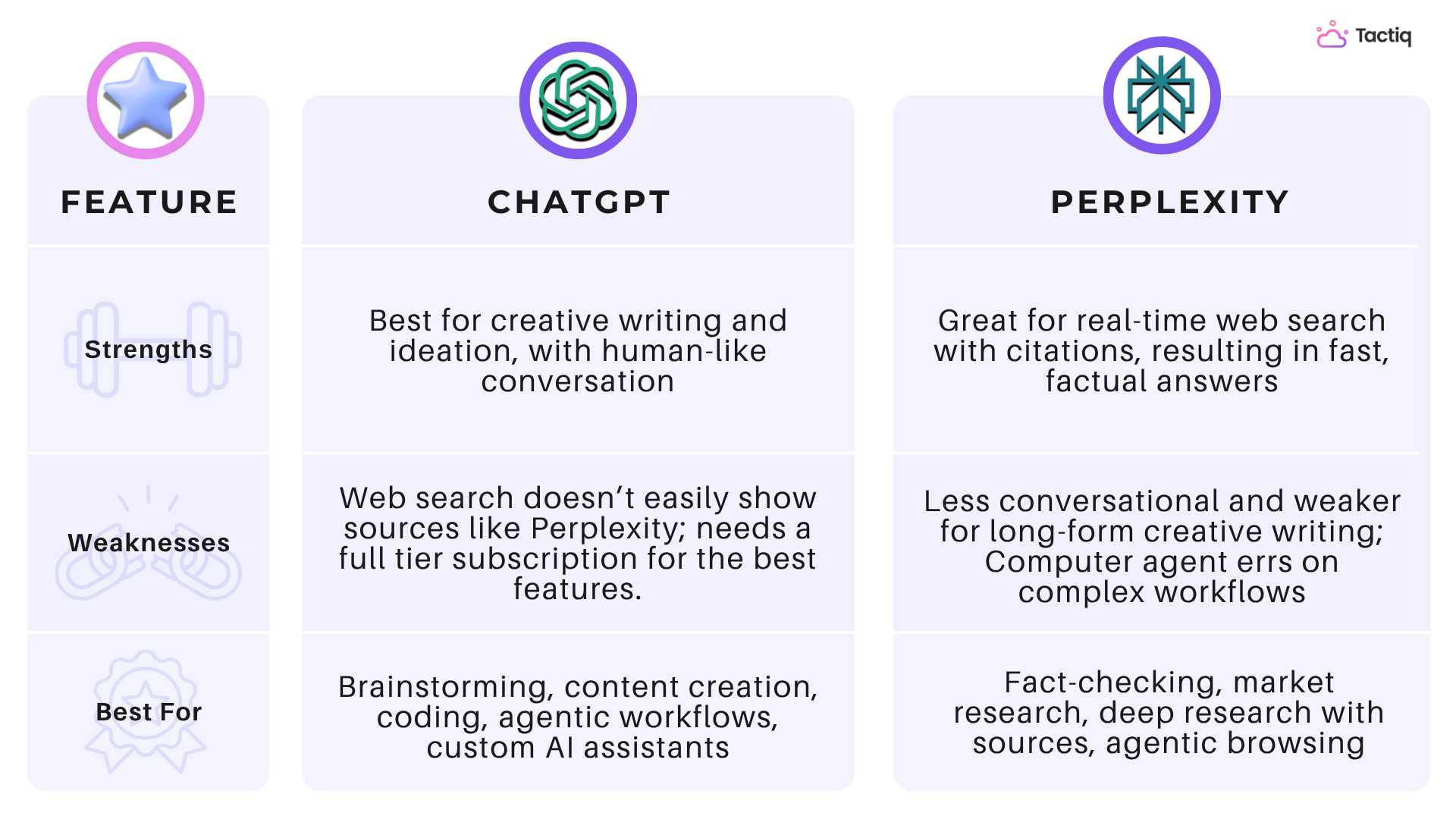
ChatGPT vs. Perplexity: Pros and Cons of Each AI Tool
Use Cases: When to Choose ChatGPT or Perplexity
The best tool depends on the task. Here's how they compare across common needs in 2026.
Quick information gathering and fact-checking
If you need a fast, up-to-date answer with a link to the source, Perplexity is the better fit. Built-in citations and real-time web access make it easy to verify on the spot — useful for market analysis, background research, or tracking current events.
Creative writing, content generation, and ideation
ChatGPT wins here. From outlining blog posts to generating product descriptions and scripting social videos, it handles tone, structure, and voice well. In side-by-side tests, ChatGPT consistently produces more natural-sounding drafts and more creative phrasing. When AI-generated drafts need a more natural tone, tools that humanize AI text can also help refine the wording while preserving the original message.
You can also feed it meeting notes (from Tactiq, for example) and have it repurpose them into newsletters or updates.
Coding, debugging, and technical support
Both tools can write and explain code, but ChatGPT pulls ahead for serious coding work. For longer sessions, debugging, or learning a new language, the conversational depth matters.
Codex takes this further with agentic coding workflows: it can run terminal sessions, review pull requests, and execute multi-step development tasks with much less hand-holding than traditional pair-programming with an AI. Perplexity is still useful for looking up snippets, comparing libraries, or finding documentation, especially inside Comet.
Deep Research
Deep Research has become one of the highest-intent AI features of 2026, and both tools offer it.
ChatGPT's Deep Research is included on Plus (10 runs per month), with Pro tiers raising the limit substantially (up to 250 runs/month on $200 Pro). It produces long, well-structured reports and is tightly integrated with the rest of ChatGPT's workflow, including Codex and the File Library.
Perplexity's Deep Research runs on Claude Opus 4.6 and is available on Free (limited), Pro, and Max. The differentiator is the deliverable: results can come back as a presentation, spreadsheet, or dashboard rather than just a wall of text, which saves time when the next step is sharing the work.
Use ChatGPT's Deep Research when the report itself is the output. Use Perplexity when you want sources you can defend and a deliverable you can hand off.
Academic and professional research
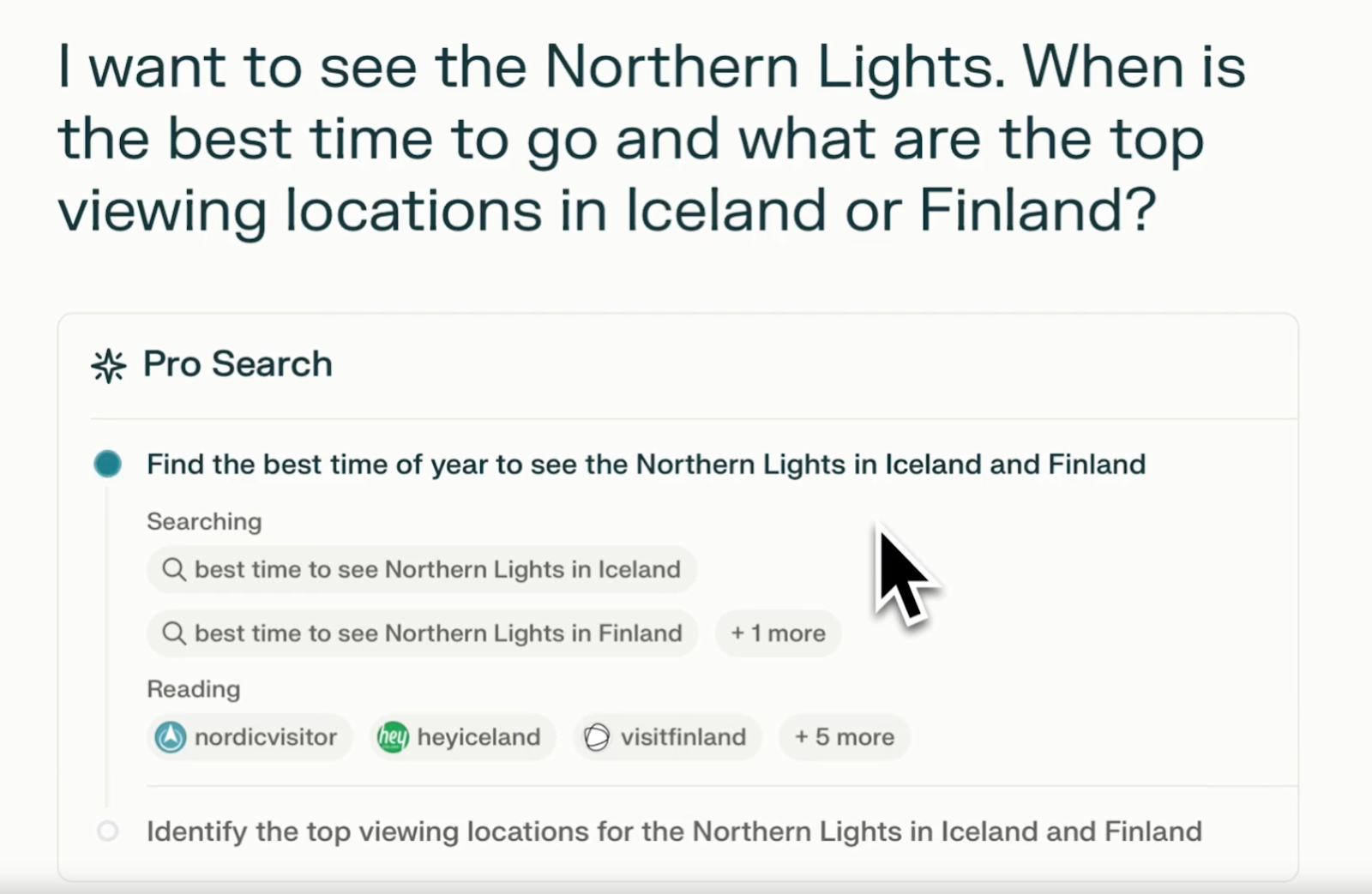
Perplexity excels here. It gathers data from reliable sources, cites everything, and lets you explore research threads in depth. Pro Search narrows your focus, and Spaces keep multiple projects organized. For academic writing or any work where citations matter, Perplexity's transparency is a significant advantage.
Pricing, Model Access, and Limitations
Both pricing pages have changed a lot in 2026. Here's the current breakdown.
ChatGPT pricing
- Free ($0/month): GPT-5.3, 10 messages every 5 hours, ads in the US
- Go ($8/month): Launched January 2026. More volume than Free, no Sora/Codex/Deep Research, ads in the US
- Plus ($20/month): GPT-5.5, Deep Research (10 runs/month), Sora, Codex, Agent Mode, no ads
- Pro ($100/month): Launched April 2026. Same model suite as the $200 tier with 5x Plus limits
- Pro ($200/month): 20x Plus limits, 250 Deep Research runs/month, ~1M token context window
- Business + Enterprise: Team pricing with SSO, admin controls, and data privacy guarantees
Best for: Creative content, in-depth writing, custom workflows, agentic coding, and meeting summaries.
Perplexity pricing
- Free ($0/month): Unlimited basic search, limited Pro searches per day, 5 file uploads per Space
- Pro ($20/month or $200/year): Unlimited Pro Search, multi-model access, 50 uploads per Space
- Max ($200/month): Unlimited Labs, Perplexity Computer (10,000 credits/month), Comet Plus included, priority access to frontier models
- Education Pro ($10/month): 50% off Pro for verified students and faculty
- Enterprise Pro ($40/user/month): SSO, SCIM, audit logs, shared Spaces
- Enterprise Max ($325/user/month): Highest-tier model access, unlimited queries, video generation
Best for: Research- and citation-heavy workflows, academic and business investigations, and teams that need secure collaboration.
How Tactiq Enhances Productivity With AI (And Where It Fits)

You've seen how ChatGPT helps with creative thinking and how Perplexity excels at real-time research. But most ideas, questions, and decisions don't start in a search bar. They happen during meetings.
Tactiq captures those moments. It works directly inside Zoom, Google Meet, and Microsoft Teams, providing real-time transcription as the meeting happens. Once the call ends, you have a full, searchable transcript with instant summaries and action items generated by AI.
Here's how Tactiq helps you connect meeting insights with your favorite AI tools:
- With Tactiq alone: You already get real-time transcription, summaries, and action items. No extra tools needed. It's built to help you turn your conversations into insights and next actionable steps right after the call.
- With ChatGPT: If you want to repurpose your transcript into different types of content (blog posts, support documents, or social media captions), you can upload your file directly to ChatGPT. This is especially helpful if you connect Google Drive to ChatGPT.
- With Perplexity: Pull a specific question or topic out of your transcript and use Perplexity to check facts, find sources, or go deeper into the research. It's a fast way to build on what came up during your meeting.
Tactiq gives your AI tools the context they need. Instead of starting from scratch, you're working with real conversations: captured, organized, and ready to go.
Download the free Tactiq Chrome Extension and see how much easier it is to turn meetings into clear, actionable insights.
{{rt_cta_ai-convenience}}
Wrapping Up
ChatGPT and Perplexity are both powerful, but they serve different needs. If you want help drafting content, sparking ideas, or carrying on a conversation that feels natural, ChatGPT is the better fit. If your focus is on getting accurate answers, checking facts, or researching with sources, Perplexity stands out.
You don't have to choose just one. Many people use both side by side, running the same prompt through each and comparing results. And with tools like Tactiq, you can bring real conversations into the mix. Meeting transcripts become inputs for writing, research, task planning, and more.
The best AI setup isn't just about features. It's about how each tool supports your workflow. Try them together, and see what works best for you.
It depends on your goal. Perplexity is better suited for fact-checking and providing up-to-date answers, while ChatGPT excels at creative tasks and engaging in conversations.
No. While it can use ChatGPT models, Perplexity is a standalone AI search engine with its own interface, Pro Search, and real-time results.
There’s no one-size-fits-all answer. Some prefer ChatGPT or Claude for conversational tasks, while Perplexity AI excels at research and information retrieval.
OpenAI is the creator of models like ChatGPT. Perplexity is a separate company that uses those models alongside others to power its AI assistant and search experience.
Use ChatGPT for creative writing, ideation, and tasks that need a conversational touch. Use Perplexity for fast, up-to-date, source-backed responses.
Related articles





Want the convenience of AI summaries?
Try Tactiq for your upcoming meeting.
Want the convenience of AI summaries?
Try Tactiq for your upcoming meeting.
Want the convenience of AI summaries?
Try Tactiq for your upcoming meeting.