
Top AI Tools for Productivity and Time Management in 2026
- Published:
- November 20, 2024
- Updated:
- October 23, 2026

The right AI tools save time on the tasks that eat up your day, from running meetings to managing projects. Here are the best free AI tools for productivity and time management.
This guide covers:
- AI-powered meeting assistants that transcribe and summarize calls
- Project management platforms with built-in AI agents
- Calendar tools that protect focus time and all-in-one AI workspaces
TL;DR: What's the best free AI tool for productivity and time management?
Asana stands out for project management, with AI Teammates that handle complex workflows and AI Studio for no-code automations. For meetings specifically, Tactiq (opens in a new tab) is a strong pick. It transcribes Zoom, Google Meet, and Microsoft Teams calls in real time, then turns those conversations into summaries and action items, which can save hours each week.
Best AI Tools for Productivity and Time Management
Here are the AI apps worth using for meetings, projects, and scheduling. Most offer a free plan, so you can try one out before committing to a paid tier.
1. Tactiq: Transcription and summaries for Zoom, Google Meet, and Teams
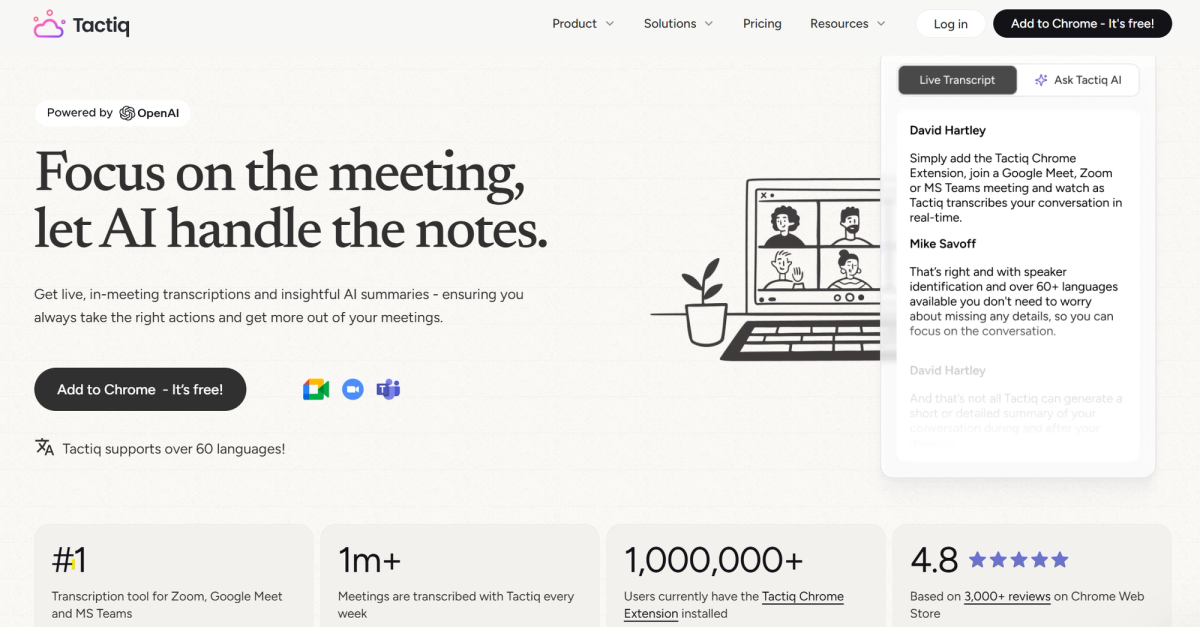
Tactiq (opens in a new tab) transcribes meetings in real time across Zoom, Google Meet, and Microsoft Teams, then turns the conversation into summaries and action items. That means you stay focused during the call instead of splitting attention between talking and typing notes.
During the meeting, Tactiq:
- Transcribes the conversation live
- Shows live captions alongside your call
After the meeting, Tactiq's AI:
- Generates summaries and highlights key decisions
- Extracts action items automatically
- Answers custom questions about the transcript for specific details
Tactiq's AI workflow builder (opens in a new tab) turns those meeting notes into automated processes. Set a trigger based on meeting title or participants, and Tactiq will send summaries, create tickets, or update your other tools the moment the call ends.
For example, set a trigger for meetings titled "Client Call," and Tactiq automatically creates a ticket in Linear and posts the summary to Slack, all without anyone touching either app.
💡 Pro tip: Want meeting notes sent straight to your project management tool? Try Tactiq's workflows to push action items to Asana or Notion automatically.
Tactiq's free plan includes 10 meeting transcripts and 5 AI credits per month. Pro and Team plans unlock unlimited transcription. Install the Tactiq Chrome extension to get started. (opens in a new tab)
Want the convenience of AI summaries?
Try Tactiq for your upcoming meeting.
2. Marlee: AI coaching for goal achievement
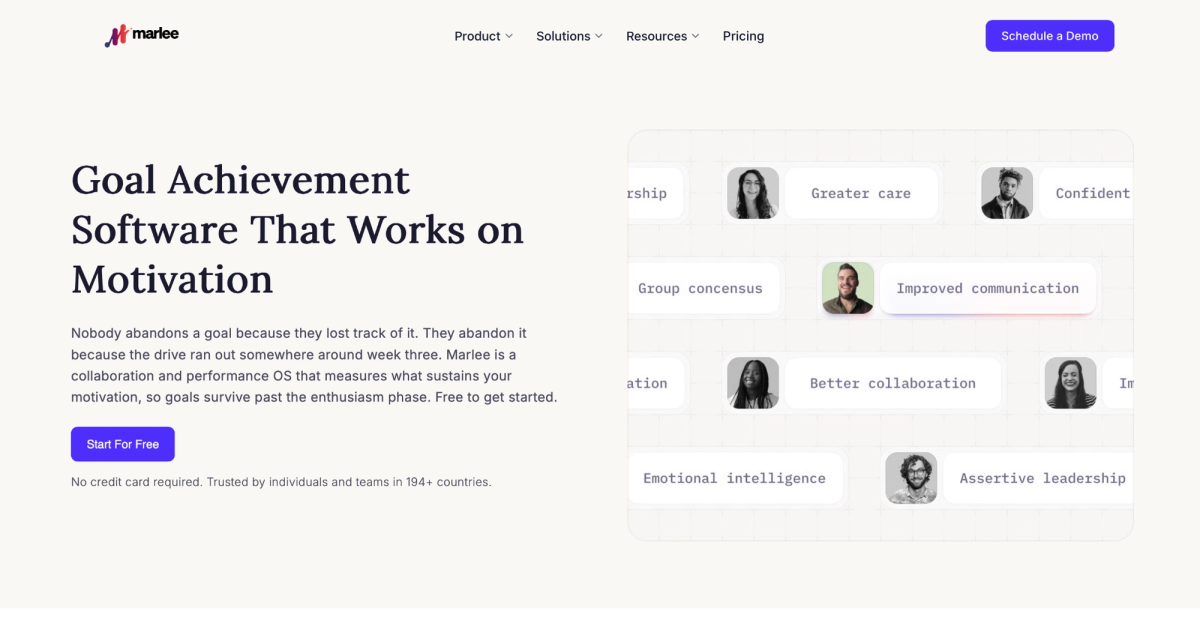
Marlee is goal achievement software that helps individuals and teams understand what motivates them and turn those insights into action.
It combines motivational analysis with personalized AI coaching to help you build goals around how you work.
Marlee’s Motivational Analysis explores 48 work motivations. It can help you:
- Understand what keeps you focused and engaged
- Identify patterns that may slow your progress
- Structure goals around your working style
Coach Marlee uses those insights to provide personalized guidance. You can ask questions about maintaining motivation, overcoming obstacles, and approaching personal or professional goals.
For structured support, the Goal Catcher program runs over eight weeks, with two five-minute sessions each week. It focuses on goal-setting, developing a clear vision, and building habits that support follow-through.
Marlee also supports team development. Teammates can compare motivations and working styles to better understand how to approach shared objectives.
Marlee offers a free Starter plan to begin exploring motivational insights and AI coaching. Paid plans provide more AI credits and additional team analysis features.
3. Asana: AI Studio and AI Teammates for project management
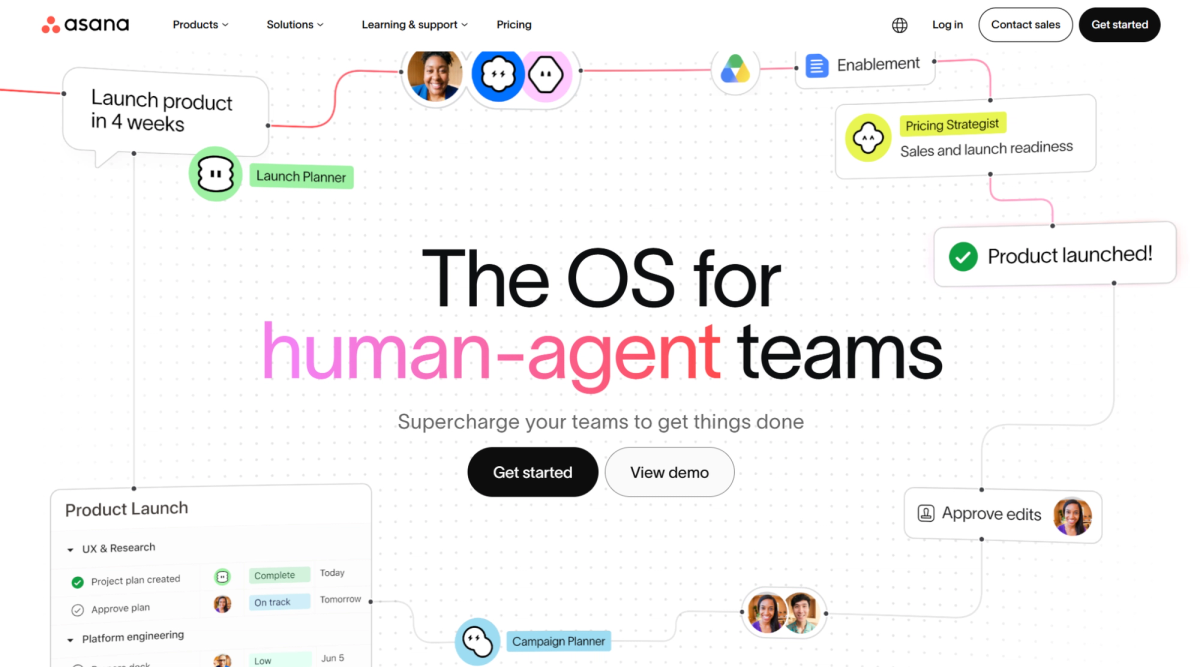
Asana (opens in a new tab) now runs on two AI productivity tools working together: AI Studio and AI Teammates.
AI Studio builds no-code automations from plain-language instructions. It can:
- Route requests to the right person or team
- Tag and summarize updates automatically
- Check tasks for missing information
It comes in three tiers, with usage limits that scale up from Basic to Plus to Pro. If you're comparing automation options beyond Asana, this roundup of workflow automation tools (opens in a new tab) covers where AI Studio fits alongside other platforms.
AI Teammates are collaborative AI agents that live inside your projects. They can:
- Coordinate work across a team
- Create tasks and follow up automatically
- Use ready-made templates for marketing, IT, and operations, or a custom build with no code
Asana connects to the AI tools you already use too, letting you create and monitor projects from a conversation in Claude or Gemini.
Asana's free plan works well for individuals and small teams. AI Teammates and higher AI Studio tiers need a paid plan.
4. Reclaim.ai: AI scheduling and calendar automation
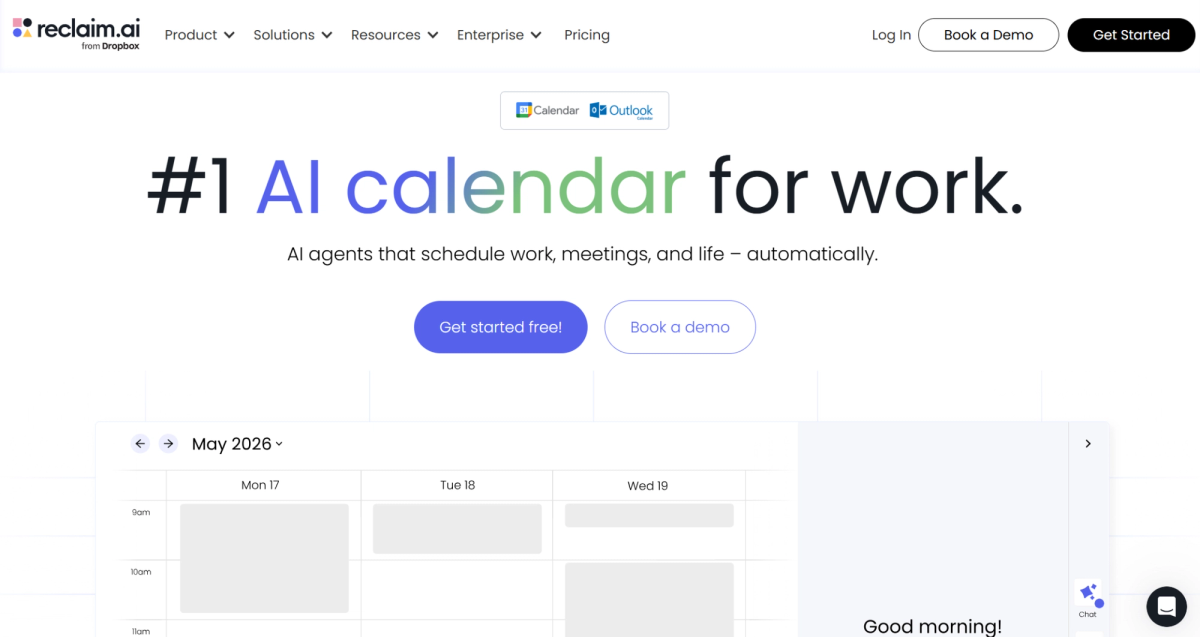
Reclaim (opens in a new tab), now owned by Dropbox, automatically finds time for tasks, habits, and meetings, then adjusts your calendar as priorities shift through the week.
Reclaim can:
- Schedule tasks into real calendar time based on due date, priority, and estimated length
- Support both Google Calendar and Microsoft Outlook with full feature parity
- Sync tasks directly from Google Tasks, Asana, Todoist, ClickUp, Jira, and Linear
- Automatically defend Focus Time and reschedule around new meetings
Instead of a static to-do list sitting in a separate app, your work gets assigned actual time on the calendar. Deep work stays protected too, since Reclaim reschedules around last-minute invites rather than letting them override your focus blocks.
Reclaim's free plan covers the basics. Paid plans start around $10 per seat per month (yearly plan) and raise those usage limits for growing teams.
5. Trello: Boards, automation, and AI-assisted cards
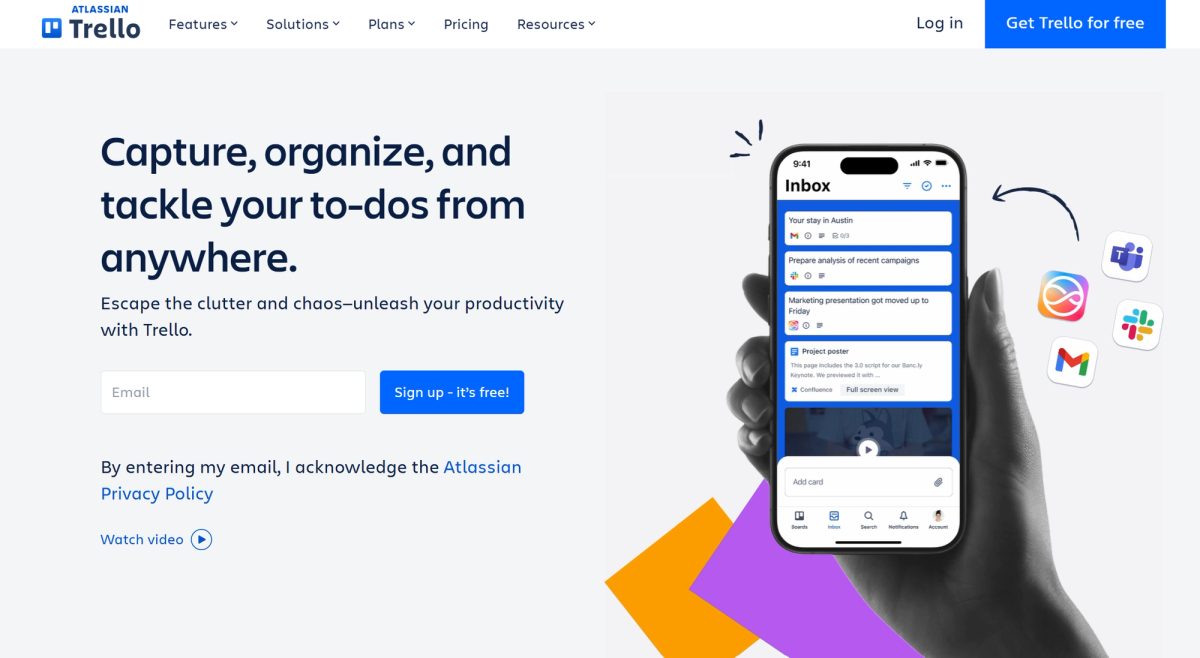
Trello (opens in a new tab) organizes work into boards, lists, and cards, with an Inbox that pulls tasks in from email and Slack before you sort them. Each card holds due dates, attachments, and checklists.
Atlassian Intelligence adds AI features into that card view. You can:
- Brainstorm ideas or draft card descriptions from a short prompt
- Organize action items pulled from notes or checklists
- Condense lengthy text into a quick summary
Butler automation handles the workflow side, running no-code rules and card buttons that move work forward automatically. Trello also connects to the AI tools your team already uses, including Slack and Jira, and now offers its own MCP server for AI assistants like Claude.
Trello's free plan covers up to 10 boards with unlimited cards. Paid plans start at $5 per user per month for Standard, raising usage limits on boards and Butler automation.
6. Notion: AI Agents for an all-in-one workspace
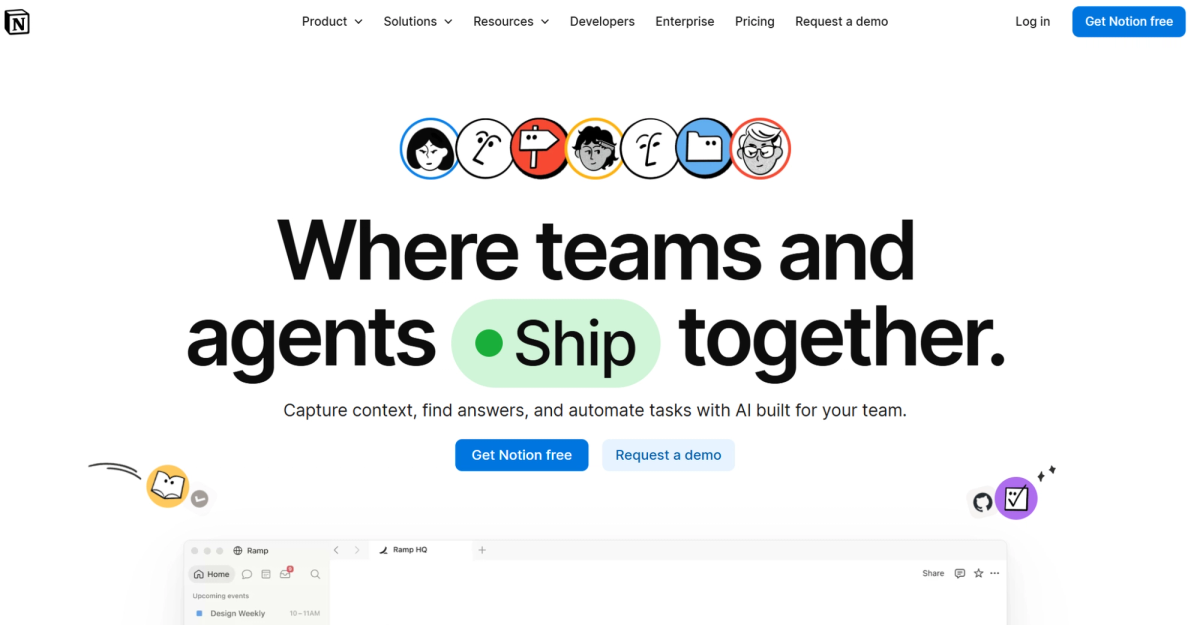
Notion (opens in a new tab) organizes docs, tasks, and databases in one workspace, and its AI now works directly inside that structure rather than as a separate chat window.
Notion Agent is a personal AI assistant included for every user. It uses context from your workspace and connected apps to complete entire tasks, like creating pages or drafting reports, not just answering questions.
Custom Agents go further, running on a schedule or trigger to automate recurring team work. Agents can:
- Answer questions automatically in Slack
- Route incoming tasks to the right person
- Share project updates on a set schedule
For finding information, Enterprise Search pulls answers from across connected apps like Slack and Google Drive. One standout detail: Notion AI is model-agnostic, letting you switch any workflow between GPT, Claude, and Gemini without losing context.
Notion's free plan works for individuals organizing personal projects, with trial access to core AI apps and features. Custom Agents and full AI access require the Business plan, which starts at $20 per seat per month billed annually.
Why AI Tools Are Essential for Productivity
The best free AI tools depend on what's eating up your time. Tactiq handles meetings for free, with paid plans unlocking unlimited transcription. Asana brings AI agents to project management. Reclaim protects your calendar on its free plan. Trello and Notion round out the list of AI apps, both offering a free plan alongside their AI features.
Most teams combine a few AI productivity tools rather than picking just one. Start with whichever AI assistant solves your biggest time drain first.
FAQ
Your questions, answered.
If you have any further questions, Get in touch (opens in a new tab) with our friendly team
What are the top AI tools for productivity in 2026?
Is Clockwise still available?
How does Tactiq help with productivity?
What are the benefits of using AI tools like Tactiq and Asana together?
Which AI tools can help reduce meeting fatigue?
Related articles

Gemini 3.5 Transcribe: Google Transcript Model Explained
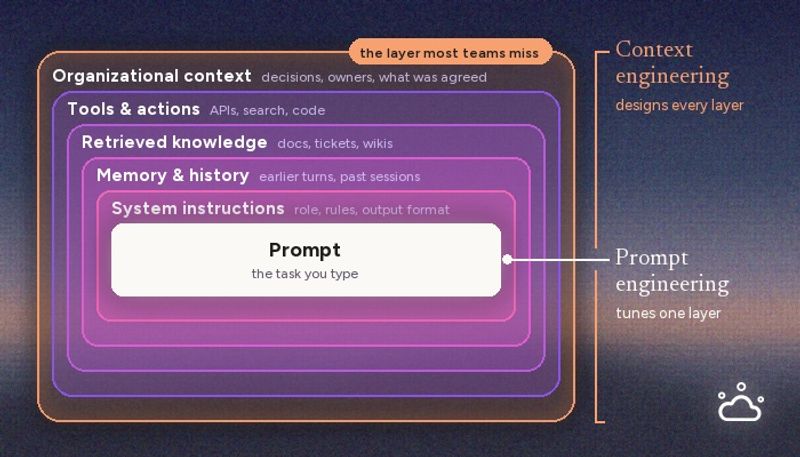
Context Engineering vs Prompt Engineering: What Your AI Agents Are Missing

Claude Memory: How to Import and Manage Your AI Context

Claude Cowork Connectors: Automate Recurring Work

Google Gemini MCP Support: Where It Works and Setup Tips

Best Claude Skills: Top Picks for Meetings, Content, and Code

5 Best AI Scheduling Assistants

Microsoft Teams MCP: How to Access Meeting Content With AI
Want the convenience of AI summaries?
Try Tactiq for your upcoming meeting.
Bringing AI into your meetings has never been so easy.
Add to Chrome - It's free!(opens in a new tab)Try Tactiq in your upcoming meeting!
Sign up now