
Top 20 AI Workflow Automation Tools (with Infographics)
September 5, 2024
September 5, 2024
October 8, 2026
October 8, 2026

Automation is no longer just about saving time. It’s evolving into a network of intelligent agents that collaborate, reason, and adapt. These new AI automation tools use machine learning and artificial intelligence to improve efficiency, scalability, and adaptability across every workflow.
Instead of managing tasks manually, teams now rely on AI-powered tools that anticipate needs, refine business processes, and make workflow efficiency the default, not the goal.
In this guide, you’ll find:
- What’s new in AI automation
- The top AI workflow automation tools (organized by category)
- How to choose the right automation tool for your goals
What’s New in AI Workflow Automation in 2025
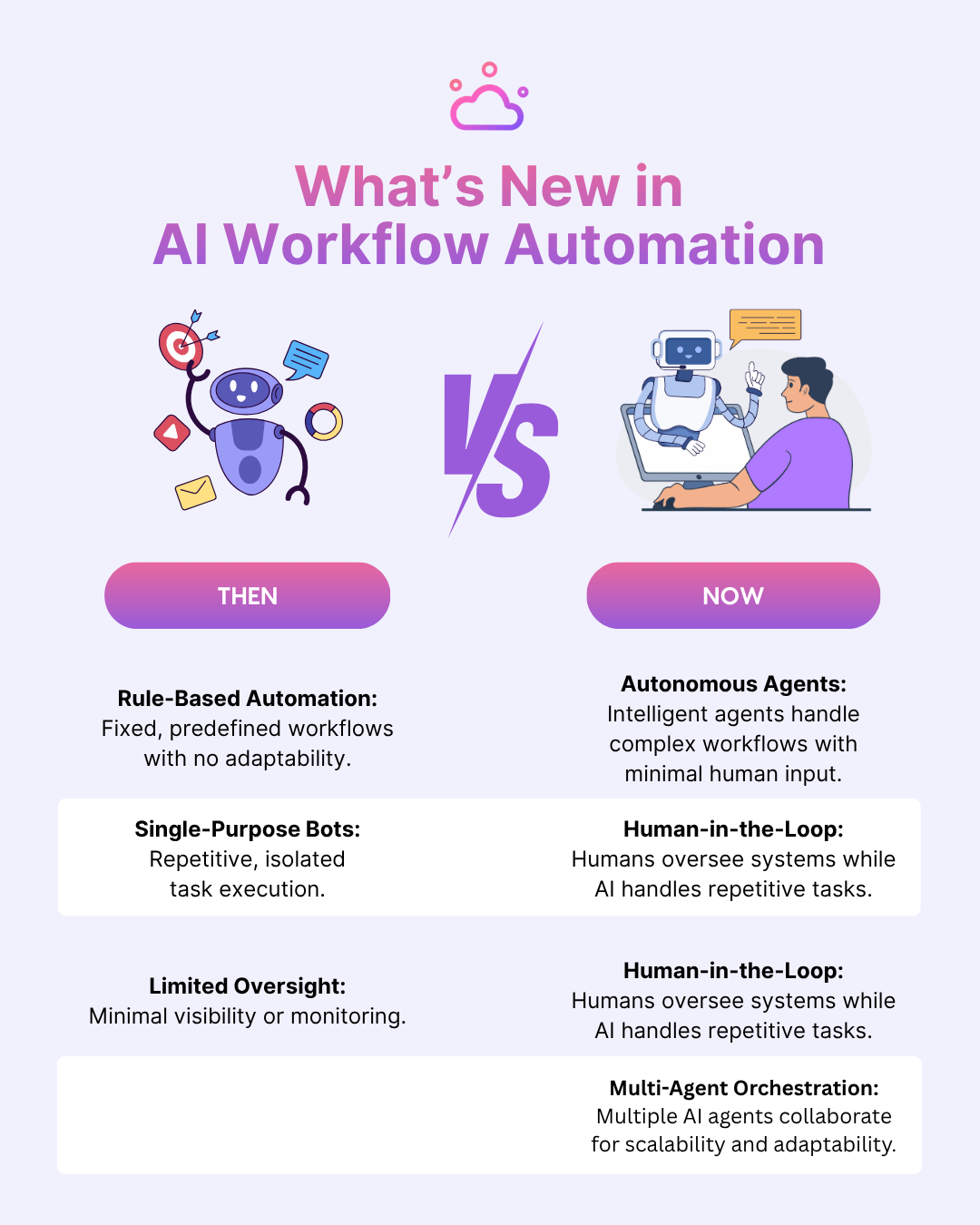
AI automation is now driven by autonomous agents and smarter orchestration. Instead of simple rule-based workflows, teams now build systems where agents collaborate, reason, and adapt. AI business impact is huge since AI-powered tools combine machine learning algorithms with decision logic to analyze historical data, identify patterns, and act in real time allowing you to work on creating best strategies
Key trends shaping this evolution include:
- Rise of autonomous agents: Intelligent agents that coordinate complex workflows and manage business processes with minimal human input. For example, 25% of companies using generative AI are launching agentic AI pilots in 2025.
- Human-in-the-loop design: Organizations retain human oversight while autonomous systems handle repetitive tasks to enhance both speed and reliability.
- Governance and observability: With multiple agents and systems interacting, oversight and transparency become critical. Monitoring agent behaviors and enforcing policy is now part of workflow automation.
- Multi-agent orchestration: Instead of single-task automations, platforms now coordinate multiple AI agents working together for scalability and adaptability, ensuring they operate within defined governor limits.
Types of AI Tools for Automation
AI automation tools now span a wide range of categories. These tools help teams handle repetitive tasks, manage test automation, and enhance software testing with advanced AI-powered features and AI testing tools.
No-Code/Low-Code Tools
These AI-powered tools simplify automation for non-technical users. With drag-and-drop interfaces, teams can connect apps, build workflows, and execute tests without writing code. They’re perfect for automating data entry, approvals, and daily business processes.
AI-Native/Agentic Platforms
Built from the ground up using artificial intelligence, these platforms operate as adaptive, reasoning systems. They use machine learning algorithms and natural language processing to coordinate multi-agent workflows, handle continuous testing, and optimize test coverage based on historical data.
Developer & Enterprise Tools
These advanced tools are designed for technical teams managing software testing, test data management, and test maintenance. They improve the testing process through AI-powered automation, enabling developers to run automated tests, detect bugs early, and ensure higher-quality releases across various platforms. Teams assessing enterprise orchestration can also compare alternatives to Redwood based on deployment needs and integration depth.
Specialized/Workflow Assistants
These are focused AI assistants that boost productivity in specific areas like project management, marketing strategies, or customer engagement. These are focused AI assistants that boost productivity in specific areas like project management, marketing strategies, or customer engagement, often working alongside customer engagement platforms to streamline communication and improve user interactions.
For ecommerce entrepreneurs, workflow automation can also extend to product creation and fulfillment processes. Platforms like Printify and Printful help simplify print-on-demand operations by enabling creators to design custom products, manage orders, and connect with fulfillment providers, allowing business owners to focus on marketing, customer relationships including retention strategies such as an ecommerce loyalty program and growth.
Each category makes complex systems more intuitive, scalable, and adaptive to real-time changes.
Top 20 AI Automation Tools
The tools below represent the next generation of AI automation – a mix of no-code platforms, AI-powered agents, developer frameworks, and specialized assistants. To make things easier, we’ve organized them into the four key categories.
No-Code/Low-Code Tools
1. Tactiq
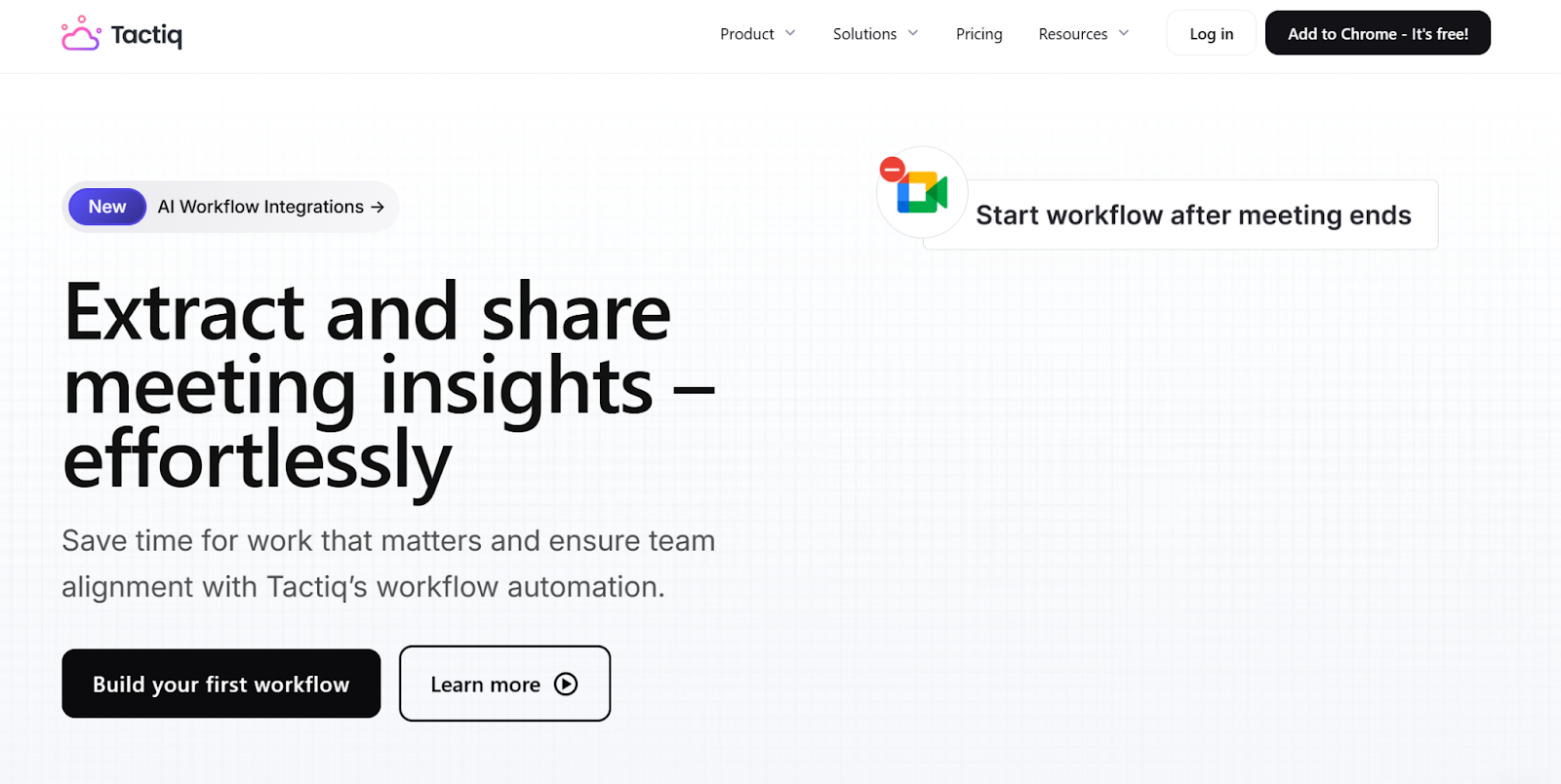
Tactiq is an AI-powered transcription tool that captures live meeting transcripts from platforms like Google Meet, Zoom, and Microsoft Teams. It now takes things further with its new AI Workflow Builder, which helps teams extract, organize, and share insights automatically after every meeting.
Key features
- Real-Time Transcription: Record and transcribe every conversation accurately across various platforms, turning spoken dialogue into searchable meeting notes.
- In-Meeting AI: Its AI chat in meetings feature also lets participants ask questions and get instant answers about what’s being discussed in real time.
- AI Workflow Builder: Automate post-meeting tasks such as updating CRMs, creating tickets, or sending follow-up emails instantly.
- Insight Extraction: Let AI structure key data from your transcripts, helping teams stay aligned on priorities and business processes.
- Integrations: Sync with apps like Notion, HubSpot, Slack, and Email for workflow efficiency and automated data entry.
- Templates: Start fast with workflow templates for 1:1s, brainstorming, and project updates.
Tactiq helps over 800,000 professionals transform meeting transcripts into action. Install the free Tactiq Chrome Extension today and learn how to ask AI questions in a meeting.
{{rt_cta_ai-convenience}}
2. Make.com
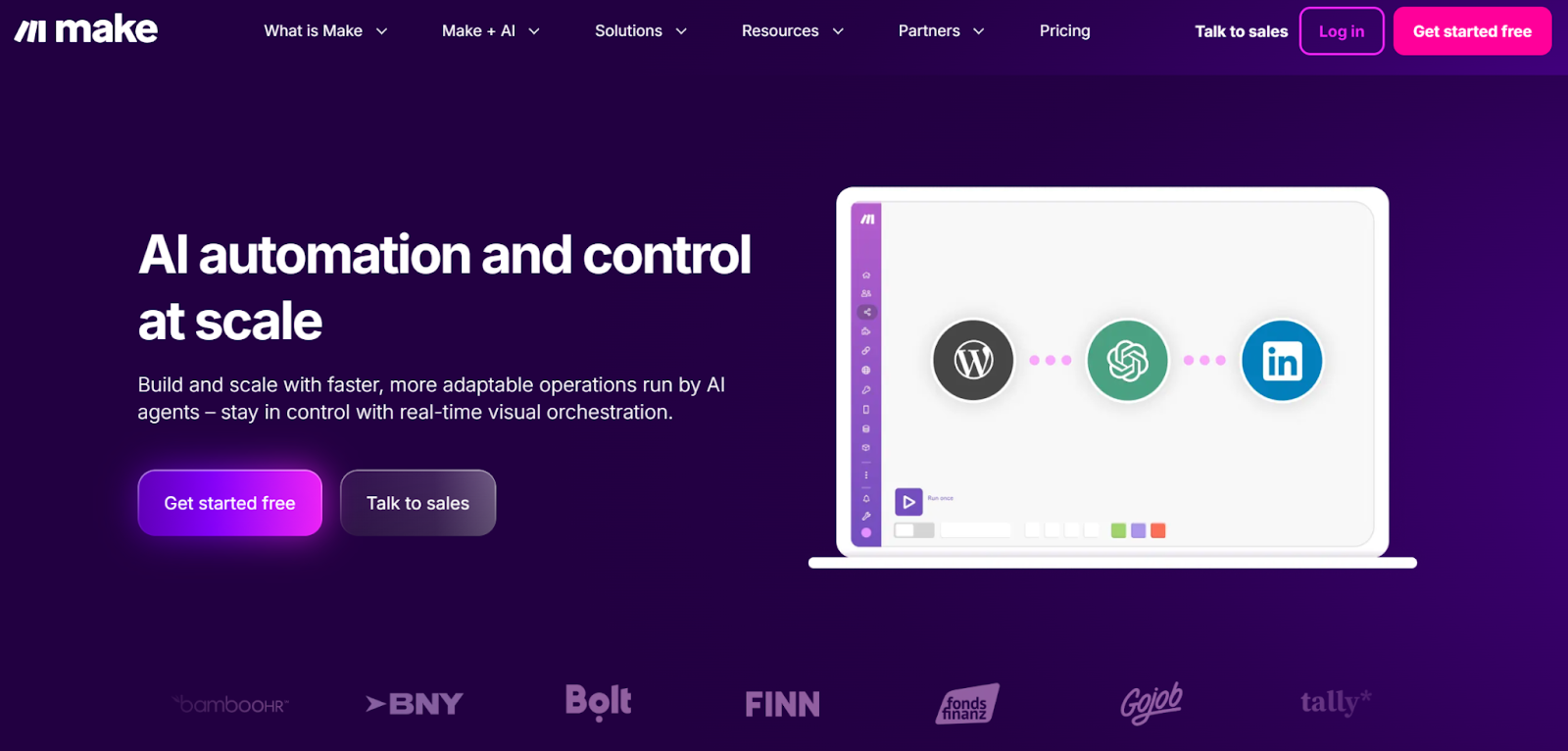
Make.com combines AI automation with visual control to help teams design and scale operations powered by AI agents. It’s built for teams that need adaptable, real-time orchestration without losing oversight or flexibility.
Key features
- AI Agents: Create intelligent agents that act on prompts, goals, and live data, ideal for routing leads, triaging incidents, and enhancing testing processes.
- Make Grid: View every workflow, app, and agent in a single dashboard. Real-time analytics help you spot bottlenecks and improve workflow efficiency.
- Integrated AI Workflows: Connect GenAI apps and LLMs to generate content, enrich records, or summarize customer data directly within your business processes.
- App Library: Access over 400 AI and automation apps or integrate custom systems through flexible API integration.
- Templates: Start fast with prebuilt templates you can adapt to your specific business needs.
Make.com is a user-friendly automation tool for scaling intelligent, goal-driven workflows while staying fully in control. You can also learn more about LLMs and how they compare to generative AI: LLM vs Generative AI: What’s the Real Difference?
3. n8n (Open-Source Update)
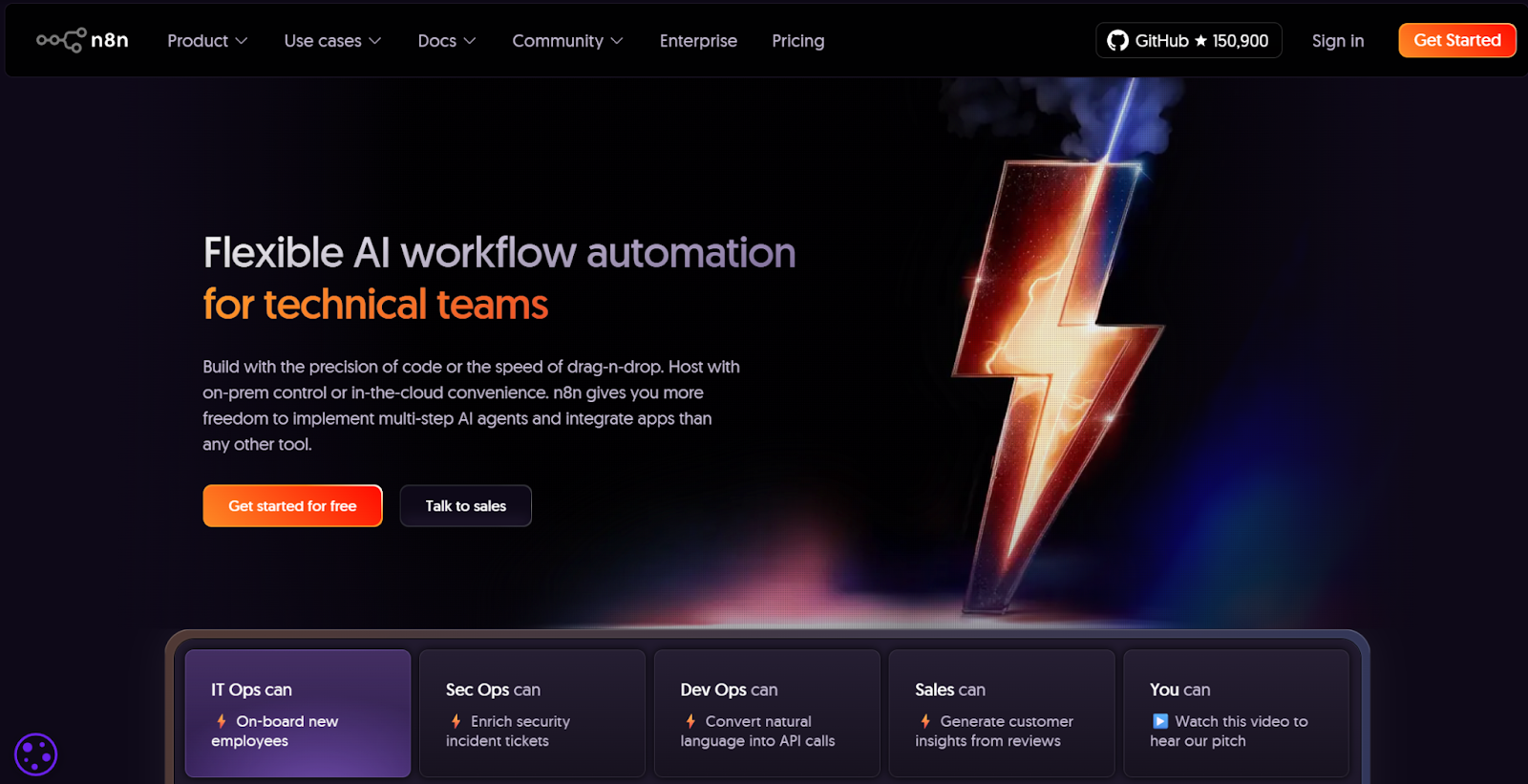
N8n is a flexible, AI automation platform built for technical teams that need both visual control and full coding freedom. It lets you design multi-step AI agents, automate business processes, and manage testing workflows through either drag-and-drop or code-based customization.
Key features
- AI Workflow Builder (Beta): Build intelligent, goal-driven agents that act on prompts and data in real time, perfect for automating test cases, routing incidents, or enriching records.
- Code or No-Code: Combine a drag-and-drop interface with JavaScript or a Python by Python software consultancy to customize logic, merge branches, and improve workflow.
- Self-Hosting & Security: Deploy on-premises or in the cloud for complete control of customer data, version history, and access permissions.
- Integrations: Connect over 500 apps and APIs, or embed n8n into your own systems for continuous test automation.
- Enterprise-Ready: Includes audit logs, SSO, encrypted secret stores, and Git-based collaboration for secure software testing at scale.
n8n is ideal for teams that want open-source flexibility with the power of advanced AI-powered automation.
4. Zapier (Copilot Update)
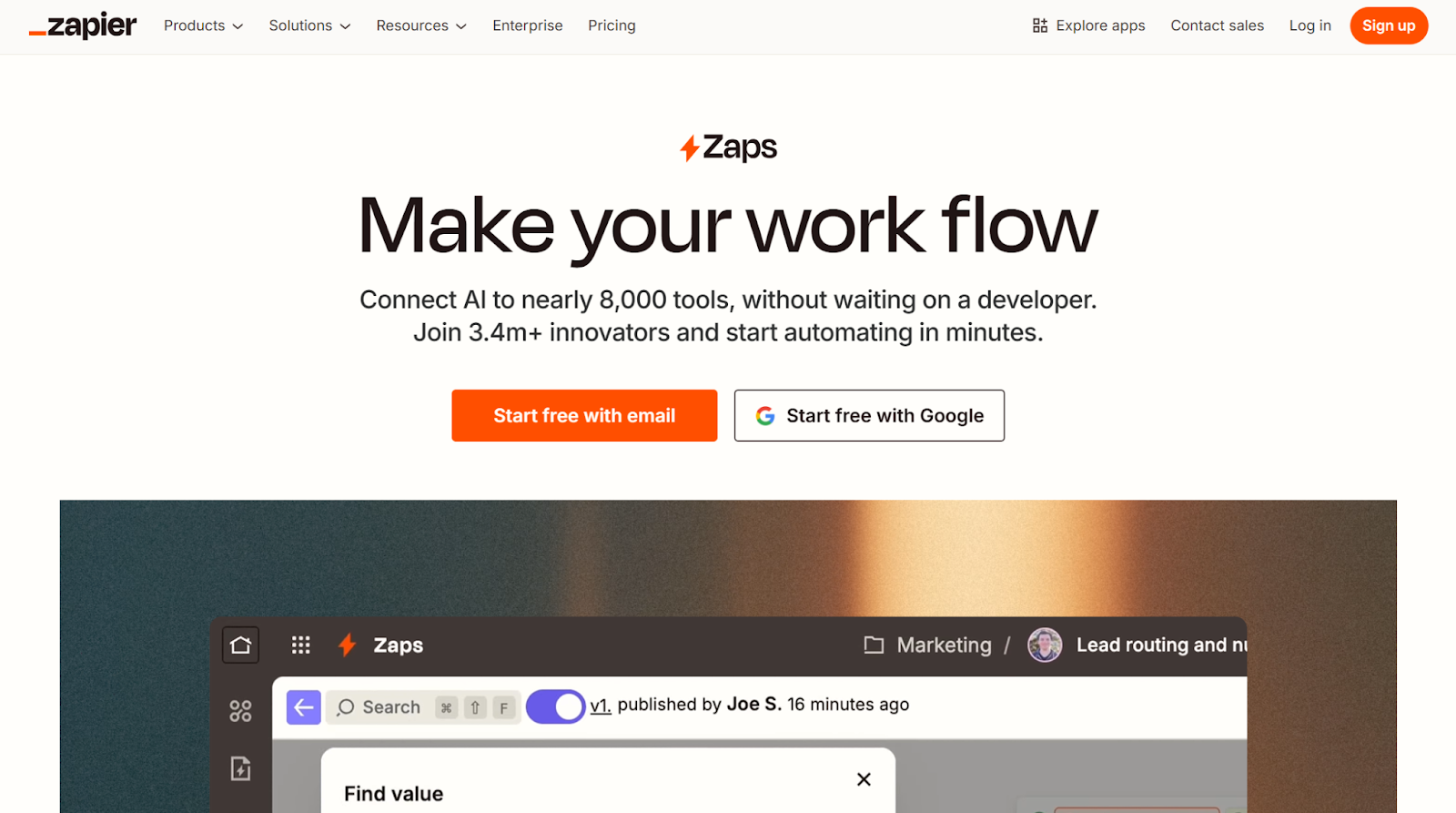
Zapier connects AI automation to over 8,000 apps to help teams turn tasks into intelligent workflows without any code. Used by more than 3.4 million businesses, it brings AI-powered tools like OpenAI and Anthropic into your daily business processes.
Key features
- Copilot: Describe your workflow in plain English, and Zapier builds it automatically using natural language processing.
- Connect 300+ AI Tools: Link machine learning models to your favorite apps for smarter test automation and data enrichment.
- Power Tools: Use Filters, Paths, Looping, and Webhooks to handle complex testing processes or automate data entry.
- Templates Library: Start fast with prebuilt workflows for sales, customer support, and content creation.
- Scheduling & Formatting: Set time-based triggers and format test data management automatically for continuous testing.
Zapier remains a user-friendly automation tool that scales easily and eliminates the steep learning curve of traditional setups.
5. Relay.app
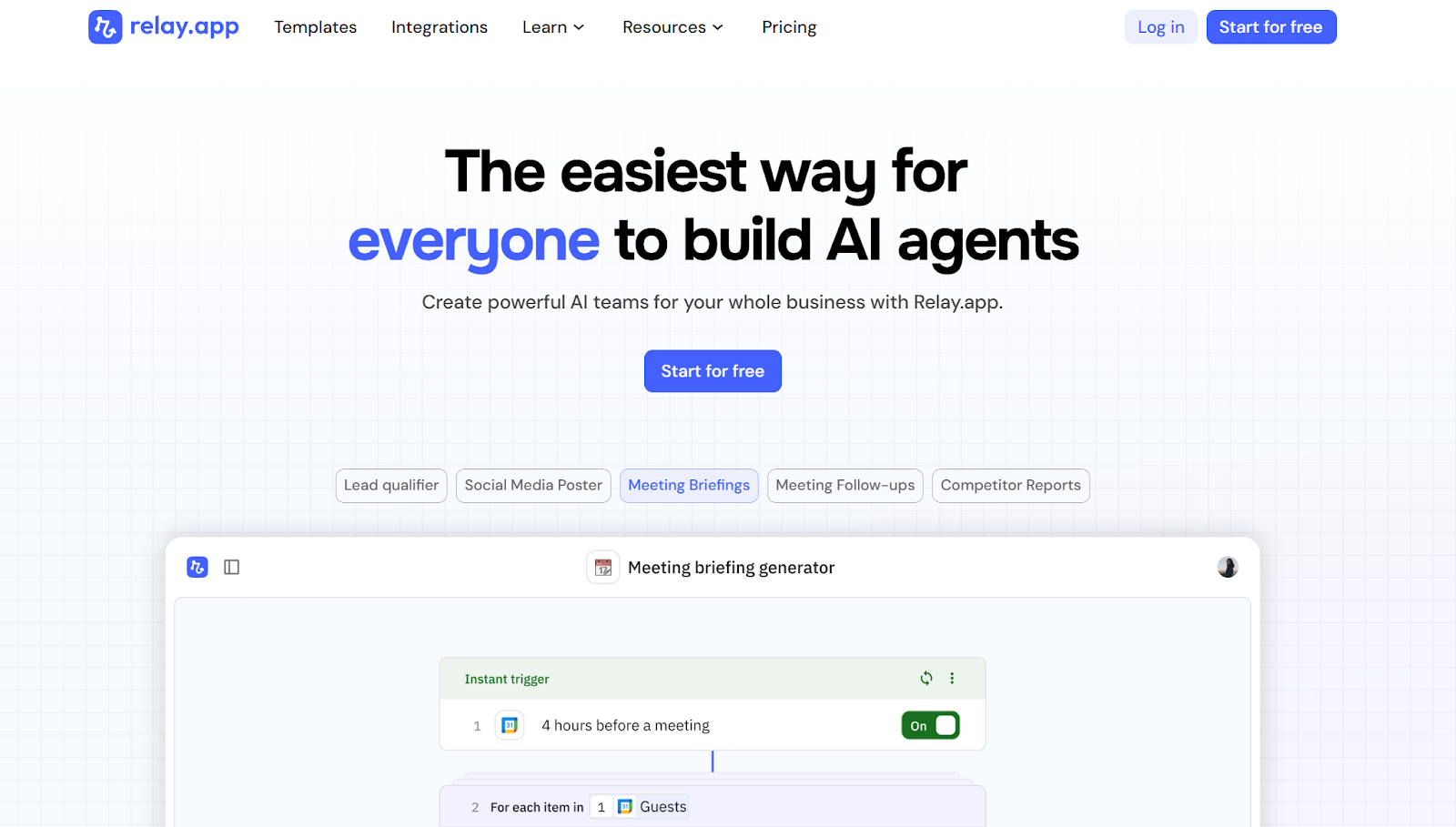
Relay.app makes it easy for anyone to build and manage AI agents without coding. It turns ideas into automated teammates that handle research, content creation, and decision-making across your business processes.
Key features
- AI Agent Builder: Describe what you want your agent to do. Relay.app creates it automatically. Agents can research leads, draft meeting follow-ups, or post on social media.
- Human-in-the-Loop: Keep oversight by adding checkpoints where humans review, approve, or refine results before execution.
- Prebuilt Agents: Access ready-made templates for tasks like qualifying sales leads, tracking SEO rankings, or summarizing support tickets.
- Integrations: Connect to hundreds of tools, including Google Sheets, Slack, HubSpot, and Notion.
- Team Collaboration: Use its drag-and-drop interface to share, edit, and monitor agents with your whole team.
Relay.app is a user-friendly AI automation tool for teams that want to scale AI-powered workflows while staying in control of their results.
AI-Native/Agentic Platforms
6. Bardeen
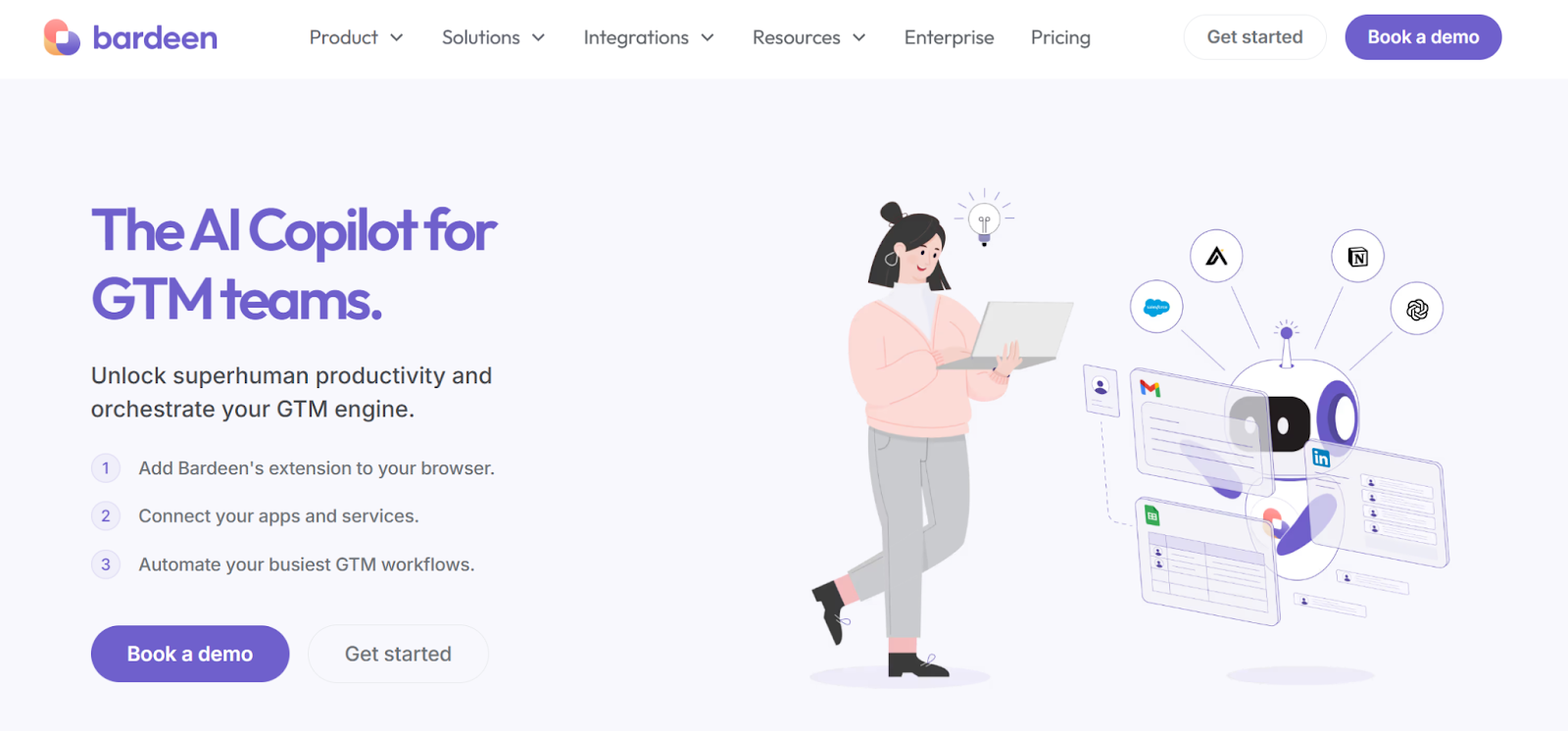
Bardeen is an AI-native automation platform built for go-to-market (GTM) teams that want to replace manual work with smart, browser-based automation. Acting as an AI copilot, it connects your favorite apps to automate repetitive tasks, enhance data entry, and improve team alignment across sales processes.
Key features
- AI Copilot: Add automation directly to your browser to streamline research, outreach, and follow-ups without switching tabs.
- Playbooks: Create and reuse automated workflows that handle lead qualification, CRM updates, and market research in minutes.
- Cross-Team Use: Ideal for sales, customer success, and revenue ops, Bardeen unites fragmented tools into one adaptive AI-powered workflow.
- Performance & Security: SOC 2 Type II certified, built for enterprise-grade security and data analysis at scale.
- Real Results: Teams report saving hours weekly on data entry, test automation, and reporting while cutting operational costs.
Bardeen helps teams automate where they already work, turning every tab into an intelligent, AI-powered workspace.
7. Lindy
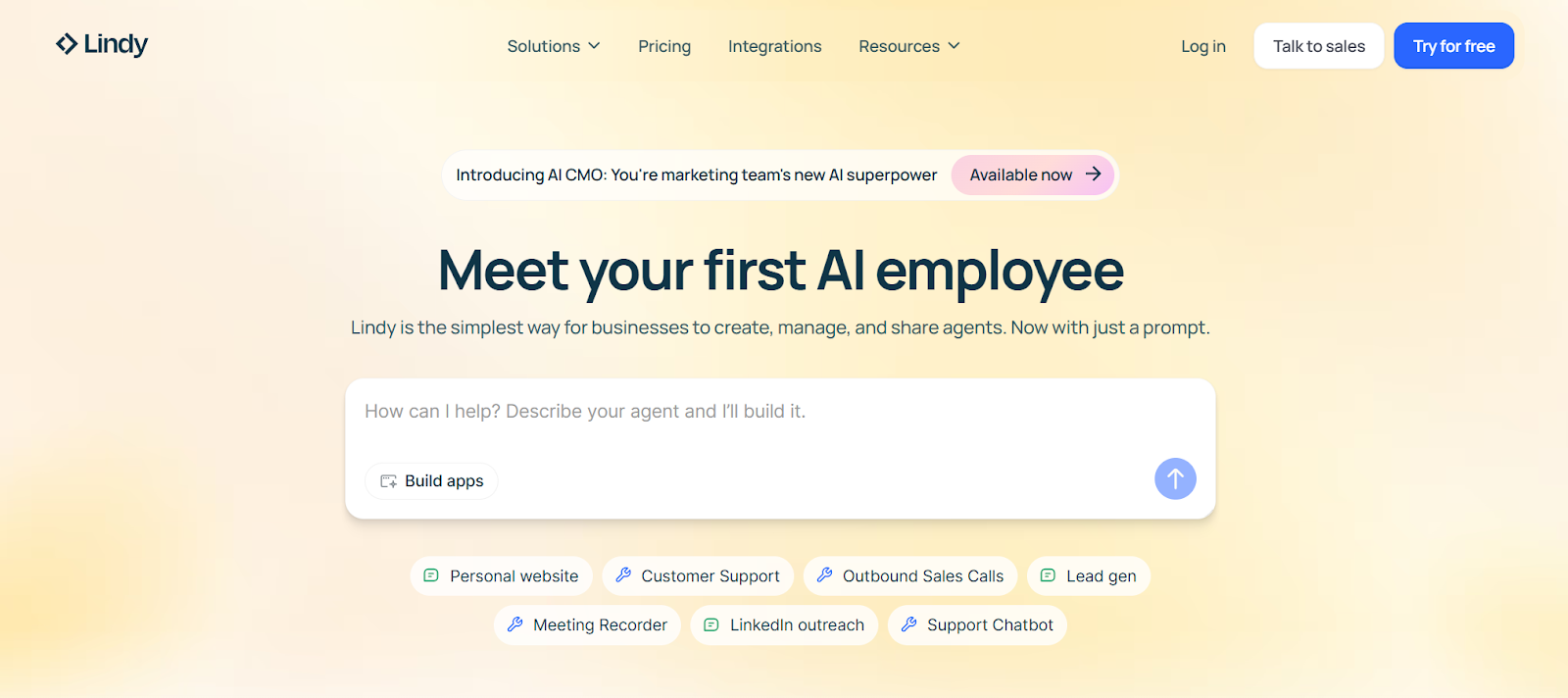
Lindy is an AI-native, agentic platform that lets teams build intelligent agents capable of reasoning, learning, and collaborating across complex workflows. It helps organizations scale adaptive systems that act like digital teammates for autonomy and accuracy.
Key features
- AI Agent Builder: Turn natural-language prompts into working agents that manage sales processes, customer engagement, or marketing strategies automatically.
- Multi-Agent Systems: Coordinate multiple agents to perform linked tasks, ideal for testing processes, research, or follow-ups that require collaboration.
- Knowledge Base: Feed agents with internal data from Notion or Google Drive for contextual understanding and smarter data analysis.
- Human-in-the-Loop: Add review steps to keep human oversight active in every AI-powered workflow.
- Enterprise Security: SOC 2 and GDPR compliant, with AES-256 encryption, ensuring a secure solution for business needs.
Lindy.ai transforms static automations into adaptive, multi-agent systems that evolve with your team.
8. Relevance AI
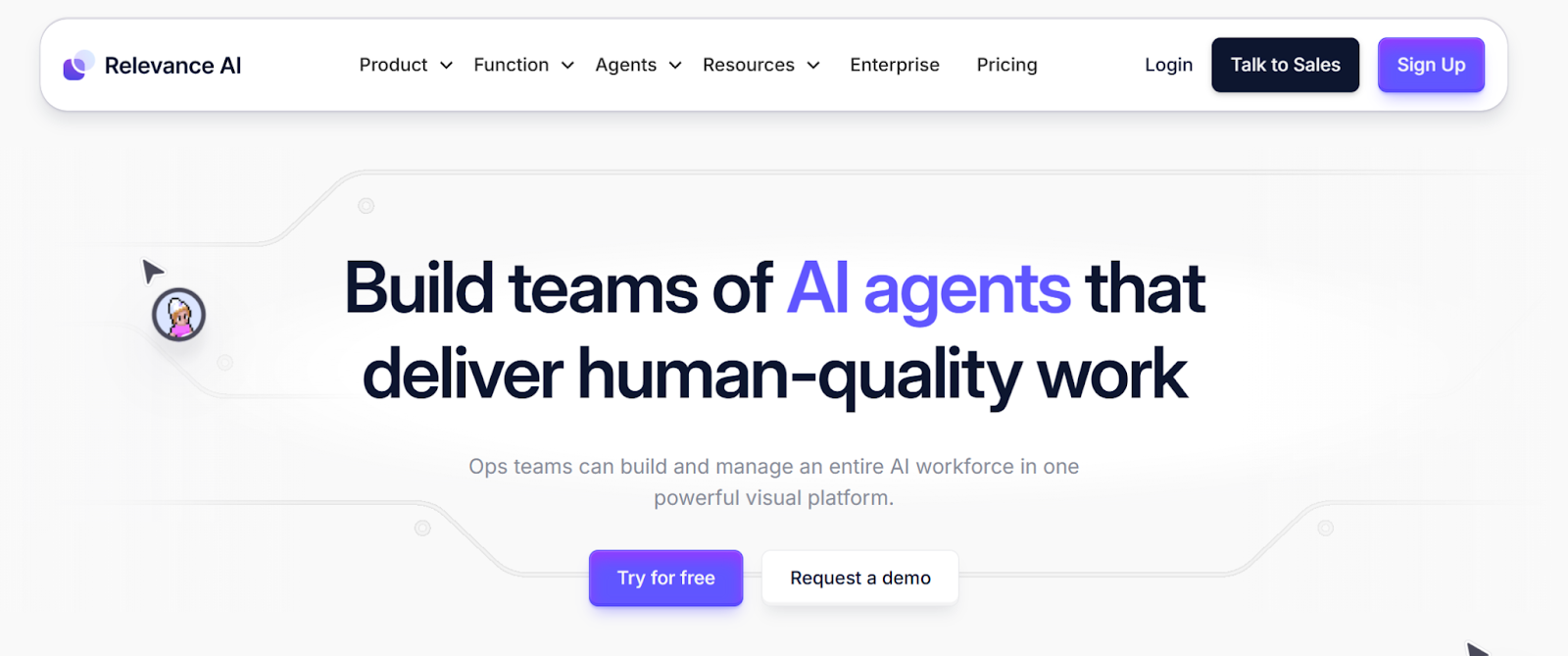
Relevance AI is an enterprise-grade, AI-native platform built for organizations ready to deploy full AI workforces. It enables teams to design, train, and manage multiple AI agents that perform complex, human-quality tasks, from research and outreach to customer support and operations.
Key features
- AI Workforce Builder: Create and customize autonomous agents that adapt to your business processes and handle everything from prospecting to CRM updates.
- Multi-Agent Platform: Build teams of agents that collaborate intelligently on tasks, providing scalable and context-aware AI automation.
- No-Code Customization: Use natural language and templates to design agents that fit your unique workflows.
- Human-Level Output: Delivers high-quality, AI-powered automation for marketing strategies, research, and operations.
- Enterprise Scalability: Designed for large teams needing security, governance, and flexible deployment across various platforms.
Relevance AI helps enterprises build adaptive, reasoning systems that act like digital employees.
9. Gumloop
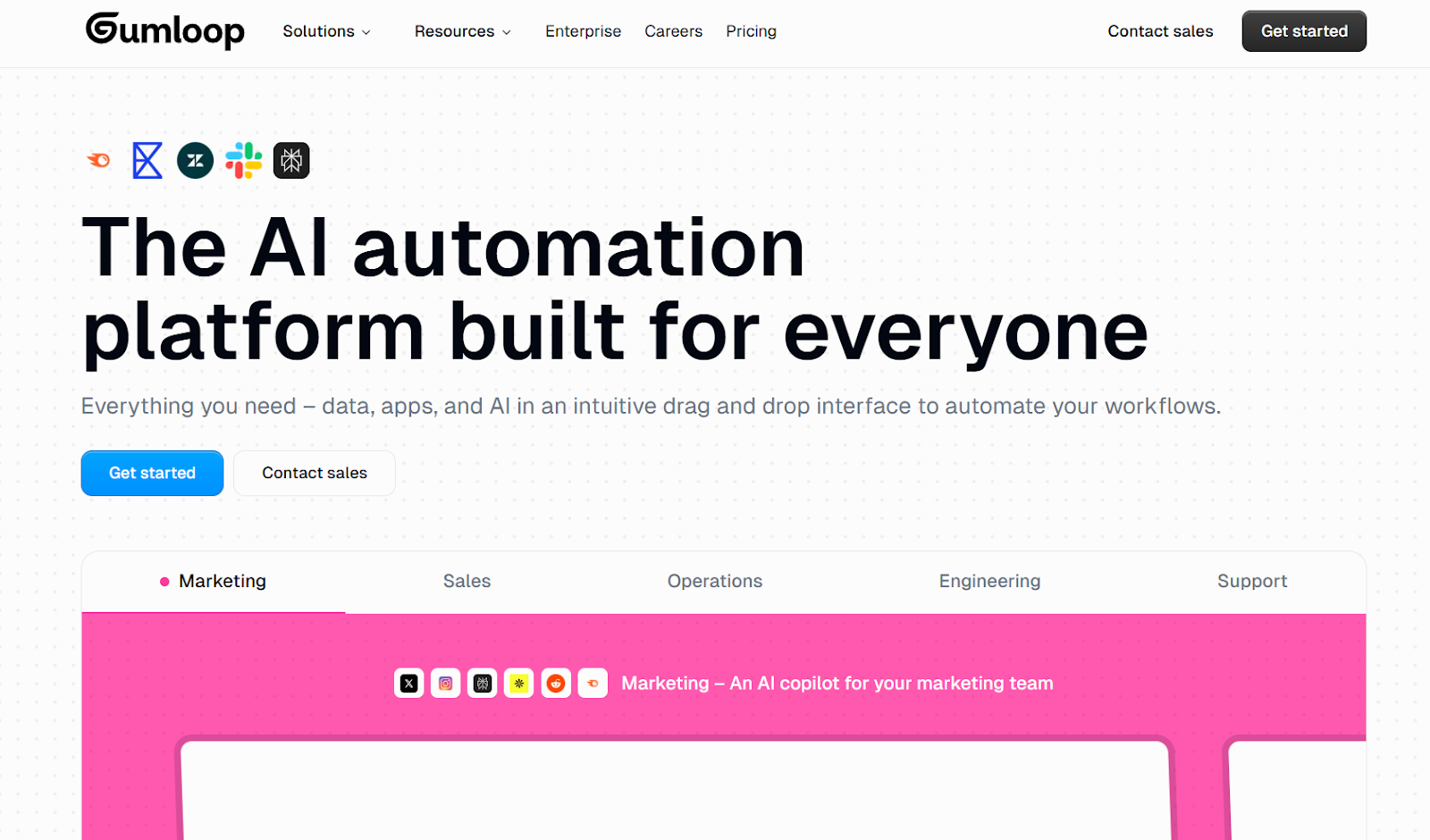
Gumloop is an agentic platform with a visual builder that lets teams design smart automations fast. It blends AI automation with data, apps, and models in one drag-and-drop interface, built for marketing, sales, ops, and support.
Key features
- AI Router: Let agents choose the next best step using built-in reasoning across flows.
- 110+ Integrations: Connect tools like Google Sheets, HubSpot, Salesforce, Slack, and more to power business processes.
- Prebuilt AI Blocks: Add web research, data extraction, text/image generation, and categorizers in clicks.
- Background Triggers: Run flows on events (email received, calendar event, spreadsheet row) for hands-off orchestration.
- Enterprise Controls: SOC 2/GDPR options, audit logs, VPC deployments, AI proxy support, model restrictions, and autoscaled compute.
Gumloop routes decisions, not just tasks, making automation adaptive, reliable, and ready for scale.
10. VectorShift
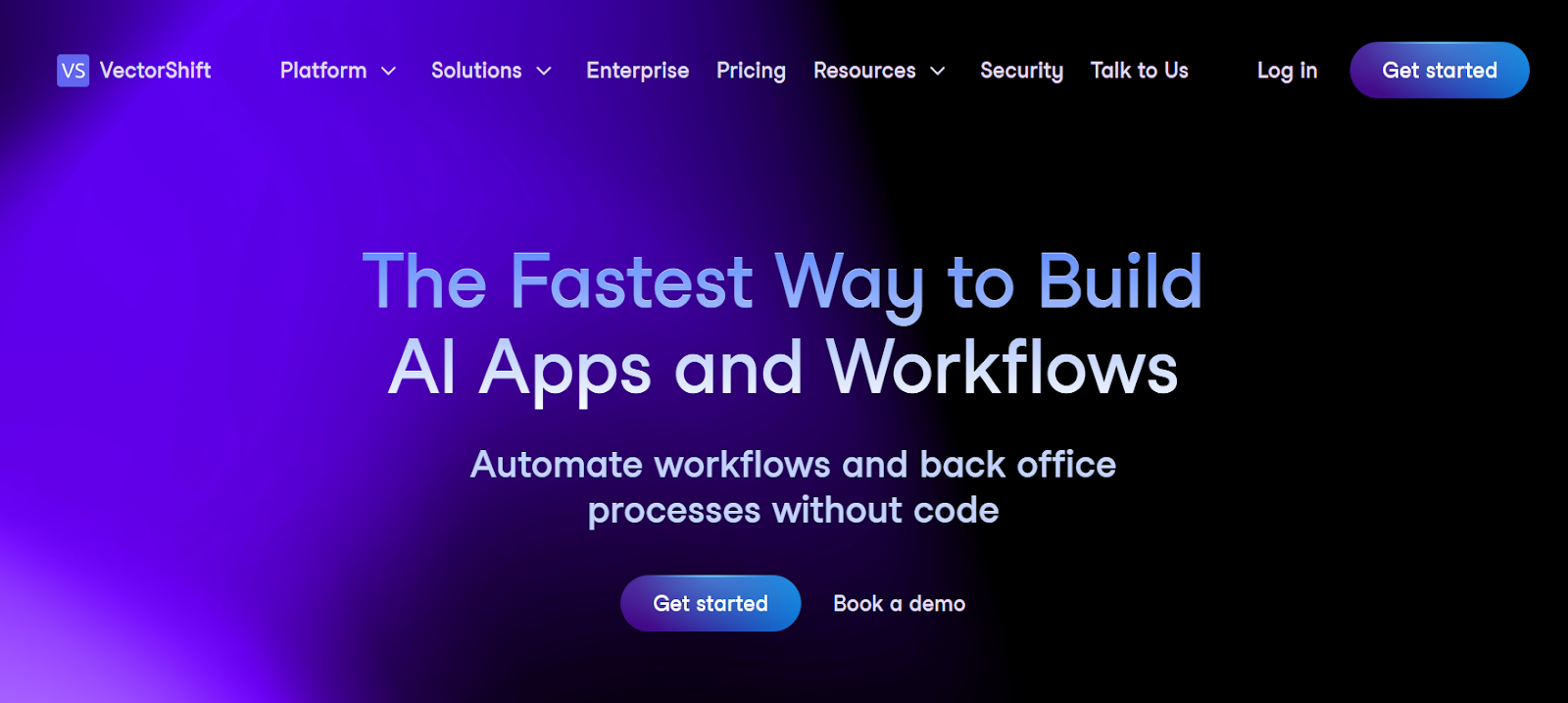
VectorShift is an automation platform that combines agentic intelligence with no-code workflow design. It helps teams connect data and tools into automated AI workflows that execute tasks, send alerts, and manage content across platforms like Slack, Notion, and Airtable.
Key features
- AI Workflow Builder: Design AI-powered workflows with defined triggers and actions, like sending Slack updates when a Typeform form is filled out.
- Multi-App Integrations: Connect tools such as Gmail, HubSpot, Google Sheets, and Notion to unify business processes.
- Scheduling & Triggers: Set time-based or event-driven triggers, similar to CRON jobs, to automate repetitive tasks.
- LLM Integration: Run workflows through leading AI models like GPT-4 for summarization, classification, and content creation.
- Developer Flexibility: Configure pipelines via Python or no-code UI for full control of your AI automation environment.
VectorShift bridges data, AI models, and automation tools to enable adaptive, scalable intelligence across enterprise workflows.
Developer & Enterprise Tools
11. Apache Airflow 3.0
Apache Airflow is a developer-focused AI automation and orchestration platform that allows teams to design, schedule, and monitor complex data workflows programmatically. It is used widely for software testing, MLOps, and data pipelines.
Key features
- Dynamic Python Workflows: Build and manage workflows in pure Python, allowing flexible and dynamic test automation and pipeline creation.
- Event-Driven Scheduling: React instantly to real-time data changes or external triggers across various platforms.
- Task Execution Interface: Enables multi-language execution and secure test maintenance across multi-cloud environments.
- DAG Versioning & Backfill: Track workflow versions, rerun data jobs, and improve continuous testing accuracy.
- Modern UI & Integrations: A React-based interface and seamless support for AWS, Azure, and Google Cloud ensure smooth data analysis and monitoring.
Apache Airflow 3.0 helps technical teams execute, test, and optimize data-driven systems.
12. Prefect
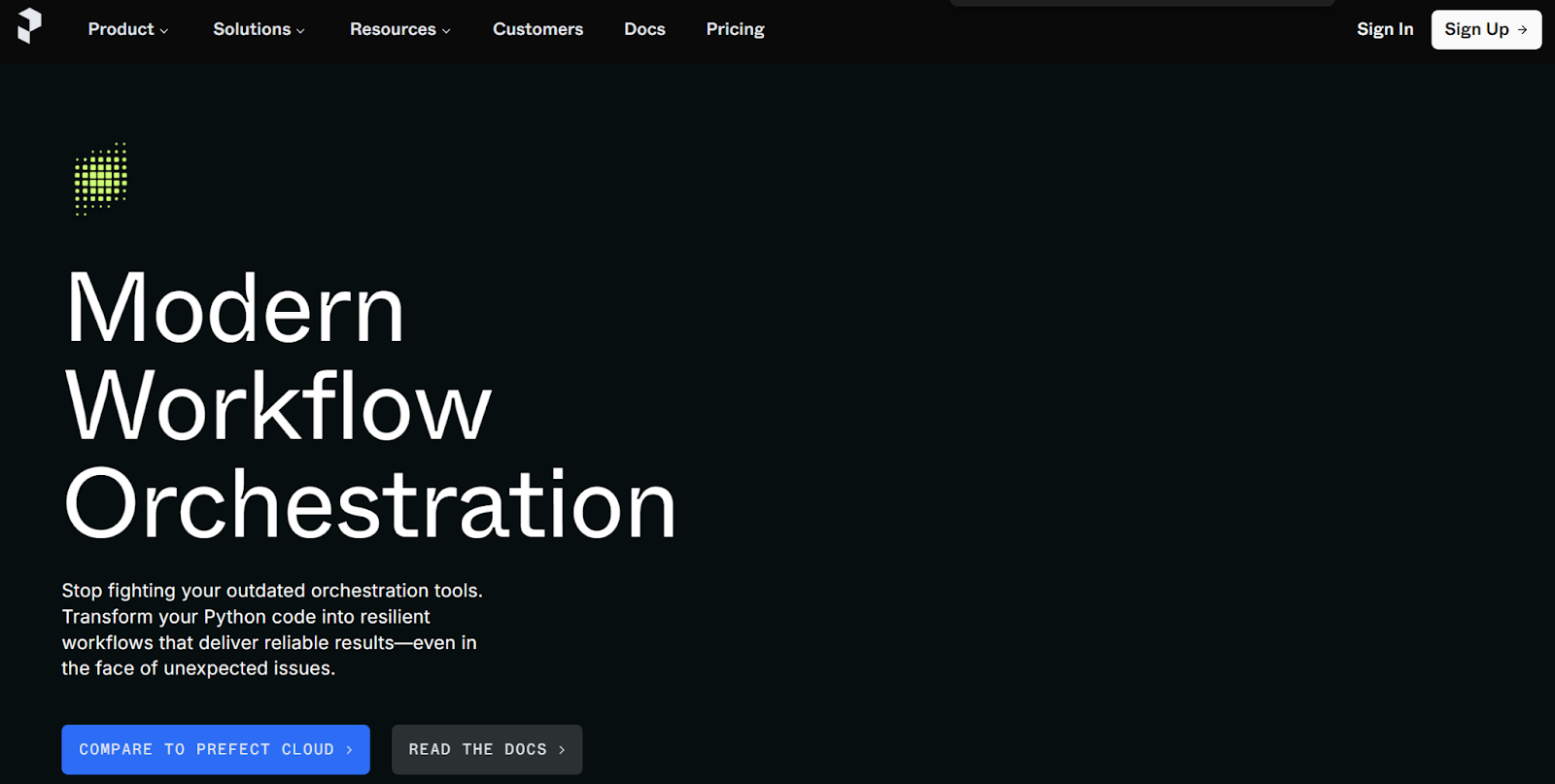
Prefect is a modern workflow orchestration platform for developers building AI automation and data workflows. It turns Python code into reliable, production-ready pipelines without complex setup or rigid syntax.
Key features
- Pure Python workflows: Add a simple decorator to convert your Python code into managed flows.
- Automatic retries: Handle failures, caching, and test maintenance with built-in recovery tools.
- Scalable deployment: Run locally or in the cloud with one command. No infrastructure headaches.
- Real-time monitoring: Track runs, logs, and states with a visual dashboard.
- Open-source base: Prefect is fully open source, backed by a large developer community.
Prefect makes AI-powered workflows resilient, scalable, and ready for continuous testing in any environment.
13. Temporal.io
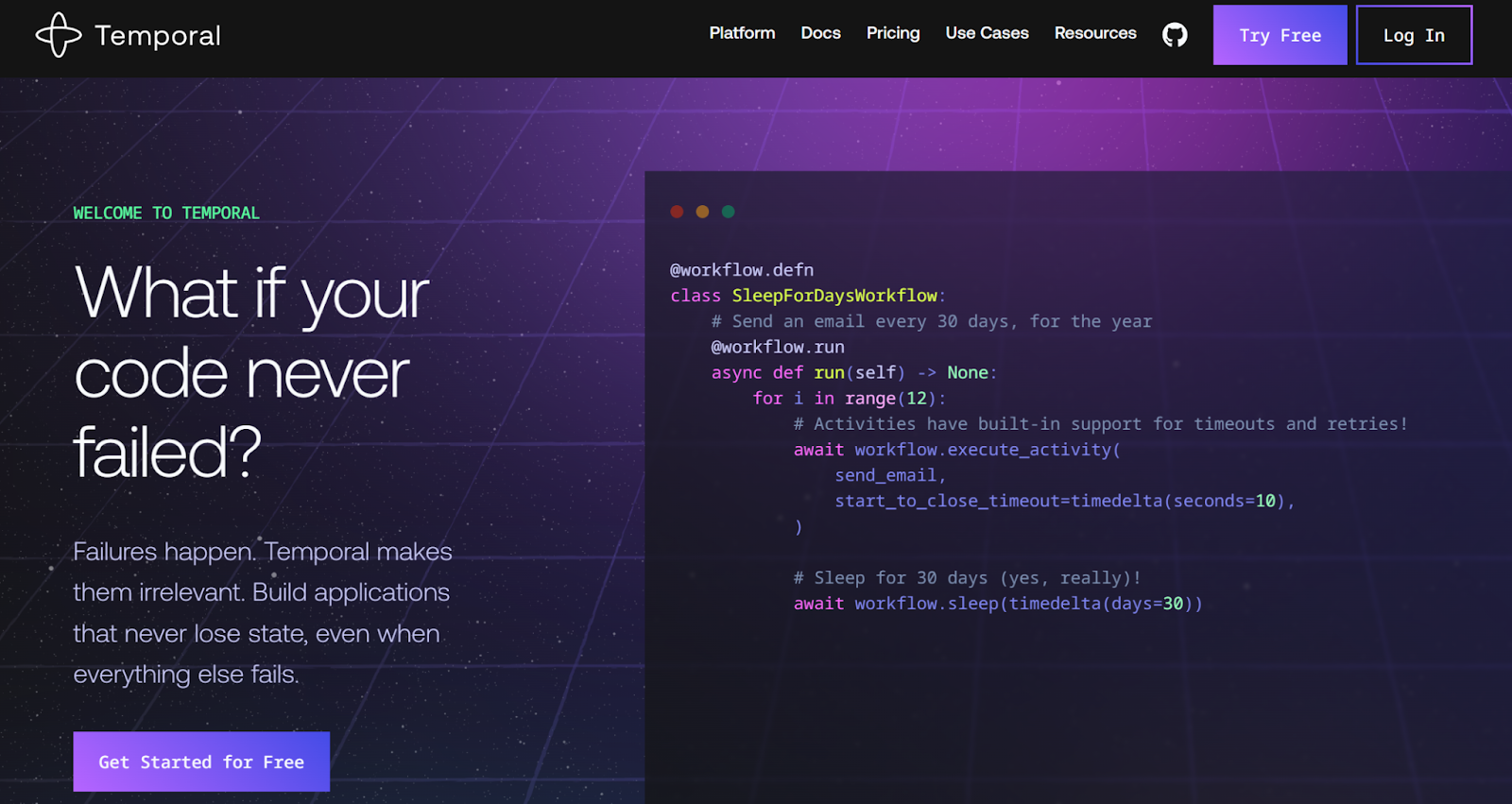
Temporal.io is a developer and enterprise-grade orchestration platform that makes code resilient against any type of failure. It ensures every step of your AI automation or testing process continues, even when systems crash or APIs fail.
Key features
- Durable Execution: Workflows automatically save progress, allowing instant recovery after failure.
- Multi-Language SDKs: Build and run workflows in Python, Java, Go, TypeScript, C#, Ruby, or PHP.
- Fault-Tolerant Activities: Functions retry automatically to prevent lost data or broken business processes.
- Long-Running Workflows: Run for days or months without losing progress or state.
- Full Visibility: View every workflow’s real-time state and performance in one dashboard.
Temporal.io is ideal for continuous testing, MLOps, and mission-critical automation tools.
14. Flyte
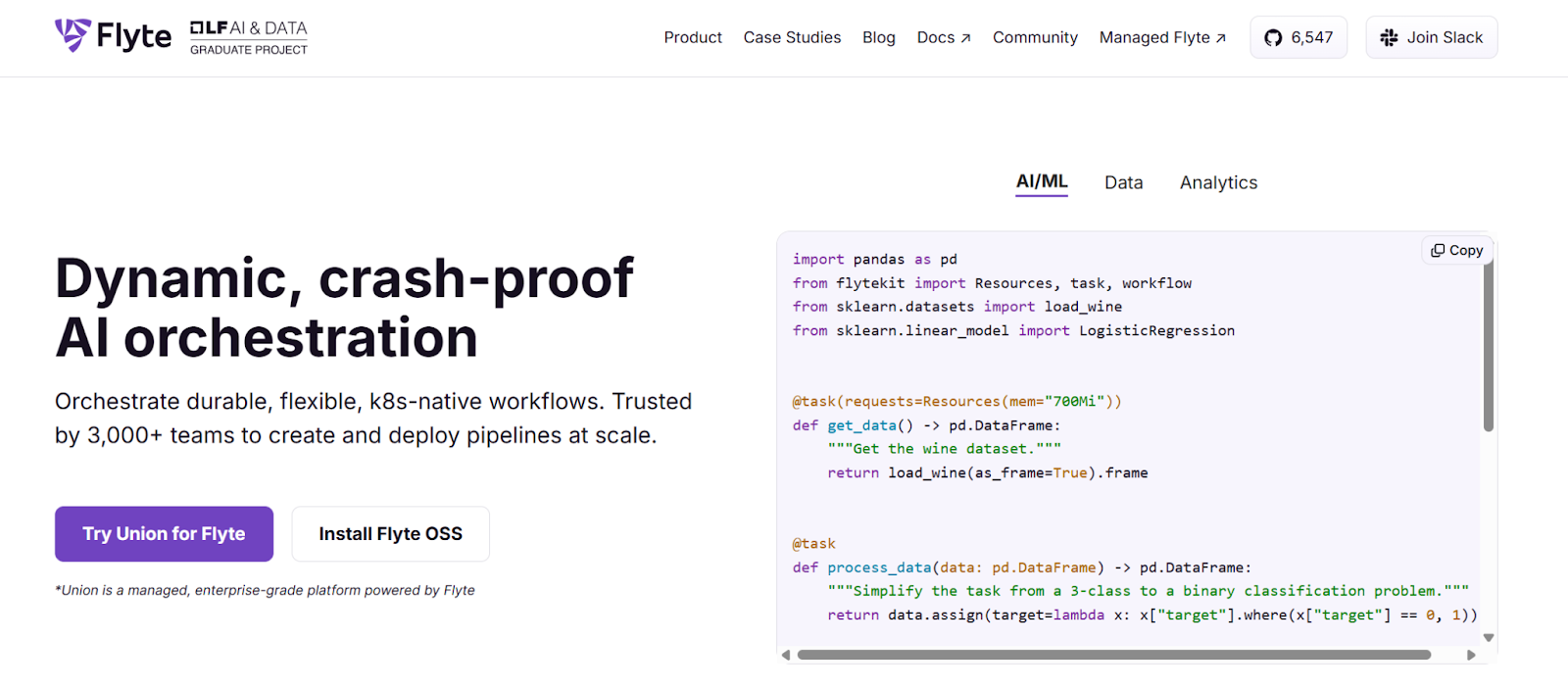
Flyte is a Kubernetes-native orchestration platform for AI, data, and machine learning workflows. It offers crash-proof reliability and dynamic scaling, making it ideal for test automation, continuous testing, and large-scale AI-powered pipelines.
Key features
- Dynamic Scaling: Allocate compute resources on demand, reducing idle costs and boosting workflow efficiency.
- Crash-Proof Reliability: Automatic retries, checkpointing, and recovery keep workflows running during failures.
- Pure Python Authoring: Write workflows locally using Python and deploy them directly to Kubernetes.
- Data Lineage Tracking: Get full visibility into workflow runs, resources, and dependencies across various platforms.
- Reusable Components: Collaborate with modular, shareable components for faster development and test maintenance.
Flyte gives teams a durable AI orchestration system built for scalability, reliability, and real-world production workloads.
15. Cognify
Cognify is an AI-native design intelligence platform that lets product teams simulate user behavior to validate UX decisions before launch. It uses synthetic AI agents to predict how real users would interact with a design, helping teams make confident, data-driven decisions faster.
- AI-Powered User Simulation: Model user interactions to identify usability gaps and friction points.
- Predictive UX Insights: Forecast the business impact of design changes using AI-driven analysis.
- Synthetic A/B Testing: Instantly evaluate design variants without running live experiments.
- Competitive Benchmarking: Compare your UX performance against industry leaders.
- Actionable Design Feedback: Get tailored improvement suggestions grounded in behavioral data.
Cognify helps teams design, test, and optimize digital experiences intelligently, reducing testing cycles and improving product outcomes.
Bonus Tool
Automate QA workflows and test creation with AI
testRigor
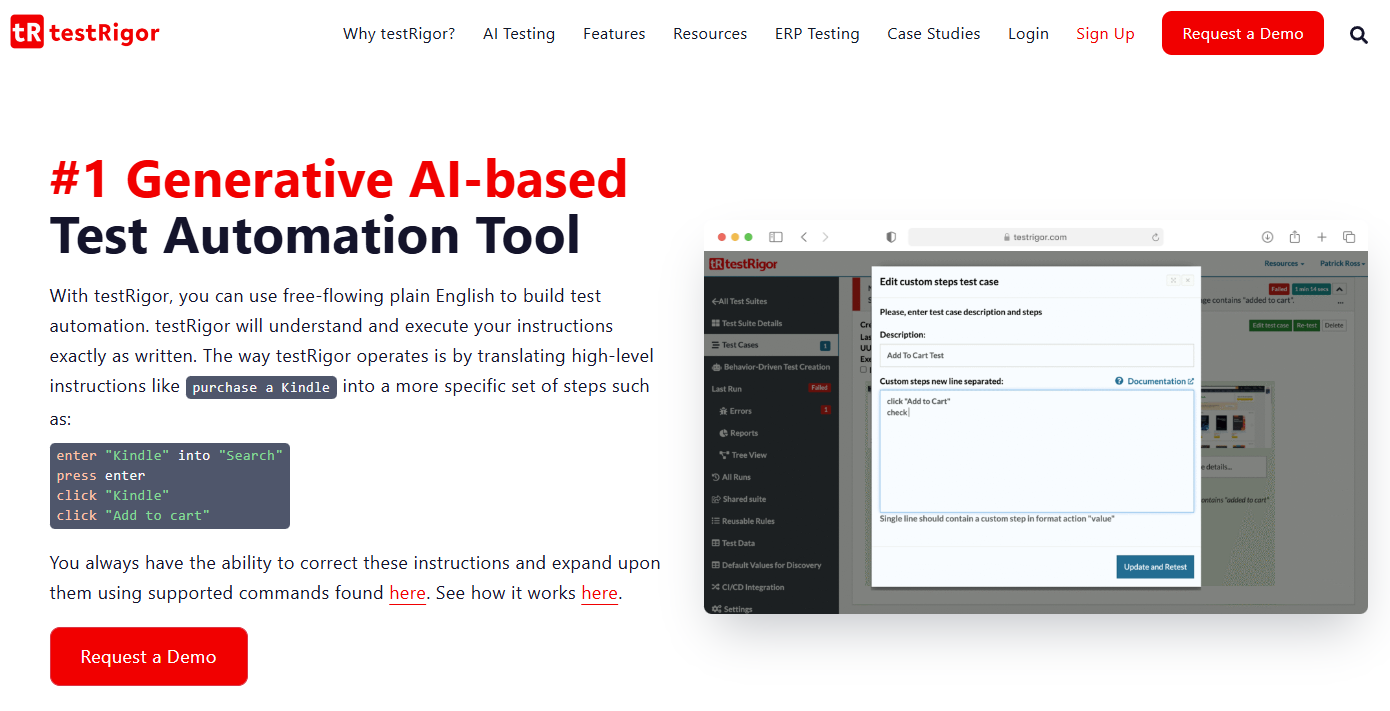
testRigor is an AI-powered test automation platform that streamlines the entire QA workflow — from test creation to execution and maintenance. By using plain English to define tests, it eliminates the need for manual scripting, enabling QA teams to automate complex testing processes as part of a seamless CI/CD workflow.
It supports end-to-end workflow automation across web, mobile (native & hybrid), desktop, API, email, SMS, and 2FA environments. It also integrates smoothly with CI/CD pipelines and popular test management tools, enabling continuous validation as part of your development lifecycle. Built-in parallel execution, detailed reporting, and smart debugging features make QA processes more efficient and data-driven.
Best for: Teams looking to automate and optimize QA workflows as part of their broader development automation strategy.
Pricing: Free open-source (public tests) tier; custom pricing starts around $900/month for private enterprise use.
Specialized / Workflow Assistants
16. Notion AI Workflows
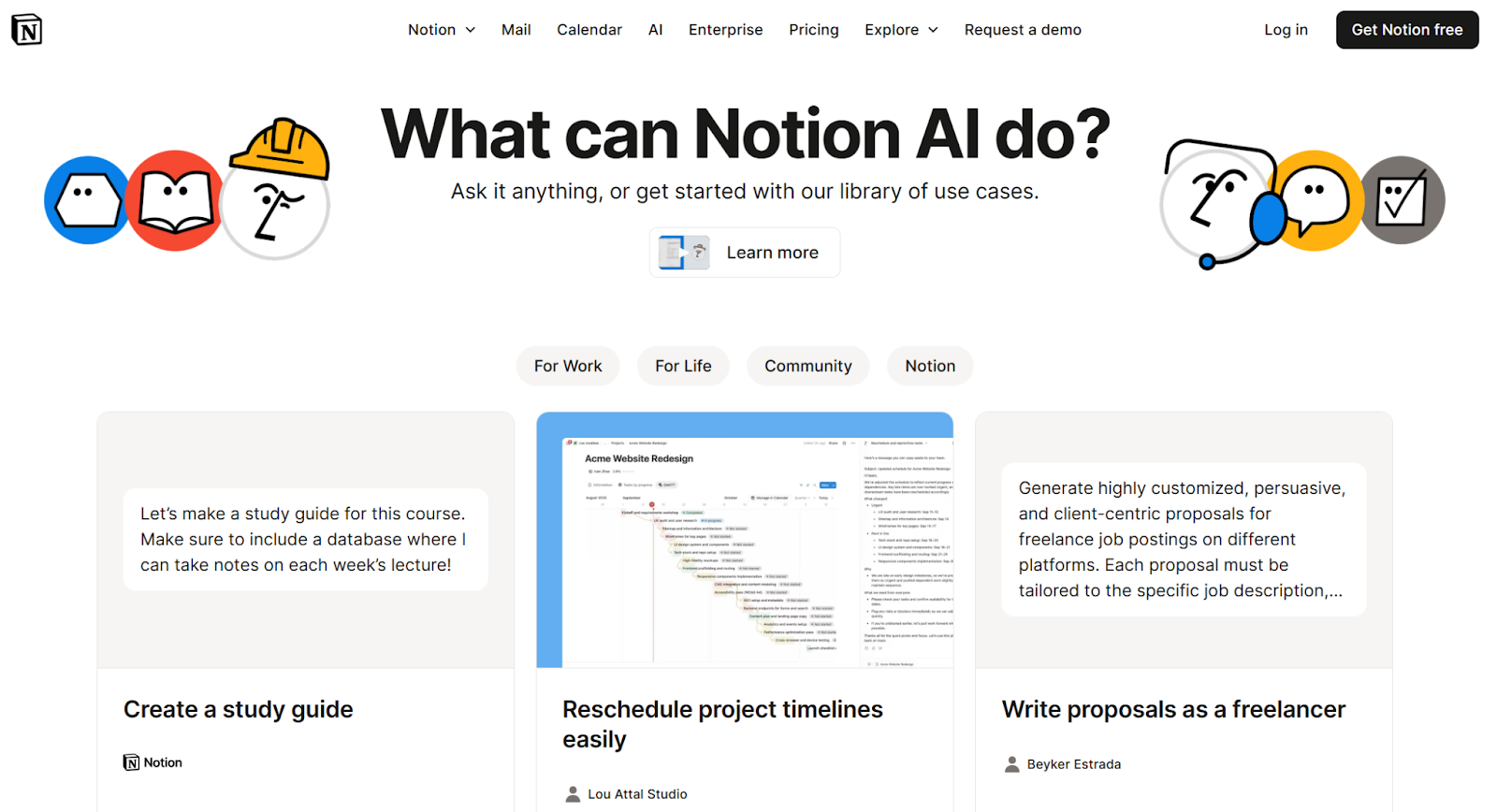
Notion 3.0 introduces AI Agents designed to act like team members inside your workspace. These agents go beyond writing help. They automate multi-step workflows, update databases, and organize information across connected tools. Built for collaborative work, Notion AI eliminates repetitive tasks so teams can focus on strategic projects.
- AI Agents: Create, edit, and organize docs, tasks, and databases automatically.
- Personalized Automation: Customize your Agent’s behavior with instructions and memory pages.
- Cross-Tool Actions: Compile insights from Slack, email, and Notion into structured reports.
- Custom Agents (coming soon): Automate recurring workflows like feedback collection or onboarding.
- Collaborative Intelligence: Designed for shared workspaces to reduce manual follow-ups and context switching.
Notion AI Workflows bring intelligent automation directly into everyday knowledge work.
17. ClickUp Brain
ClickUp Brain transforms your workspace into an intelligent productivity hub powered by AI. It automates project management, documentation, and meetings. Integrated across every feature, ClickUp AI turns ideas into action, tracks progress, and generates real-time insights directly in your workspace.
- AI Agents: Delegate routine tasks to specialized agents for project tracking, standups, and content creation.
- Autonomous Projects: Let AI manage priorities, assign tasks, and track milestones automatically.
- AI Meetings: Turn every meeting into transcripts, summaries, and follow-ups without manual notes.
- AI Search & Ask: Find information across tasks, docs, and chats instantly with full context.
- AI Creator: Generate visuals, content, and structured tasks from simple prompts.
ClickUp AI acts as a workflow assistant built into every layer of your workspace.
18. ChatGPT Business (formerly Teams) Automations
ChatGPT Business brings advanced automation and collaboration tools to teams using OpenAI’s enterprise-grade platform. It lets users automate repetitive workflows, share custom GPTs, and securely integrate AI into daily operations, all within ChatGPT.
- Shared Workspaces: Collaborate on custom GPTs and prompt libraries built for specific team needs.
- Automated Workflows: Schedule recurring tasks like daily reports, summaries, or follow-up emails.
- App Integrations: Connect with tools such as Slack, Google Drive, and Asana for seamless data flow.
- Custom Instructions: Tailor AI behavior with context from your projects, brand tone, or internal docs.
- Enterprise Security: Data is fully encrypted and never used to train OpenAI models.
ChatGPT Business acts as a workflow assistant that transforms team collaboration and automates day-to-day tasks.
19. Zapier Tables
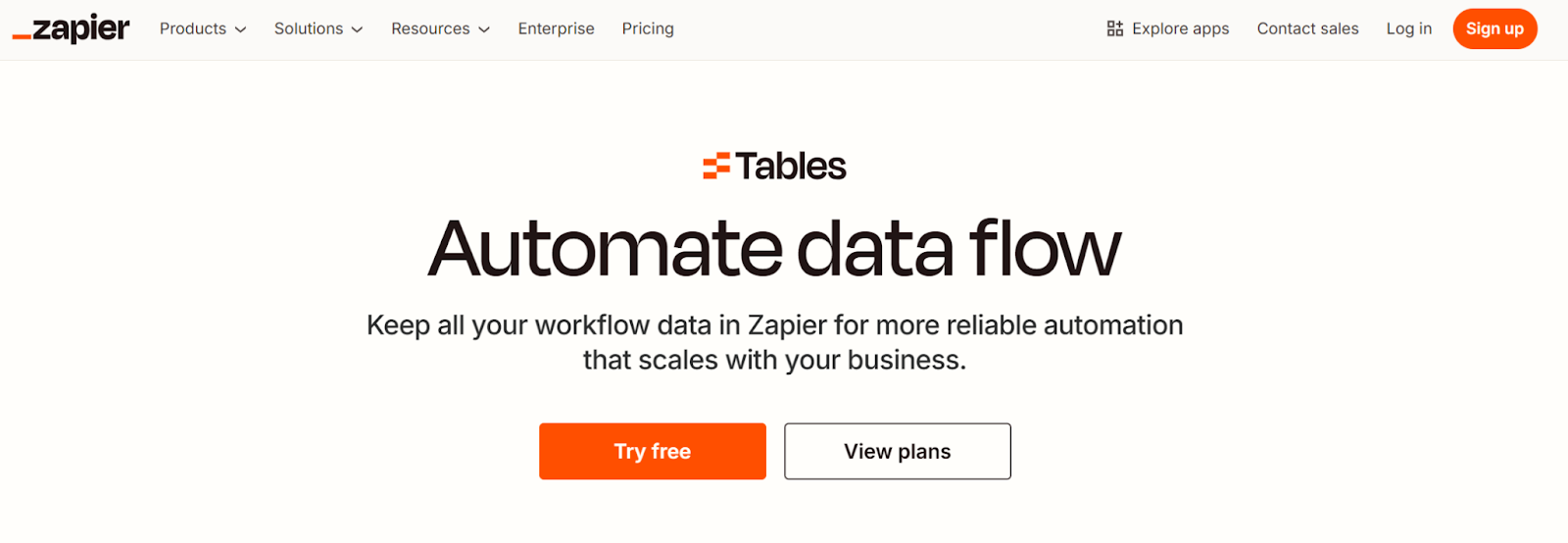
Zapier Tables helps teams automate and manage workflow data without traditional spreadsheets or complex databases. It stores, organizes, and connects information directly to 8,000+ apps in Zapier’s ecosystem so your data moves automatically across tools.
- Automated Data Flow: Trigger actions like emails, task creation, or CRM updates whenever table entries change.
- No-Code Database: Build structured, dynamic tables that scale with your business. No developer needed.
- Prebuilt Templates: Start instantly with use cases like lead tracking, onboarding, and sales reporting.
- Connected Ecosystem: Syncs seamlessly with Slack, Gmail, HubSpot, and other major apps.
- Reliable Collaboration: Keep all workflow data centralized for better visibility and fewer manual updates.
Zapier Tables fits this category by acting as a workflow assistant that turns static data into automated, interconnected processes.
20. Salesforce AI (Einstein + Agentforce)
.png)
Salesforce AI combines predictive, generative, and agent-based automation within the Einstein 1 Platform. It enables teams to automate CRM workflows, create conversational AI assistants, and make data-driven decisions securely.
- Agentforce: Build custom AI agents for customer support, marketing, or operations directly inside Salesforce.
- Prompt & Model Builder: Design and deploy tailored AI experiences grounded in your own CRM data.
- Sales & Service AI: Automate sales emails, summarize customer calls, and guide service reps with real-time insights.
- Einstein Trust Layer: Protect sensitive data with built-in privacy, masking, and ethical AI safeguards.
- Dynamic Grounding: Improve accuracy by contextualizing results with your organization’s private data.
Salesforce AI offers intelligent workflow assistance that connects CRM data, automation, and trustworthy AI into one unified platform.
21. Creatio
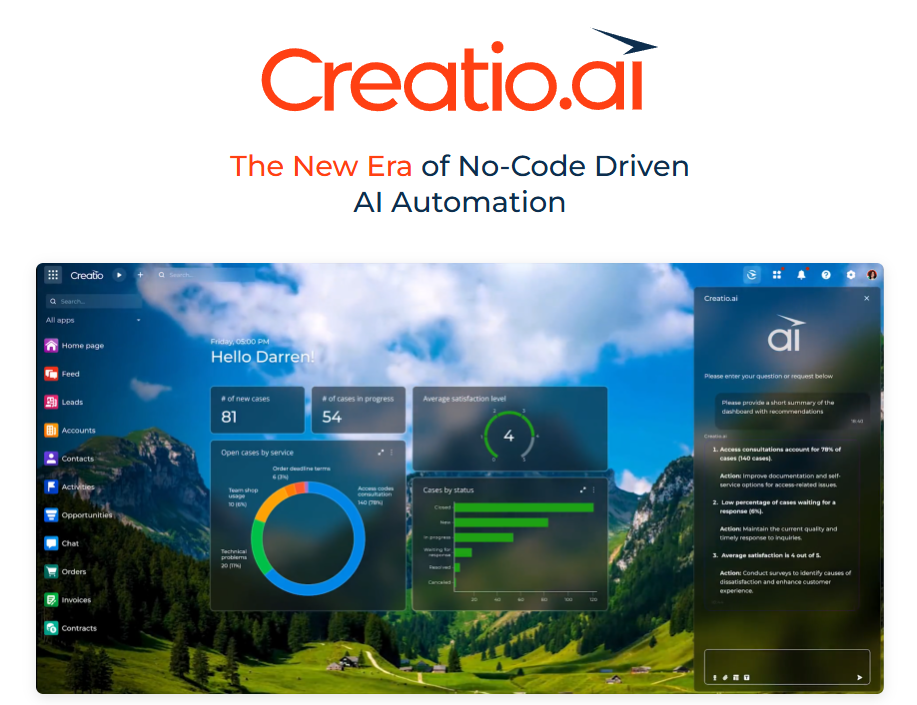
Creatio is a unified platform to automate workflows and CRM that empowers businesses to design and optimize complex processes using no code and a powerful combination of generative, predictive, and agentic AI capabilities.
Key Features:
- AI- Workflow Automation: Design business processes using simple descriptions in natural language with Creatio’s AI assistant, which interprets plain text into process maps and suggests the next best actions for users in real-time.
- Predictive Intelligence: Identify trends, forecast outcomes, and uncover customer insights with predictive AI that supports smarter decision-making across teams.
- Generative AI Tools: Automatically create marketing content, sales emails, reports, and product recommendations tailored to your audience and business context.
- Agentic AI Assistant: Automate routine tasks across sales, marketing, customer service, finance, HR, and operations with a virtual assistant that acts proactively on business triggers.
- Industry-Ready Solutions: Access out-of-the-box AI-powered workflows built for 20+ sectors, including finance, healthcare, insurance, manufacturing, and more.
- Seamless Integration: Connect to over 700 apps and tools for unified data access and real-time synchronization across the tech stack.
Creatio is ideal for businesses looking to enhance their operations with intelligent automation while maintaining full flexibility through no-code customization.
22. SocialPilot
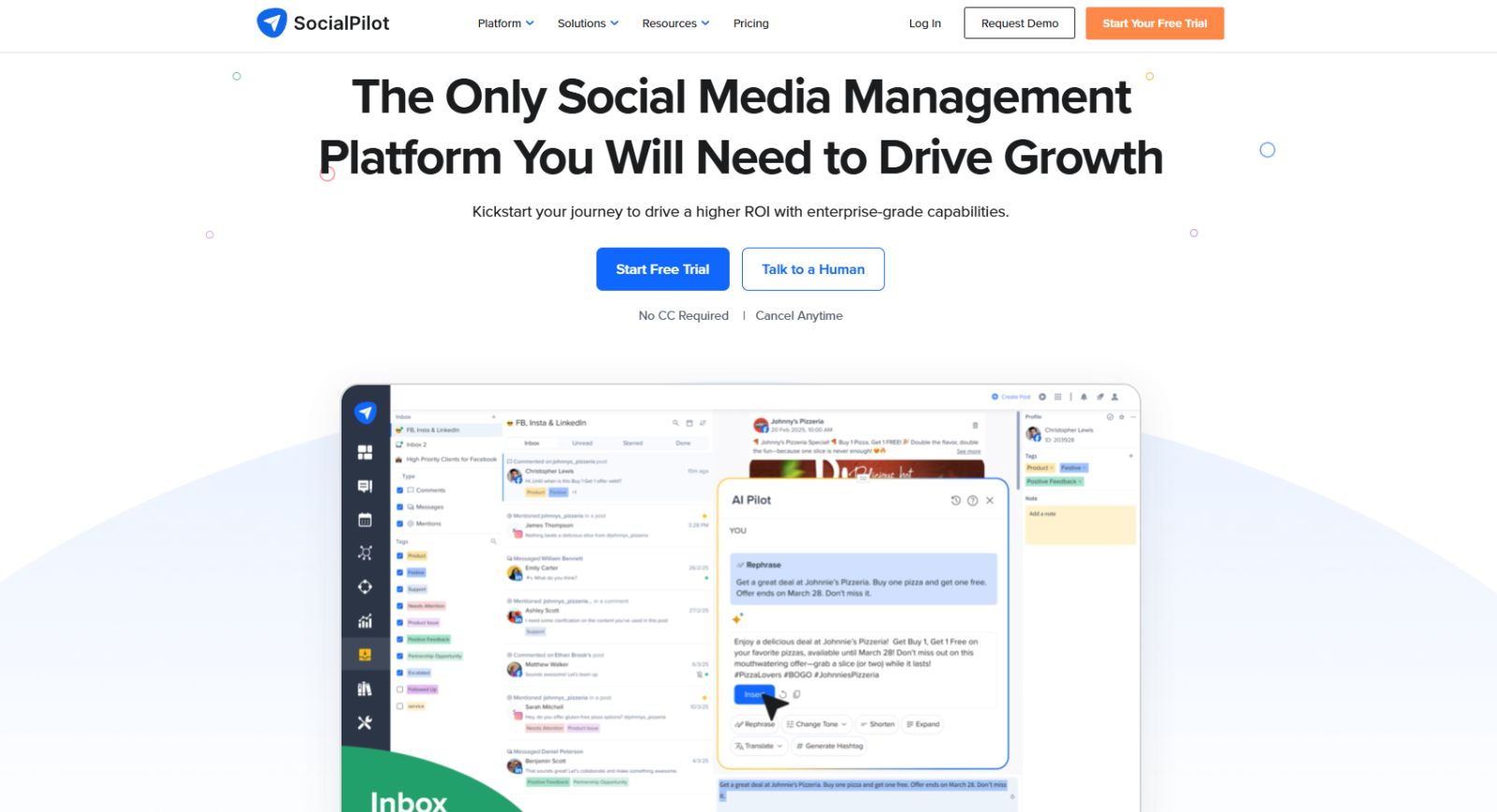
SocialPilot connects social media management to over 11000 businesses, helping teams plan, publish, and analyze content across all major platforms without the complexity of enterprise tools. Trusted by agencies, SMBs, and marketing teams worldwide, it brings AI-powered scheduling, collaboration, and analytics into one streamlined workflow.
Key features
- AI Assistant: Generate captions, hashtags, and post ideas in seconds using built-in AI — no prompting expertise required.
- Bulk Scheduling: Upload and schedule up to 500 posts at once across multiple accounts, saving hours of manual effort.
- White Label: Fully rebrand the platform with your agency's logo, colors, and domain for a seamless client experience.
- Client Management: Onboard clients, manage approvals, and collaborate on content calendars — all from one dashboard.
- Analytics & Reporting: Track performance across platforms with detailed reports you can export or share directly with clients.
SocialPilot is a powerful yet affordable social media tool that scales with your team — whether you're managing five accounts or five hundred — without the steep pricing of legacy platforms.
The Future of AI Workflow Automation Tools
Looking ahead, AI workflow automation is shifting into a new phase driven by three major trends: autonomous orchestration, cross-agent negotiation, and cost-aware workflows.
- Autonomous orchestration: Instead of single tools executing tasks, systems will coordinate entire workflows independently: agents running agents, dynamically adapting to changing conditions. According to one report, 2025 will see the rise of “AI-first workflows” that decouple cost from growth.
- Cross-agent negotiation: Multiple AI agents will communicate and collaborate with each other (settling trade-offs, transferring tasks, and optimizing outcomes across disparate systems). Research shows that “multi-agent ecosystems” enabling cross-functional workflows are becoming mainstream.
- Cost-aware workflows: Automation will not just be about speed, but also about efficiency. Agents will monitor resource use, optimize for cost, and make intelligent decisions based on both performance and budget. Analyst reports cite rising executive focus on cost-control when deploying AI automation this year.
These developments will push AI automation tools beyond scripted trigger-actions into self-optimizing systems that think, negotiate, and deliver value at scale. As these systems grow more complex, integrating AI security becomes essential to protect workflows, prevent misuse, and ensure safe, reliable operation.
Better Workflows with AI
AI-powered workflow assistants are reshaping how teams plan, execute, and optimize daily operations. These tools enhance productivity and redefine collaboration.
Each platform in this category helps teams move beyond manual workflows to systems that think and act with them. As AI becomes more integrated into everyday tools, specialized assistants will continue turning routine tasks into intelligent, data-driven actions that scale with your business.
FAQs About AI Workflow Automation Tools
What is AI workflow automation?
AI workflow automation uses artificial intelligence to handle repetitive or complex tasks automatically, improving speed, accuracy, and decision-making across business operations.
How are AI agents changing automation?
AI agents can plan, execute, and refine tasks independently. They turn static workflows into adaptive systems that respond to real-time data and evolving business goals.
What are autonomous workflows?
Autonomous workflows are self-managing systems that complete multi-step processes with minimal human input, adapting to context and ensuring reliability even after disruptions.
How do cross-agent workflows work?
Cross-agent workflows allow multiple AI agents to collaborate, delegate, and share data seamlessly. This improves coordination across departments and applications.
What are cost-aware workflows?
Cost-aware workflows use AI to balance performance with efficiency. They automatically adjust resource allocation and model usage to reduce waste and control expenses.
AI workflow automation uses artificial intelligence to handle tasks that usually require manual effort, such as data entry or content creation. By automating these processes, you save time, reduce errors, and can focus on more strategic work that drives your business forward.
Tactiq provides real-time transcription, smart highlights, and automatic meeting summaries, so you capture every important detail without manual note-taking. This means you leave every meeting with clear, actionable insights, helping your team stay aligned and efficient.
You can choose from task automation tools, AI-powered content creation, design automation, meeting transcription, code assistance, customer service chatbots, audio/video editing, and visual testing tools. Each type targets specific business needs, helping you reduce manual work and accelerate project timelines.
AI content creation tools generate high-quality marketing copy, blog posts, and social media content quickly, freeing you from repetitive writing tasks. This lets you launch campaigns faster and maintain a consistent brand voice, so you can focus on strategy and creativity.
Tools like Bardeen.ai automate repetitive tasks and data entry, while Mem organizes and retrieves your notes automatically. By integrating these tools, you reclaim valuable time and ensure important information is always at your fingertips, making your workflow smoother and more efficient.
Related articles








Want the convenience of AI summaries?
Try Tactiq for your upcoming meeting.
Want the convenience of AI summaries?
Try Tactiq for your upcoming meeting.
Want the convenience of AI summaries?
Try Tactiq for your upcoming meeting.