
Which AI Tool Uses ChatGPT for Meeting Data?
- Published:
- May 26, 2026
- Updated:
- August 12, 2026

Copying a meeting transcript into ChatGPT and prompting it for a summary works, but it's slow. You need the transcript first, then you switch tabs, paste, prompt, and format the output manually. There's a faster way.
Tactiq connects OpenAI's GPT models directly to your meetings. Here's what this article covers:
- Which AI meeting tool runs on OpenAI's GPT models
- How Tactiq uses GPT to generate summaries, action items, and more
- Why the Azure OpenAI backend matters for data privacy
TL;DR: Which AI Tool Uses ChatGPT for Meeting Data?
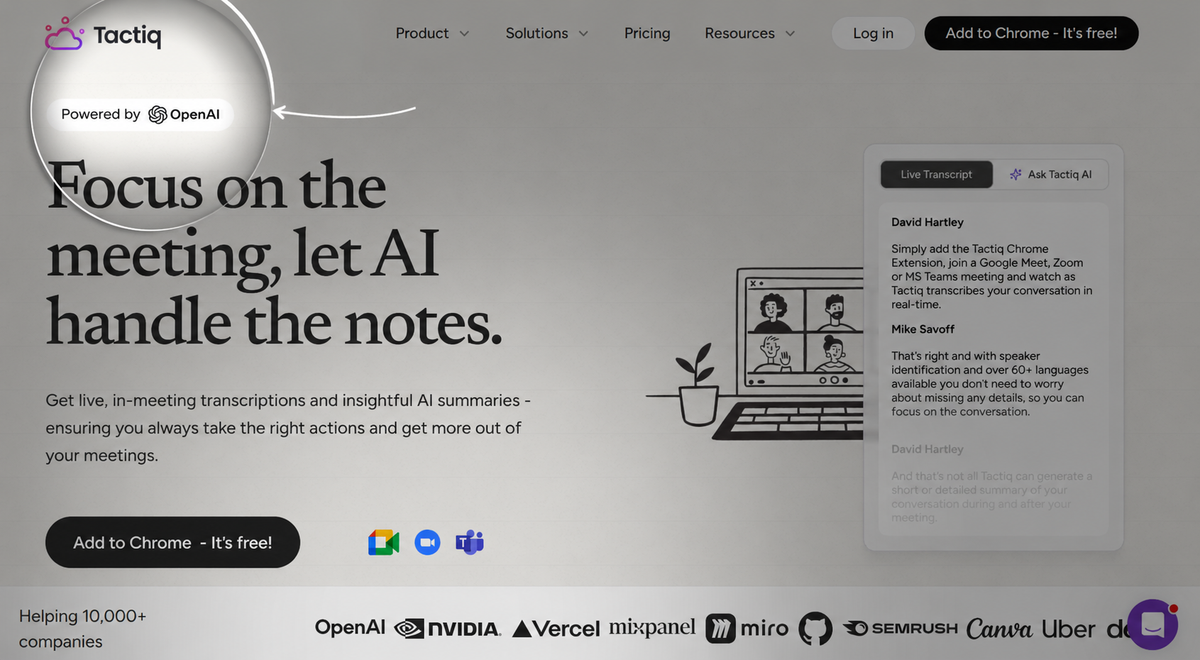
Tactiq (opens in a new tab) is the AI meeting tool built to work with OpenAI's GPT models. It transcribes your meetings in real time across Google Meet, Zoom, and Microsoft Teams. Then it uses that transcript to automatically generate summaries, action items, and meeting notes.
As Tactiq's help documentation confirms, Azure OpenAI does not use your data to train or improve its models (opens in a new tab), unlike consumer-facing ChatGPT. Tactiq also has a service modification with Microsoft that disables content logging, even for abuse and misuse monitoring purposes.
That distinction matters for teams handling sensitive conversations in internal meetings. Your meeting data stays yours.
How Does Tactiq Use OpenAI in Meetings?
Tactiq connects OpenAI's GPT models directly to your meeting transcript. No copy-paste or switching tabs. Every feature runs on the live transcript Tactiq builds as your meeting happens.
Here's what that looks like in practice:
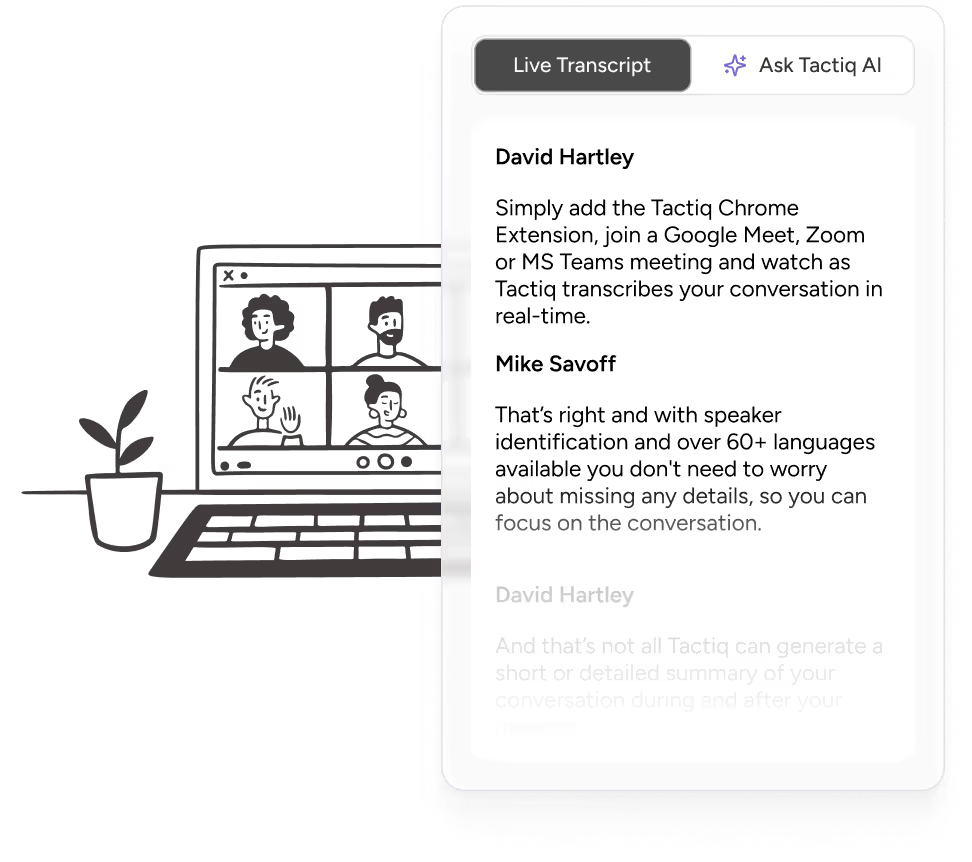
- Real-time transcription: Tactiq captures every word as it's spoken across Google Meet, Zoom, and Microsoft Teams, with speaker identification so you know who said what.
- AI meeting summaries: Once the meeting ends, Tactiq generates a summary in one click. Choose from short, detailed, citation-based, or project-update formats depending on what your team needs.
- Action items and next steps: Tactiq's AI automatically identifies tasks and decisions from the transcript. No manual note-taking required.
- Custom prompts: Submit your own prompt to generate a specific output from any transcript. Save prompts as reusable templates and group them into meeting kits for different meeting types.
- In-meeting AI (opens in a new tab): Tactiq's in-meeting AI lets you ask questions, get real-time summaries, and generate action items while the meeting is still happening. You don't have to wait until it's over to get relevant details out of the conversation.
- AI Workflows: Automatically push meeting insights to tools like Slack, HubSpot, Linear, and more. Set triggers based on meeting title or participants so workflows run without manual work.
You can also disable AI features entirely from your Tactiq settings, giving teams with strict data security requirements full control over how the tool operates.

💡 Pro tip: Install Tactiq's Chrome extension (opens in a new tab), and your summary, action items, and next steps are ready before you close the call tab. No extra tools needed.
Why Tactiq Is the Most Seamless Way to Use ChatGPT for Meeting Data
Most people who want to use ChatGPT for meeting notes follow the same manual process. They record the meeting, wait for a transcript, copy it into ChatGPT, write a prompt, and hope the output is usable. Every one of those steps is a chance to lose time or drop context.
Tactiq removes that entire chain.
No bot in the meeting
Tactiq works as a Chrome extension, not an AI bot that joins your call as a participant. There's no awkward extra attendee, no notification that a third-party tool is listening in, and no friction for the other attendees. The transcript builds silently in the background while you stay focused on the conversation.
GPT models built in, no copy-paste needed
Because OpenAI's GPT models are built directly into Tactiq, your transcript never has to leave the platform to get summarized. You don't open ChatGPT, paste anything, or manually prompt for action items. Tactiq handles the entire process, from live transcription to structured meeting notes, in one place.
If you want to use ChatGPT for meeting minutes (opens in a new tab) the manual way, it works, but it takes significantly more steps.
Custom prompts and AI Workflows
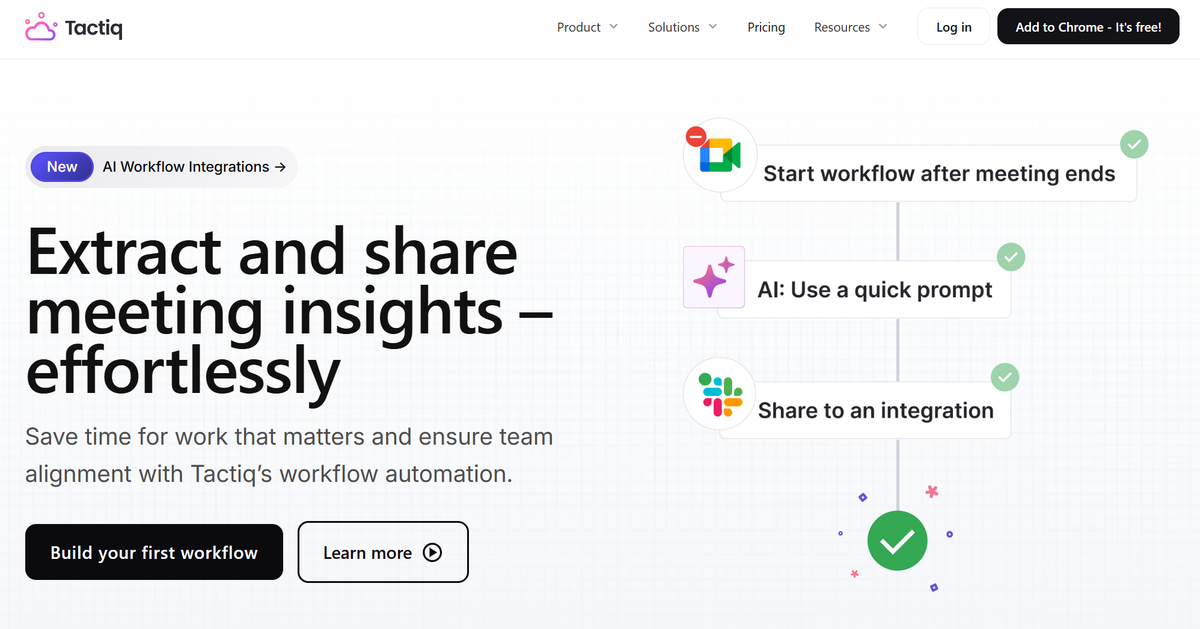
Tactiq lets you write custom prompts tailored to your meeting type and save them for reuse. Beyond that, AI Workflows (opens in a new tab) automatically push structured insights directly to tools such as Slack, HubSpot, and Linear, based on triggers you set. Teams handling multiple meeting types across MS Teams (opens in a new tab) or Google Meet get consistent outputs without any manual work between meetings.
Free to get started
For teams focused on meeting efficiency, that means less time on follow-ups and more time on actual work.
Tactiq's free plan includes your first 10 meeting transcriptions and summaries; no credit card required. Paid plans unlock unlimited transcriptions, AI Workflows, and additional features for whole teams.
Want the convenience of AI summaries?
Try Tactiq for your upcoming meeting.
The Easiest Way to Bring ChatGPT Into Your Meetings Starts Here
If you've been manually copying meeting transcripts into ChatGPT, you already know how much friction that adds. You finish the call, pull the transcript, open a new tab, paste the entire conversation, write a prompt, and wait. Then you format the output and share it with your team. That's five or six steps before anyone sees a single action item.
Tactiq cuts all of that out. Install the Chrome extension, join your meeting, and your transcript is live before the first agenda item is done. When the meeting ends, your AI-powered summary, action items, and next steps are ready; no extra tools or manual copy-paste into ChatGPT (opens in a new tab).
For teams that want to go further, AI Workflows push those outputs directly to Slack, HubSpot, Linear, or wherever your team works. The meeting ends, and the follow-ups are already in motion.
Get your first AI-powered summary in under a minute. Try Tactiq free.
FAQ
Your questions, answered.
If you have any further questions, Get in touch (opens in a new tab) with our friendly team
Can ChatGPT transcribe meeting recordings?
What is the best AI tool to use ChatGPT for meeting data?
How do I use ChatGPT for meeting notes?
Which AI tools use GPT for meetings?
Is there a free AI meeting tool that uses ChatGPT?
Related articles

Best ChatGPT Alternatives in 2026 (Free & Paid)

How to Cancel ChatGPT Subscription in 2026: Step-by-Step Guide

How to Feed Data to ChatGPT

ChatGPT Meeting Minutes Generator

Is Gemini Better Than ChatGPT?

Copilot vs ChatGPT vs Gemini: Ultimate 2026 Comparison

How to Export ChatGPT Conversation (Full Guide)

Does Tactiq Work with the ChatGPT Atlas Browser?
Want the convenience of AI summaries?
Try Tactiq for your upcoming meeting.
Bringing AI into your meetings has never been so easy.
Add to Chrome - It's free!(opens in a new tab)Try Tactiq in your upcoming meeting!
Sign up now