
3 Ways You Can Use ChatGPT for Your Next Meeting
- Published:
- February 1, 2023
- Updated:
- September 22, 2026

A one-hour meeting can create another hour of work through summaries, decisions, and follow-ups.
ChatGPT meeting notes can now start with a native recording, an uploaded transcript, or information from connected workplace tools. You can also paste a meeting transcript when you need more control.
TL;DR: What’s the Best Way to Use ChatGPT for Your Next Meeting?
For AI meeting notes, use ChatGPT Record Mode to capture, transcribe, and summarize the conversation. You can also upload an existing transcript or connect workplace tools for follow-up tasks.
3 Ways You Can Use ChatGPT for Meeting Notes
ChatGPT can create meeting minutes, summarize discussions, identify key decisions, and prepare action items for your next meeting.
The best workflow depends on how you capture the conversation and what you need afterward.
1. Get minutes of meeting.
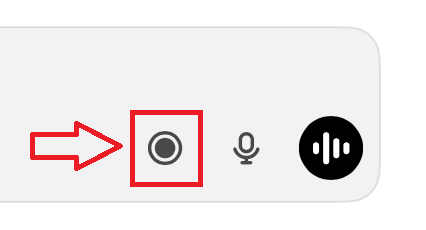
ChatGPT Record (opens in a new tab) can transcribe a meeting and create a structured summary within the macOS desktop app. It is currently unavailable on Windows, web, and mobile.
After recording, ask ChatGPT to turn the transcript into detailed meeting minutes covering:
- Attendees and topics
- Key discussion points and decisions
- Action items, owners, and deadlines
- Questions requiring follow-up
Other users can paste or upload a full transcript and enter the same prompt. See our guide to using ChatGPT for meeting notes (opens in a new tab) for the complete workflow.
You can also bring in agendas or supporting notes from other files. ChatGPT can summarize Google Docs (opens in a new tab) alongside your meeting transcript for additional context.
💡 Pro tip: Connect the Tactiq MCP server (opens in a new tab) to give ChatGPT, Claude, and other compatible tools access to your meeting history. Our guide to Tactiq’s Claude connector (opens in a new tab) explains how this workflow works with Claude.
2. ChatGPT helps you make decisions.
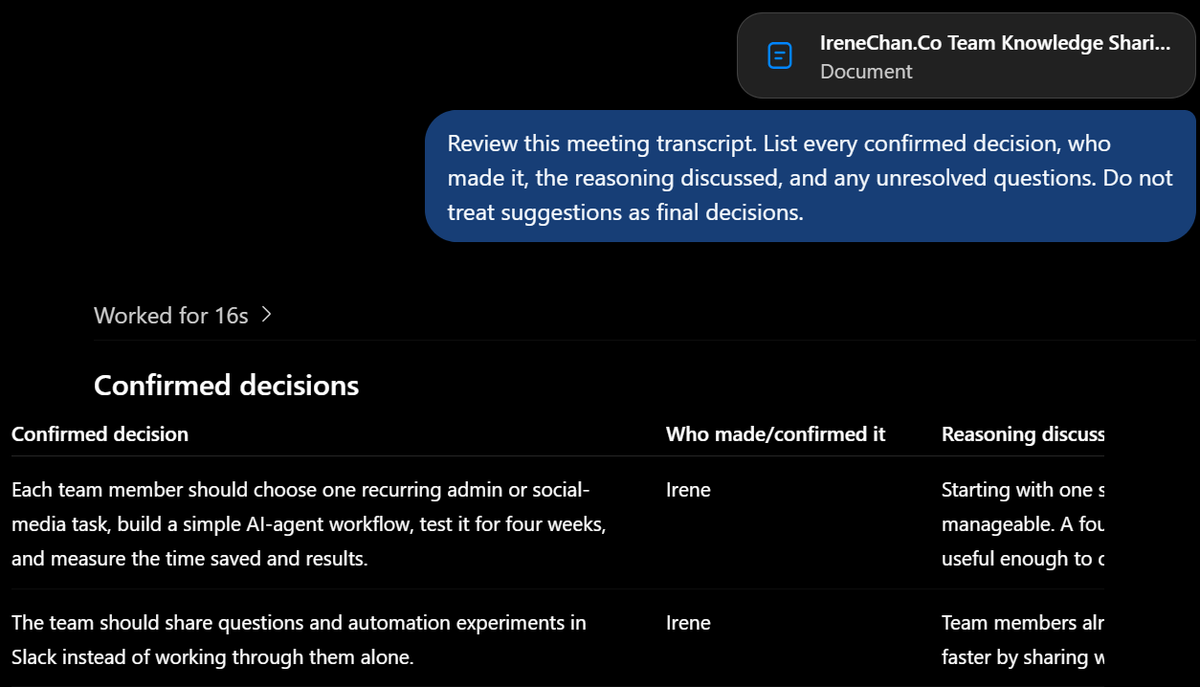
Meeting summaries often combine confirmed decisions with ideas that were only discussed. ChatGPT can separate these details and show what the group agreed on.
Use a specific prompt such as:
“Review this meeting transcript. List every confirmed decision, who made it, the reasoning discussed, and any unresolved questions. Do not treat suggestions as final decisions.”
ChatGPT can then organize the results by topic or project. This format gives your team a clear record for future reference and reduces disagreements about what was decided.
Always double-check the output against the transcript. ChatGPT may overlook context or present uncertain information too confidently.
3. Identify action items and agenda for the next meeting.
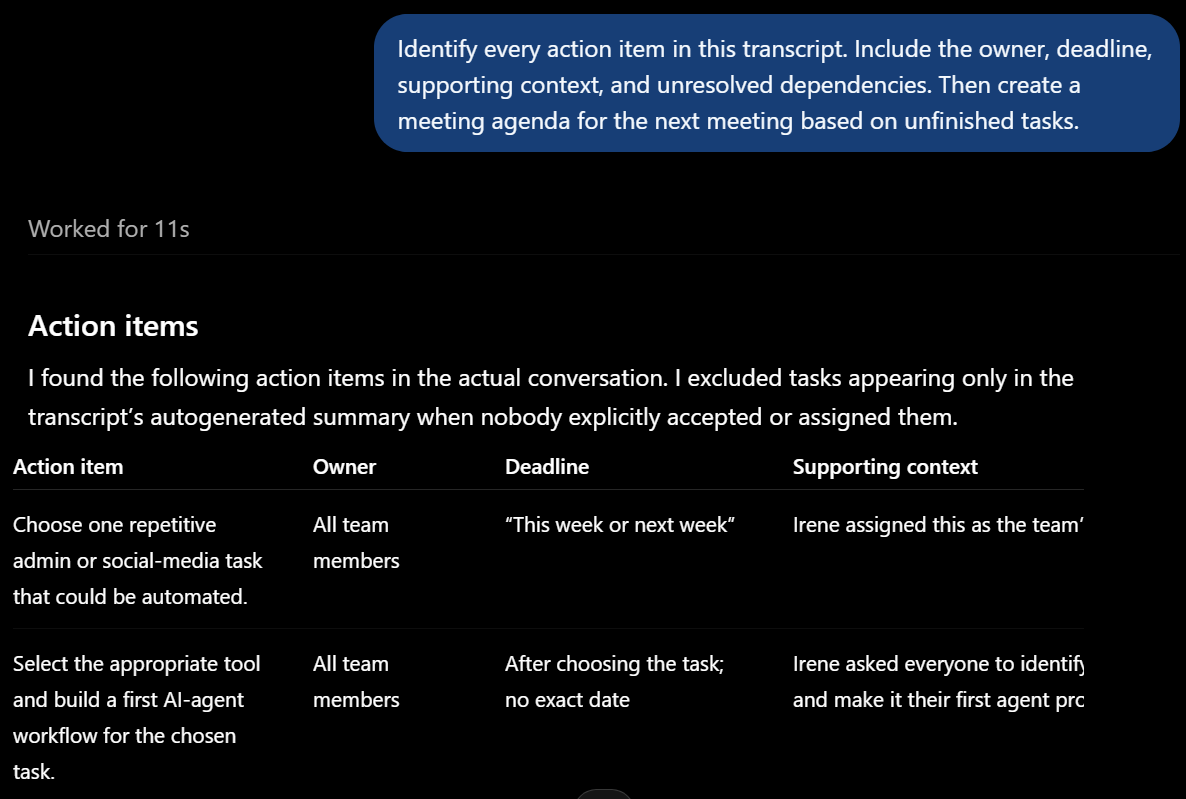
After confirming the decisions, use ChatGPT to turn each commitment into a clear action item. Ask it to include the owner, deadline, dependencies, and any missing details.
Try this prompt:
“Identify every action item in this transcript. Include the owner, deadline, supporting context, and unresolved dependencies. Then create a meeting agenda for the next meeting based on unfinished tasks.”
ChatGPT can organize the results into a table or bullet points for easier review. If the transcript does not name an owner or deadline, ask ChatGPT to mark the field as unassigned.
This process helps everyone stay organized and gives the follow-up meeting a focused agenda. Review the output before sharing it to avoid assigning tasks based on inaccurate information.
Tactiq: A Better ChatGPT Alternative to Simplify Meeting Summaries
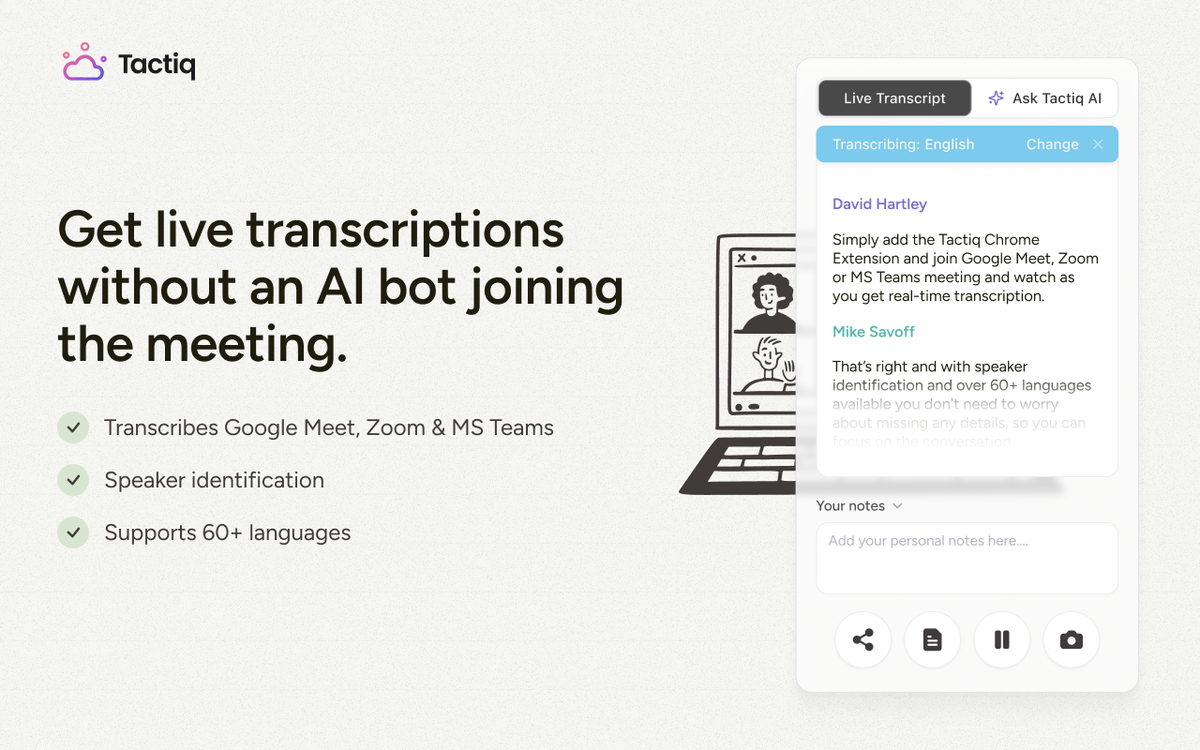
ChatGPT can process meeting transcripts, but its native recording workflow has limitations. ChatGPT Record Mode only works through the macOS desktop app and limits each session to 240 minutes. It can distinguish multiple speakers, but speaker attribution may require corrections.
Tactiq (opens in a new tab) transcribes Google Meet, Zoom, and Microsoft Teams through the browser. It preserves speaker labels from the meeting platform and stores transcripts in a searchable meeting library.
This approach removes several manual steps:
- No transcript copying or uploading after online meetings
- No separate prompt required for a standard meeting summary
- No macOS requirement for live meeting transcription
- No need to search through different chats for past notes
You can still ask questions or use custom prompts when you need specific details. For example, you could identify customer objections or summarize every project decision.
How to Start Using Tactiq
Tactiq works through a browser extension for Chrome and Microsoft Edge. Here’s how to use it during a live meeting:
- Install Tactiq (opens in a new tab) and sign in with your Google account.
- Open Google Meet, Zoom, or Microsoft Teams in your browser and join the meeting.
- Confirm the language and check that the Tactiq widget displays the live transcript.
- After the call, open the saved transcript from My Meetings (opens in a new tab).
- Generate meeting notes, key points, or action items, then review the output.
You can also enter a custom prompt in the Ask About This Meeting field. Use it to extract project updates, customer feedback, or other relevant details.
Already have a transcript, audio file, or past recordings? Follow Tactiq’s guide to uploading video, audio, and transcripts (opens in a new tab). Once processed, you can apply the same AI tools.
You can also learn how to summarize meetings with ChatGPT through Tactiq (opens in a new tab).
Want the convenience of AI summaries?
Try Tactiq for your upcoming meeting.
ChatGPT Plugins and MCP for Meetings
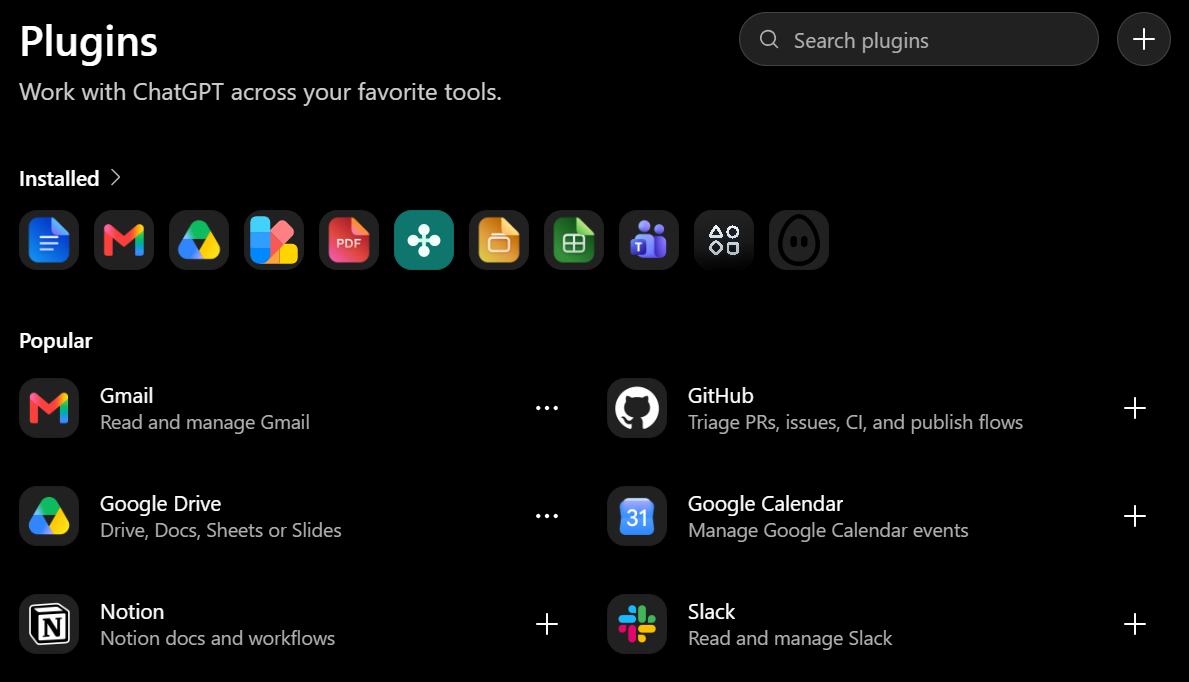
ChatGPT plugins package reusable capabilities for different workflows. Depending on the plugin, these may include:
- Skills that guide ChatGPT through a task
- Connected apps that provide external information or actions
- Templates that help workspaces configure app connections
For example, Google Drive can provide an agenda or project plan for ChatGPT to reference. Another could retrieve Slack messages for additional follow-up context.
The main differences are:
- Plugins package capabilities that users can install and use.
- Connected apps link ChatGPT to external accounts, data, or supported actions.
- MCP is an open protocol that compatible services can use to expose tools and context.
The Tactiq MCP server (opens in a new tab) gives ChatGPT access to your meeting transcripts. You can search across multiple meetings to find repeated questions, decisions, or customer concerns.
You can also combine that context with other connected tools when reviewing decisions or planning next steps.
The Future of AI in Meetings
AI tools are moving from isolated summaries toward connected workflows that keep meeting context useful afterward. The goal is less manual processing and clearer follow-through on decisions and tasks.
FAQ
Your questions, answered.
If you have any further questions, Get in touch (opens in a new tab) with our friendly team
Does ChatGPT transcribe and record meetings natively now?
How is Tactiq different from ChatGPT’s built-in meeting features?
Can Tactiq connect to ChatGPT or Claude via MCP?
What’s the fastest way to turn a meeting transcript into action items?
Is Tactiq free to try alongside ChatGPT?
Related articles

Gemini 3.5 Transcribe: Google Transcript Model Explained
Context Engineering vs Prompt Engineering: What Your AI Agents Are Missing

Claude Memory: How to Import and Manage Your AI Context

Claude Cowork Connectors: Automate Recurring Work

Google Gemini MCP Support: Where It Works and Setup Tips

Best Claude Skills: Top Picks for Meetings, Content, and Code

5 Best AI Scheduling Assistants

Microsoft Teams MCP: How to Access Meeting Content With AI
Want the convenience of AI summaries?
Try Tactiq for your upcoming meeting.
Bringing AI into your meetings has never been so easy.
Add to Chrome - It's free!(opens in a new tab)Try Tactiq in your upcoming meeting!
Sign up now