
5 Best AI Scheduling Assistants
October 2, 2026
October 2, 2026
October 2, 2026
October 2, 2026

Finding time for a meeting can mean checking several calendars, comparing time zones, and exchanging messages. AI scheduling assistants can handle some of that work.
Some help people book meetings, while others rearrange tasks and protect focus time when plans change.
This guide covers:
- The best options for booking meetings and planning your day
- What each tool can manage on your calendar
- How to choose one for your workflow
TL;DR: Which AI Scheduling Assistant Should You Choose?
Reclaim.ai is the best free starting point for protecting focus time and scheduling tasks. Choose Motion for automatic day planning, Akiflow for tasks spread across tools, Calendly for external bookings, or Trevor AI for simple time blocking.
What Is an AI Scheduling Assistant (And How It Differs From a Smart Calendar)?
A smart calendar is a calendar with features that help manage your schedule, such as availability settings, booking buffers, or time blocking.
An AI scheduling assistant helps make scheduling decisions, such as placing tasks around meetings or moving them when priorities change.
The terms overlap, so compare the features rather than the labels. Our guide to smart scheduling explains how calendar automation works in more detail.
💡 Pro tip: Scheduling is only one part of a meeting workflow. After a call, Tactiq’s MCP connector can bring the transcript and action items into Claude for follow-ups and meeting prep.
Best AI Scheduling Assistants
Our picks are Reclaim.ai, Motion, Akiflow, Calendly, and Trevor AI. Here’s what each offers and what it costs.
1. Reclaim.ai
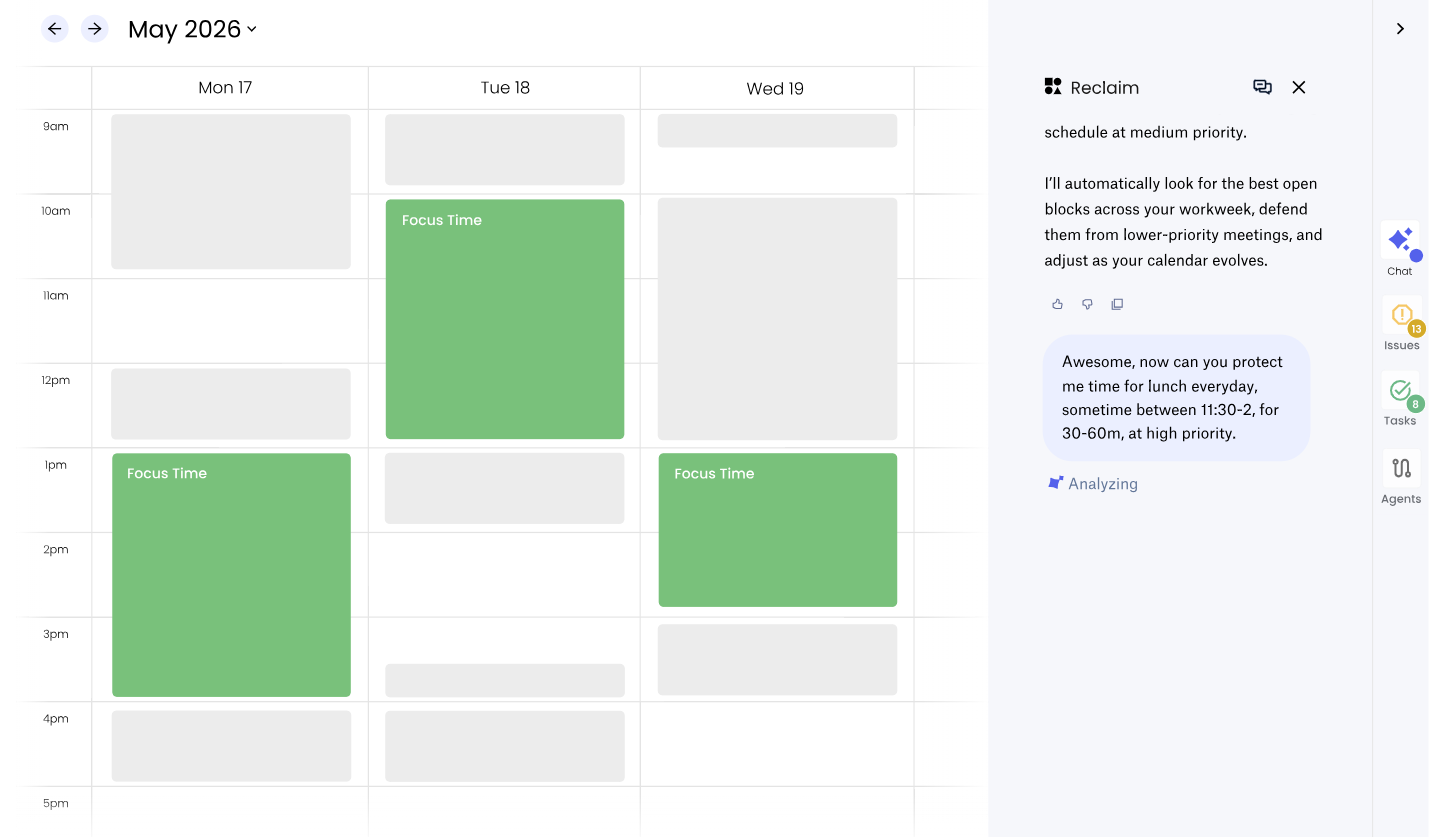
Reclaim.ai schedules tasks, recurring habits, and focus time around events in Google Calendar or Outlook Calendar. When plans change, it can move flexible tasks, habits, and focus blocks.
- What stands out: It protects time for work alongside meetings, rather than only offering booking links.
- Free plan: Lite supports one user, with automatic scheduling up to one week ahead and one calendar sync.
- Paid plan: Starter costs $10 per seat/month with annual billing, or $12 with monthly billing. It extends scheduling to eight weeks and includes three calendar syncs.
- Best for: Individuals who want to try AI task scheduling and focus time protection for free.
2. Motion
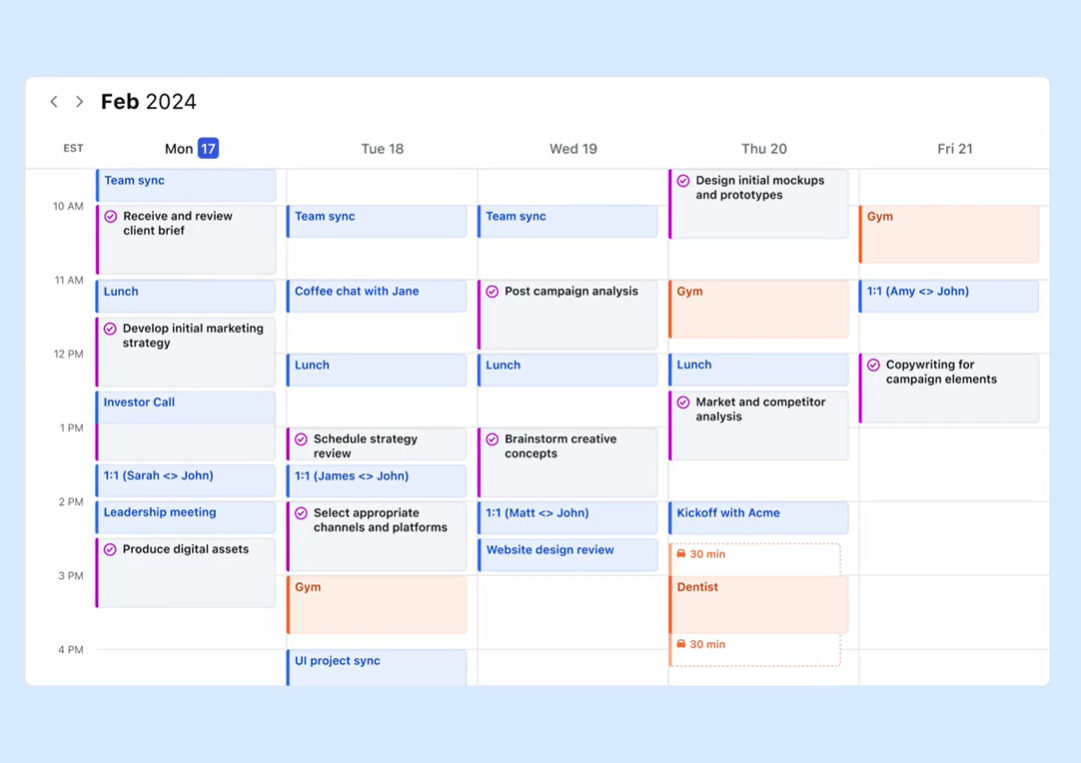
Motion plans your day around meetings, projects, and tasks. It weighs deadlines, priorities, and task duration, then rearranges scheduled work when plans change.
Motion also supports meeting booking pages and connects Google, Outlook, and iCloud calendars.
- What stands out: Task and project management sit alongside the calendar, giving Motion the information it needs to plan your work.
- Pricing: Motion lists Pro AI at $19 per seat/month and Business AI at $29 per seat/month. Business AI adds team capacity planning, advanced reports, and time tracking. A free trial is available.
- Best for: People who want their tasks prioritized and automatically added to their calendar.
3. Akiflow
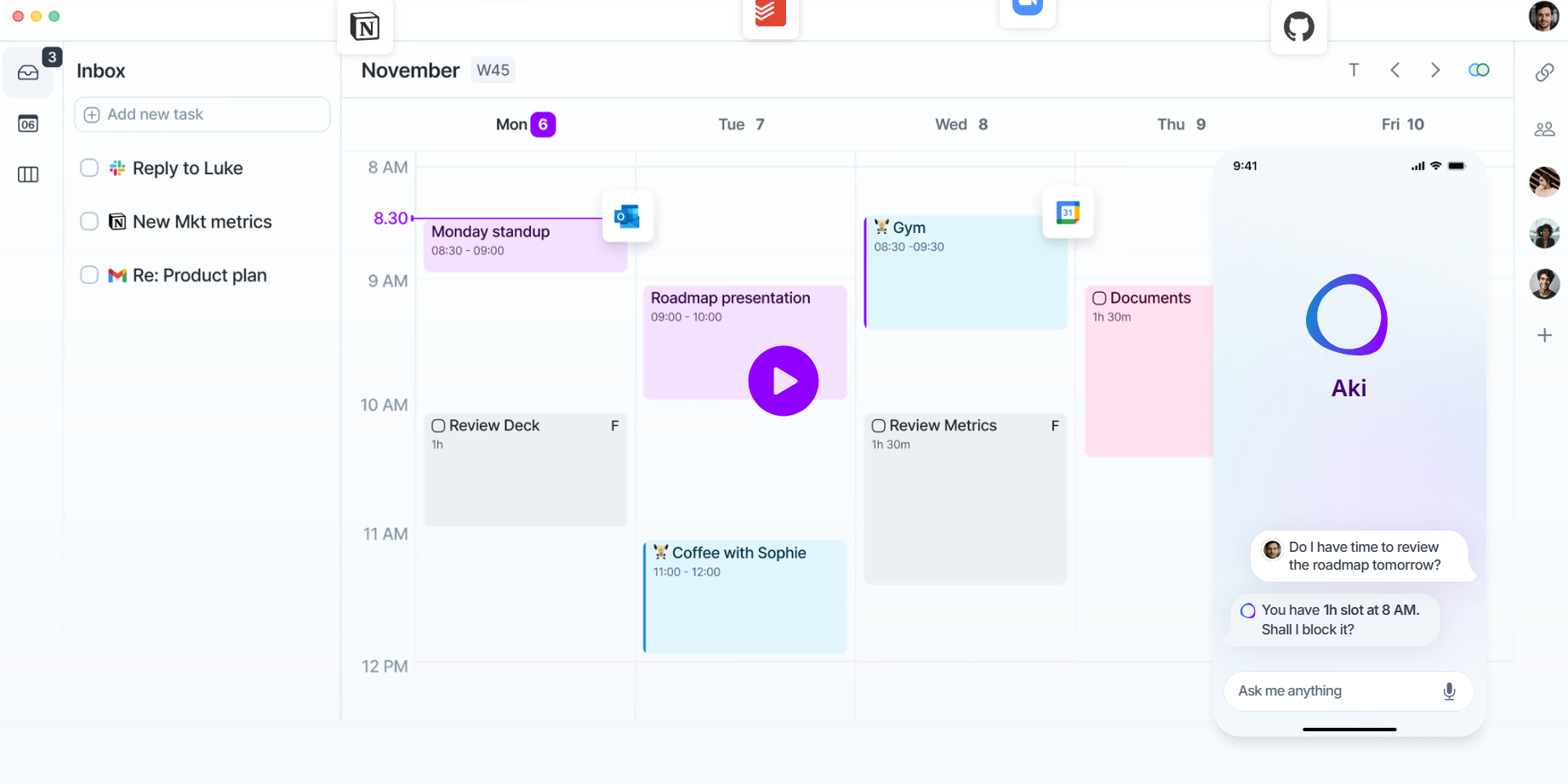
Akiflow is an AI scheduling app that brings tasks from Slack, Gmail, Jira, and Asana into one inbox.
It also displays multiple calendars together, so you can plan time blocks alongside existing meetings.
- What stands out: Its task management hub helps you review work from different tools before adding it to your schedule. You can also create tasks using natural language and ask its AI assistant to help plan your day.
- Pricing: Pro costs $19/month billed yearly, or $34 billed monthly. There’s a seven-day trial, but no ongoing free plan.
- Best for: Professionals managing tasks across several tools and calendars.
4. Calendly
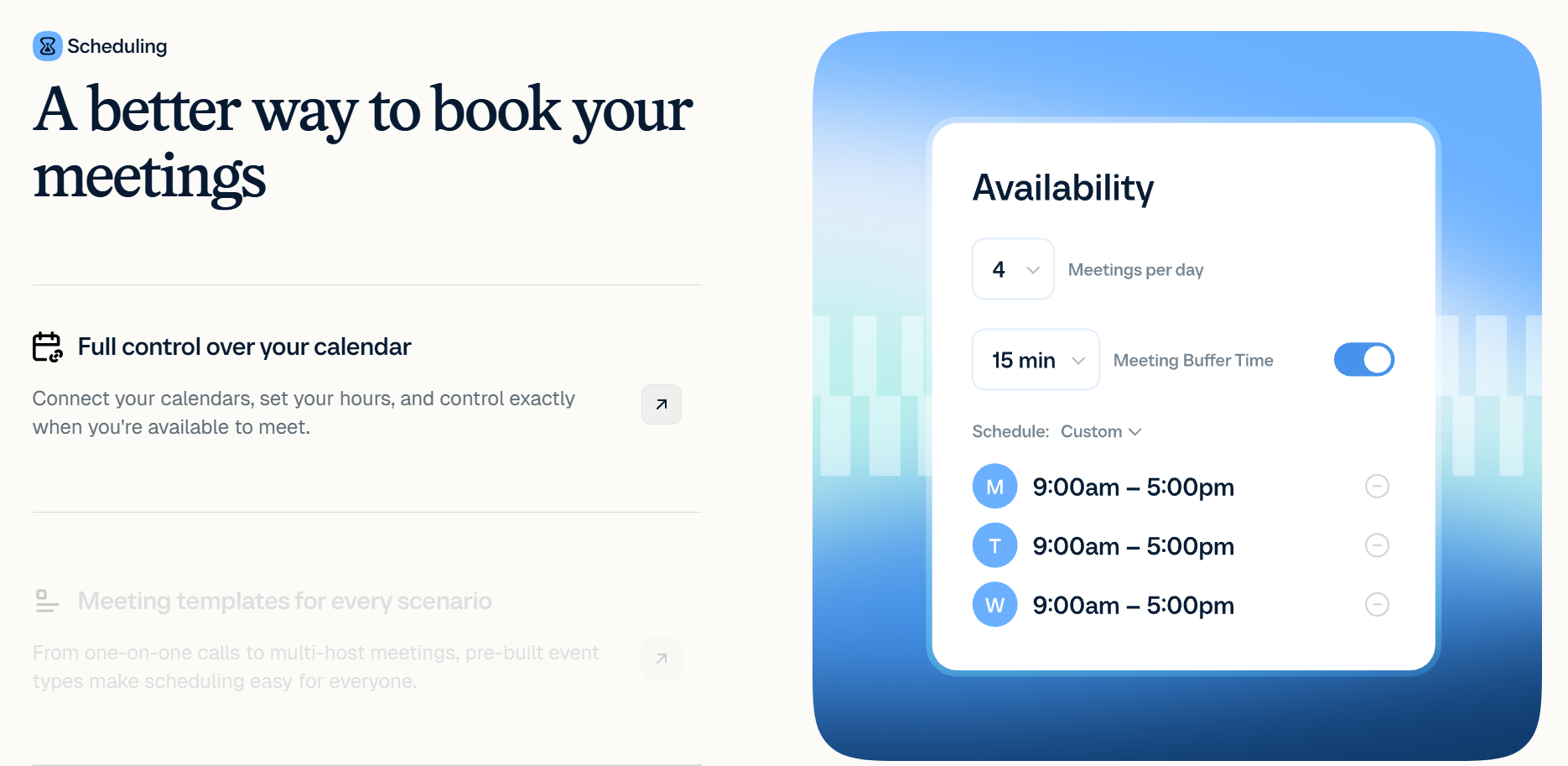
Calendly makes it easy to book meetings with people outside your team. Invitees pick a time through your booking link, while Calendly checks connected calendars for conflicts.
You can also set meeting limits and buffers.
- What stands out: Booking links simplify meeting scheduling. Callie adds AI scheduling over email through Standard Plus or Teams Plus. It is currently in beta and available to English-language users.
- Pricing: The free plan includes one event type and one calendar connection. With yearly billing, Standard costs $10 per seat/month and Teams costs $16 per seat/month.
- Best for: Booking external meetings and appointments, especially when you need to coordinate availability across multiple calendars. Calendly does not automatically schedule your task list.
5. Trevor AI
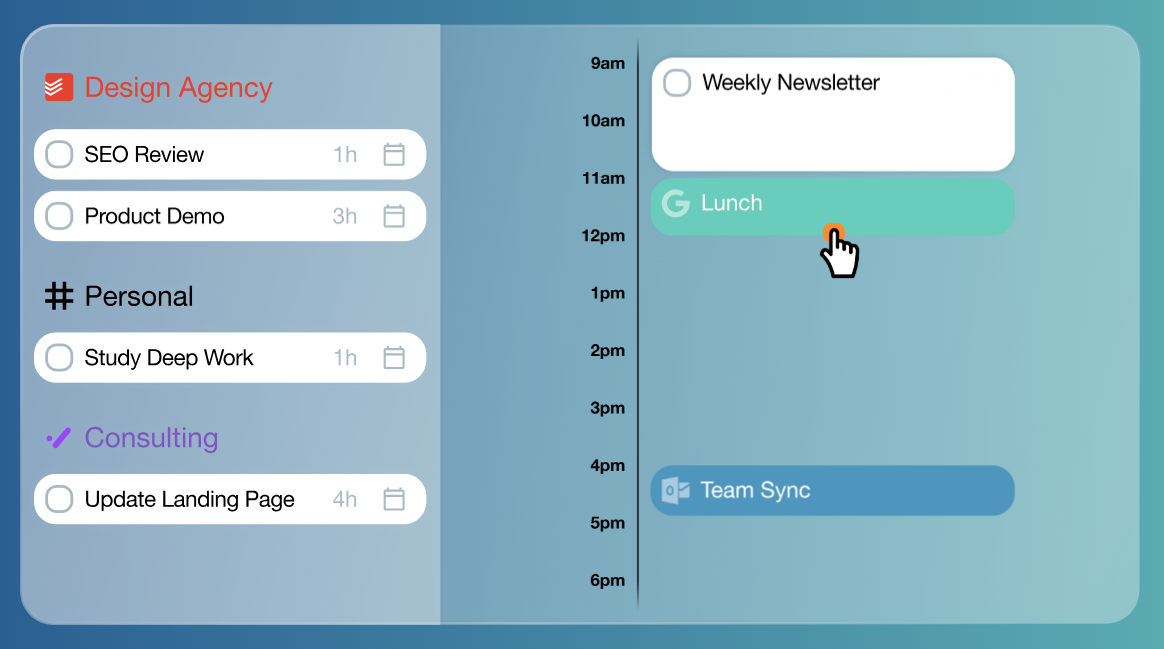
Trevor AI turns your task list into a visual daily plan. You can drag tasks into time blocks or use AI suggestions to find open slots.
It syncs scheduled tasks with connected Google or Microsoft calendars.
- What stands out: The free plan includes unlimited task scheduling and AI scheduling suggestions. Pro adds multiple calendar accounts, recurring tasks, and rescheduling suggestions.
- Pricing: Pro is listed at $5/month paid annually or $6/month paid monthly. Trevor notes that the displayed price may include a 25% sign-up discount.
- Best for: People who want simple time blocking with a useful free plan.
What Happens After Your AI Assistant Books the Meeting
Scheduling gets everyone into the room. After the call, you still need to confirm decisions, assign action items, and prepare for the next conversation.
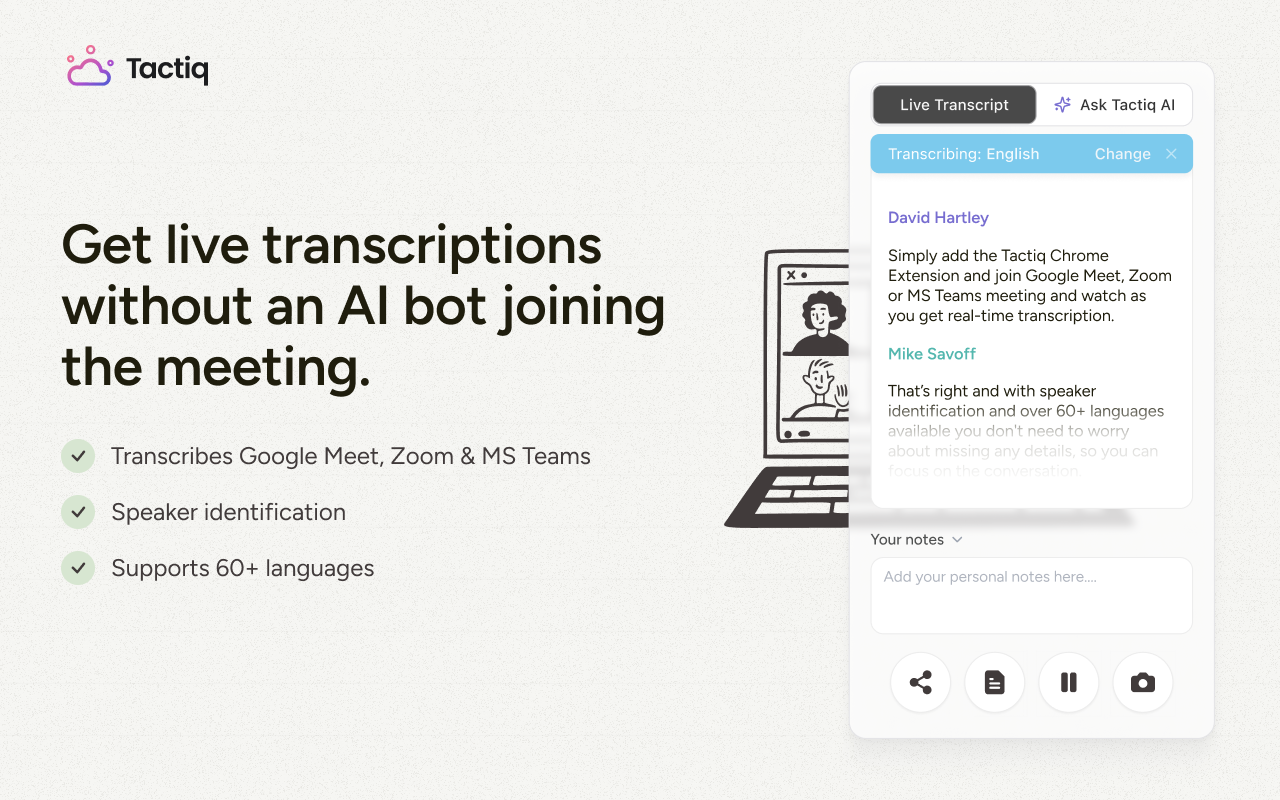
Tactiq’s Chrome extension transcribes Google Meet, Zoom, and Microsoft Teams meetings live, then generates summaries and action items. After a client call, you can check the transcript before writing a follow-up that reflects what the client requested.
To carry that context into Claude, connect Tactiq through its MCP connector. With a Tactiq Team plan or higher, Claude can read transcripts and action items to draft follow-up emails. It can also help prepare for the next meeting without manual copy-paste.
AI scheduling assistants help make room for the meeting. Tactiq helps you use what was discussed afterward. Our guide to automated meeting workflows covers how to route summaries and action items into the tools your team uses.
{{rt_cta_ai-convenience}}
Choosing the Right AI Scheduling Assistant for Your Workflow
Choose based on the scheduling work you want help with:
- For a free starting point: Reclaim.ai schedules tasks and protects focus time. Trevor AI offers a visual planner with drag-and-drop scheduling and AI suggestions.
- For a fully planned day: Motion schedules tasks around meetings and replans when priorities change.
- For tasks spread across tools: Akiflow brings tasks and calendar events into one view.
- For booking external meetings: Calendly lets clients or candidates choose an available time. Callie can coordinate bookings by email on eligible Plus plans.
- For team scheduling: Compare Reclaim.ai’s Smart Meetings with Calendly’s team booking and round-robin options. Check each plan’s calendar limits if you use work and personal calendars.
If you mainly work in Google Calendar, our guide to Google Calendar add-ons covers other ways to extend it.
For help with projects and time tracking beyond scheduling, compare these AI productivity and time management tools.
Choose a Scheduling Assistant That Fits Your Day
Choose a scheduling assistant based on the work you want it to handle: booking meetings, protecting time for tasks, or replanning your day. Once the meeting ends, Tactiq helps you review what was discussed and turn it into clear next steps.
A smart calendar helps you manage events with features such as availability settings and time blocking. An AI scheduling assistant can also place tasks or suggest changes as your schedule shifts. The terms overlap, so check each tool’s features.
Sometimes. Some tools can move flexible tasks when a conflict appears. Meeting behavior varies: Reclaim.ai’s current 2.0 guidance says Smart Meetings flag conflicts for review instead of rescheduling themselves.
Yes. Reclaim.ai has a free Lite plan for one user, with a one-week scheduling range. Trevor AI also offers a free plan with task scheduling and AI suggestions.
Yes, depending on the tool and plan. Calendly offers collective and round-robin event types for coordinating hosts. Reclaim.ai supports recurring Smart Meetings across attendees. Check calendar connection limits before choosing a plan.
Some do: Calendly offers meeting recaps through its Notetaker on eligible Plus plans. Tactiq transcribes calls across Google Meet, Zoom, and Microsoft Teams, then generates summaries and action items.
Related articles








Want the convenience of AI summaries?
Try Tactiq for your upcoming meeting.
Want the convenience of AI summaries?
Try Tactiq for your upcoming meeting.
Want the convenience of AI summaries?
Try Tactiq for your upcoming meeting.