

If you searched "Wispr Flow alternatives," you're probably solving one of two different problems.
Maybe Wispr Flow's cloud processing or $15-a-month price tag doesn't fit how you work. Or you actually need a different product entirely. Wispr Flow's Notetaker now handles meeting transcription, a separate job from dictation.
This guide covers both angles, so you find the right replacement for whichever problem you have.
- What to check before picking a Wispr Flow alternative
- The best dictation tools if you're replacing your keyboard
- What to look for if you actually need meeting transcription, not dictation
TL;DR: What's the Best Wispr Flow Alternative?
For dictation with full privacy, VoiceInk runs entirely on-device for a one-time $29 payment (Mac only). Superwhisper adds cross-platform coverage for $249.99 lifetime, and Spokenly matches that on-device privacy for free. Developers dictating code may prefer Aqua Voice or Voibe, while Willow Voice suits teams that need shared dictionaries.
If you actually need meeting notes instead, Tactiq (opens in a new tab) captures and summarizes conversations across Zoom, Google Meet, and Microsoft Teams.
What to Consider Before Choosing a Wispr Flow Alternative
Not every "Wispr Flow alternative" solves the same problem, so it helps to narrow down what you actually need first. A few factors separate the right pick from a tool that leaves you switching apps again in a month.
Where audio gets processed
Wispr Flow's own data controls page (opens in a new tab) confirms transcription always happens in the cloud, with no offline mode at any tier. Privacy Mode limits how long that data is stored; it doesn't change where processing happens. If you handle sensitive info like legal notes or medical records, on-device processing removes that risk architecturally instead of contractually.
What you're actually replacing
Dictation tools replace your keyboard for everyday typing. Meeting transcription tools capture and summarize conversations after the fact. These solve different problems, and picking the wrong category means starting your search over.
Platform support
Some dictation apps are Mac-only, built specifically for Apple Silicon. Others cover Mac, Windows, and mobile. Pick based on where you actually work, not where the tool happens to run best.
See our guide to the best transcription software for Mac (opens in a new tab) if platform is your main constraint.
Pricing model
Subscription tools charge monthly or annually forever. One-time purchase tools cost more upfront but nothing after that. Run the math over 2-3 years before deciding which model actually saves you money.
Best Wispr Flow Alternatives for Dictation
These tools replace your keyboard, not your meeting notes. Each takes a different approach to processing, platform support, and pricing, so the best fit depends on how you work.
1. VoiceInk: best for Mac users who want full privacy at the lowest cost
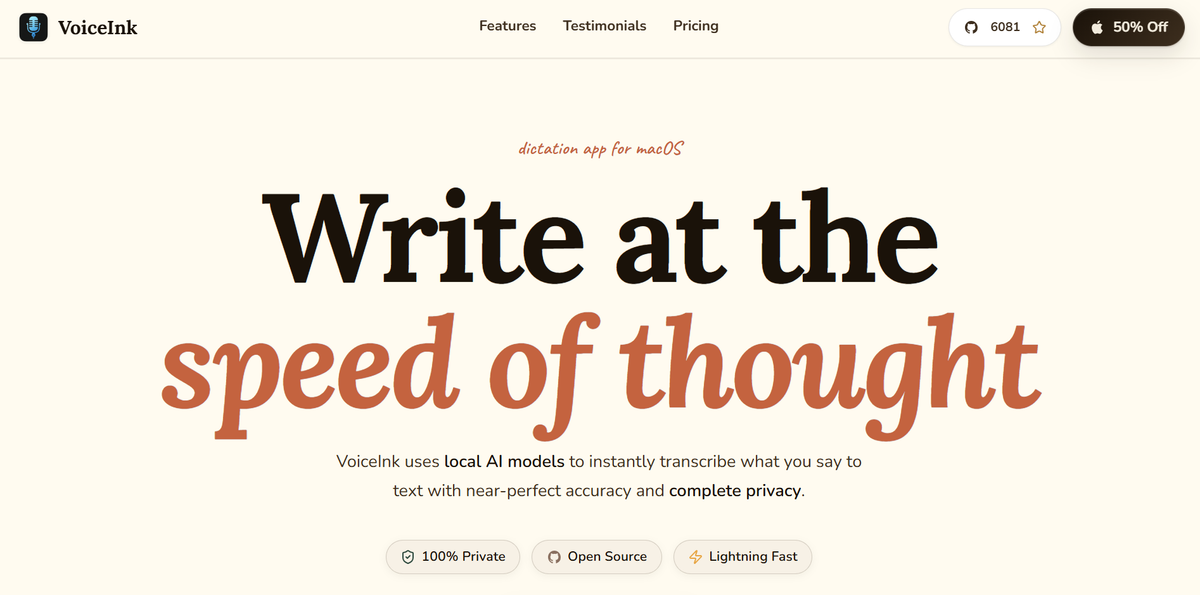
VoiceInk (opens in a new tab) processes all voice transcription locally on Apple Silicon, so your audio never leaves your Mac. It's open source under GPL v3, and cloud enhancement is entirely optional, applying only to already-transcribed text if you choose to turn it on.
- Processing: 100% on-device, offline transcription with no subscription required
- Platforms: Apple Silicon Macs only, macOS 14.4 or later
- Key feature: Custom dictionary preserves names, product terms, and unusual spellings
- Price: One-time payment; $29 for one Mac, $49 for two, $69 for three, each with a 14-day refund
2. Superwhisper: best for cross-platform users who want a one-time purchase
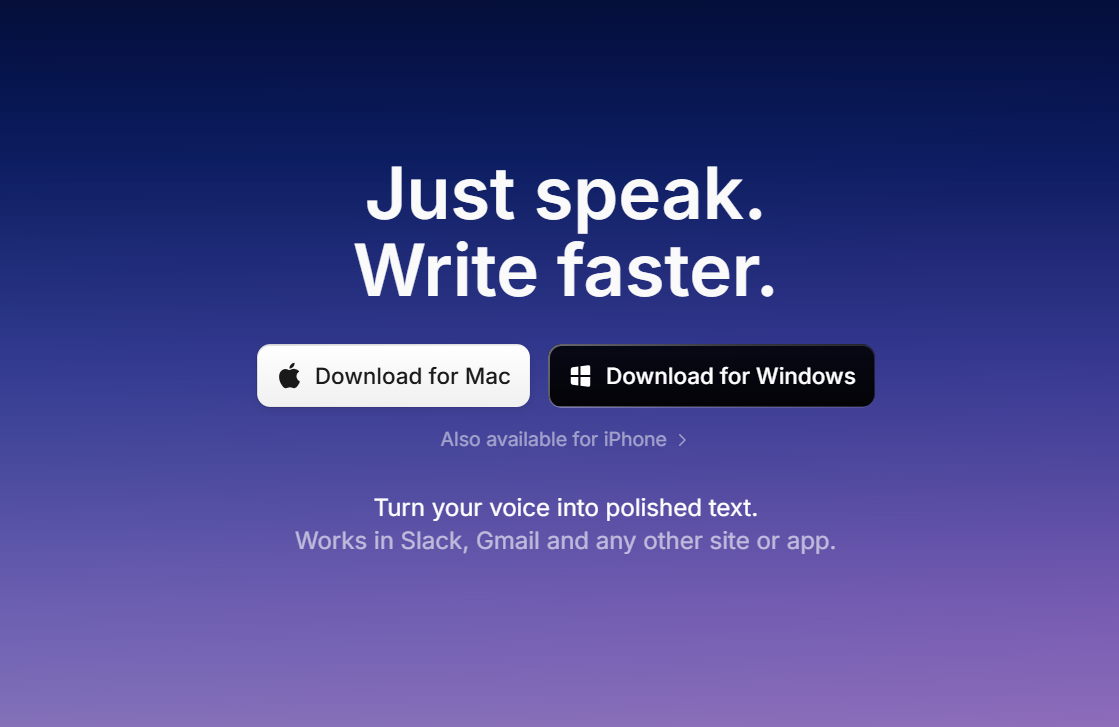
Superwhisper (opens in a new tab) works offline using on-device models, so you can transcribe without Wi-Fi. Offline processing runs best on Apple Silicon Macs; Intel Macs work best with cloud models instead. It also handles file transcription for existing audio and video recordings, not just live dictation.
- Processing: Offline (on-device) or cloud, your choice per mode
- Platforms: Mac, Windows, and iOS
- Key feature: Custom modes with per-app AI prompts, plus SOC 2 Type II and HIPAA compliance
- Price: Free tier available; Pro is $8.49/month, $84.99/year, or $249.99 one-time for lifetime access
3. Aqua Voice: best for developers dictating code, prompts, and technical docs
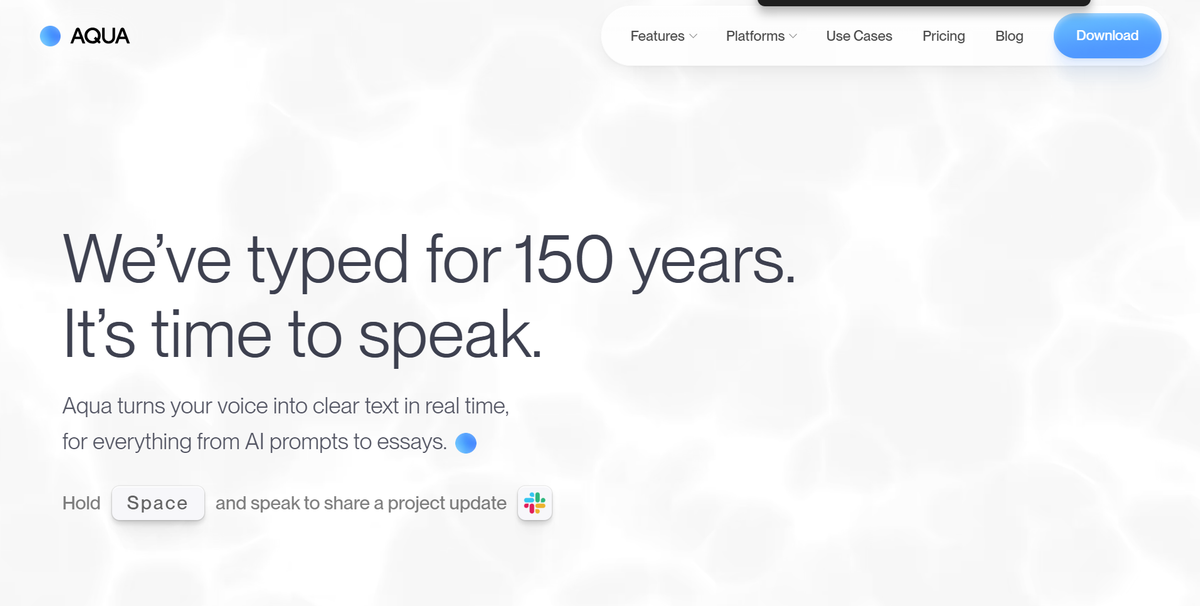
Aqua Voice (opens in a new tab) runs on its proprietary Avalon transcription model, tuned for technical vocabulary like API names and programming terms. Unlike apps with offline processing, Aqua sends every word to Aqua's cloud servers, so it carries the same cloud dependency as Wispr Flow itself.
- Processing: Cloud-based voice typing, via the Avalon model
- Platforms: Mac, Windows, and iOS
- Key features: Custom Instructions and an expanded dictionary for structured outputs, plus Realtime Mode and a hands-free "send it" voice command on Max
- Price: Free tier with 1,000 words; Pro is $8/month billed annually; Max is $24/month billed annually
4. Willow Voice: best for teams that want shared dictionaries and admin controls
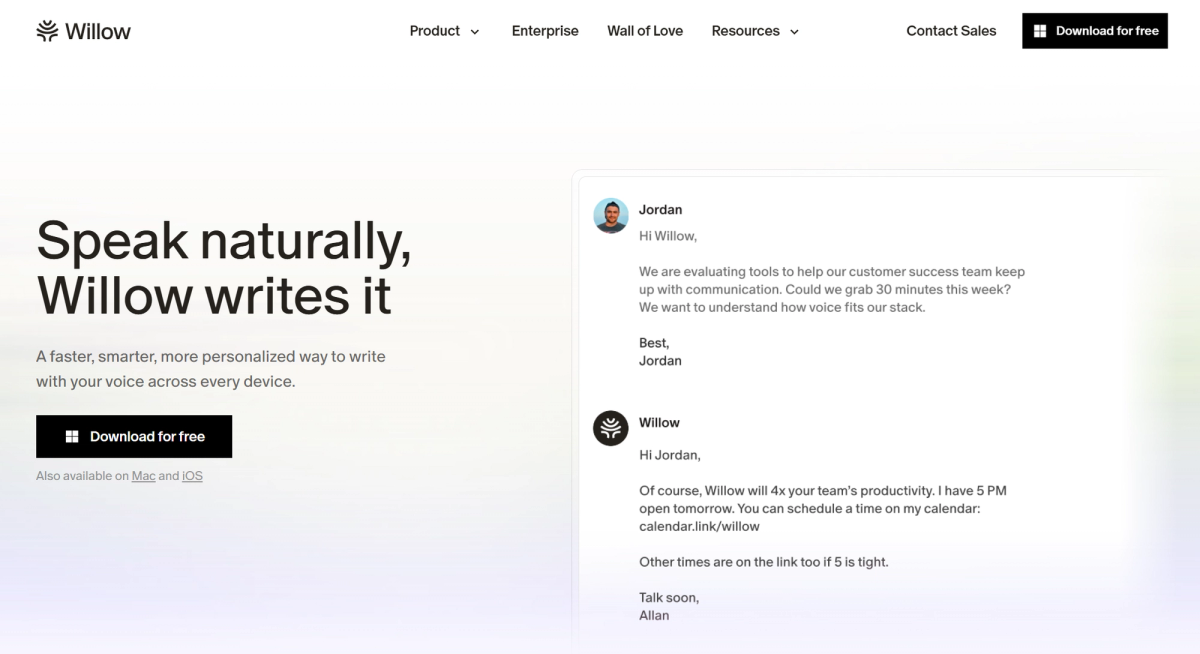
Willow Voice (opens in a new tab) works system-wide across any app you type into: Mac, iOS, and Windows, with Android listed as coming soon. It adds custom dictionary support so names, product terms, and jargon transcribe correctly every time, and Willow's smart correct feature strips filler words automatically.
- Processing: Cloud-based, with enforced privacy mode (zero data retention) at the Business tier
- Platforms: Mac, iOS, and Windows; supports over 100 languages for multilingual transcription
- Key feature: Shared team dictionary and centralized billing, useful for deploying across a full team rather than buying licenses one at a time
- Price: Pro is $15/month, or $12/month billed annually, per user; Business is $35/month, or $28/month billed annually, with SOC 2 and enforced HIPAA compliance
5. Spokenly: best free option with on-device and BYOK cloud models
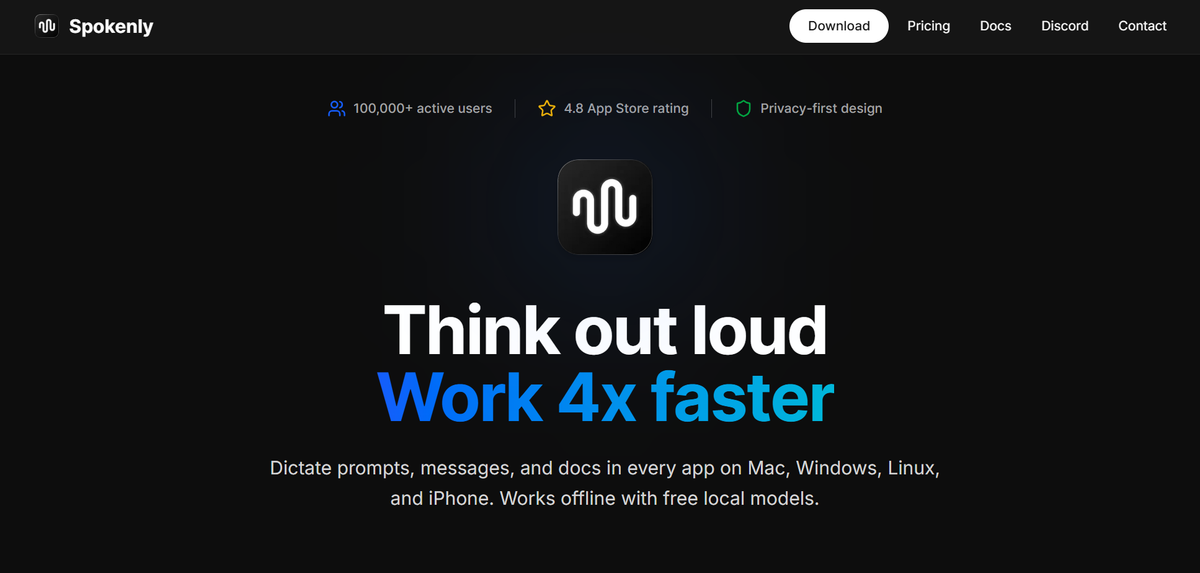
Spokenly (opens in a new tab) runs local Whisper and Parakeet models entirely on-device for free, with no word caps or account required. It also supports BYOK (bring your own key), letting you connect your own OpenAI, Deepgram, or Groq key for cloud transcription at the provider's usage rate.
- Processing: On-device by default, with optional BYOK cloud or managed cloud on Pro
- Platforms: Mac, Windows, Linux, and iOS
- Key feature: MCP server support for AI coding agents like Claude Code, Cursor, and Codex
- Price: Free for local models and BYOK; Pro is $8.33/month billed at $99.99/year for managed cloud models, device sync, and AI text cleanup
For more free options, see our roundup of free speech-to-text tools (opens in a new tab).
6. Voibe: best for developers who want on-device dictation with IDE integration
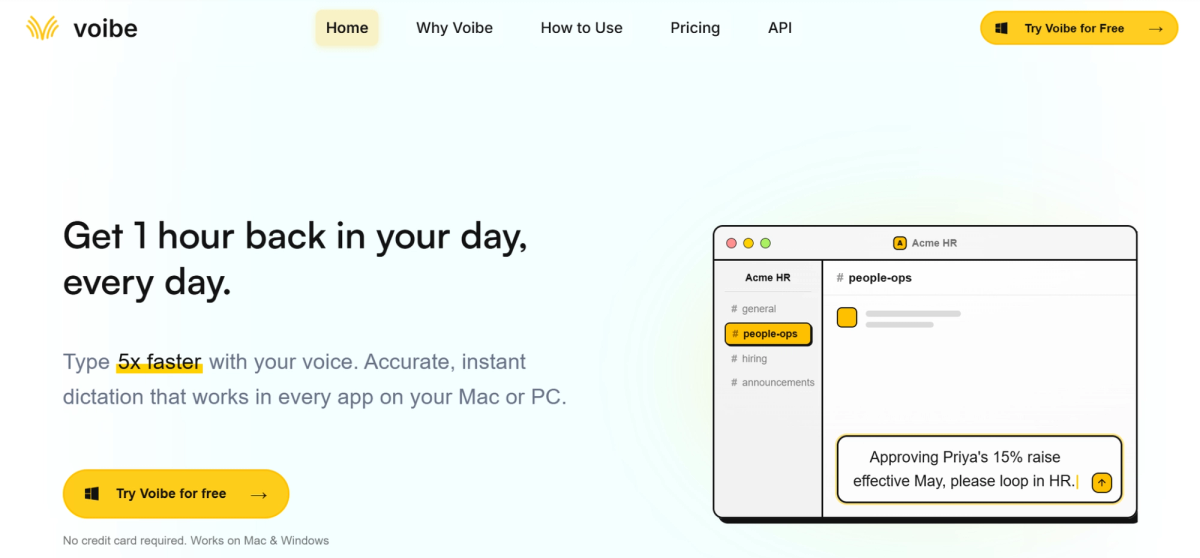
Voibe (opens in a new tab) runs on Apple Silicon Macs in a fully on-device mode, with transcription happening entirely in your Mac's RAM and nothing ever leaving your device. Intel Macs and the Windows app use a private, zero-retention cloud mode instead, where audio is deleted immediately after transcription.
- Processing: On-device (Apple Silicon) or zero-retention private cloud (Intel Mac, Windows)
- Platforms: Mac and Windows; no mobile app
- Key feature: Developer Mode resolves file and folder names by voice inside VS Code, Cursor, and Windsurf
- Price: $7.50/month, $59/year, or $149 one-time for lifetime access, with a 30-day money-back guarantee
Pick the Tool That Matches Your Actual Problem
Dictation tools and meeting transcription tools solve different problems, so start there before comparing prices or features. A one-time purchase like VoiceInk or Voibe makes sense if you dictate daily and want full privacy without a recurring bill. A subscription like Superwhisper, Aqua Voice, or Willow Voice makes more sense if you need broader platform coverage or team features.
If meeting notes are the actual goal, none of the dictation tools above apply. That's a separate category built around capturing and summarizing conversations, not typing faster.
Whichever category fits, run the cost over 2-3 years before deciding. Subscriptions add up quickly, while one-time purchases cost more upfront but nothing after.
FAQ
Your questions, answered.
If you have any further questions, Get in touch (opens in a new tab) with our friendly team
What is the best free alternative to Wispr Flow?
Does Wispr Flow work offline?
Is there a Windows alternative to Wispr Flow?
What's the difference between a dictation app and a meeting transcription tool?
Related articles
Context Engineering vs Prompt Engineering: What Your AI Agents Are Missing

Claude Memory: How to Import and Manage Your AI Context

Claude Cowork Connectors: Automate Recurring Work

Google Gemini MCP Support: Where It Works and Setup Tips

Best Claude Skills: Top Picks for Meetings, Content, and Code

5 Best AI Scheduling Assistants

Microsoft Teams MCP: How to Access Meeting Content With AI

How Do I Turn Off Google Gemini?
Want the convenience of AI summaries?
Try Tactiq for your upcoming meeting.
Bringing AI into your meetings has never been so easy.
Add to Chrome - It's free!(opens in a new tab)Try Tactiq in your upcoming meeting!
Sign up now