
What Is the Best Transcription Software for Mac?
- Published:
- August 3, 2026
- Updated:
- September 25, 2026

Finding the right transcription software for Mac depends on what you're actually trying to transcribe. A live Zoom call needs different features than a recorded podcast file. Mac users also care about native performance and privacy, and not every tool handles both well.
Here's what this guide covers:
- What separates good transcription software on Mac
- The best tool for live meeting transcription
- Top picks for transcribing audio and video files
- When free transcription software is enough vs. when to pay
TL;DR: What Is the Best Transcription Software for Mac?
The best transcription software for Mac depends on whether you need real-time meeting transcription, file-based transcription, or live dictation. For most Mac users running Zoom or Google Meet calls, Tactiq is a strong example. It transcribes meetings live and turns them into searchable notes. Other tools specialize in file transcription or dictation instead.
What Makes Transcription Software "the Best" for Mac
Not all transcription software performs the same way on a Mac. A few factors separate reliable tools from ones that create more work than they save.
Accuracy with multiple speakers and accents
The best transcription software handles accents, technical jargon, and multiple speakers without heavy manual cleanup.
Native Mac performance
Some transcription tools run natively on Apple Silicon, while others are web wrappers that feel slower on Mac hardware.
Privacy: local vs. cloud processing
Where your audio gets processed matters, especially for sensitive audio like legal or HR conversations.
Meeting vs. file transcription vs. dictation
These solve different problems. Meeting transcription captures live conversations. File transcription converts existing audio or video files into text. Dictation converts your spoken words into text as you type.
Price
Most transcription services offer a free plan with usage limits, then charge monthly, per-transcript, or as a one-time payment for higher volume.
Best Transcription Software for Mac by Use Case
The right transcription tool depends on whether you're capturing a live conversation or converting an existing file. Here's how the top Mac transcription software options break down by use case.
For meeting transcription
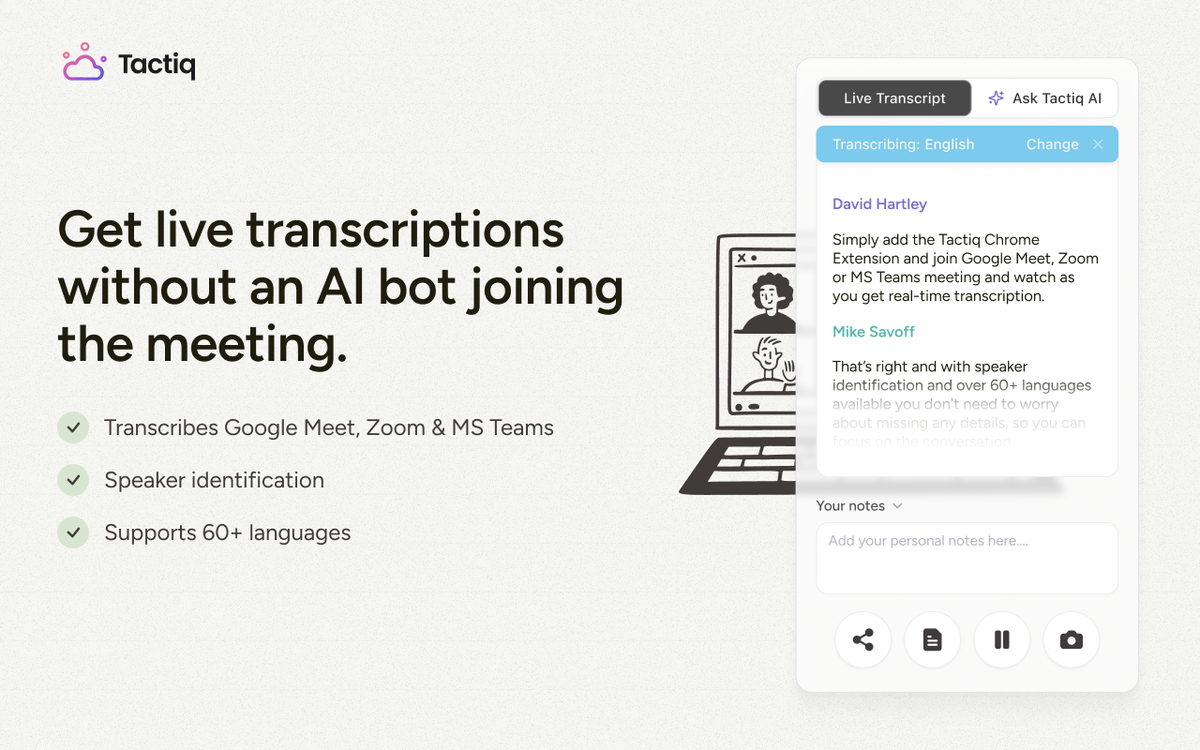
Tactiq is a browser-based transcription tool built for live meetings on Zoom, Google Meet, and Microsoft Teams. It transcribes the conversation live and labels multiple speakers automatically.
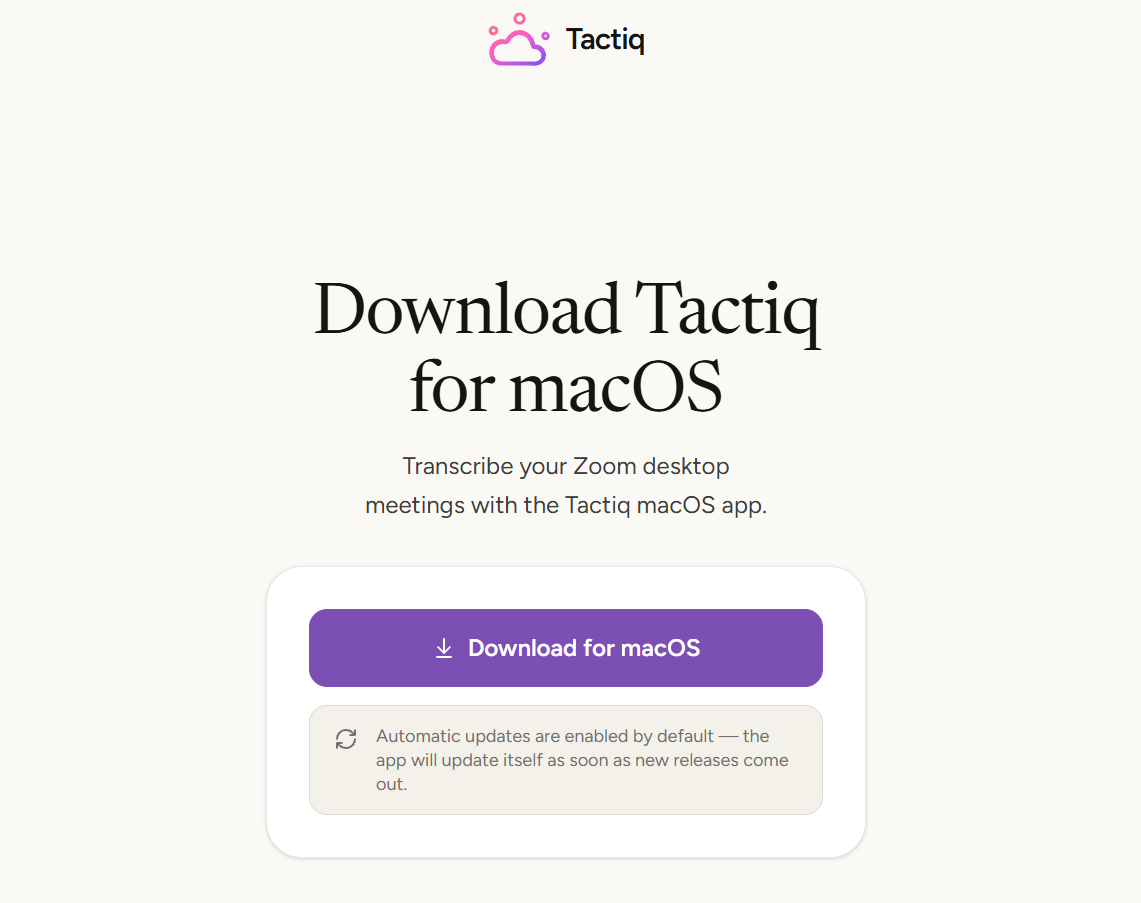
Tactiq also offers a Mac app (currently in beta) for transcribing Zoom desktop calls. It doesn't yet support Google Meet or Teams, or multiple languages at once. Use the Chrome extension for those.
💡 Pro tip: If you mostly join meetings from your browser, the Tactiq Chrome extension covers Zoom, Google Meet, and Microsoft Teams in one place.
Want the convenience of AI summaries?
Try Tactiq for your upcoming meeting.
For file-based transcription
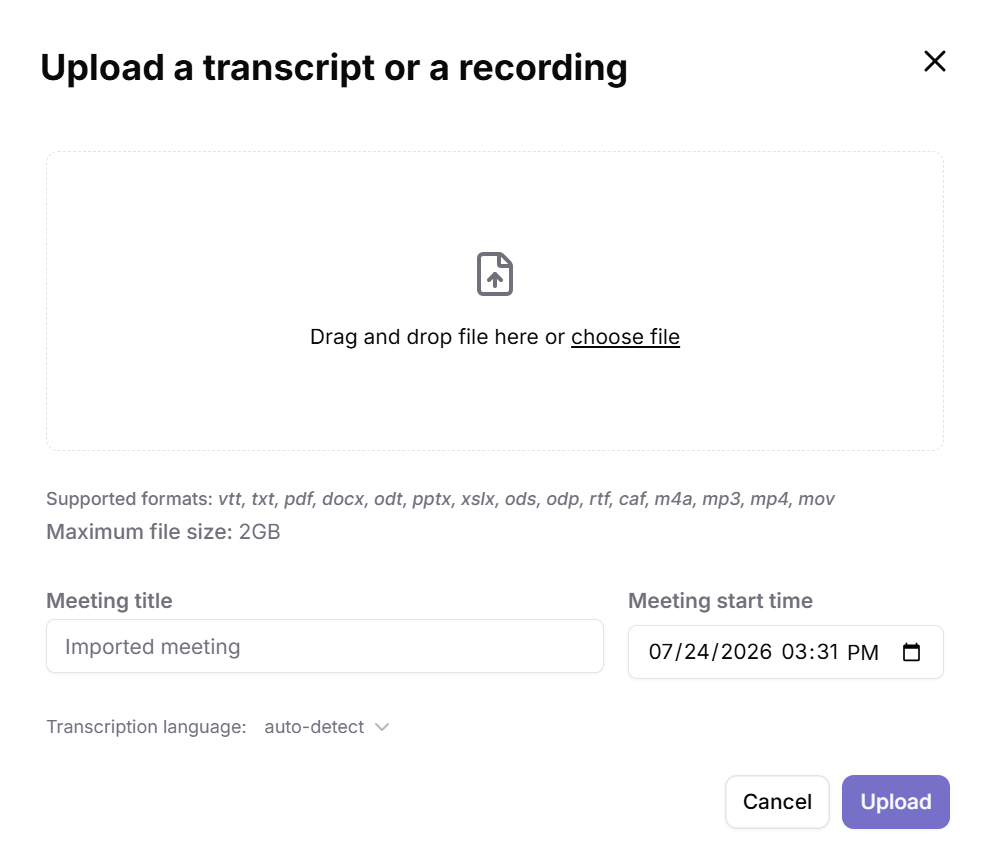
If you need to transcribe audio files or video files like interviews or podcast recordings, Tactiq also supports this through its upload feature. This lets you easily transcribe audio files without joining a live meeting, while still getting accurate transcription and AI-generated summaries.
For live dictation
Dictation solves a different problem than meeting or file transcription. It converts your spoken words into text in real time as you talk, rather than processing a recording after the fact. Mac's built-in dictation feature works through System Settings and handles everyday tasks like emails and short notes.
Heavier dictation needs, like drafting long documents by voice, often require more than Mac's built-in tool offers. Third-party apps exist for this use case, but they typically require a paid subscription for full features and higher usage limits. Google Docs also offers a built-in voice typing tool for dictating directly into a document. No extra software required.
Free vs. Paid: What You Actually Need
Most transcription software offers a free plan, but limits vary widely between tools. A free version is usually enough if you transcribe a few meetings or files each month on your Mac.
What you get from free tools
Tactiq's free plan covers real-time meeting transcription and file uploads for Zoom, Google Meet, and Microsoft Teams, up to 10 transcripts and 5 AI credits a month. It's a solid starting point for Mac users before committing to a paid transcription app.
It includes speaker identification for multiple speakers, so you always know who said what. It also supports standard audio and video file formats without extra setup.
What paid tools offer
Paid plans make sense once you're transcribing daily or need higher transcription accuracy on technical audio. Common paid perks include:
- Offline transcription for working without an internet connection
- Unlimited exports and higher monthly transcript limits
- Editing software built in to clean up accurate transcripts before sharing
- A one-time payment option instead of a recurring subscription
If your Mac setup involves international teams, check for multilingual transcription and voice memos support before you commit to a plan.
For example, Tactiq's paid plan adds unlimited transcripts, more AI credits per month, and advanced transcription controls on top of everything in the free plan.
For a wider look at no-cost options, see this roundup of the best free AI transcription tools.
Choosing the Right Transcription Software for Mac
The best transcription software for Mac depends on your use case, not on a single winner. Meeting transcription, file-based transcription, and dictation all solve different problems.
Zoom-based Mac meetings are well served by Tactiq. For recorded interviews at scale or advanced dictation needs, look for a tool built specifically around that use case.
Start with a free plan to test whether a tool fits your workflow before committing to a paid subscription.
FAQ
Your questions, answered.
If you have any further questions, Get in touch (opens in a new tab) with our friendly team
What is the best transcription software for Mac?
Is there free transcription software for Mac?
Does Mac have built-in transcription?
What's the difference between transcription and dictation software on Mac?
What's the best transcription software for Zoom meetings on Mac?
Related articles

Claude Memory: How to Import and Manage Your AI Context

Claude Cowork Connectors: Automate Recurring Work

Google Gemini MCP Support: Where It Works and Setup Tips

Best Claude Skills: Top Picks for Meetings, Content, and Code

5 Best AI Scheduling Assistants

Microsoft Teams MCP: How to Access Meeting Content With AI

How Do I Turn Off Google Gemini?

AI Meeting Notetaker with Claude Connector: Top 6 Picks
Want the convenience of AI summaries?
Try Tactiq for your upcoming meeting.
Bringing AI into your meetings has never been so easy.
Add to Chrome - It's free!(opens in a new tab)Try Tactiq in your upcoming meeting!
Sign up now