
Gemini 3.5 Transcribe: Google Transcript Model Explained
- Published:
- October 28, 2026
- Updated:
- October 28, 2026

Google launched Gemini 3.5 Transcribe on August 26, 2026. But does that mean you can get a Google transcript of your next call simply by opening Gemini?
The model doesn’t join or record your meetings on its own. Getting a useful record of a customer call or team discussion still depends on which tool you use.
This guide covers:
- What Gemini 3.5 Transcribe does
- Where to find Google’s transcription tools and their limits
- How to get meeting transcripts across Google Meet, Zoom, and Microsoft Teams
Looking for live Google Meet transcription and a way to use transcripts in your favorite AI tool? Skip to Tactiq: Live Meeting Transcripts Across Platforms to see how it fits your workflow.
What Is Gemini 3.5 Transcribe, Google’s New Transcription Model?
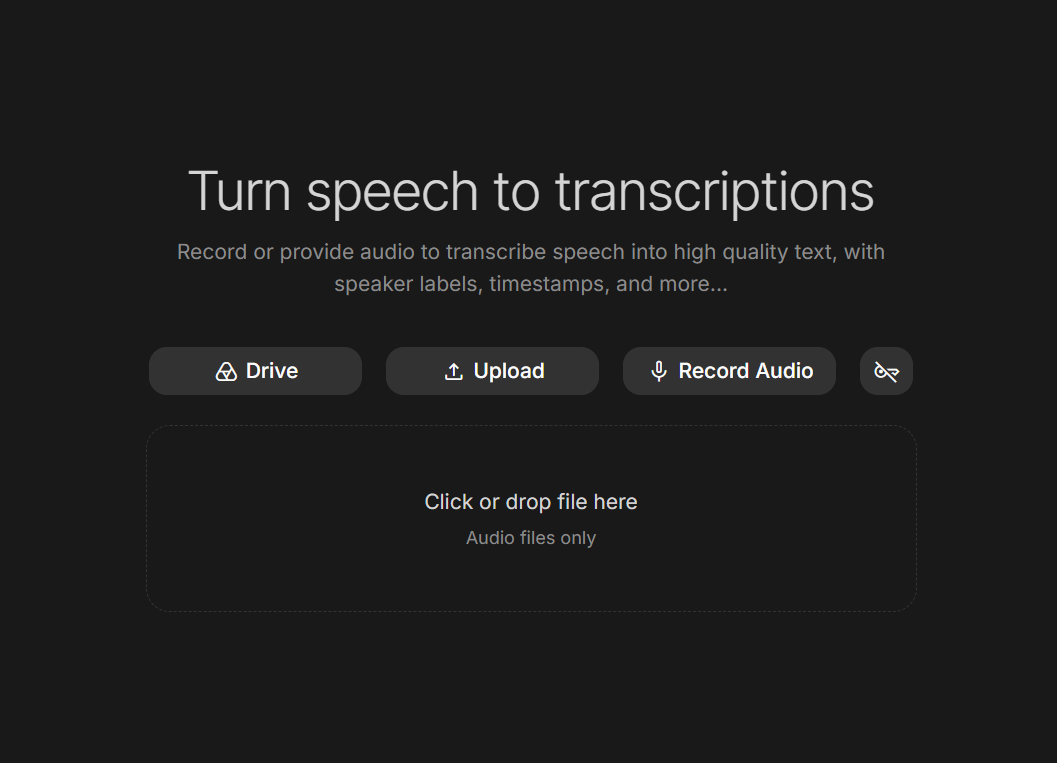
Gemini 3.5 Transcribe is Google’s speech-to-text model for turning live audio or an audio file into written text. It improves on Google’s earlier Chirp 3 model with smarter speech cleanup and a 70% reduction in time to final transcription. Google cites Artificial Analysis measurements for that speed improvement.
Its capabilities include:
- Speech cleanup: Smart transcription removes filler words and handles self-corrections. For example, “Tuesday. No, Wednesday” can be transcribed as “Wednesday.”
- Multilingual support: The model automatically detects over 85 languages and handles language changes within a conversation.
- Speaker attribution: For pre-recorded audio, it assigns speaker labels to distinguish each person’s contributions.
💡 Pro tip: Tactiq labels speakers by name in live Google Meet transcripts without a 30-minute cutoff. The Free plan includes 10 meeting credits per month.
For group meetings, speaker labels deserve particular attention.
Google’s documentation lists support for up to eight speakers, but attribution for three or more remains experimental. Enabling speaker labels also limits audio files to 30 minutes.
Review those labels before attributing decisions or commitments to someone.
Where You Can Get a Google Transcript Today
Google’s voice tools serve different purposes. Some help you dictate text, while others process audio files or capture a meeting.
Gboard Rambler, Gemini app on macOS, and Chrome
Want to speak a follow-up email instead of typing it? Google offers several dictation options, with different availability requirements:
- Gboard Rambler: Turns speech into polished text. Google currently lists Pixel 11 devices as required, with support for selected languages.
- Gemini app on macOS: Supports spoken prompts and dictation into other apps through Speak to Window. That feature is rolling out gradually. Google’s launch announcement specified English availability.
- Chrome: Google announced dictation into website text fields as “coming soon.”
These options help you compose text rather than capture a group discussion. Explore our free dictation app guide for other voice typing tools.
Google AI Studio and the Gemini API
Google AI Studio and the Gemini API give developers access to live streaming and audio file transcription. Google’s current model catalog lists Gemini 3.5 Transcribe as stable.
For example, a developer could build voice input that turns spoken app ideas into text during prototyping.
However, live transcription sessions cap at 10 minutes and don’t support speaker labels. That makes this mode less suited to lengthy brainstorming calls where you need to track who said what.
Google Meet transcripts and Take notes for me
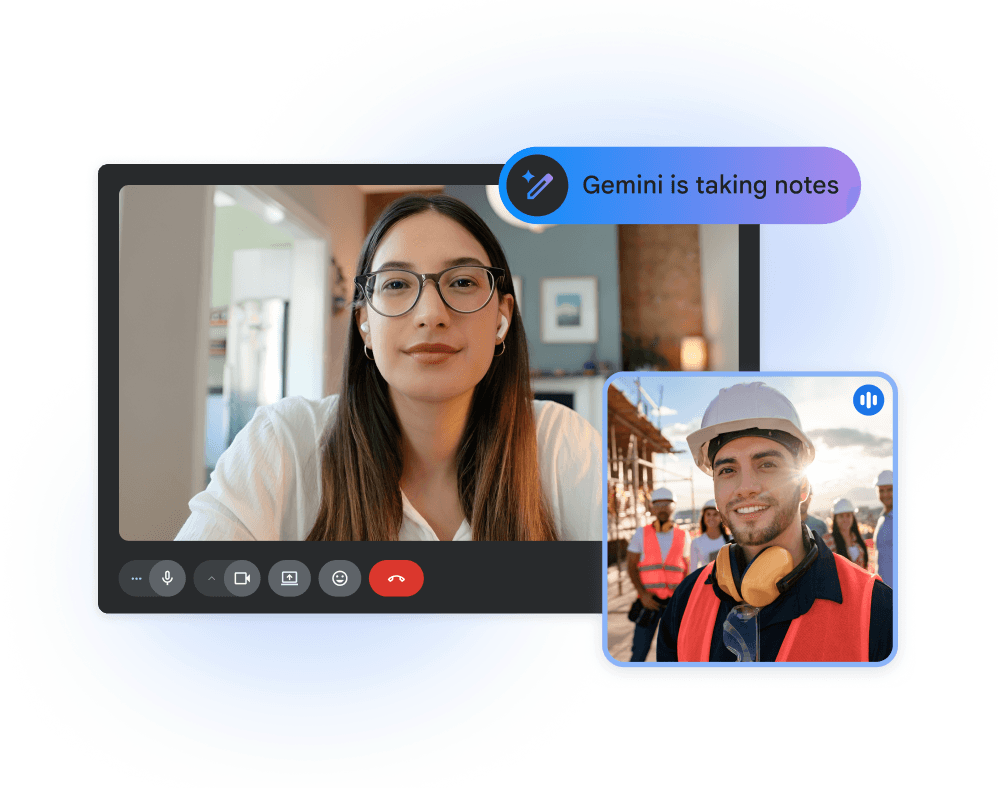
Need the discussion captured while you participate? Google Meet offers transcripts and AI-generated notes as separate features.
Transcripts capture spoken words, while Take notes for me organizes notes in Google Docs. Access requires an eligible plan, and host controls determine who can start capture.
For setup instructions, see how to get a Google Meet transcript.
Can Gemini Record and Transcribe Meetings?
Gemini 3.5 Transcribe can process meeting audio, but it doesn’t join calls or record them on its own. An application must supply the audio.
For example, opening Gemini during a Zoom interview won’t automatically create a transcript. Google’s built-in recording and transcription controls operate within Google Meet, subject to plan eligibility and host permissions.
Already have a recording? Upload it to the Gemini app and ask for a transcript. Audio uploads support 10 minutes total per prompt, increasing to three hours with Google AI Pro or Ultra.
For other approaches, explore our guide to Google AI transcription.
Tactiq: Live Meeting Transcripts Across Platforms
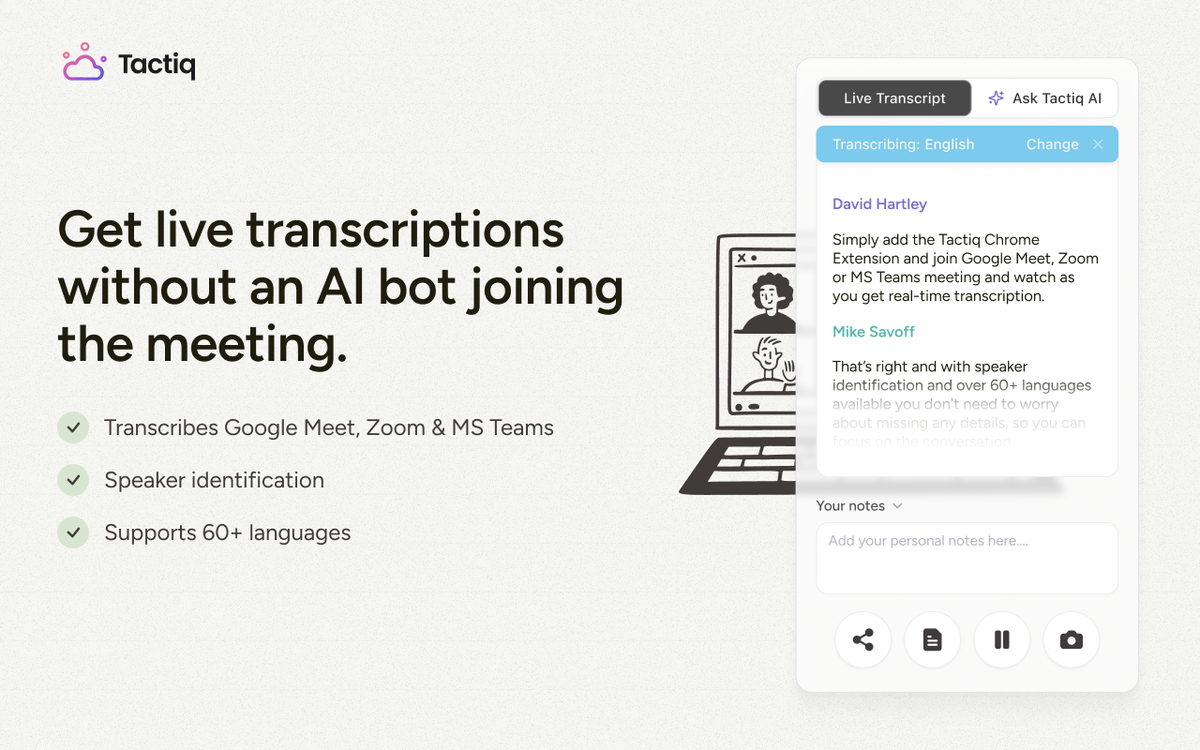
A customer call on Zoom and a team discussion on Google Meet can leave your notes scattered across tools. Tactiq captures live transcripts in Google Meet, Zoom, and Microsoft Teams, without a recording upload.
Once captured, that conversation becomes material you can work with:

- Ask AI: Ask specific questions, such as “What concerns did the customer raise about implementation?”
- AI Workflows: Reuse a workflow to extract customer concerns, draft a follow-up, and share a summary in Slack.
- Tactiq MCP: Connect Tactiq to Claude or ChatGPT, then ask, “Find last week’s customer call and draft a follow-up covering agreed actions.”
You can also use the captured text in Gemini. For example, provide a transcript and request a comparison against your project plan. This gives Gemini the discussion’s context while Tactiq handles live capture.
To get started, install the Tactiq Chrome extension and join a supported meeting from your browser.
Want the convenience of AI summaries?
Try Tactiq for your upcoming meeting.
Match Your Transcription Tool to the Task
Gemini 3.5 Transcribe’s speech cleanup and language support make it useful for voice input and recorded audio. For meetings, session length, speaker labels, and capture permissions also matter.
Choose a workflow that preserves the discussion you’ll need afterward, from a customer’s exact request to an agreed deadline.
FAQ
Your questions, answered.
If you have any further questions, Get in touch (opens in a new tab) with our friendly team
Can Gemini transcribe video?
How do I get a transcript of a Google Meet meeting?
Is Gemini 3.5 Transcribe free?
How many speakers can Gemini 3.5 Transcribe identify?
How can I get a Google Meet transcript without a Workspace plan?
Related articles
Context Engineering vs Prompt Engineering: What Your AI Agents Are Missing

Claude Memory: How to Import and Manage Your AI Context

Claude Cowork Connectors: Automate Recurring Work

Google Gemini MCP Support: Where It Works and Setup Tips

Best Claude Skills: Top Picks for Meetings, Content, and Code

5 Best AI Scheduling Assistants

Microsoft Teams MCP: How to Access Meeting Content With AI

How Do I Turn Off Google Gemini?
Want the convenience of AI summaries?
Try Tactiq for your upcoming meeting.
Bringing AI into your meetings has never been so easy.
Add to Chrome - It's free!(opens in a new tab)Try Tactiq in your upcoming meeting!
Sign up now