
Best ChatGPT Alternatives in 2026 (Free & Paid)
- Published:
- March 14, 2026
- Updated:
- August 20, 2026

ChatGPT (opens in a new tab) put AI on the map, but the AI world has moved fast. In 2026, the most useful AI tools aren't trying to do everything; they're built for specific jobs, and they do those jobs well.
Maybe you've hit message limits at the wrong moment. Maybe the free plan no longer covers what you need. Or maybe you've realized that a general AI chatbot isn't the right fit for how you actually work.
The best ChatGPT alternative isn't the one with the most features. It's the one that fits your workflow without friction.
In this article, you'll find:
- Why people are looking beyond ChatGPT in 2026
- The top ChatGPT alternatives for writing, research, coding, and meetings
- A side-by-side look at free and paid plans
- How to choose the right AI tool for your specific needs
- How Tactiq handles meeting workflows that general-purpose AI tools weren't built for
Why Look for a ChatGPT Alternative in 2026?
ChatGPT is still the most widely recognized AI tool out there. But "widely recognized" and "best for your workflow" aren't the same thing. Here's why more people are branching out.
Limitations of ChatGPT
The free plan has real constraints (opens in a new tab). Free tier users get up to 10 messages with GPT-5.3 every five hours. After that, chats automatically switch to a lighter mini model until the limit resets. For anyone using AI daily, that cap comes fast.
Paid plans aren't unlimited either. ChatGPT Plus users get up to 160 messages every three hours, and OpenAI notes that limits may vary based on system conditions. Hit that ceiling mid-project, and your workflow stops cold.
On top of that, ChatGPT has limited built-in tools for managing tasks or complex workflows, and lacks native integrations with the systems most teams already use.
The shift toward specialized AI tools
The AI world has moved past "one tool does everything." The landscape has expanded into an ecosystem of specialist assistants and multi-model platforms (platforms that let you switch between AI models), with AI being embedded directly into existing productivity apps.
There are now dedicated tools for research, coding, creative writing, and deep research; each does its specific job better than a general chatbot can.
For teams whose real work happens in meetings, that specialization matters most. A general-purpose AI chatbot wasn't built for live conversations. The capture is where it falls short, and that's exactly the gap purpose-built tools fill.
💡 Pro tip: If your work revolves around meetings, a general AI chatbot isn't the right fit. Tactiq (opens in a new tab) captures your conversations in real time, so you can stay fully present and instantly access transcripts, summaries, and action items the moment the call ends.
Best ChatGPT Alternatives 2026 (Free & Paid)
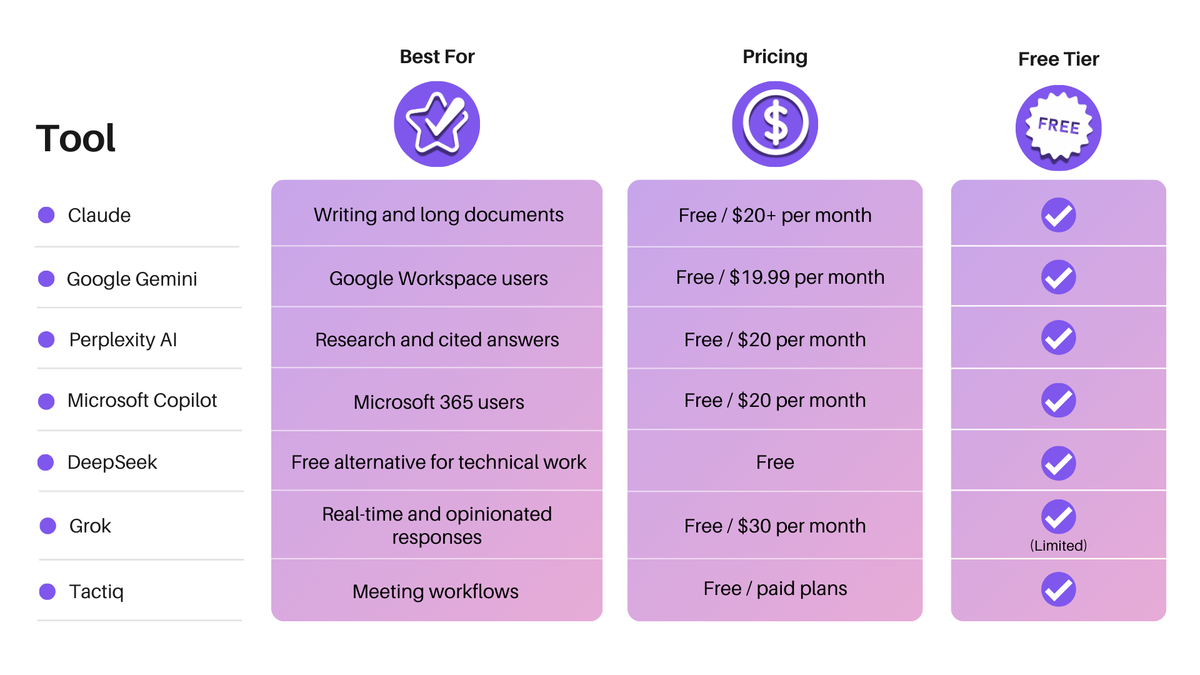
With so many AI tools available, the right choice depends on what you need. Here's a quick overview before we dig into each one.
Claude – best for writing and long documents
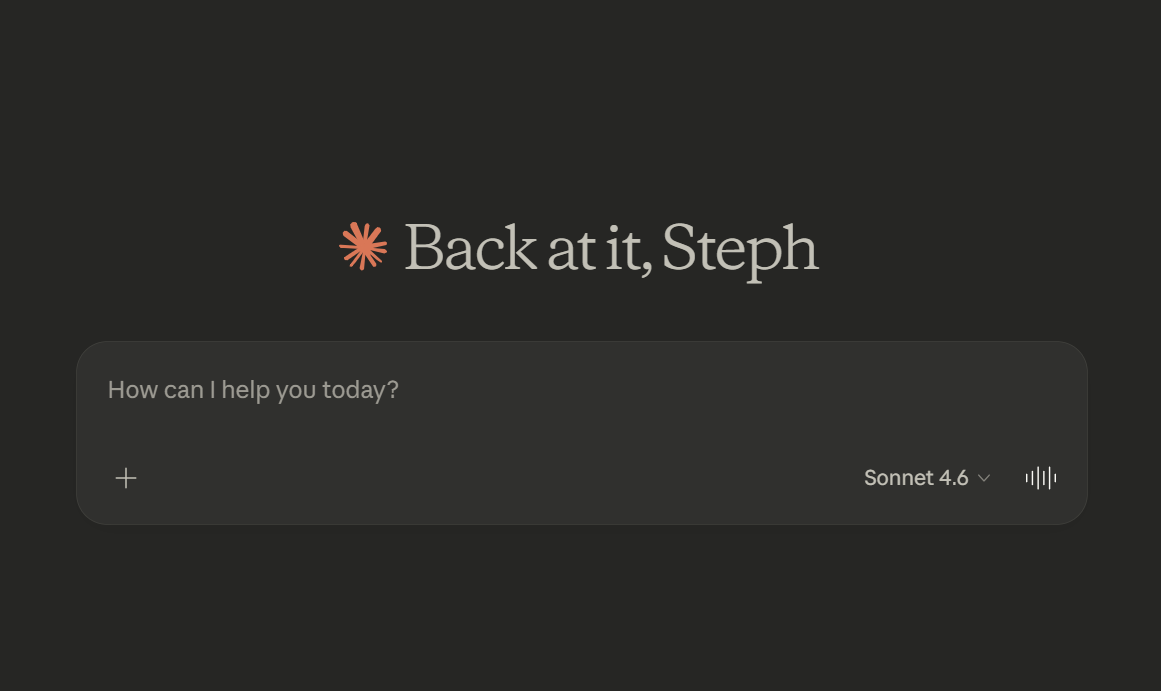
If your work involves long documents, dense reports, or complex writing, Claude (opens in a new tab) is worth serious attention. Its context window handles entire codebases, 500-page documents, or extended conversations while maintaining a coherent understanding throughout.
Claude is built with Constitutional AI (opens in a new tab), meaning it follows a set of safety-first principles designed to keep outputs accurate, ethical, and trustworthy. For creative writing, nuanced analysis, and long-form content, it consistently produces output that needs less editing than most alternatives.
It doesn't create images natively, and the free tier has tight usage limits. But for pure writing and long-context work, it's one of the strongest ChatGPT alternatives available.
- Best for: Long documents, writing, analysis, coding
- Free tier: Yes, with limited usage
- Paid plans: From $20/month (Pro)
👉 See how Claude compares to ChatGPT (opens in a new tab)
1. Google Gemini – best for Google Workspace users
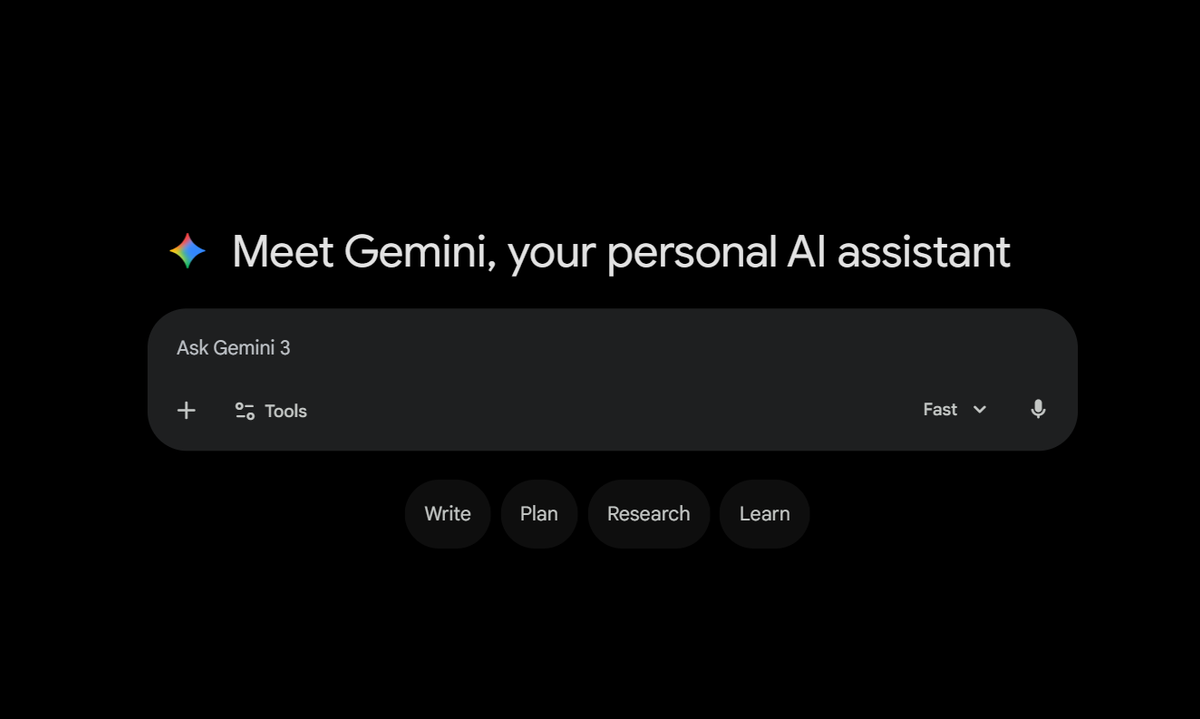
Gemini (opens in a new tab) is Google's answer to ChatGPT, and its biggest advantage is how deeply it plugs into tools you're probably already using. Gemini's Deep Research feature can now draw on context from your Gmail, Drive, and Chat, working that information directly into research (opens in a new tab) reports.
The free plan includes access to Deep Research, Gemini Live, Canvas, and Gems, along with 15GB of storage shared across Google services.
The paid Google AI Pro plan unlocks more advanced models, deeper Workspace integration, and higher usage across Google apps.
If your team lives in Google Docs, Sheets, and Gmail, Gemini fits into that ecosystem without friction. For teams outside the Google ecosystem, the advantage shrinks considerably.
- Best for: Google Workspace users, research, multimodal tasks
- Free tier: Yes, up to 30 prompts per day
- Paid plans: From $19.99/month (Google AI Pro)
👉 See how Gemini compares to ChatGPT (opens in a new tab)
2. Perplexity AI – best for research and cited answers
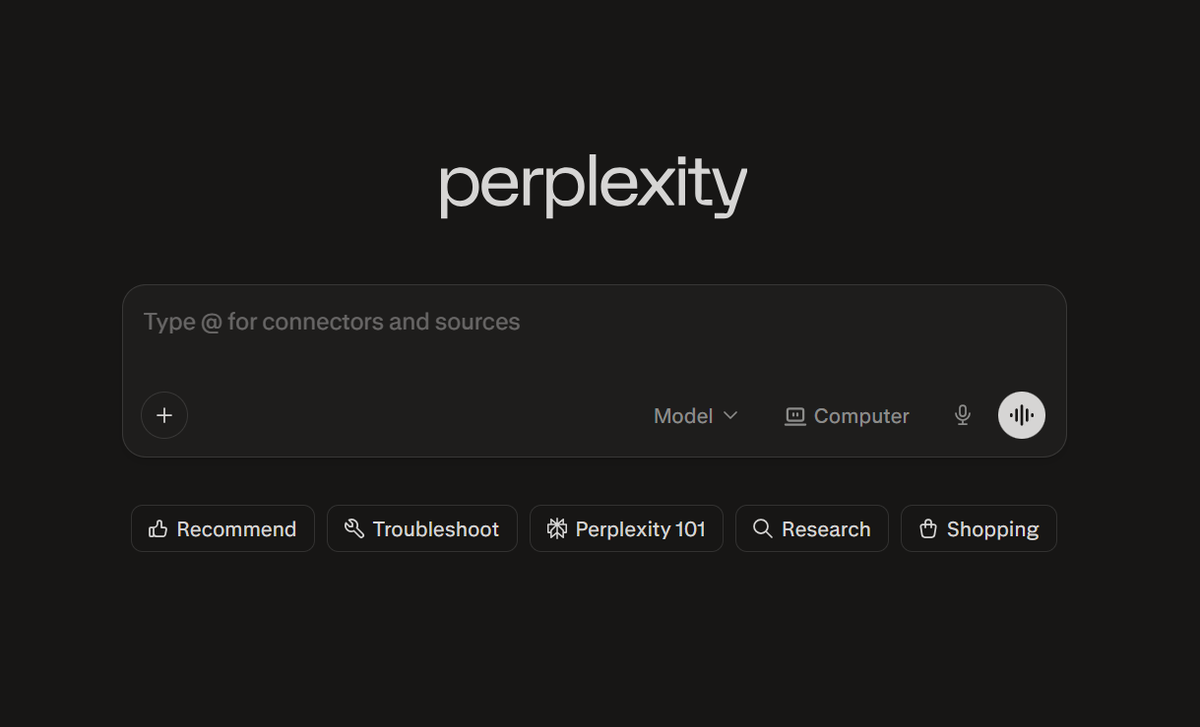
Perplexity (opens in a new tab) operates differently from most AI tools on this list. It's less of a general-purpose chatbot and more of an AI-powered search engine built for web search. Every answer comes with cited sources, so you can verify what you're reading.
Perplexity Pro users can choose between multiple backend models, including GPT, Claude, Grok, and Gemini, making it a flexible platform for comparing outputs across AI models.
Its deep research mode goes further, pulling findings together from multiple sources into structured reports.
The free version offers basic search with five Pro searches per day. The Pro plan at $17/month unlocks unlimited searches, file uploads, and access to advanced models.
- Best for: Research, fact-checking, cited answers, web research
- Free tier: Yes, 5 Pro searches per day
- Paid plans: $20/month (Pro)
👉 See how Perplexity compares to ChatGPT (opens in a new tab)
3. Microsoft Copilot – best for Microsoft 365 users
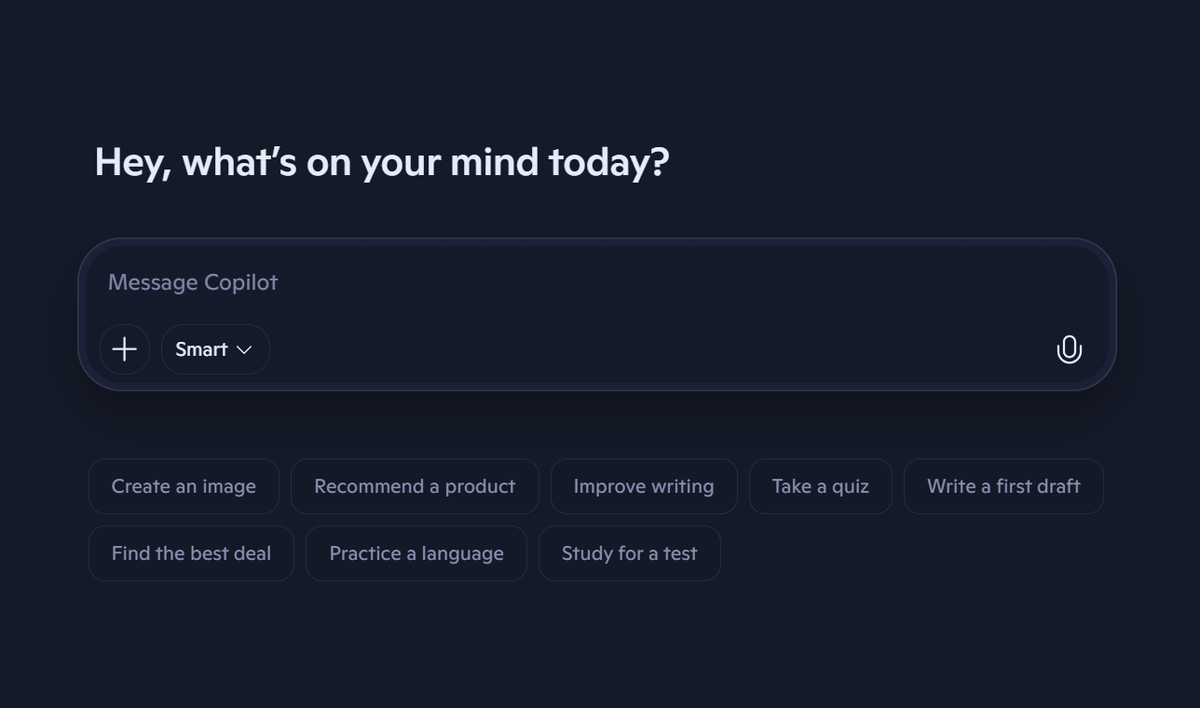
Microsoft Copilot (opens in a new tab) is the natural choice if your team is already embedded in the Microsoft ecosystem. It works directly inside Word, Excel, PowerPoint, Outlook, and Teams, which means the AI comes to where your work already happens.
Copilot Pro offers priority access to the latest AI models and improves performance across Microsoft 365 apps, including Word, Excel, PowerPoint, Outlook, and OneNote. For enterprise users, the Microsoft 365 Copilot add-on unlocks deeper organizational features across the full Microsoft stack.
The tradeoff is that Copilot's value is directly tied to how much you use Microsoft tools. Outside that ecosystem, it offers far less than the alternatives.
- Best for: Microsoft 365 users, enterprise teams, document workflows
- Free tier: Yes, with basic features
- Paid plans: From $99.99/year (Personal)
👉 See how Copilot compares to ChatGPT and Gemini (opens in a new tab)
4. DeepSeek – best free ChatGPT alternative
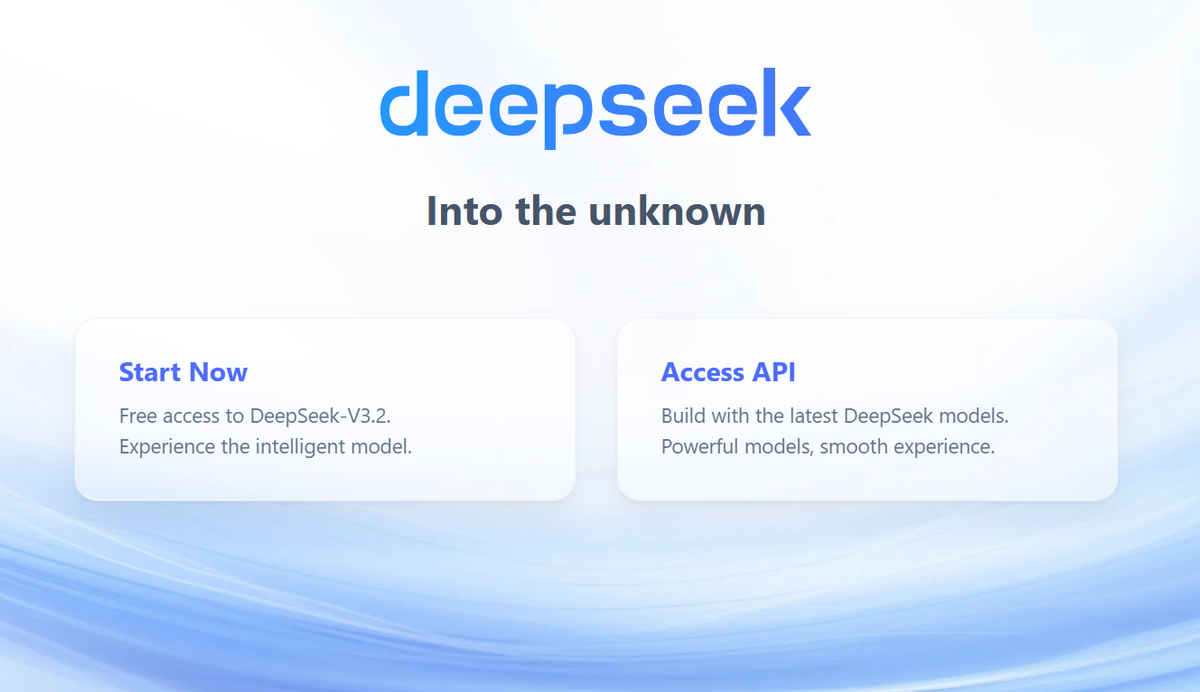
DeepSeek (opens in a new tab) is the standout free option in 2026. It offers its full DeepThink reasoning capabilities completely free, without artificial usage caps, making it exceptionally valuable for cost-sensitive teams and individuals.
It's built on open-source models, which makes it a strong pick for developers and technical users who need advanced reasoning without paying for a subscription. The interface is clean and accessible on the web, iOS, and Android.
It doesn't have the same polish or integrations as paid tools. Enterprise teams should review DeepSeek's data handling policies before use, particularly given its Chinese origins.
- Best for: Technical work, reasoning tasks, budget-conscious users
- Free tier: Yes, fully free
- Paid plans: None for consumers (API pricing available)
5. Grok – best for real-time and opinionated responses
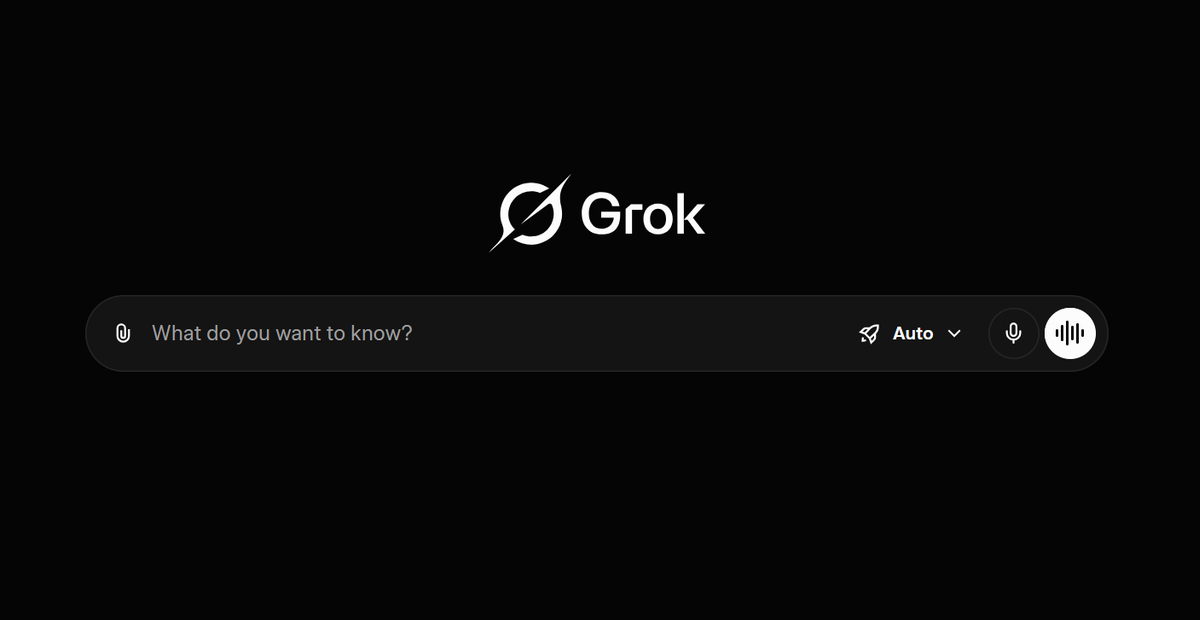
Grok (opens in a new tab) is xAI's AI assistant, built with a distinct personality and a direct line to real-time data from X (formerly Twitter). If you want an AI that gives unfiltered, current takes on what's happening right now, Grok is built for that.
Grok excels in deep reasoning, coding tasks, and real-time trend insights through its X platform integration. It's a strong option for power users who want both technical depth and access to live social data.
The free version is available to all X users with limited usage. SuperGrok at $30/month unlocks full Grok 4 access and extended features.
- Best for: Real-time information, opinionated responses, social media trends
- Free tier: Yes, limited via X
- Paid plans: From $30/month (SuperGrok)
👉 See how Grok compares to ChatGPT (opens in a new tab)
6. Tactiq – best alternative to ChatGPT for meeting workflows
Every tool on this list is built around a text prompt. You type, you get something back. That works well for writing, research, and coding, but it doesn't solve what happens inside a live meeting.
When you're in a conversation, you can't be fully present and taking notes at the same time. Copying a transcript into ChatGPT afterward still takes manual effort, and the moment has already passed.
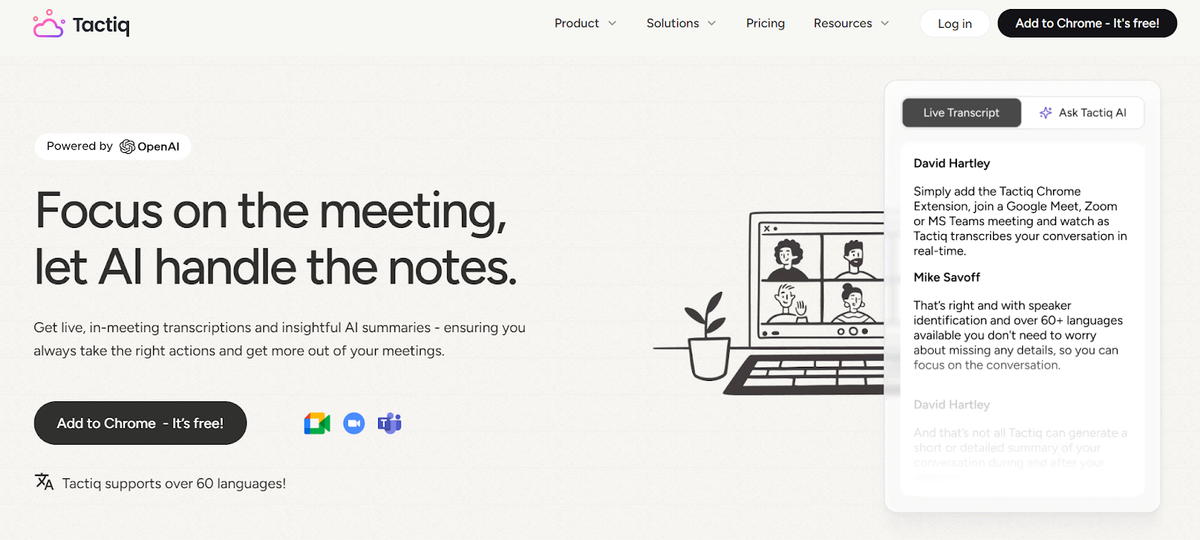
Tactiq (opens in a new tab) captures your meetings in real time across Zoom, Google Meet, and Microsoft Teams. No bot joining the call and no disruption. Built-in AI prompts generate summaries, action items, and follow-ups without any copy-pasting. Push outputs directly to Slack, Notion, HubSpot, and more.
For meeting-heavy teams, no general-purpose AI tool does this job. Tactiq is purpose-built for it.
- Best for: Meeting transcription, AI summaries, action items, team workflows
- Free tier: Yes, 10 free transcripts per month, no credit card required
- Paid plans: Pro at $8/month (billed annually), view complete pricing here (opens in a new tab)
Want the convenience of AI summaries?
Try Tactiq for your upcoming meeting.
How to Choose the Right ChatGPT Alternative
Not every AI tool is built for every job or task. Here's how to match the right one to how you actually work.
For writing and research
Claude is the strongest pick for long documents, dense reports, and polished content. Its long context window handles large file uploads without losing coherence.
For research that needs cited, verifiable sources, Perplexity's AI-powered web search comes with built-in source attribution, something general-purpose chatbots don't do well by default.
For coding and technical work
Claude and ChatGPT lead on code assistance and advanced reasoning tasks.
DeepSeek is worth considering for developers who want powerful open-source models at no cost; its deep research and reasoning capabilities are fully free with no usage caps.
For teams inside Microsoft or Google ecosystems, Copilot and Gemini both offer write code features directly within their platforms.
For meetings and team collaboration
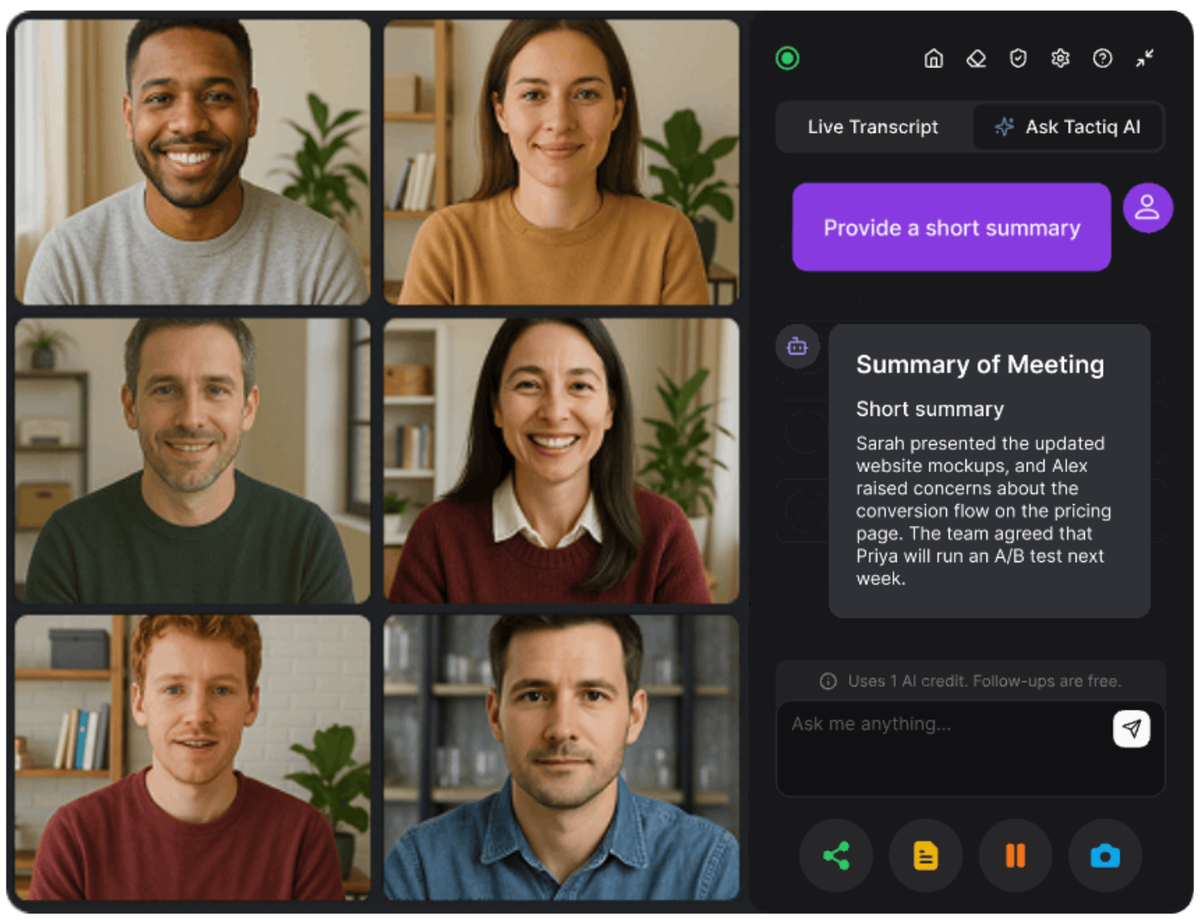
This is where general-purpose AI tools hit a hard limit. ChatGPT, Claude, and Gemini are built for prompts, not live conversations. You can paste a transcript in after the fact, but someone still has to capture it first. For business teams, UCaaS (opens in a new tab) can provide the underlying communication layer by bringing video conferencing, messaging, and collaboration into one cloud-based environment.
Tactiq works differently. It captures the conversation as it happens, so the transcript exists the moment the call ends. Built-in AI prompts handle summaries, action items, and follow-ups. No copy-pasting into a separate AI tool required.
For meeting-heavy teams, it's the only tool on this list built specifically for that workflow.
Free tool vs. paid tool: what do you actually need?
The free plans from Claude, Gemini, Perplexity, and Tactiq all offer real value for light to moderate use. Where paid plans earn their keep is consistency; free tiers come with message limits, model downgrades during peak hours, and restricted key features. For most users, starting free and upgrading when you feel the friction is the right approach.
Choosing the Right ChatGPT Alternative in 2026
The best ChatGPT alternative in 2026 isn't the one with the longest feature list. It's the one that fits how you actually work.
For writing and long documents, Claude delivers. For Google Workspace users, Gemini is the natural fit. Perplexity wins on cited web research. Copilot is hard to beat if your team lives in Microsoft apps. DeepSeek is the strongest fully free option for technical users. And Grok is the go-to for real-time, unfiltered responses.
But none of those tools were built for meetings. They're all useful before and after the call, but absent when the real work is happening.
That's the gap Tactiq fills. Every meeting generates decisions, context, and next steps. Tactiq makes sure they don't get lost the moment someone clicks "Leave."
FAQs About ChatGPT Alternatives
What is the best free ChatGPT alternative in 2026?
DeepSeek is the strongest fully free option. No usage caps, no paid tier required. For free tiers with more features, Claude and Gemini both offer solid free plans for everyday tasks.
Is Claude better than ChatGPT?
It depends on the task. Claude leads on long documents, nuanced writing, and coding. ChatGPT has the edge on image generation, voice chat, and third-party integrations. See the full comparison here. (opens in a new tab)
What can I replace ChatGPT with?
The best replacement depends on your workflow. Claude for writing, Perplexity for research, Gemini for Google Workspace, Copilot for Microsoft apps, and Tactiq for meeting workflows.
Which ChatGPT alternative is best for work and business use?
For most business users, Claude or Gemini covers the basics. Enterprise users inside Microsoft 365 will get the most value from Copilot. For meeting-heavy teams, Tactiq is the purpose-built option that no general AI tool replaces.
What is the best AI tool for meetings?
Tactiq. Unlike general-purpose AI chatbots, it captures conversations in real time across Zoom, Google Meet, and Microsoft Teams, then turns them into summaries, action items, and follow-ups automatically.
Related articles

Which AI Tool Uses ChatGPT for Meeting Data?

How to Cancel ChatGPT Subscription in 2026: Step-by-Step Guide

How to Feed Data to ChatGPT

ChatGPT Meeting Minutes Generator

Is Gemini Better Than ChatGPT?

Copilot vs ChatGPT vs Gemini: Ultimate 2026 Comparison

How to Export ChatGPT Conversation (Full Guide)

Does Tactiq Work with the ChatGPT Atlas Browser?
Want the convenience of AI summaries?
Try Tactiq for your upcoming meeting.
Bringing AI into your meetings has never been so easy.
Add to Chrome - It's free!(opens in a new tab)Try Tactiq in your upcoming meeting!
Sign up now