
The Best Claude Cowork Alternatives in 2026
April 24, 2026
April 24, 2026
April 24, 2026
April 24, 2026

Claude Cowork is one of the most capable AI agents available right now. But it's not the right fit for everyone.
It runs only on the desktop app. No browser version, Linux support, or shared sessions. It requires a paid Anthropic subscription. And its activity isn't captured in audit logs, which creates real concerns for teams in corporate environments with compliance requirements.
If Cowork doesn't fit your setup, the broader agentic AI space has matured fast. There are strong alternatives: for web-based task execution, deep integrations with tools your team already uses, or a free open source option you can run locally.
This article covers:
- What Claude Cowork does and where it falls short
- What to look for in a Claude Cowork alternative
- The best alternatives available in 2026
- How Tactiq fills the meeting intelligence gap that none of these tools address
What Is Claude Cowork and What Does It Actually Do?
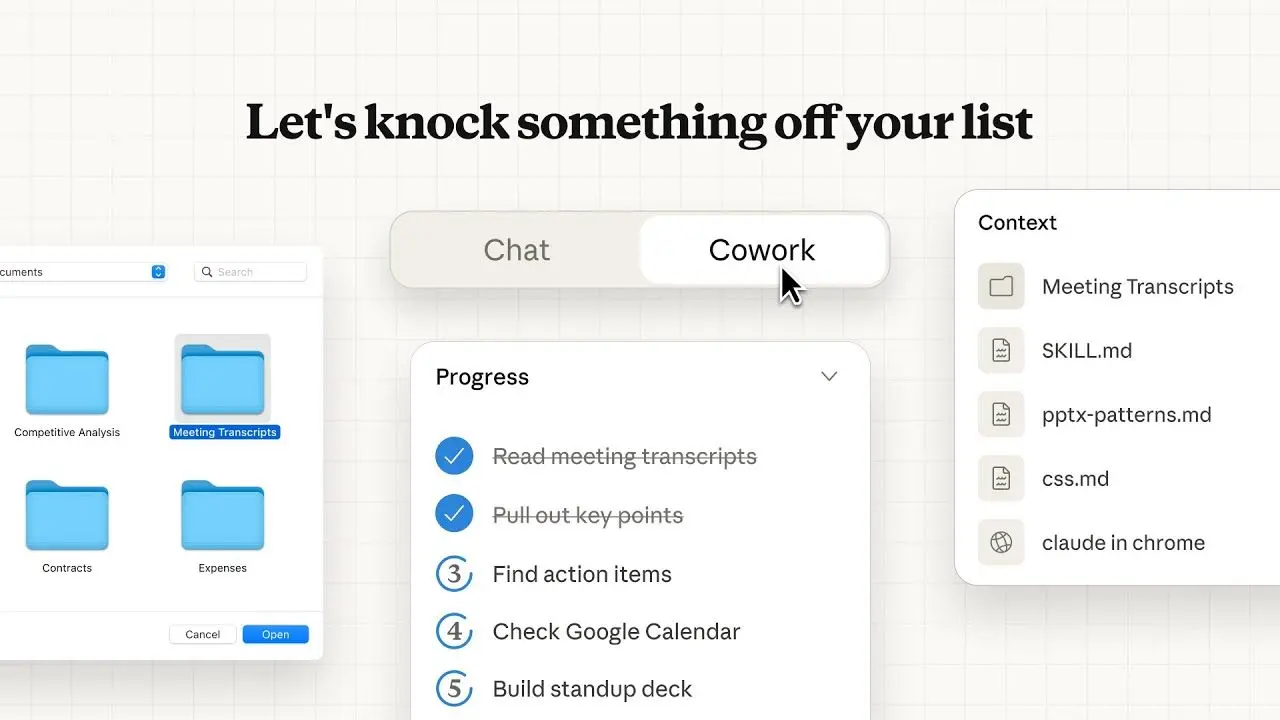
Claude Cowork brings the same agentic architecture that powers Claude Code to everyday knowledge work. No terminal required. It lives inside the Claude desktop app alongside Chat and Code, and it's designed for non-technical users who need AI agents that execute real work, not just generate text.
You describe an outcome, say, "turn this folder of receipts into a formatted expense report." Cowork builds a plan, coordinates subtasks, runs code in an isolated virtual machine, and delivers finished outputs directly to your local filesystem.
You can watch it work in real time or step away and come back to finished work.
Here's a walkthrough of Cowork in action:
Key features
- Local file access: Claude reads and writes files in the folders you connect to; no manual uploads or downloads
- Sub-agent coordination: Complex tasks get broken into parallel workstreams and run simultaneously
- Professional document generation: Produces Excel spreadsheets with working formulas, PowerPoint decks, and formatted Word docs
- Scheduled tasks: Set recurring workflows that run automatically on a cadence you define
- Projects: Group related tasks into persistent workspaces with their own files, memory, and instructions
- Computer use (research preview): Claude can interact directly with your screen — clicking, typing, and navigating apps
Cowork also pairs with the Claude in Chrome extension for web-based tasks that sit outside your local filesystem.
Limitations to know
Cowork is capable, but it has real constraints worth understanding before you commit.
- Desktop-only: No web access, no mobile-only workflows. The desktop app must stay open for tasks to run
- Mac and Windows only: No Linux downloads available
- Paid subscription required: Pro ($20/mo), Max ($100–$200/mo), Team, or Enterprise
- No compliance logging: Cowork activity isn't captured in audit logs, the Compliance API, or data exports; Anthropic explicitly says not to use it for regulated workloads
- Memory limited to projects: Memory doesn't persist across standalone Cowork sessions
- No session sharing: Conversations and outputs can't be shared with other users
- No native Microsoft 365 integration: Cowork works with local files, not cloud M365 documents
For anyone in corporate environments with audit requirements or teams that live in the cloud, these gaps are a reason to look at alternatives.
What to Look for in a Claude Cowork Alternative
Cowork is built around one core idea: give AI agents access to your local files and let them execute complex, multi-step work autonomously. The right alternative depends on which part of that idea matters most to you, and which of Cowork's constraints you're trying to escape.
Here's what to evaluate:
- Task execution depth: Can it handle long-running tasks with multiple steps, or does it stop at single-turn responses? Real workflows rarely fit in one prompt
- File and system access: Does it work with your local filesystem, cloud storage like Google Drive, or both? Agent access to the right files determines output quality
- Platform flexibility: If you need web-based access, Windows support, or Linux downloads, check before you commit
- Open source and BYOK options: Teams that want local-first control, own key flexibility, or the ability to run locally on local models should look at open source alternatives
- Cost: Cowork starts at $20/mo and scales to $200/mo. Free and lower-cost options exist, but come with tradeoffs
- Enterprise readiness: Corporate environments with compliance needs should verify audit logging, data handling, and admin controls before deploying any AI coworker at scale
No single tool wins on every dimension. The sections below break down the best options by use case so you can match the right tool to how you actually work.
💡 Pro tip: None of the tools below capture what happens in your meetings. Use Tactiq to transcribe your calls in real time across Zoom, Google Meet, and Microsoft Teams, then feed the transcript into whichever agent you choose, or let Tactiq's built-in AI handle summaries and action items automatically.
Best Claude Cowork Alternatives in 2026
No single tool replicates everything Cowork does. But depending on your workflow, one of these alternatives will cover the ground that matters most to you.
ChatGPT with agent mode
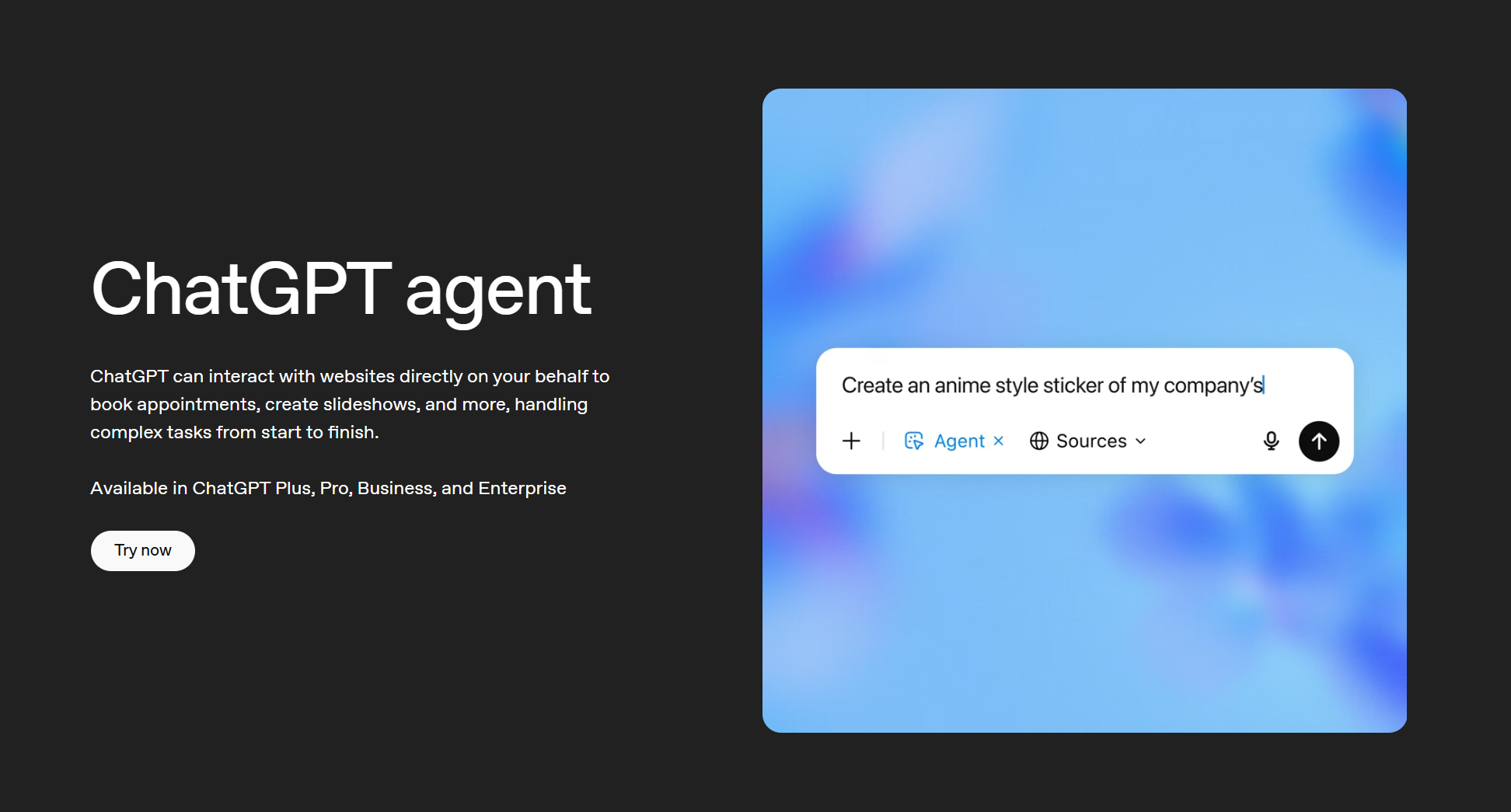
ChatGPT's agent mode grew out of Operator, which launched as a standalone tool in early 2025 before being folded into ChatGPT in July 2025. It's now the most accessible web-based AI agent available. No desktop app or local installation required.
You describe a task, and ChatGPT browses the web, interacts with pages, fills forms, and pulls data from connected apps. Ask it to research three competitors, compare their pricing, and drop the findings into a Google Doc; it handles every step. It links to 60+ tools including Google Drive, Slack, and Notion via Connectors, making it strong for cloud-native workflows.
For a deeper comparison of the underlying models, see ChatGPT vs. Claude.
Pros
- Web-based; works in any browser on any OS, including Linux
- Agent mode included in Plus ($20/mo) and above
- 60+ app connectors for deep integrations across cloud tools
- Handles web browsing, form-filling, and repetitive tasks autonomously
Cons
- No access to your local filesystem
- Agent mode limited to 40 tasks/month on Plus and Team plans; 400/month on Pro
- Not available on Free or Go plans
Best for: Non-technical users who run primarily web-based tasks and want agentic AI without a desktop app.
Notion AI
Notion AI is the AI layer built into Notion's connected workspace. It works inside the docs, databases, and projects your team already manages in Notion, not alongside them.
Since Notion 3.0 launched in late 2025, the AI Agent can execute multi-step tasks autonomously: building databases, drafting docs, and running scheduled workflows.
Custom Agents, launched in February 2026, run 24/7 on triggers across Slack, email, calendar, and Notion itself. Full AI access requires the Business plan at $20/user/month.
Pros
- AI is built into your existing workspace, no context switching
- Custom Agents run autonomously on schedules and triggers
- Multi-model support: Claude Sonnet 4, GPT-5, and others
- Enterprise Search works across Notion and connected tools like Slack and Google Drive
Cons
- Only useful if your team already works in Notion
- Full AI requires the Business plan ($20/user/month)
- Custom Agents use Notion Credits, an add-on cost from May 4, 2026
Best for: Teams that want AI embedded in their knowledge base, with autonomous agents that handle recurring tasks without manual prompting.
Gemini for Google Workspace
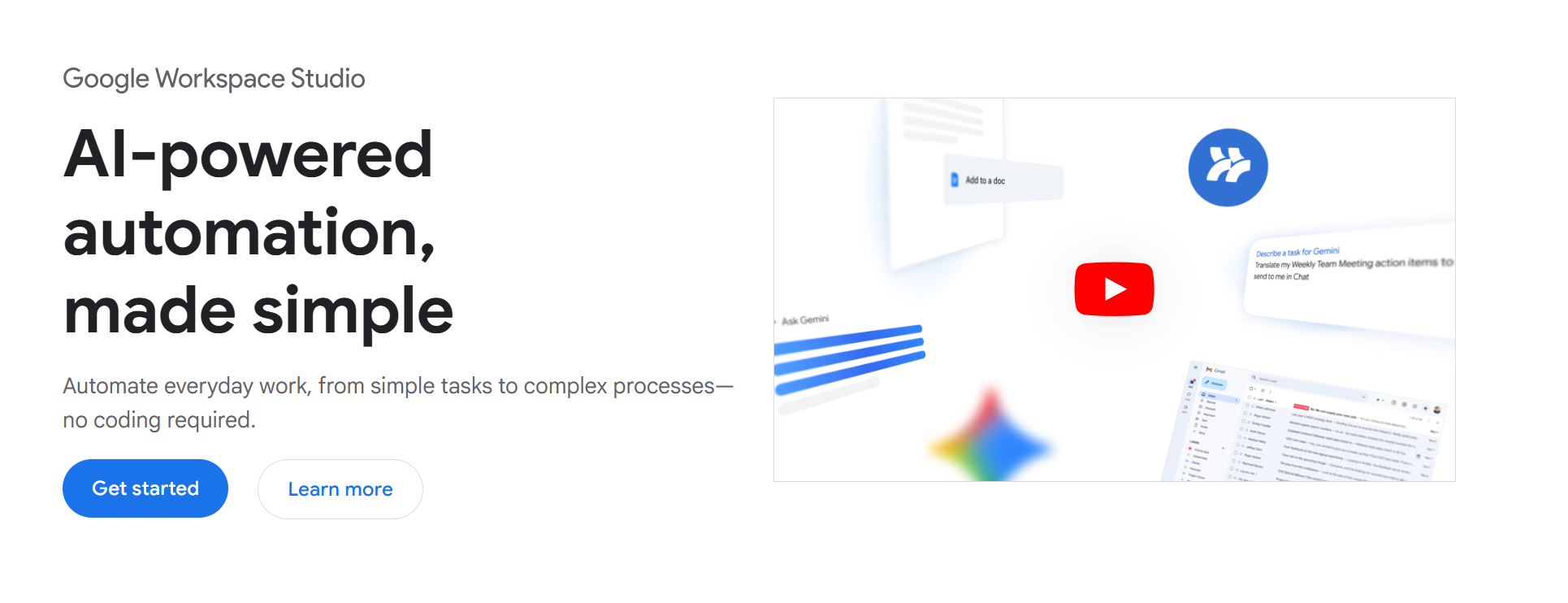
Gemini for Google Workspace is Google's AI layer built natively into Gmail, Docs, Drive, Meet, Sheets, and more. If your team already runs on Google Workspace, Gemini is already there. No additional tool to evaluate or integrate.
The biggest 2026 addition is Workspace Studio, now generally available on Business and Enterprise plans. It lets anyone build custom AI agents in plain language; no coding required.
Agents can automate email triage, capture meeting action items, save attachments to Drive, and handle multi-step workflows across Workspace apps. Gemini is included in all Business plans.
Pros
- Native integration across Gmail, Docs, Drive, Meet, and Sheets
- Workspace Studio lets non-technical users build custom agents without code
- Real-time data access across Google's ecosystem
- Strong compliance and data protection controls for enterprise teams
- Web browsing is built in for research tasks
Cons
- Only useful if your team is on Google Workspace
- Gemini Agent (agentic mode) is currently limited to Gemini Ultra subscribers in the US
- Weaker outside the Google ecosystem
- Local file access requires manual upload to Drive first
Best for: Teams already on Google Workspace who want AI embedded across their daily tools without managing a separate agent platform.
Open Cowork (open source)
.png)
Open Cowork is a free, open source desktop agent for Windows and macOS. It wraps Claude, OpenAI, Gemini, DeepSeek, and local models into a GUI. No terminal or Anthropic subscription required. You bring your own key and pay only for API usage.
Pros
- Free under the MIT license; no platform subscription
- Multi-model support, including local models via any OpenAI-compatible API
- VM-level sandbox isolation on both Windows and macOS
- Remote task delegation via Slack integration
Cons
- Requires API keys; not plug-and-play for non-technical users
- No Linux installers (build from source only)
- No managed support or compliance guarantees
Best for: Developers and privacy-conscious teams who want local-first control and multi-model flexibility without a subscription.
Copilot Cowork
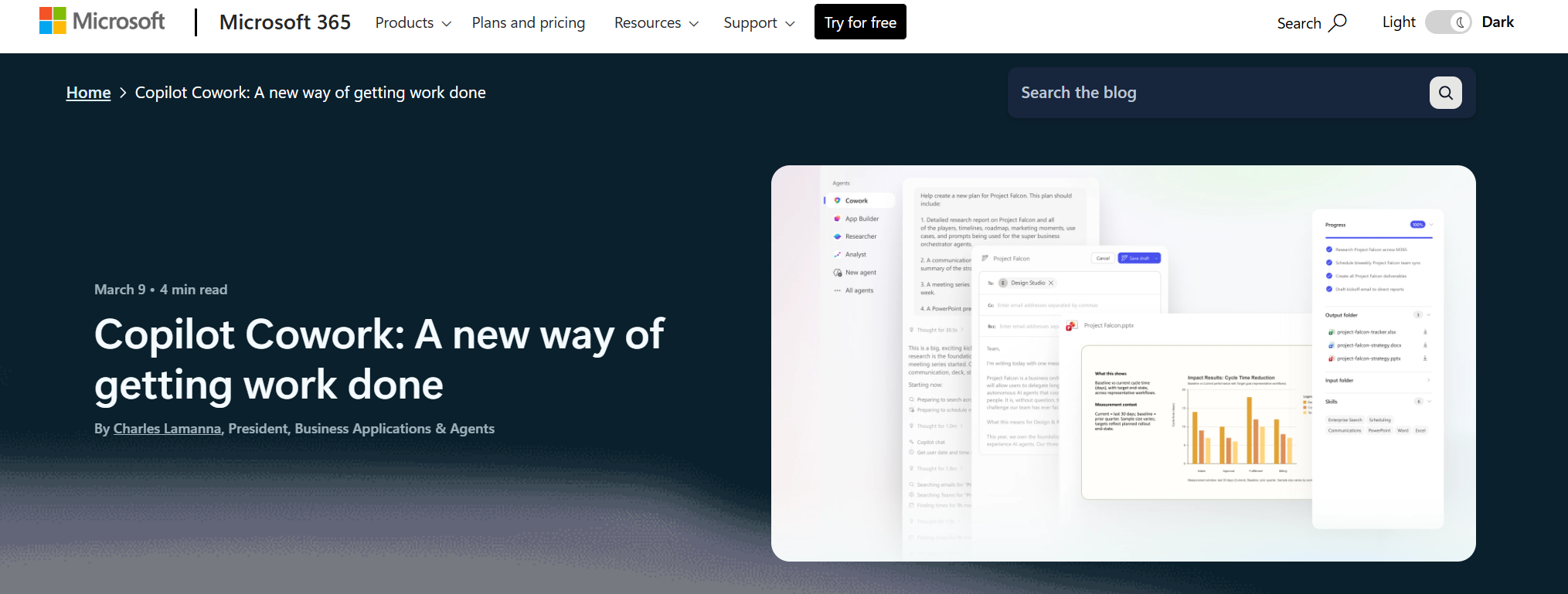
Copilot Cowork is Microsoft's answer to agentic AI for the enterprise, and it's built on the same technology that powers Claude Cowork. Microsoft developed it in partnership with Anthropic, integrating Claude directly into Microsoft 365 Copilot.
Unlike Claude Cowork, which works with local files on your desktop, Copilot Cowork operates across your M365 environment: Excel, Outlook, Teams, SharePoint, and more. You describe an outcome, it builds a plan, and executes multi-step tasks across your existing cloud tools. It's part of the new Microsoft 365 E7 Frontier Suite, generally available from May 1, 2026, at $99/user/month.
For a deeper look at how Claude Teams compares for enterprise use, see Claude Teams.
Pros
- Works natively across the M365 apps enterprise teams already use daily
- Powered by Claude under the hood (same agentic architecture, cloud-native)
- Agent 365 provides centralized governance and security controls across all agents
- Strong compliance posture for corporate environments
Cons
- Requires M365 E7; $99/user/month is a significant commitment
- Currently in Frontier early access; not yet available to all organizations
- No local file access; cloud-only
- Overkill for small teams or individuals
Best for: Enterprise teams on Microsoft 365 that need agentic AI with full governance, compliance, and deep integrations across Outlook, Teams, Excel, and SharePoint.
Use Tactiq to Get More Out of Any AI Coworker
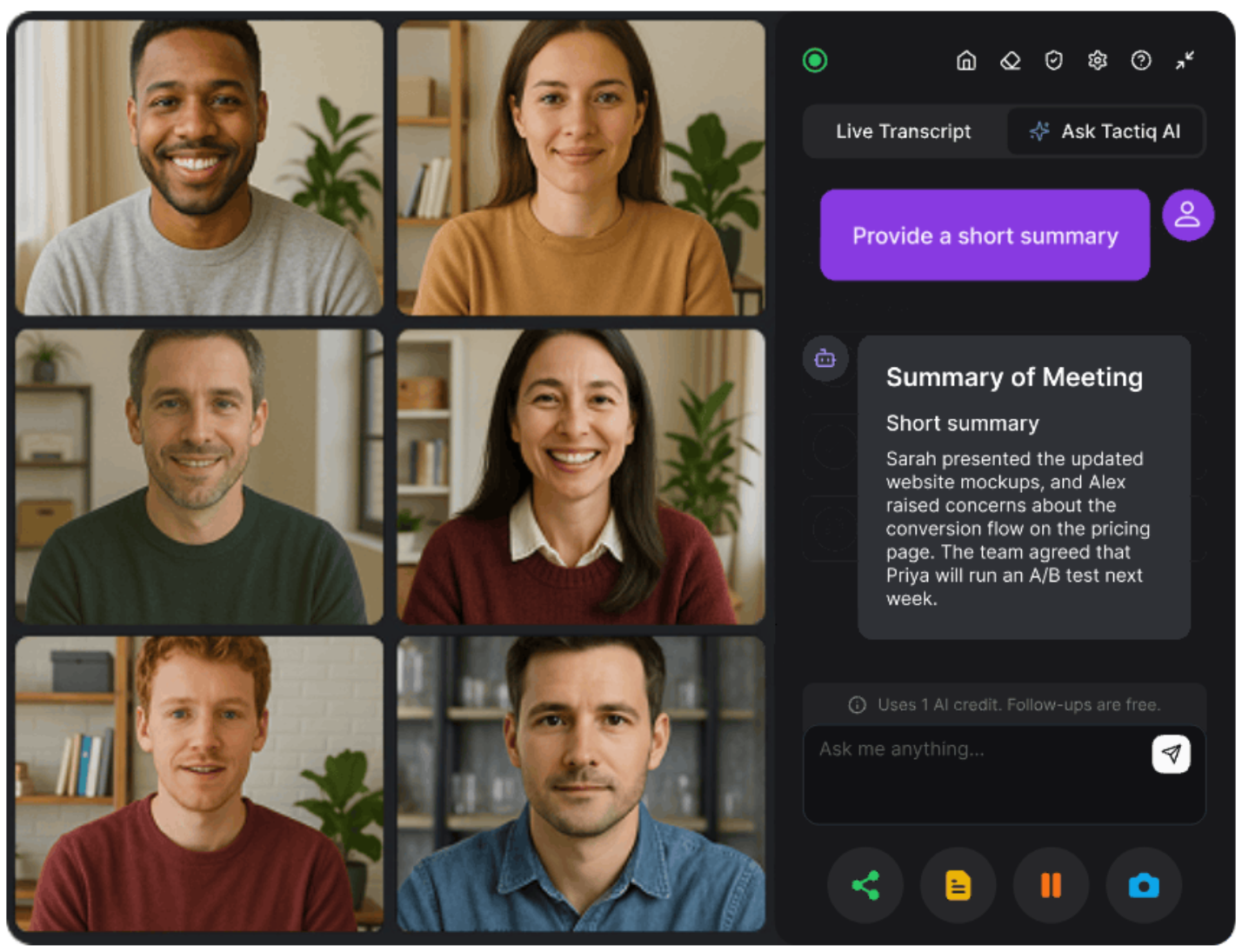
Every tool in this list handles files, tasks, and workflows. None of them captures what happens in your meetings.
Decisions get made in virtual calls. By the time those conversations end, the context that drove them is gone, unless something captured it.
Tactiq transcribes your meetings in real time across Zoom, Google Meet, and Microsoft Teams. No bots, no recordings, no disruption. During the call, Tactiq's built-in AI lets you ask questions about the conversation as it happens, without switching to another app.
After the meeting, AI Workflows can route your output automatically, sending summaries to Notion, pushing action items to your project tools, or triggering any workflow you've configured.
For teams that want to go deeper, the full transcript exports directly into any tool above:
- Feed it into ChatGPT agent mode to generate a project brief
- Upload it into Notion AI to auto-populate a database
- Drop it into Claude to draft follow-up emails and action items
For more on using Claude with transcripts, see Can Claude AI Take Meeting Notes? and Claude Project Examples.
Install the Tactiq Chrome Extension and start capturing your next meeting automatically.
{{rt_cta_ai-convenience}}
Conclusion
The best Claude Cowork alternative depends on where your work happens. ChatGPT agent mode suits web-based tasks. Notion AI fits teams already in Notion. Gemini works for Google-native teams. Open Cowork gives developers local-first control for free. Copilot Cowork is built for enterprise M365 teams that need governance at scale.
None of them capture your meetings. Tactiq fills that gap: real-time transcription, in-call AI, and Workflows that turn conversations into structured outputs the moment the call ends.
Add Tactiq to your meeting stack and make sure nothing gets lost between the conversation and the deliverable.
Claude Cowork is Anthropic's desktop AI agent for knowledge work. It runs inside the Claude desktop app on macOS and Windows, and executes complex, multi-step tasks on your behalf. It organizes files, generates documents, and runs scheduled workflows directly on your local filesystem.
No. Cowork requires a paid Claude subscription. Plans start at $20/month (Pro) and go up to $200/month (Max). Team and Enterprise plans are also supported.
It depends on your workflow. ChatGPT suits web-based tasks, Notion AI fits knowledge management, Gemini works for Google teams, and Open Cowork is the best free option. For meeting workflows, Tactiq is the tool that none of the others replace.
Yes. Claude Cowork launched on Windows in February 2026 with full feature parity with macOS. You can download the Claude desktop app at claude.com/download.
Claude Cowork works with your local files and runs tasks directly on your desktop. ChatGPT agent mode is web-based and browser-focused, with no local filesystem access. Cowork suits file-heavy desktop workflows; ChatGPT agent mode suits web-based and cloud-connected tasks.
Related articles








Want the convenience of AI summaries?
Try Tactiq for your upcoming meeting.
Want the convenience of AI summaries?
Try Tactiq for your upcoming meeting.
Want the convenience of AI summaries?
Try Tactiq for your upcoming meeting.