
The Best 5 Tools for Time Management in 2026
- Published:
- May 15, 2026
- Updated:
- May 15, 2026

Time is the one resource you can't get back. Yet most professionals still lose hours every week to disorganized tasks, back-to-back meetings, and constant context switching.
The right time management system doesn't just help you stay busy. It helps you protect deep work, manage projects without the chaos, and actually finish what matters.
TL;DR: The Best 5 Tools for Time Management (2026)
The best time management apps in 2026 cover task management, time tracking, meeting intelligence, and smart scheduling. The right mix depends on your workflow, but the tools below are a strong starting point.
Here's a quick look at the best time management tools in 2026:
- ClickUp — Best for teams that need to manage projects, tasks, and timelines in one place
- Tactiq — Best for meeting-heavy professionals who want to reclaim lost time
- Toggl Track — Best for freelancers and small teams that need simple, accurate time tracking
- Motion — Best for busy professionals who want AI scheduling to plan their day automatically
- Forest — Best for individuals building deep work habits and beating distractions
Let's explore each tool in detail.
Best Tools for Time Management in 2026
The productivity tools below cover every layer of a solid time management system: task management, time tracking, smart scheduling, and meeting intelligence.
ClickUp
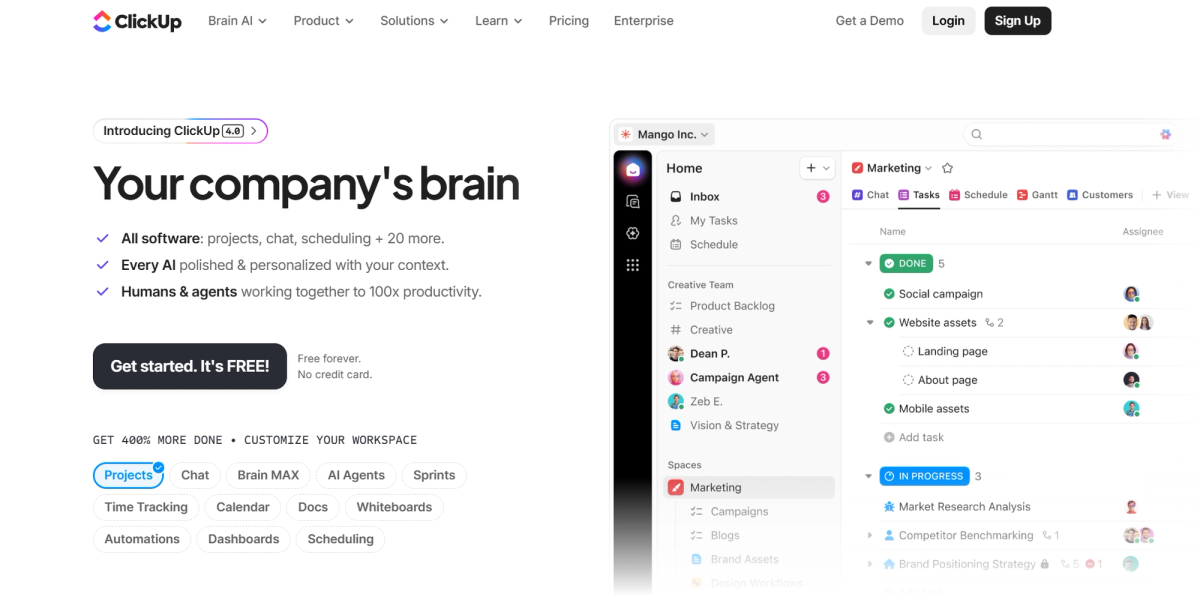
ClickUp (opens in a new tab) is one of the most versatile project management tools available today. It consolidates task management, project timelines, goal tracking, and reporting features into a single workspace.
Key features:
- Unlimited tasks, docs, and Kanban boards on all plans
- Gantt charts and project milestones for tracking progress across timelines
- Native time tracking, timesheets, and productivity reports on paid plans
- Custom fields, automation, and calendar integration with Google Calendar
- ClickUp Brain AI add-on with natural language processing for tasks and search
Best for: Teams that need a full project management system with deep integration across tasks, timelines, and reporting all in one place.
Pricing:
- Free Forever: unlimited tasks and unlimited users, 60MB storage
- Unlimited: $7/user/month (billed annually), includes native time tracking
- Business: $12/user/month (billed annually)
- Enterprise: custom pricing
Tactiq
The average employee spends 392 hours per year in meetings (opens in a new tab) - more than 16 full workdays. Most of that time disappears into notes that never get written, action items that never get captured, and follow-ups that never get sent.
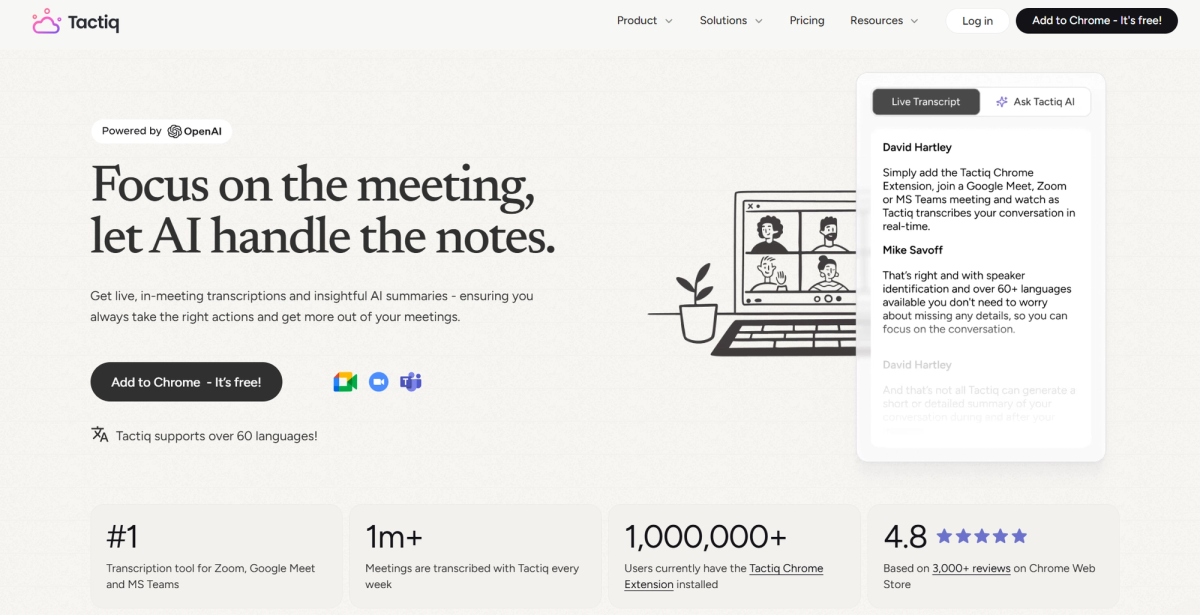
Tactiq (opens in a new tab) is a transcription and summarization tool that captures your conversations in real time, then lets you pull out summaries, action items, and follow-ups the moment the call ends.
Tactiq is the fastest way to reclaim lost time after meetings. Check out how AI can turn a meeting into results (opens in a new tab) to see what that looks like in practice.
Key features:
- Free Chrome extension (opens in a new tab), install in seconds, no bot joins your call
- Real-time transcription across Google Meet, Zoom, and Microsoft Teams
- AI-generated summaries, action items, and follow-up drafts in one click
- AI Workflows to automate repetitive post-meeting tasks
- Integration with tools like Notion, Slack, and Google Docs
Best for: Meeting-heavy professionals who want to stop losing time to manual note-taking and scattered follow-ups.
- Free: 10 transcripts and 5 AI credits per month, no credit card required
- Pro: $8/user/month (billed annually), unlimited transcripts, 10 AI credits/month
- Team: $16.67/user/month (billed annually), unlimited AI credits, auto-share transcripts
- Business: $29.16/user/month (billed annually), unlimited AI credits, Advanced Data Retention
- Enterprise: custom pricing
💡 Pro Tip: Professionals using Tactiq report getting back hours each week just by replacing manual note-taking with real-time transcription and one-click summaries. Try it free (opens in a new tab) today.
Want the convenience of AI summaries?
Try Tactiq for your upcoming meeting.
Toggl Track
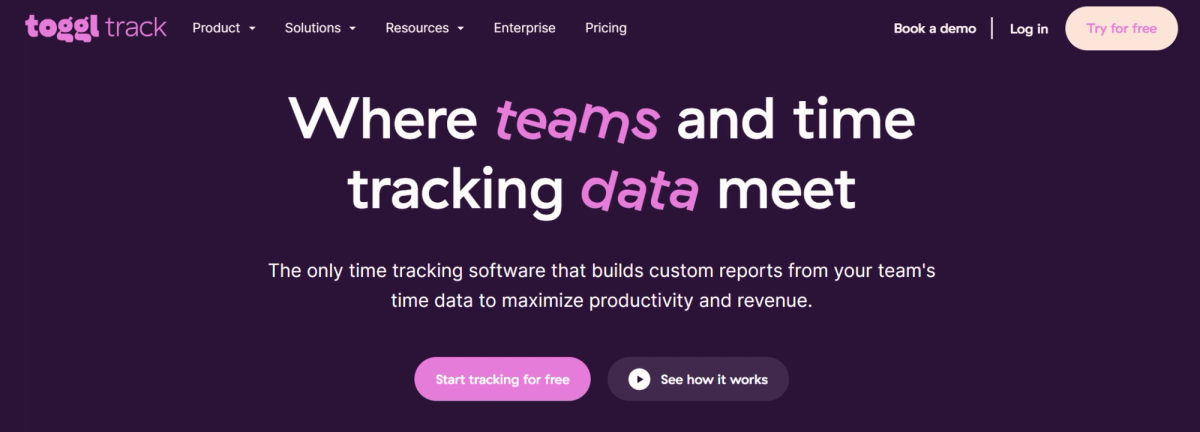
Toggl Track (opens in a new tab) is one of the most widely used time tracking software tools for freelancers and small teams. It focuses on one thing: helping you track time, understand where it goes, and turn that data into accurate billing and project reporting. It works across web, desktop, and mobile, with calendar sync for Google Calendar and Outlook.
For a deeper look at how time tracking fits into a broader productivity stack, check out this guide on AI tools for productivity and time management (opens in a new tab).
Key features:
- Browser extension with 100+ tool integrations
- Automated time tracking via desktop activity and calendar events
- Billable rates, revenue tracking, and profitability analysis on paid plans
- Productivity reports with workload, summary, and detailed views
- Project time estimates and alerts to catch scope creep early
Best for: Freelancers and small teams who need reliable time tracking software with solid reporting and project profitability insights.
Pricing:
- Free: limited users, core time tracking, and productivity reports
- Starter: $9/user/month (billed annually), billable rates, revenue reports, project tasks
- Premium: $18/user/month (billed annually), profitability analysis, timesheet approvals, scheduled reports
- Enterprise: custom pricing
Motion
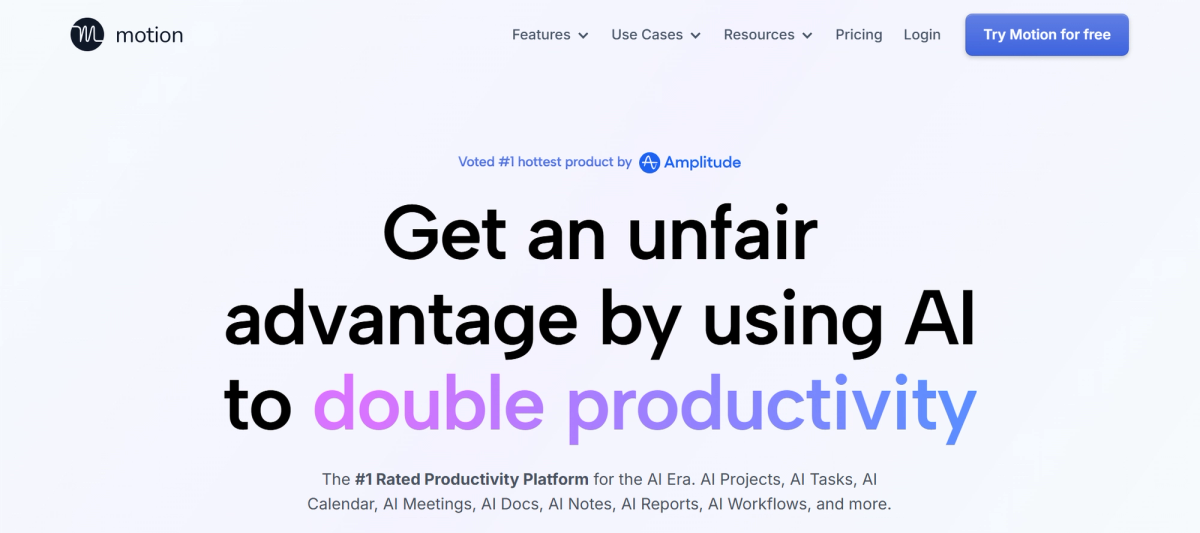
Motion (opens in a new tab) is an AI scheduling tool built for professionals. It automatically schedules tasks onto your calendar based on deadlines, priorities, and existing meetings. When priorities shift, like a meeting runs long or a new task lands, Motion reschedules everything in real time.
It covers AI task management, smart scheduling, meeting booking, and project timelines in one workspace. For a deeper look at how smart scheduling fits into time management, see this guide on smart scheduling (opens in a new tab).
Key features:
- AI task planner — automatically time-blocks tasks around meetings and deadlines
- Dynamic rescheduling when priorities shift or meetings overrun
- AI meeting notetaker with summaries and action items
- Built-in calendar integration with Google Calendar and Outlook
- Project timelines, Gantt charts, and team capacity planning on Business AI
Best for: Busy professionals and small teams who want AI scheduling to handle the planning so they can focus on deep work.
Pricing:
- Pro AI: $19/seat/month (billed annually) — AI scheduling, task and project management, docs, and integrations
- Business AI: $29/seat/month (billed annually) — everything in Pro AI, plus team capacity planning, Gantt charts, time tracking, and advanced reporting
- No free plan — 7-day free trial on all plans
Forest
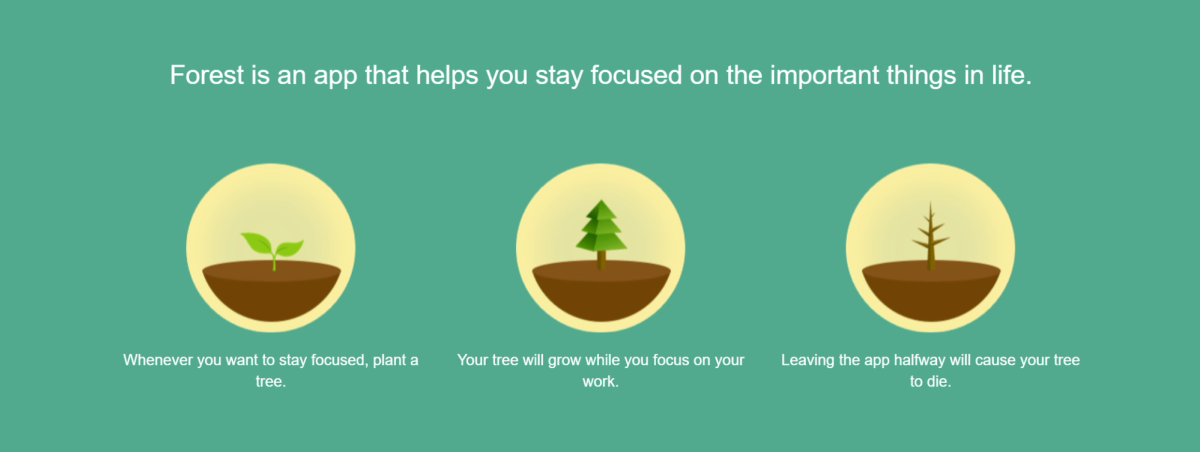
Forest (opens in a new tab) takes a different approach to time management. Instead of organizing tasks or tracking hours, it helps you protect deep work by keeping you off distracting websites and apps. You plant a virtual tree at the start of a focus session; leave the app or stray to a distracting site and the tree dies.
Forest also partners with Trees for the Future, so virtual coins earned through completed sessions can fund real tree planting.
Key features:
- Available on iOS, Android, and as a free Chrome/Firefox browser extension
- Gamified focus sessions — virtual trees grow when you stay on task
- Website blocking on desktop via the browser extension
- Customizable allowlist for apps you need during focus sessions
- Focus history with daily, weekly, and monthly breakdowns
- Social focus sessions — invite others to grow a forest together
Best for: Individuals who want to build deep work habits and reduce distractions across both mobile and desktop without a complex setup.
Pricing:
- Android: free (with ads)
- iOS: $3.99 one-time purchase
- Chrome/Firefox extension: free
- No subscription required
How to Choose the Right Time Management Tool
With so many time management apps available, the temptation is to try them all. The faster path is to identify where your time actually goes first, then match the tool to that specific problem.
Identify where your time goes first
Spend one week logging how you actually spend your day. Most people find time disappearing in one of three places: disorganized tasks, unplanned meetings, or distraction and context switching. The right tool depends on which pattern dominates your week.
Match the tool to your use case, team size, and existing stack
- Task overload across multiple projects → ClickUp
- Meeting-heavy workload with scattered follow-ups → Tactiq
- Billable hours and project profitability tracking → Toggl Track
- Packed calendar with competing deadlines → Motion
- Phone distraction and deep work protection → Forest
Check that any tool you adopt has calendar integration or connects with the apps your team already uses. For a broader look at building an effective workflow, this guide on meeting management software (opens in a new tab) covers how to streamline the meeting layer of your stack.
Start with one tool per category
Pick one tool per category (task management, time tracking, and meeting intelligence) and give each at least 30 days before evaluating. Overloading your stack creates more context switching, not less.
Build Your 2026 Time Management Stack
The best time management system is a stack that covers task management, time tracking, and meeting intelligence. Each layer solves a different problem, and the right combination depends on where your time is actually going.
Meetings are where most professionals lose the most time and get the least back. Tactiq captures every conversation, extracts action items, and builds a searchable record of every decision your team makes. Install Tactiq for free (opens in a new tab) and turn your next meeting into something that actually compounds.
FAQ
Your questions, answered.
If you have any further questions, Get in touch (opens in a new tab) with our friendly team
What are the best time management tools in 2026?
Are there free AI time management tools?
What time management tools work best for remote teams?
How do AI tools help with time management?
How can I stop wasting time in meetings?
Related articles
Context Engineering vs Prompt Engineering: What Your AI Agents Are Missing

Claude Memory: How to Import and Manage Your AI Context

Claude Cowork Connectors: Automate Recurring Work

Google Gemini MCP Support: Where It Works and Setup Tips

Best Claude Skills: Top Picks for Meetings, Content, and Code

5 Best AI Scheduling Assistants

Microsoft Teams MCP: How to Access Meeting Content With AI

How Do I Turn Off Google Gemini?
Want the convenience of AI summaries?
Try Tactiq for your upcoming meeting.
Bringing AI into your meetings has never been so easy.
Add to Chrome - It's free!(opens in a new tab)Try Tactiq in your upcoming meeting!
Sign up now