
Grok vs Claude: Which AI Tool Is Right for You? (2026 Guide)
April 3, 2026
April 3, 2026
April 3, 2026
April 3, 2026
Introduction
The AI assistant market is evolving fast, and choosing the right tool isn’t always straightforward. Two names that come up often are Grok (from xAI) and Claude (from Anthropic). Both are powerful, but they’re built for very different types of work and take very different approaches to what an AI should be, who it should serve, and how it should behave.
This guide breaks down how Grok and Claude compare across writing, coding, real-time research, pricing, and practical use cases, so you can pick the one that fits how you actually work.
In this guide, you’ll learn:
- How each tool performs across writing, coding, research, and long documents
- How their pricing compares in 2026
- Which tool fits different use cases
- How tools like Tactiq connect AI assistants to real meeting workflows
What Is Grok?
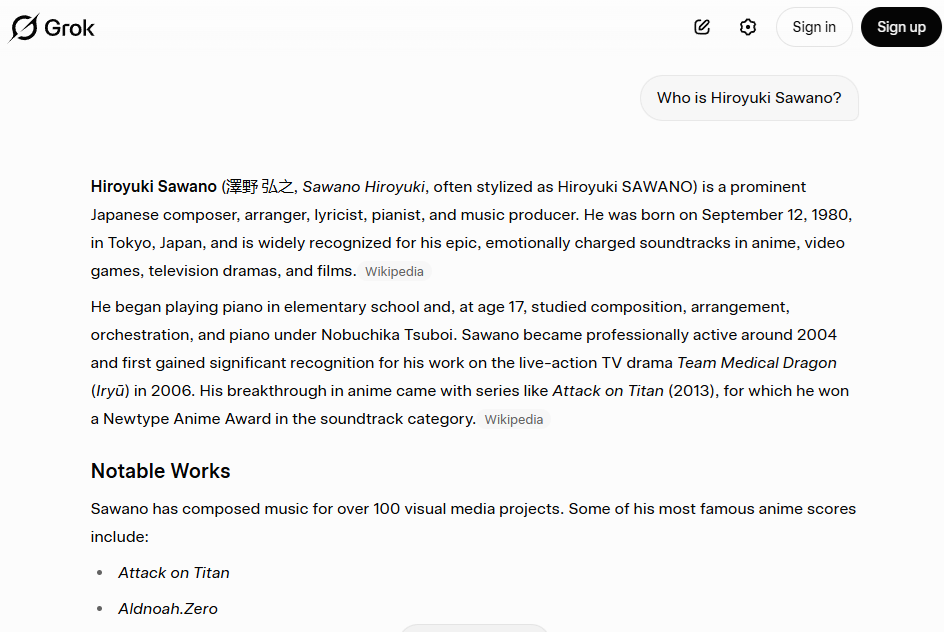
Grok is xAI's flagship AI chatbot, launched in late 2023 and deeply integrated with the X (formerly Twitter) platform. It was designed with a personality: conversational, witty, and sometimes irreverent, inspired by The Hitchhiker's Guide to the Galaxy.
What makes Grok distinctive is its real-time access to X data. It can pull live posts, trending topics, and public sentiment into its responses, giving it a unique edge for anything tied to current events and social media discourse.
As of March 2026, the current model family is Grok 4, with variants including Grok 4 Heavy and Grok 4.1 Fast. A multi-agent beta called Grok 4.20 is also in early access, and Grok 5 is in training.
Grok is best suited for users who want fast, culturally aware responses, real-time social insights, and a less formal conversational tone. It appeals to marketers, journalists, trend-watchers, and anyone who values speed and personality over rigid structure.
What Is Claude?
Claude is Anthropic's AI assistant, built on the principle of Constitutional AI, a training approach designed to make the model helpful, honest, and safe. Where Grok leans into personality, Claude leans into precision, depth, and reliability.
The current generation includes Claude Opus 4.6, Sonnet 4.6, and Haiku 4.5, each tuned for different tiers of complexity and cost. Claude is known for its exceptional long-context reasoning, supporting up to a million tokens in its context window for the latest 4.6 models. It excels at careful, structured analysis and has become a go-to tool for enterprise teams, developers, and professionals working with sensitive or complex material.
Claude's focus on safety and compliance also makes it a strong fit for regulated industries such as finance, healthcare, and legal, where accuracy and guardrails matter as much as capability.
Pro Tip 💡: One powerful way to maximize both Claude and Grok is to give them high-quality meeting transcripts from Tactiq. This combination turns an otherwise passive meeting into intelligent, actionable items.
Grok vs Claude: Head-to-Head Comparison
Writing and Content Creation
When it comes to writing, Grok and Claude serve different audiences.
Grok produces punchy, trend-aware copy that feels at home on social media. Its tone is casual, direct, and often laced with cultural references. If you need a quick LinkedIn post, a witty caption, or a hot take on a trending topic, Grok delivers with a natural social-media voice. Its real-time access to X means it can reference what people are actually talking about right now, and it’s especially great for crypto content.
Claude, on the other hand, is built for structure and nuance. It shines in long-form content: reports, white papers, blog posts, technical documentation, and business communications. Its writing tends to be clear, well-organized, and precise.
Claude also handles iterative editing well: you can ask it to rework a section, adjust tone, or tighten phrasing, and it tracks changes with consistency across long documents.
In summary:
- Grok for fast, personality-driven drafts
- Claude for polished, long-form, and professional writing.
Coding and Technical Tasks
Claude leads in agentic coding and multi-file reasoning. It handles complex refactoring, navigates large codebases, and follows detailed technical instructions with high accuracy.
Claude Code, Anthropic's terminal-based coding tool, allows developers to delegate tasks like repository-wide refactoring and running test suites directly from the command line. It consistently scores well on industry benchmarks like SWE-bench.
Grok is fast and capable for quick scripts, prototyping, and single-file code generation. xAI has also released a dedicated coding model (grok-code-fast-1) optimized for speed and cost-efficiency.
For rapid iteration and simple automation, Grok holds its own. However, for complex multi-step engineering tasks that require deep context awareness, Claude currently has the edge.
In summary:
- Claude for serious development work and large projects
- Grok for quick scripts and fast prototyping
Real-Time Information and Research
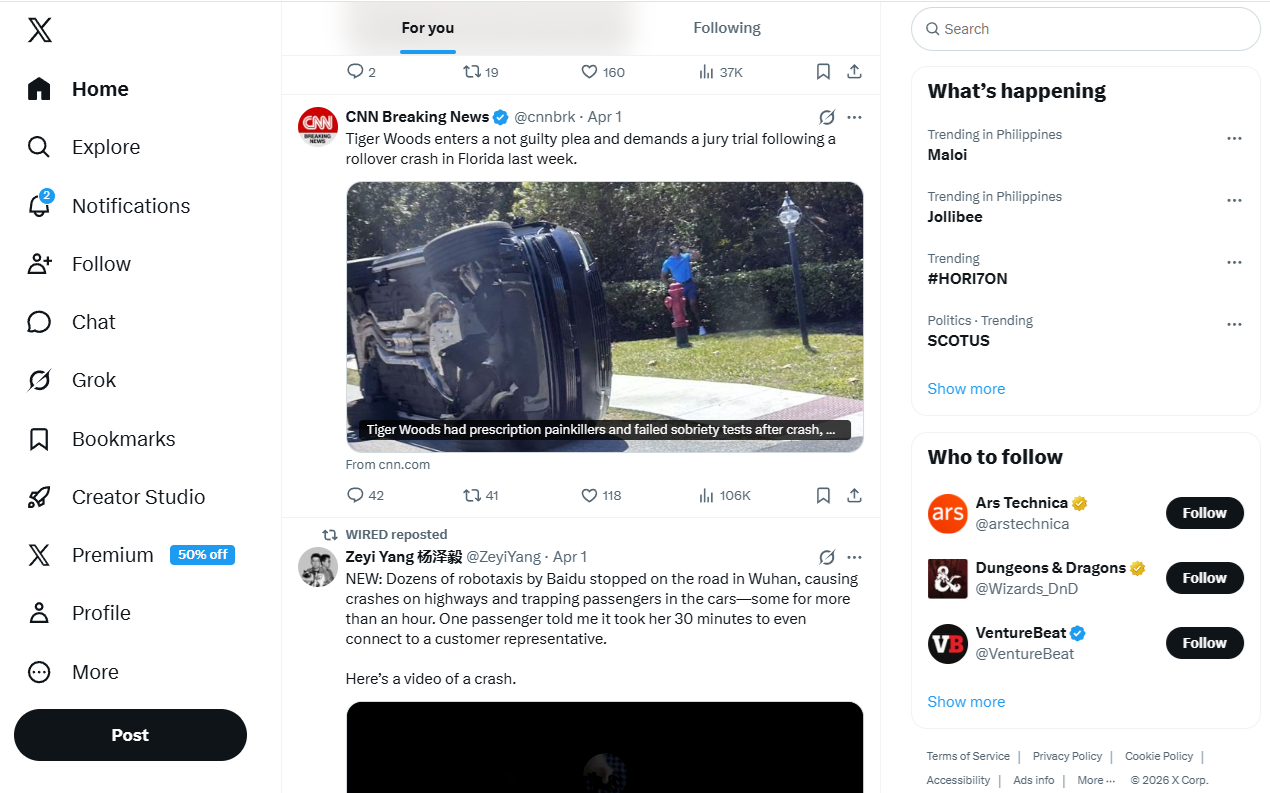
This is where Grok carves out its clearest advantage. Its native integration with X gives it access to live public posts, trending conversations, and real-time sentiment data. If you want to know what people are saying about a product launch, a political event, or a breaking news story right now, Grok can pull that information directly.
Claude approaches research differently. It uses web search tools to find current information and relies heavily on its reasoning depth and large context window to synthesize what it finds. Claude is better at pulling together multiple sources into a structured analysis, but it lacks the same direct pipeline to live social data that Grok offers.
In summary:
- Grok for real-time social listening and trend monitoring
- Claude for deep, multi-source research synthesis
Context Window and Long Documents
Claude dominates in this category. The latest Claude 4.6 models support context windows of up to one million tokens, allowing users to load entire codebases, legal contracts, research papers, or lengthy transcripts into a single conversation.
This makes Claude especially powerful for tasks like document analysis, contract review, and processing long meeting transcripts.
Grok has made significant improvements, with Grok 4.1 Fast offering a context window of up to two million tokens via the API. However, in consumer-facing tiers, effective context lengths are more limited — around 128,000 tokens for SuperGrok and up to 256,000 for SuperGrok Heavy. Grok tends to work better for shorter, iterative exchanges where speed matters more than depth.
Both offer large context windows at the API level, but Claude's consumer experience is better optimized for long-document workflows.
Grok vs Claude Pricing
Both tools offer free tiers, but their different paid structures reflect their various target audiences.
Grok pricing (as of March 2026):
- Free: Limited access with roughly 10 prompts every two hours. Basic models only — no Grok 4 access.
- SuperGrok — $30/month ($300/year): Full access to Grok 4, DeepSearch, unlimited image generation, voice features, and higher usage limits.
- SuperGrok Heavy — $300/month: Priority access to Grok 4 Heavy, extended memory (up to 256K tokens), and early access to new features.
- Grok Business — $30/seat/month: Team collaboration features with centralized billing and admin controls.
- X Premium+ — $40/month: Includes Grok access bundled with X platform perks like ad-free browsing and creator monetization (separate from SuperGrok).
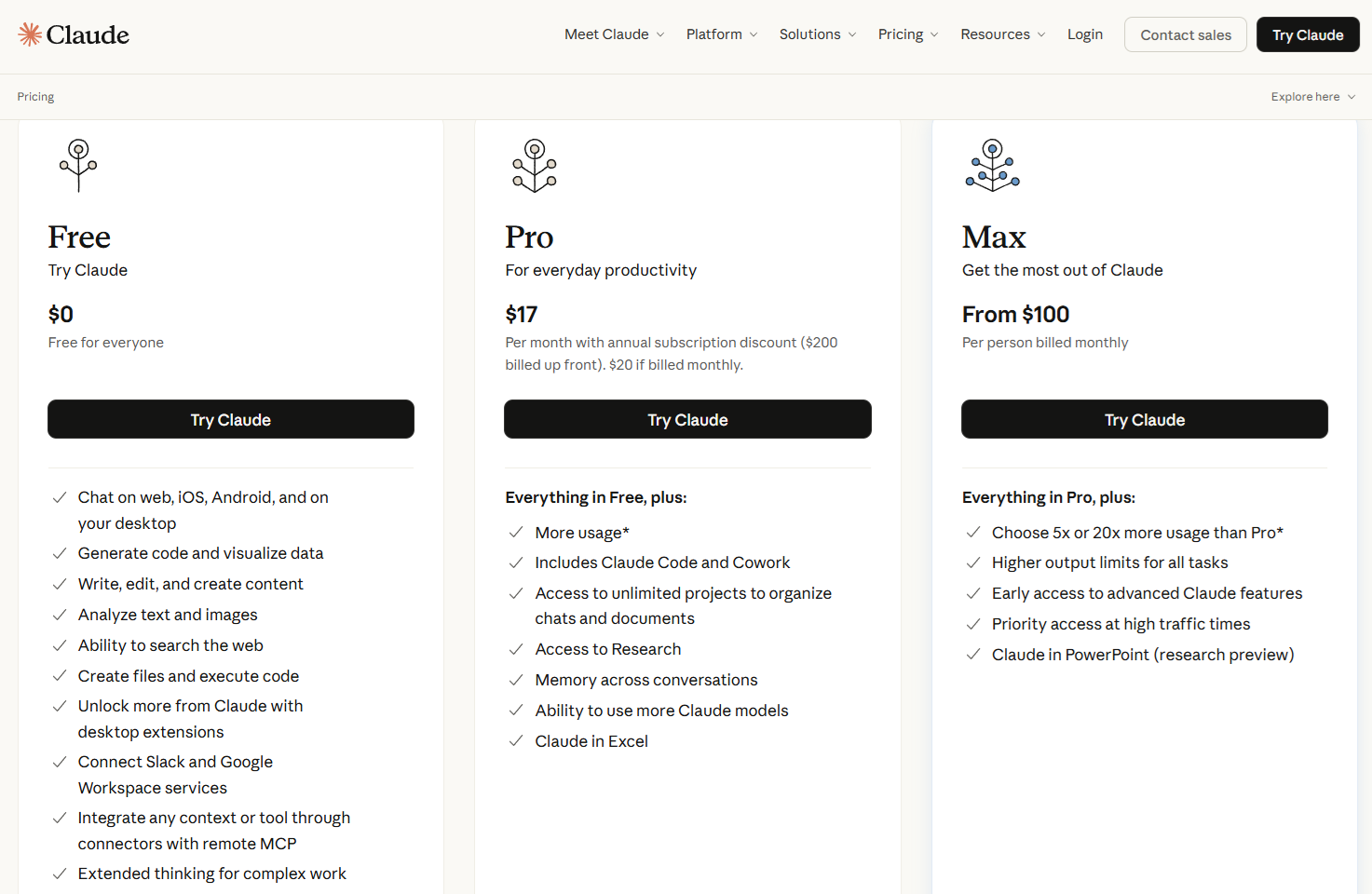
Claude pricing (as of March 2026):
- Free: Access to Claude Sonnet with basic features and limited usage.
- Pro — $20/month ($17/month annually): Full model access (Opus 4.6, Sonnet 4.6, Haiku 4.5), Claude Code, Projects, web search, extended thinking, and roughly 5x the usage of the free tier.
- Max — $100/month (5x) or $200/month (20x): Designed for power users with significantly higher usage limits, priority access, and full agentic capabilities.
- Team — $25/seat/month (annually): Shared projects, collaboration tools, and admin controls. Premium seats at $125–$150/month add Claude Code and Max-level usage.
- Enterprise: Custom pricing with SSO, audit logging, compliance features, and custom data retention.
At the individual mid-tier level, Claude Pro is $10 cheaper than SuperGrok. If you need team features, they're comparably priced. Claude's Max tier and Grok's SuperGrok Heavy are both positioned for premium power users, though they serve different use cases.
Which AI Tool Should You Use?
The right choice depends on what you need the AI to do.
Choose Grok if you need:
- Real-time social listening and trend analysis from X
- Quick, personality-driven content drafts
- Fast prototyping and scripting
- Casual, conversational interactions
- Live sentiment monitoring for marketing or PR
Choose Claude if you need:
- Long-document analysis (contracts, research papers, transcripts)
- Complex coding projects with multi-file reasoning
- Polished business writing, reports, and documentation
- Compliance-sensitive workflows in regulated industries
- Deep, structured research synthesis
Many professional users find that both tools have a role to play: Grok for pulse-checking and ideation; Claude for execution and depth.
How Tactiq Works With Claude and Grok for Meeting Workflows
Here's a scenario that applies to nearly every professional: you finish a meeting, and now you need to summarize what happened, draft follow-up emails, and extract action items. This is where AI tools like Claude and Grok become most valuable — but they need raw material to work with.
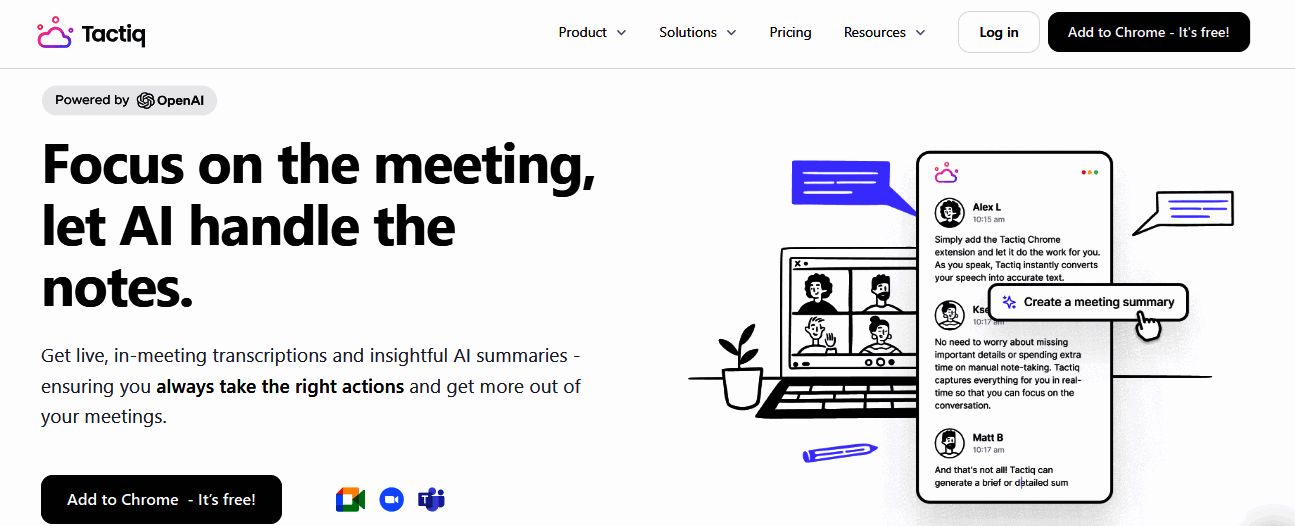
That's where Tactiq comes in. Tactiq is a Chrome-based meeting transcription tool that captures real-time transcripts across Zoom, Google Meet, and Microsoft Teams — without adding a bot to the call.
It runs quietly in the background, identifies speakers, and produces a clean text transcript by the time your meeting ends. It supports over 30 languages and integrates with tools like Notion, Slack, Google Docs, and HubSpot.
Claude is an especially natural fit here. Its large context window means it can take an entire hour-long meeting transcript in one go and produce a structured summary, pull out action items by speaker, or draft a follow-up email — all without losing context from earlier in the conversation.
Grok can also handle meeting transcripts, and its speed makes it useful for quick summaries or pulling out key quotes. But for longer meetings or complex multi-topic discussions, Claude's depth and precision give it the edge.
Tactiq also supports one-click AI workflows, so you don't have to manually copy and paste transcripts in each meeting. With a few clicks, your meeting output can be routed directly to Claude or Grok via pre-built prompts that are ready to run as soon as the call ends.
If meetings are a significant part of your workday, pairing Tactiq with your preferred AI tool bridges the gap between conversation and action.
{{rt_cta_ai-convenience}}
Conclusion
Grok and Claude are both capable AI assistants, but they're built for different jobs. Grok is fast, culturally fluent, and live-wired into the conversation happening right now. Claude is structured, deeply capable with long documents and complex code, and built with an enterprise-grade commitment to safety and consistency.
The best choice comes down to your workflow. If you spend your day tracking trends, generating social content, or working in quick iterative bursts, Grok's personality and real-time data access are genuine advantages. If your work involves complex writing, large codebases, lengthy documents, or anything where precision and depth matter more than speed and spontaneity, Claude is the stronger tool.
And for the millions of professionals whose workflow revolves around meetings, Tactiq provides the bridge — turning live conversations into structured transcripts that Claude or Grok can transform into summaries, action items, and follow-ups in seconds.
Try Tactiq free and connect your meetings to the AI tools you already use.
FAQs
Is Grok better than Claude?
It depends on your use case. Grok is better for real-time social insights, quick drafts, and casual interaction. Claude is stronger for long-document analysis, complex coding, and enterprise-grade writing. Neither is objectively better — they serve different needs.
What is the difference between Grok and Claude?
The core difference is philosophy and focus. Grok, built by xAI, prioritizes real-time data access via X, a casual conversational tone, and speed. Claude, built by Anthropic, emphasizes safety, long-context reasoning, and structured precision. Grok is social-first; Claude is work-first.
Which AI is better for coding, Grok or Claude?
Claude generally leads for coding, particularly for multi-file reasoning, large-scale refactoring, and agentic development workflows. Grok is good for quick scripts and prototyping, and its dedicated coding model is optimized for speed. Overall, Claude is the more reliable choice.
Which AI is better for writing, Grok or Claude?
It depends on the type of writing. For short, punchy, social-media-style content, Grok has a natural voice and cultural awareness that's hard to beat. For long-form articles, business reports, technical documentation, and professional communications, Claude delivers more structured, polished output.
Can I use Grok or Claude to summarize meeting transcripts?
Yes, both are great at summarizing meeting transcripts. Claude's large context window makes it especially well-suited for long transcripts, as it can process an entire meeting without losing important details. For the best results, pair them with Tactiq and automatically turn your meetings into summaries and actionable items.
Related articles








Want the convenience of AI summaries?
Try Tactiq for your upcoming meeting.
Want the convenience of AI summaries?
Try Tactiq for your upcoming meeting.
Want the convenience of AI summaries?
Try Tactiq for your upcoming meeting.