
How to Reduce Meeting Overload
June 11, 2026
June 11, 2026
September 30, 2026
September 30, 2026

Most calendars didn't get this full on purpose. Meetings multiplied gradually until deep work became the exception. Flowtrace puts the cost at around $29,000 per employee per year, and the average employee now spends more than 16 full working days in meetings annually. Being deliberate about which meetings you actually need, not eliminating them entirely, is how organizations reduce meeting overload for good.
This article covers:
- What meeting overload is and why it keeps getting worse
- Eight practical strategies to reduce unnecessary meetings
- How to protect focus time and build a healthier meeting culture
- How AI tools help you get more from the meetings you keep
What’s the Best Way to Reduce Meeting Overload?
The most effective way to reduce meeting overload is to audit your calendar, cut or consolidate low-value meetings, set clear agendas, and replace routine status updates with async communication.
AI tools like Tactiq help by capturing transcripts and generating summaries automatically, so teams stay aligned without scheduling more meetings to catch up.
What Is Meeting Overload (And Why It's Getting Worse)
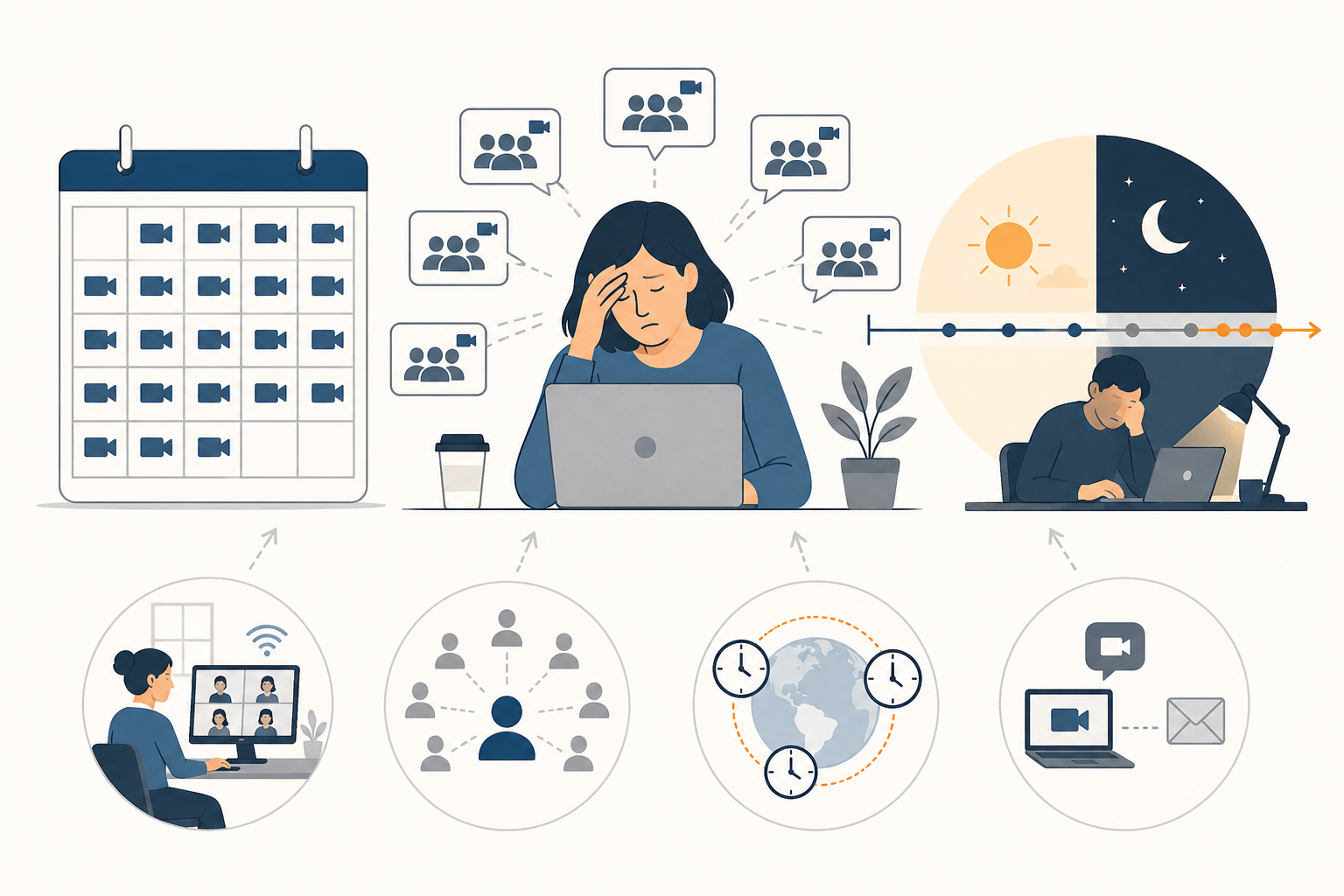
Meeting overload occurs when meetings consume so much of the workday that employees have little time left for focused work. It's a systemic problem where meeting volume becomes the default way teams communicate.
For example, a content manager spends most of her time in content calls. There is little time left for the actual content creation.
The data is clear. 68% of workers don't have enough uninterrupted focus time, with interruptions hitting every two minutes on average.
Several forces are making it worse:
- Remote and hybrid work removed natural communication shortcuts, so teams default to scheduling meetings instead
- More stakeholders mean more people expect a seat at the table for decisions that once involved two people
- Time zones stretch the workday at both ends, with meeting load spilling into evenings and weekends
- Default-to-sync culture treats a meeting as the answer to every question, even when a written update would do
Senior leaders and many employees working across time zones carry the heaviest meeting load. When meeting volume keeps climbing, the actual work gets pushed to the margins.
💡 Pro tip: Before your next meeting, run a quick check in Tactiq on your last few recurring calls. If the outcome could have been a three-sentence written update, that meeting is a candidate for cancellation.
How to Reduce Meeting Overload: 8 Strategies That Work
Here are eight strategies to give you a practical starting point for reducing meeting overload, whether you're protecting your own time or fixing meeting culture across a team.
1. Run a meeting audit
The first step is understanding what's actually on your calendar. A simple meeting audit checklist covers the last two to four weeks and asks three questions for every meeting:
- Does this meeting have a clear goal?
- Does it produce a decision or move work forward?
- Would anything break if it didn't happen?
Categorize each as necessary, optional, or shouldn't exist. Most teams find that at least a third of their internal meetings fall into the last two categories.
Let’s take a marketing manager at a SaaS startup, for example. She has 3-4 meetings every day with different teams and teammates. After an audit, she realized she could skip daily standups and replace them with async updates on Slack.
You can try to run an audit using Tactiq’s MCP, which allows you to connect your transcripts to Claude, ChatGPT, or Gemini.
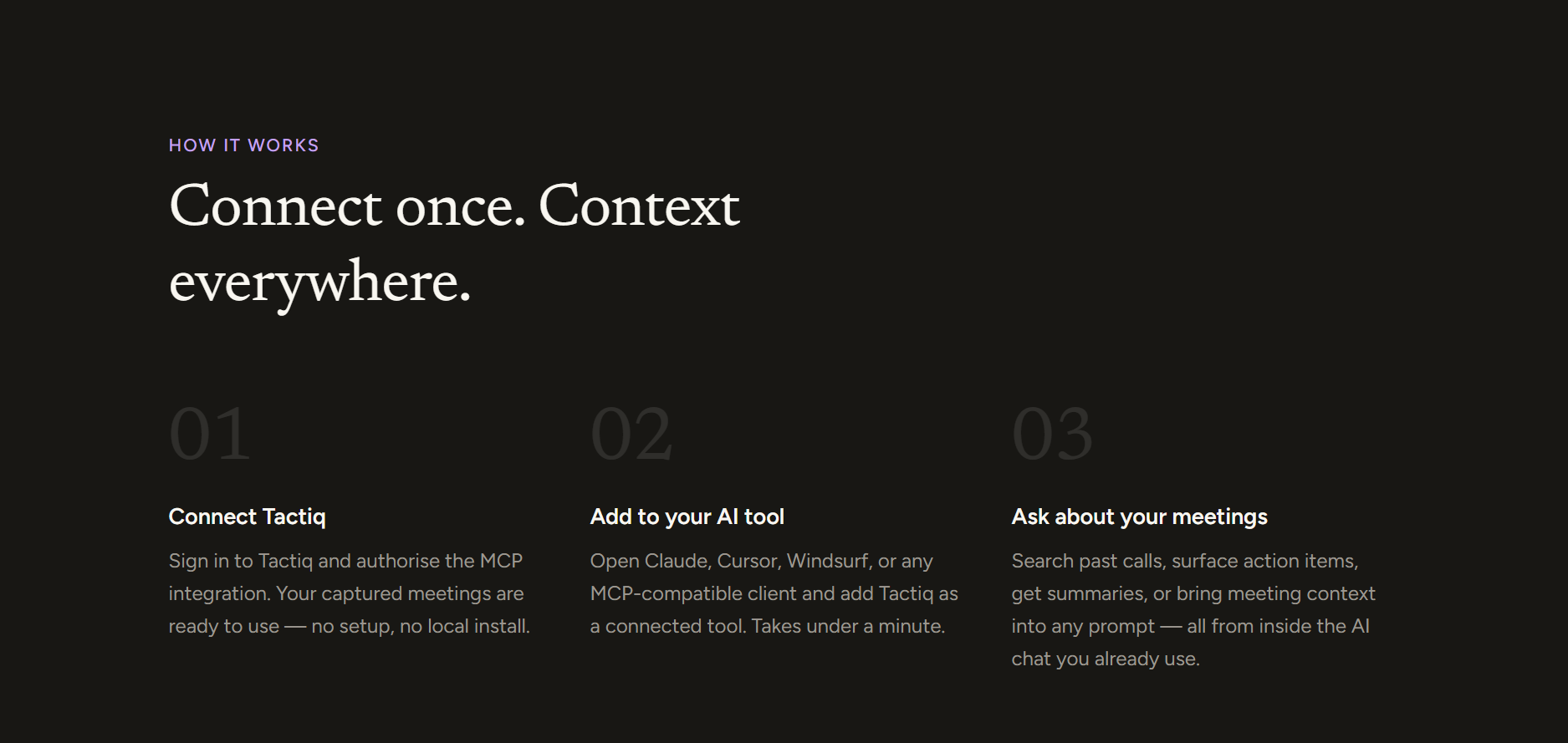
2. Cancel or consolidate recurring meetings
Recurring meetings rarely get canceled; they accumulate. Most get scheduled with good intentions and then run on inertia long after they've stopped being useful.
A quarterly review of all recurring meetings forces the question: Does this still need to exist? For those who do, look for consolidation opportunities. Two 30-minute status meetings covering related projects can often be combined into one.
You can also have a meeting every other week instead of weekly, especially if you find that there isn’t much to report during the weekly meetings.
3. Set clear agendas and meeting goals
No agenda, no meeting. Flowtrace found that 64% of recurring meetings have no agenda at all, meaning most teams walk into calls without knowing what they're there to decide.
Every meeting invite should answer two questions: why are we meeting, and what will we decide or produce? A clear agenda also makes it easier to write a meeting summary that holds people accountable to outcomes afterward.
4. Shorten default meeting times
Most calendar tools default to 30 or 60-minute slots, and meeting duration expands to fill them. Switching to 50 and 25 minutes creates buffer time between meetings and applies light pressure to stay on topic. Flowtrace found that only 5.4% of meetings are automatically shortened, meaning most organizations never use this lever at all.
5. Limit who gets invited
Larger meetings move more slowly. More attendees mean more context switching, longer decision-making cycles, and more people pulled away from actual work. Invite only the people who are directly contributing or making a decision. If someone only needs the outcome, send them the summary afterward.
6. Protect meeting-free time blocks
When focus time is unprotected, meetings fill it by default. Blocking deep work hours or introducing a meeting-free day like No Meeting Wednesdays gives teams uninterrupted time for meaningful work. For this to stick, senior leaders need to model it.
When managers protect their own focus time and encourage people to do the same, it shifts the meeting culture. This guide to time management tools covers tools that help.
7. Replace status updates with asynchronous communication
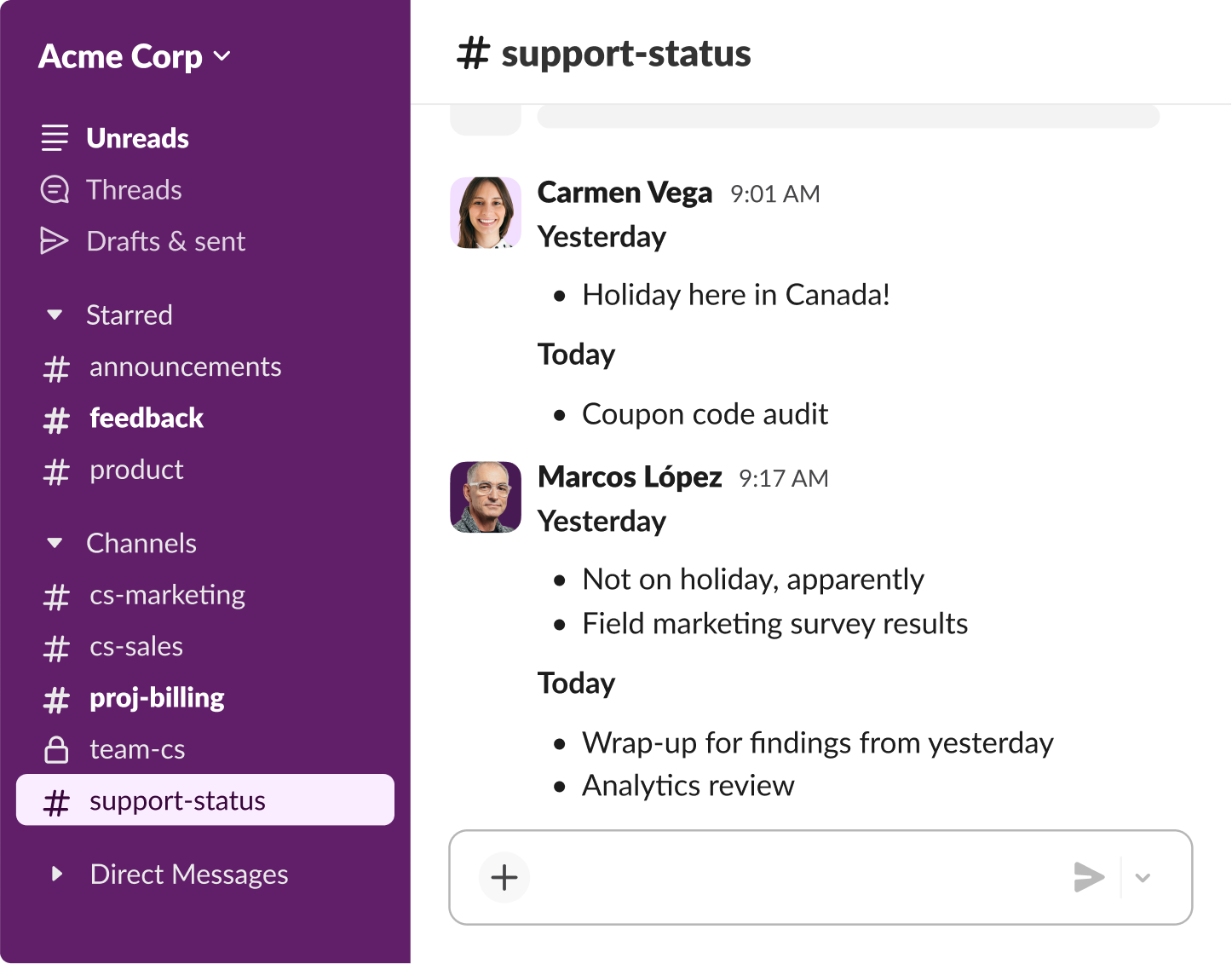
Most status meetings exist to share information, not make decisions. Written updates, Slack threads, and recorded video handle that better without pulling everyone into a live meeting. The split is simple: use live meetings for decisions and real time discussion.
Use async for updates and anything that doesn't need an immediate response. This matters especially for teams across multiple time zones, where scheduling live meetings already carries a coordination cost.
Use AI to make the meetings you keep more efficient
Reducing meeting volume only solves part of the problem. The meetings you keep still need to produce something. AI transcription and summarization tools remove one of the biggest reasons teams schedule follow-up meetings: nobody captured what was decided
When every meeting produces an automatic transcript, summary, and action item list, absent team members stay aligned without a catch-up call. This guide to automated meeting notes covers the tools and workflows in detail.
How Tactiq Helps You Reduce Meeting Overload
Some meetings can't be skipped. The question is whether they leave you with clear next steps or just more to chase down afterward. Tactiq makes every meeting you attend more productive, so the ones you can't avoid don't create more work than necessary.
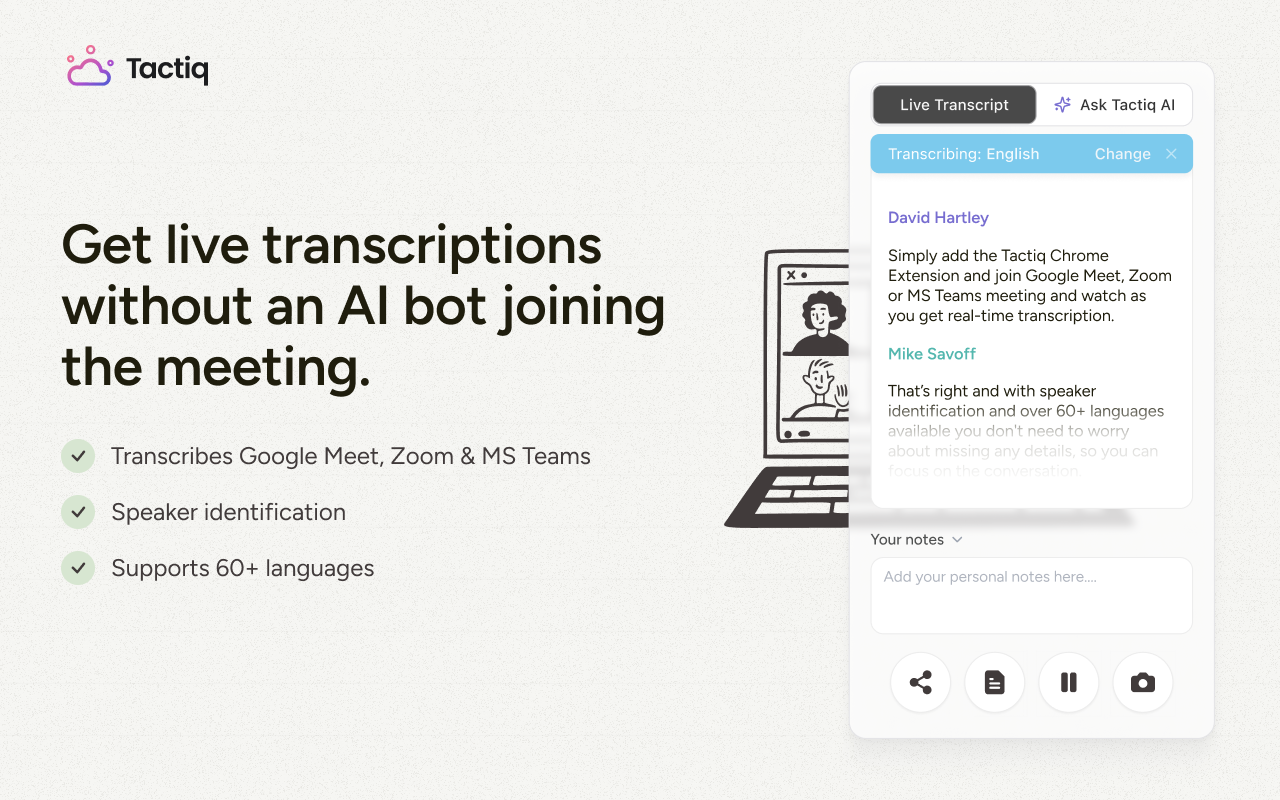
Tactiq works as a Chrome extension across Google Meet, Zoom, and Microsoft Teams and captures live transcripts automatically. After the call, Tactiq's built-in AI generates summaries, extracts action items, and surfaces key decisions. Nothing gets lost, and nothing requires a follow-up meeting to clarify.
That's where it also helps reduce meeting overload directly:
- Skip a meeting, stay aligned. Team members who miss a call get the full AI summary and action items without a catch-up call.
- Eliminate recap meetings. Clean automatic summaries mean no need to reconvene to clarify what was decided.
- Automate post-meeting workflow. AI Workflows push summaries and action items to Slack, Notion, HubSpot, and more. No manual follow-up required.
- Make recurring meetings earn their place. Searchable transcripts make it easy to spot which recurring meetings are producing decisions and which are just filling time.
{{rt_cta_ai-convenience}}
The best method for taking meeting notes without writing anything down covers how this works in practice. Try Tactiq free on your next call and see how much follow-up it eliminates.
Fewer Meetings, More Clarity
Meeting overload doesn't fix itself. Without deliberate changes to how teams schedule and run meetings, the default is always more: more recurring syncs and more time lost to calls that could have been a written update.
The goal is fewer, better meetings. A meeting audit clears the backlog. Shorter defaults and tighter invite lists sharpen the meetings you keep. Async handles the rest. And when meetings do happen, Tactiq makes sure they produce something useful, so the next meeting doesn't need to exist just to recap the last one.
Start with your calendar. Run the audit, cut what doesn't belong, and protect the time that actual work requires. Try Tactiq free on your next call and see how much follow-up it eliminates.
Meeting overload occurs when the volume of meetings leaves employees with little time for focused, productive work. It's characterized by back-to-back scheduling, low-value recurring meetings, and a default-to-sync culture.
Start with a meeting audit. Review the last two to four weeks, cancel or consolidate low-value meetings, set clear agendas, shorten default meeting times, and replace routine status updates with async communication.
Key signs include: no time for deep work, back-to-back scheduling with no breaks, recurring meetings with no clear agenda, and employees feeling too drained to complete actual work after their calls.
Async communication (written updates, Slack threads, shared docs) handles most status updates without requiring a live meeting. Reserve live meetings for decisions and real-time discussion only.
Tools like Tactiq auto-generate transcripts, summaries, and action items after every call. Teams stay aligned without scheduling catch-up meetings, which directly reduces meeting volume over time.
Related articles








Want the convenience of AI summaries?
Try Tactiq for your upcoming meeting.
Want the convenience of AI summaries?
Try Tactiq for your upcoming meeting.
Want the convenience of AI summaries?
Try Tactiq for your upcoming meeting.