
Best Microsoft Copilot Meeting Notes Alternatives in 2026
June 15, 2026
June 15, 2026
June 16, 2026
June 16, 2026

Microsoft Copilot costs $30 per user per month for enterprise on top of your existing Microsoft 365 license. It requires IT admin setup, and it only works inside Microsoft Teams. If your team meets on Zoom or Google Meet, there are better options for you.
Here's what this article covers:
- The best Microsoft Copilot alternatives for meeting notes
- Why Teams users are switching to third-party tools
- How to get AI meeting notes in Teams without Copilot
- A step-by-step guide to using Tactiq in Teams
TL;DR: What Is the Best Microsoft Copilot Meeting Notes Alternative?
The best alternative depends on your workflow. Tactiq is the strongest pick for mixed-platform teams. It transcribes and summarizes meetings across Microsoft Teams, Zoom, and Google Meet via Chrome. No IT setup or bot on the call.
Best Microsoft Copilot Alternatives for Meeting Notes
Not every team runs entirely inside the Microsoft ecosystem. The tools below work across platforms, require no IT setup, and all offer a free tier.
1. Tactiq: best bot-free, cross-platform alternative
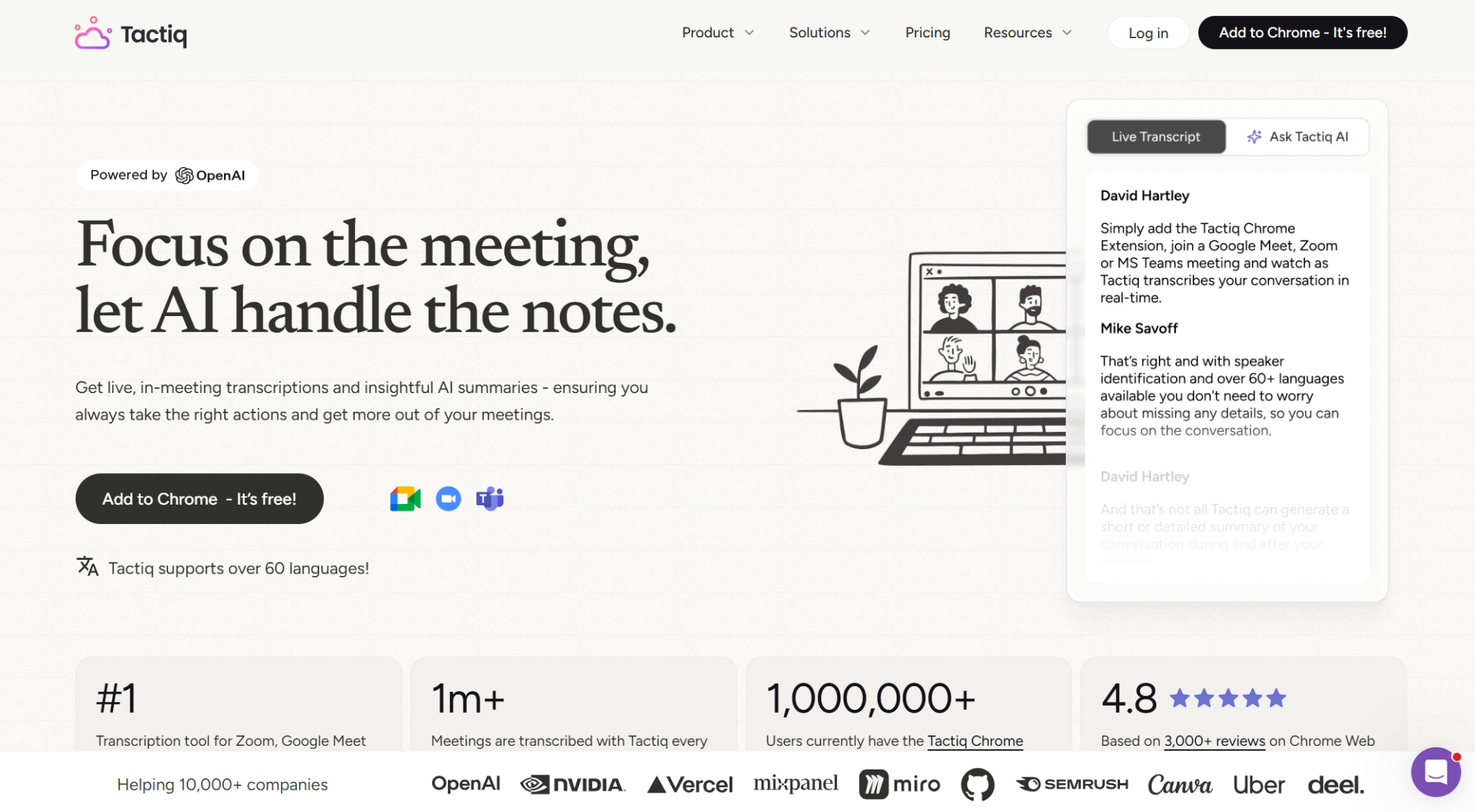
Tactiq runs as a Chrome extension directly inside your meeting window. It captures a real-time transcript on Microsoft Teams, Zoom, and Google Meet. No recording required and no IT admin approval needed.
After the meeting, Tactiq generates AI summaries, action items, and follow-ups. You can also use custom prompts to pull specific insights from your transcript. For teams running AI note-taking across Microsoft Teams, it's one of the lightest setups available.
Key features:
- Bot-free transcription via Chrome extension
- Works on Teams, Zoom, Google Meet, and more
- Real-time transcription with in-meeting AI prompts
- AI summaries, action items, and follow-ups
- Multilingual support for 60+ languages
- Integrations with Notion, Slack, and HubSpot
- Free tier: 10 Microsoft Teams meetings/month, 5 AI credits
- Paid plans start at $8/month (Pro)
Best for: Mixed-platform teams who want bot-free AI meeting notes. Power users can layer in Claude, ChatGPT, or Gemini via custom prompts or connect Tactiq MCP to route meeting insights into existing workflows.
{{rt_cta_ai-convenience}}
💡 Pro Tip: If Copilot isn't enabled for your team yet, you can capture a full transcript of your next Teams meeting today. Install Tactiq as a Chrome extension and join the meeting in your browser.
2. Fireflies.ai: best for team collaboration and CRM sync

Fireflies.ai joins your meetings as a bot and records, transcribes, and summarizes across Zoom, Teams, and Google Meet. Its searchable transcript library makes it easy to review past meetings and surface recurring themes over time.
The Business plan unlocks conversation intelligence, team analytics, and video recording. This makes it a strong fit for sales teams who need deep meeting data and performance insights.
Key features:
- Bot-based recording across Zoom, Teams, and Google Meet
- Searchable library of past meetings and meeting transcripts
- Transcription in 100+ languages
- Conversation intelligence on paid plans
- CRM and app integrations across all plans
- Free tier: 400 mins storage/team, unlimited transcription and AI summaries
- Paid plans start at $10/user/month (Pro, billed annually)
Best for: Sales teams and enterprise teams needing AI meeting notes with deep conversation analytics.
3. Otter.ai: best for individuals and small teams on a budget
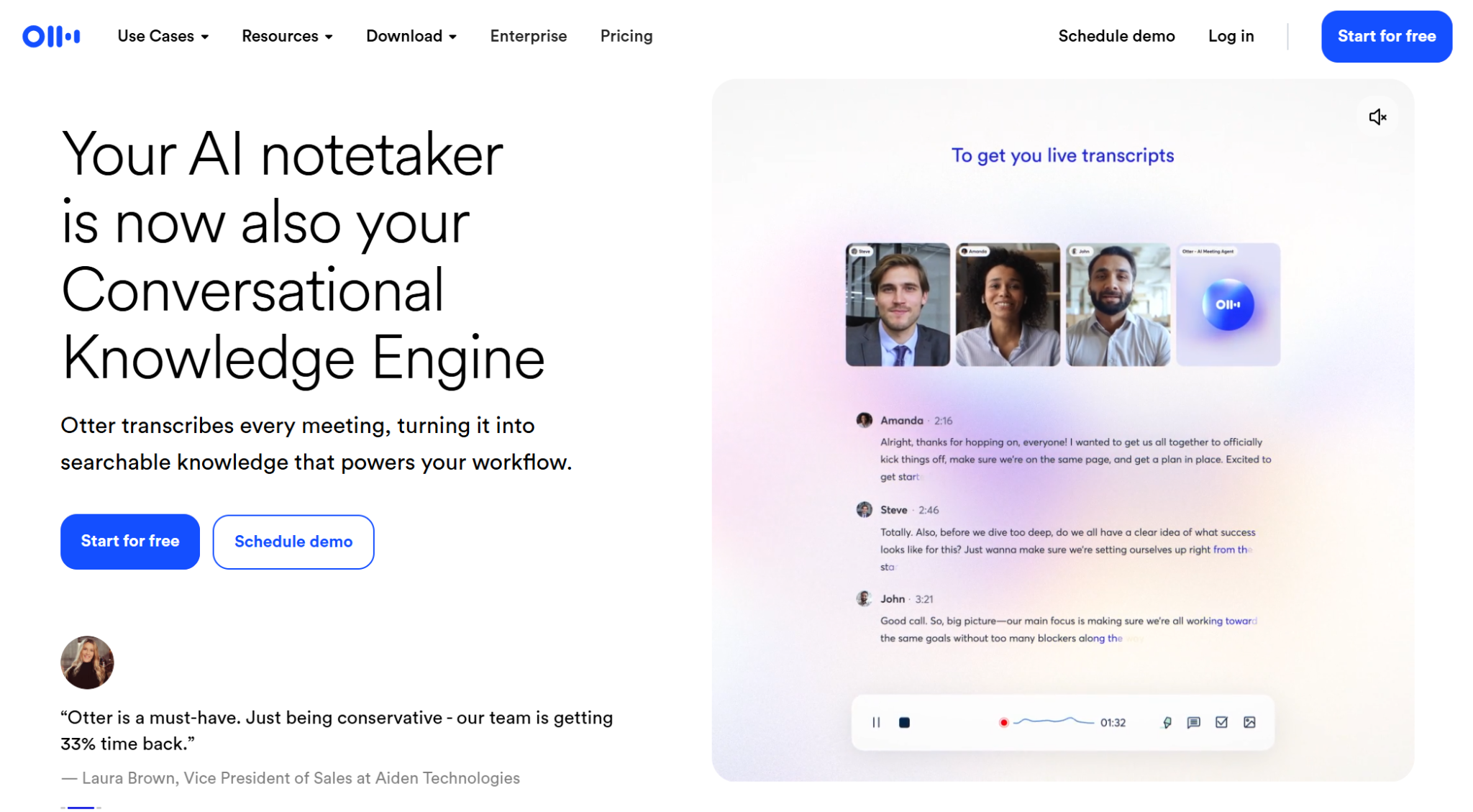
Otter.ai joins your Zoom, Teams, and Google Meet calls via Otter Notetaker to capture a live transcript with AI summaries and action items.
The free plan covers 300 minutes per month with a 30-minute cap per conversation. Otter supports six languages (English, Spanish, French, German, Japanese, and Chinese), so it's a weaker fit for multilingual or international teams.
Key features:
- AI note-taking on Zoom, Teams, and Google Meet
- Auto-join via Otter Notetaker or bot-free via Chrome extension
- Live transcription with speaker identification and AI summaries
- AI chat within and across meetings
- Salesforce and HubSpot integrations on Pro and above
- Free tier: 300 minutes/month, 30-minute cap per conversation
- Paid plans start at $8.33/user/month (Pro, billed annually)
Best for: Individuals and small teams who want a simple, low-cost AI notetaker with a generous free plan and automatic meeting join.
4. Fellow: best for teams that need agendas, notes, and action items in one place
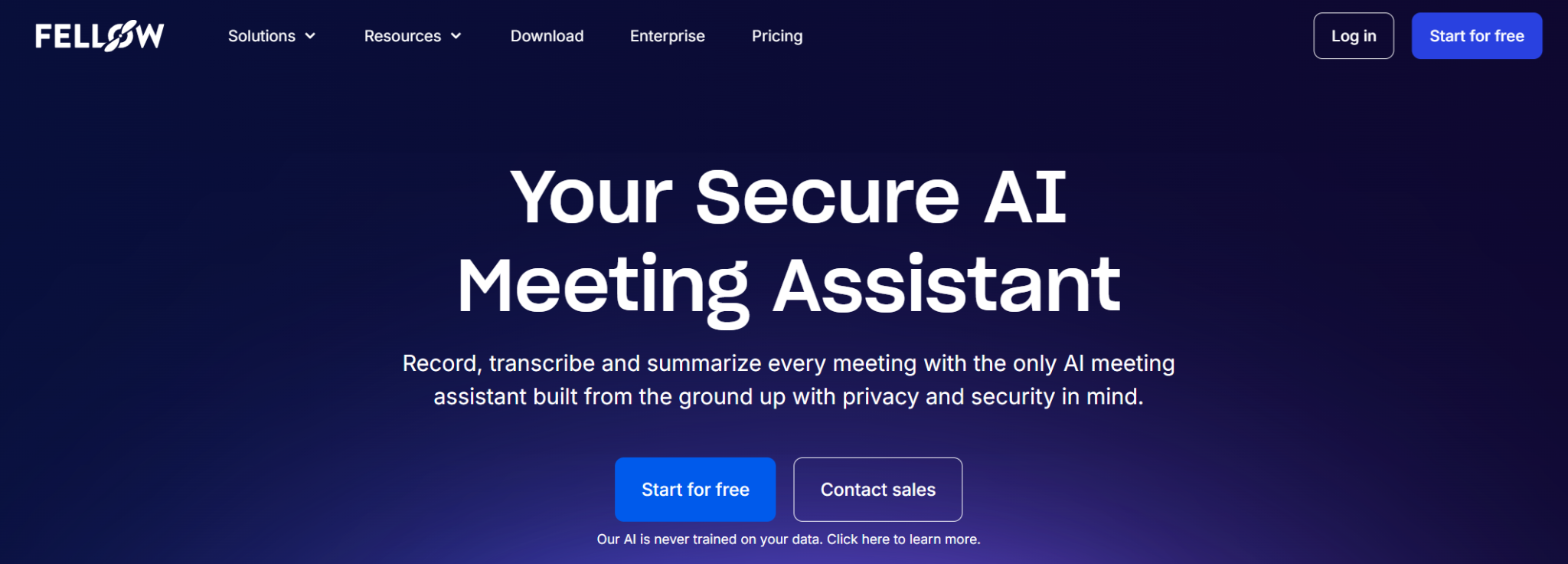
Fellow connects shared agendas, collaborative notes, AI summaries, and tracked action items in one place, synced directly to your calendar. It covers the full meeting workflow: preparation, note-taking, and follow-up.
It's particularly strong for managers running structured 1-on-1s and recurring team meetings. The Business plan adds CRM integrations, Sales AI recap templates, keyword tracking, and org-wide meeting templates.
Key features:
- AI transcription in 99 languages, summaries, and action items
- Shared agendas and collaborative meeting notes
- Meeting automations (cancel no-agenda meetings, send recaps automatically)
- Project management integrations (Jira, Asana, Notion, ClickUp) on Team plan
- CRM integrations (Salesforce, HubSpot) on Business plan
- Free tier: 5 AI notes and 5 AI recordings (lifetime)
- Paid plans start at $7/user/month (Team, billed annually)
Best for: Teams who want one place for meeting prep, collaborative notes, and tracked action items, from agenda to follow-up.
5. tl;dv: best for video clips and meeting highlights

tl;dv records, transcribes, and summarizes meetings on Zoom, Teams, and Google Meet. The Pro plan unlocks unlimited AI meeting notes with custom templates and action item assignment. The Business plan adds unlimited multi-meeting AI insights, AI playbook monitoring, scheduled AI reports, and team-wide automations, making it a stronger fit for sales teams.
Key features:
- Unlimited video recordings and transcription in 30+ languages on all plans
- AI meeting notes, action items, and Ask AI on Pro and above
- Unlimited multi-meeting AI insights on Business
- Team management and CRM integrations on Business
- Slack, email, and calendar integrations on the free plan
- Free tier: Unlimited recordings, 10 AI notes, and 10 Ask AI queries included
- Paid plans start at $18/seat/month (Pro, billed annually)
Best for: Teams who need AI-powered meeting notes at scale, with multi-meeting insights for sales and customer-facing teams.
Why Teams Users Are Looking for Microsoft Copilot Alternatives
Microsoft Copilot works well inside the Microsoft ecosystem. Outside it, the limitations stack up fast. Here's what's driving teams to look elsewhere.
It only works inside Microsoft Teams
Copilot has no support for Zoom or Google Meet. If your team runs internal calls on Teams but switches to Zoom for client meetings or Google Meet for vendor syncs, Copilot can't help with those. Every meeting outside Teams produces no AI notes, no summary, and no action items, leaving you with a fragmented record of your conversations.
For teams that mix platforms, that gap means managing two separate note-taking workflows. That's exactly what AI note-taking tools for Microsoft Teams are designed to eliminate.
The cost adds up fast
Microsoft 365 Copilot is an add-on license; it doesn't come bundled with your existing Microsoft 365 plan. Enterprise users pay $30 per user per month on top of an M365 E3 or E5 base license. At that rate, a 50-person team pays $18,000 per year for Copilot alone, before Microsoft 365 licensing costs.
For teams that only need AI meeting notes, that's a steep price. Most dedicated AI note takers cover the same core use case (real-time transcription, AI summaries, and follow-ups) at a fraction of the cost, with a free tier to get started.
IT admin permissions block it mid-meeting
Copilot doesn't switch on the moment you buy a license. IT admins need to configure meeting policies, enable transcription settings, and assign licenses through the Teams admin center before any user sees the Copilot button. In larger organizations, that process can take days or weeks. And if your IT team hasn't enabled transcription for a specific meeting policy, Copilot's post-meeting summaries won't work at all, even for licensed users.
Third-party tools like Tactiq require no admin involvement. Adding an AI note taker to Teams takes minutes, not a helpdesk ticket.
How to Get AI Meeting Notes in Microsoft Teams Without Copilot
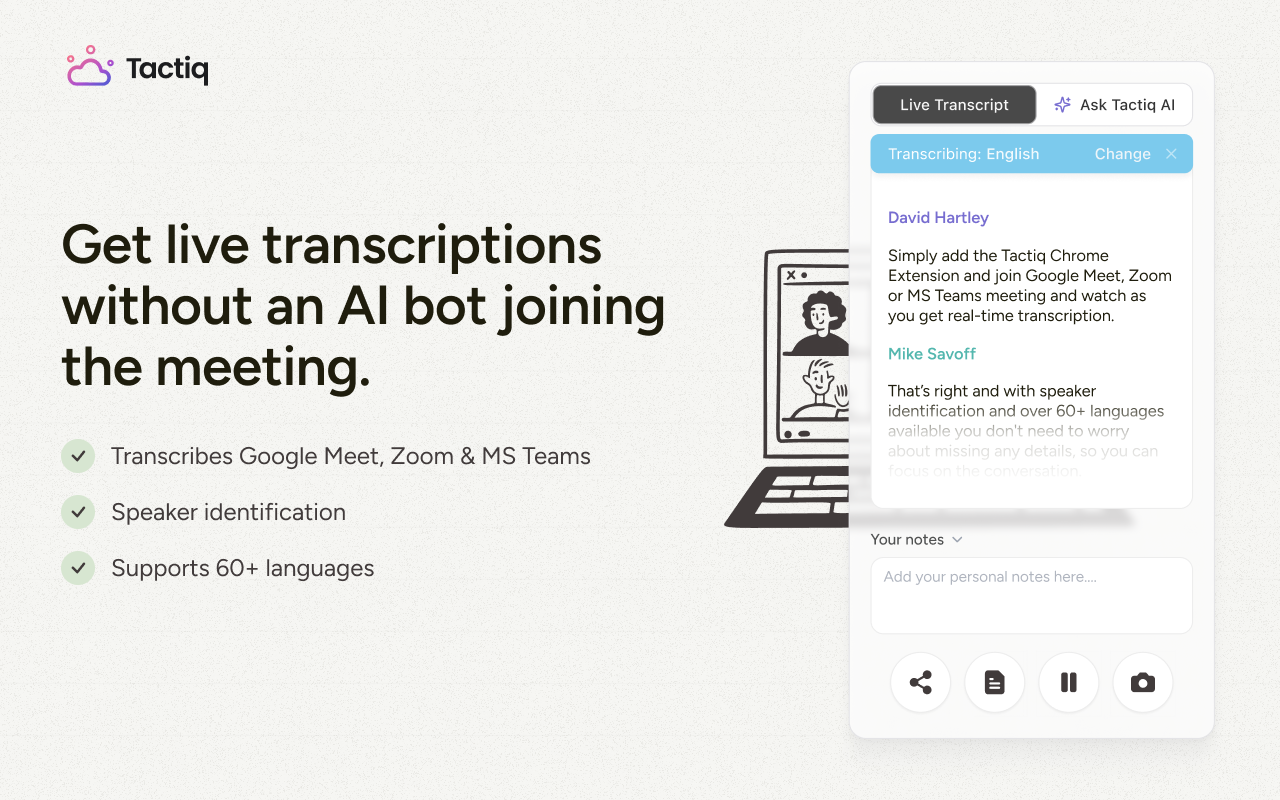
You don't need a Copilot license or IT admin approval to get AI meeting notes in Teams. Tactiq works directly in Chrome and Microsoft Edge. No recording required and no bot joining the call. Here's how to use Tactiq as an AI note taker with Microsoft Teams.
- Install the Tactiq extension. Go to the Chrome Web Store and add the Tactiq extension. Click Add to Chrome, confirm the prompt, and the extension installs in seconds.
- Enable Microsoft Teams. After installation, you'll see a setup page asking which meeting apps you use. Toggle on Microsoft Teams and click Continue.
- Join your Teams meeting in the browser. Open your Teams meeting link in Chrome, not the desktop app.
- Transcription starts automatically. Once the meeting begins, Tactiq starts capturing a live transcript in the sidebar. You'll see it updating in real time as the conversation progresses.
- Use AI prompts during or after the meeting. During the meeting, open the Tactiq widget and ask questions like "What decisions have been made so far?" or "List action items." After the meeting, generate an AI summary, export the transcript, or push notes to Slack, Notion, or HubSpot.
Get Meeting Notes That Work Across Every Tool
Microsoft Copilot works best when your entire team lives inside Microsoft 365. For teams that mix platforms, it leaves too many gaps.
Tactiq fills those gaps. It runs as a Chrome extension across every platform you already use, captures a real-time transcript without a bot, and turns every meeting into searchable notes, AI summaries, and follow-ups. There's no IT setup, no recording required, and no per-seat license tied to a single platform.
Use ChatGPT with your MS Teams meeting notes, connect transcripts to your existing tools, or simply keep a searchable archive of every conversation your team has had. The free plan covers up to 10 meetings per month.
Try Tactiq free and capture your next meeting in minutes.
Tactiq offers the strongest free tier for mixed-platform teams: 10 meetings per month across Teams, Zoom, and Google Meet with no bot and no IT setup.
No. Microsoft Copilot for meeting notes only works inside Microsoft Teams. It has no support for Zoom, Google Meet, or any other video conferencing platform.
Microsoft 365 Copilot costs $30 per user per month for enterprise users, billed annually, on top of an existing M365 E3 or E5 license. Business users pay $18 per user per month annually (standard rate from July 2026).
Yes. Tools like Tactiq, Fireflies.ai, Otter.ai, Fellow, and tl;dv all work independently of Microsoft 365. None require an existing Microsoft license to get started.
Tactiq works across Teams, Zoom, and Google Meet from a single Chrome extension. Copilot is limited to Teams and requires a paid Microsoft 365 Copilot license. Tactiq also offers a free plan, while Copilot has no free tier.
Related articles








Want the convenience of AI summaries?
Try Tactiq for your upcoming meeting.
Want the convenience of AI summaries?
Try Tactiq for your upcoming meeting.
Want the convenience of AI summaries?
Try Tactiq for your upcoming meeting.