
How to Get a Transcript of a Podcast (Free & Paid)
- Published:
- May 23, 2025
- Updated:
- June 12, 2025

Looking for a way to make your podcast more searchable, accessible, and easy to repurpose? A transcript can help with that. It turns your speech into written text, so it's easier to highlight key takeaways, reuse quotes, and share ideas across platforms.
In this guide, you’ll learn why podcast transcripts matter, what formats are available, and how to get them using both free and paid options.
Why Get a Transcript of a Podcast
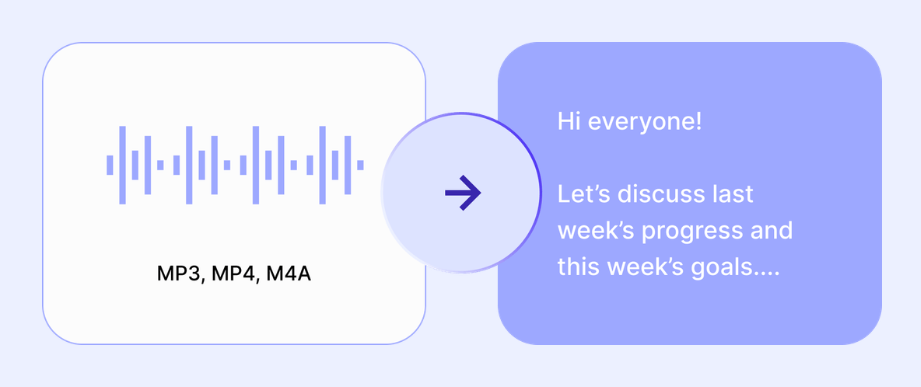
Turning your podcast into a transcript is about making your content work harder for you. Here’s how it helps:
Enhanced accessibility
Not everyone can or wants to listen to audio. A transcript makes your podcast more accessible to people who are deaf or hard of hearing, non-native speakers, or just prefer reading. It’s a simple way to reach more people without re-recording anything.
Improved user experience
Transcripts give listeners a new way to interact with your content. They can skim for specific topics, search for a quote, or revisit a key moment without watching the whole episode. It also helps with speaker clarity if you include speaker labels in your file.
Content repurposing
One transcript can power a week’s worth of content. Pull quotes for social media posts, turn full sections into blog articles, or summarize insights for a newsletter. It’s a time-saving way to create more from every podcast episode.
No matter the reason, having a transcript gives your podcast more reach and value (with less effort).
Podcast Transcription Formats
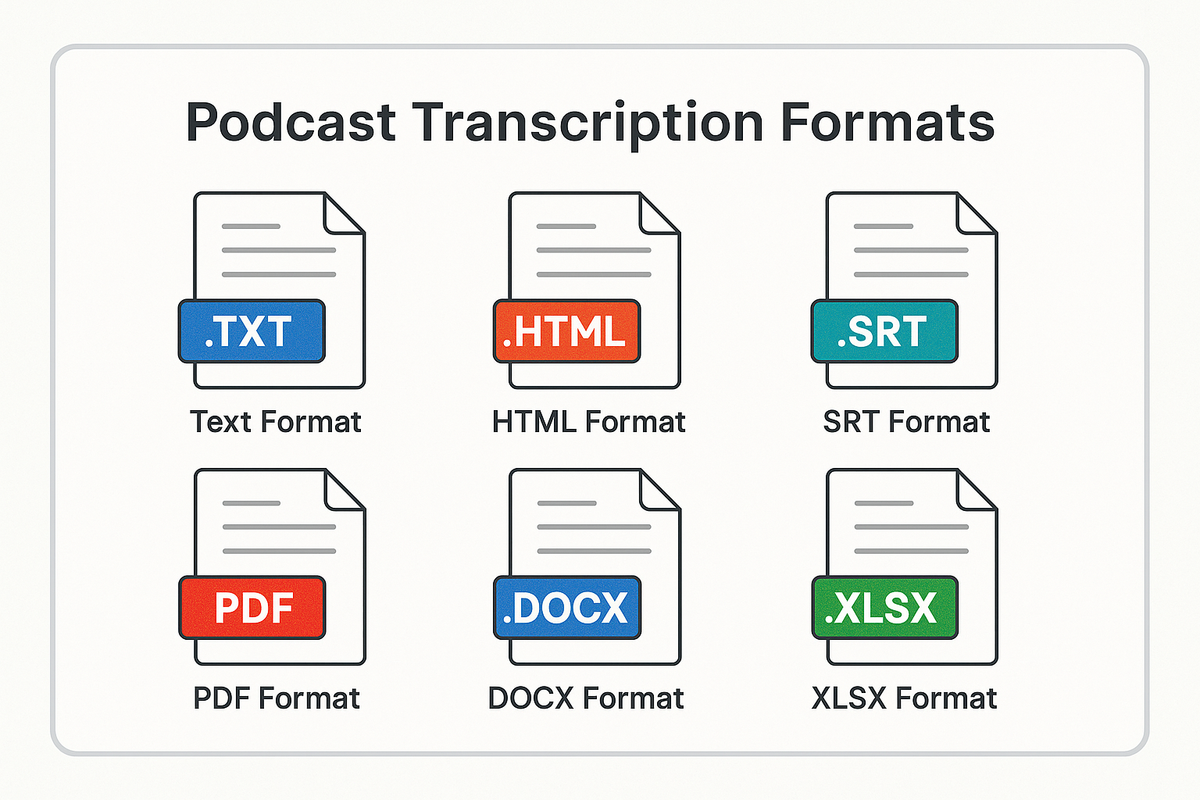
Once you transcribe your podcast, the next step is choosing the right format to work with. The best option depends on how you plan to use or share your transcript. Here’s a quick breakdown of the most common file formats:
Text format
A plain .txt file is simple and lightweight. It’s easy to open on any device and perfect for quick reference or internal notes. No fancy formatting. Just raw text.
HTML format
This format works well for publishing transcripts on your website. HTML keeps headings, timestamps, and paragraph breaks intact, which helps with both readability and SEO.
SRT format
Need captions or subtitles for your podcast when republished as a video? SRT files are made for that. They include timestamps and sync neatly with video files on platforms like YouTube or Vimeo.
PDF format
A PDF gives your transcript a polished, professional look. It’s great for sharing with guests, sponsors, or your team. You can also lock formatting to prevent unwanted edits.
DOCX format
Prefer editing in Word or Google Docs? A DOCX file allows you to clean up the transcript, add comments, or repurpose chunks into other content formats.
XLSX format
For data nerds or content teams working across multiple podcast episodes, XLSX can be handy. You can track themes, guest quotes, timestamps, and keywords across episodes in one sortable sheet.
3 Ways to Get Podcast Transcripts
Getting a podcast transcript (opens in a new tab) can be simple or detailed, depending on your time, budget, and how accurate you need it to be. Here are three ways to do it, with both free and paid options included.
1. Manual transcription
Free Option:
You can always transcribe podcasts by hand. Play the podcast episode, pause as needed, and type out what you hear.
Paid Option:
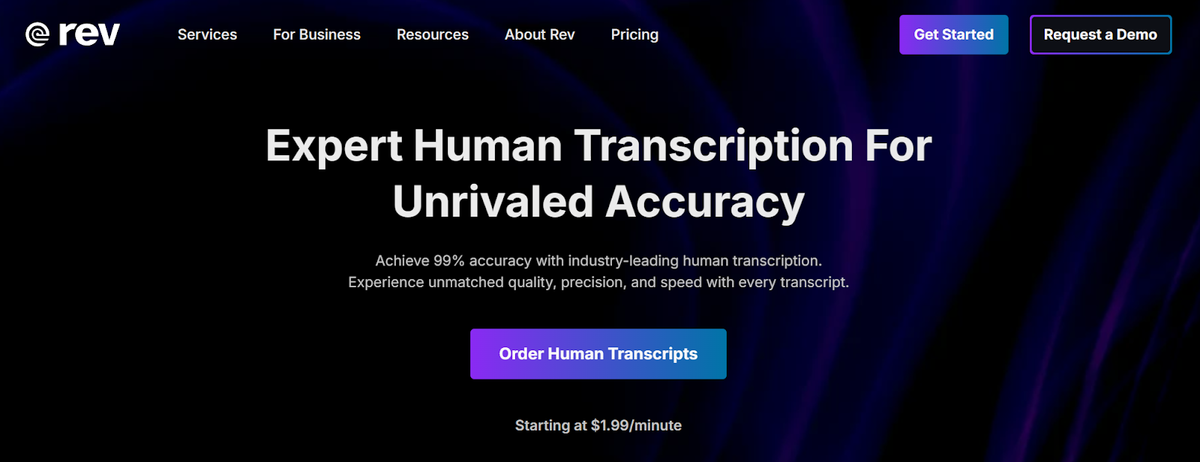
If you’d rather hand off the task, human transcription services like Rev can do the job for you. Their standard rate is $1.99 per audio minute. It’s not the cheapest option, but it’s one of the most accurate, especially if your podcast audio has multiple speakers or background noise.
2. Automatic transcription services
Free Option:
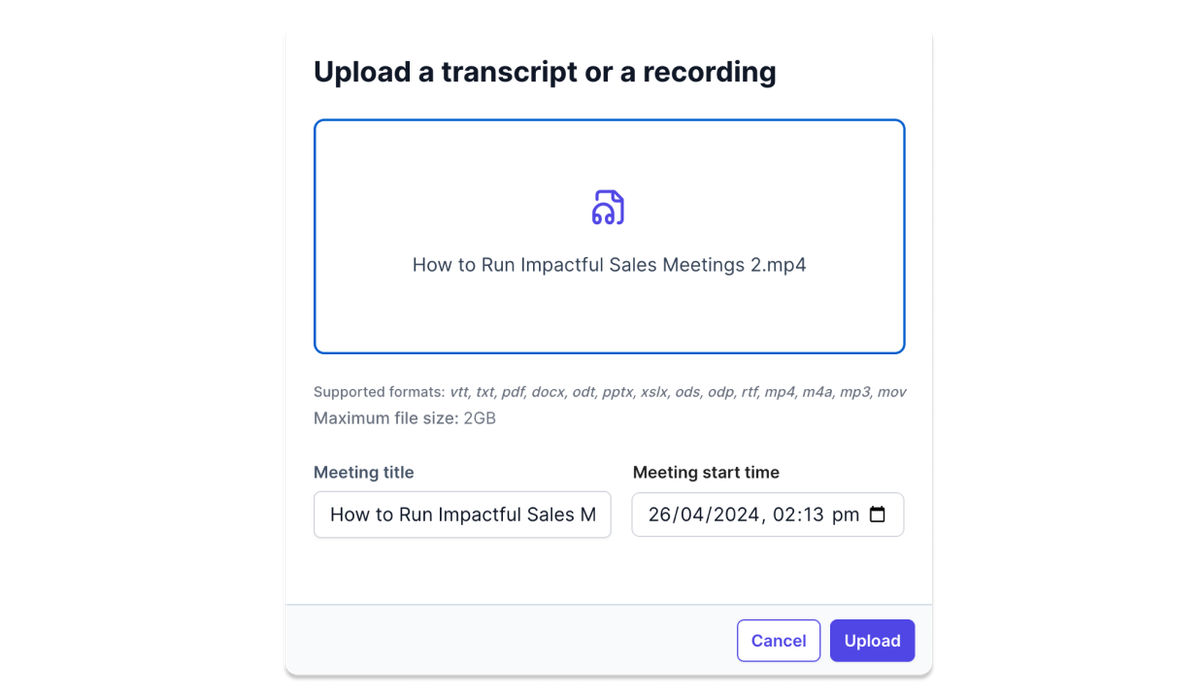
AI-powered audio-to-text converters can quickly turn your podcast into a written transcript. Tactiq (opens in a new tab) is one option. To use it, you’ll need to download the Tactiq Chrome extension (opens in a new tab). Once installed, you can upload your podcast audio file through your Tactiq account. The extension captures the audio, transcribes it, and gives you an editable, shareable transcript. All for free.
Paid Option:
- Descript Creator Plan: $24/month (billed annually) or $35/month (billed monthly). Includes 30 hours of transcription, 4K video exports, and access to advanced AI features like Overdub and Studio Sound.
These automatic transcript generators are ideal if you want quick results and are working with standard podcast audio formats.
3. Platforms with built-in transcription
Free Option:
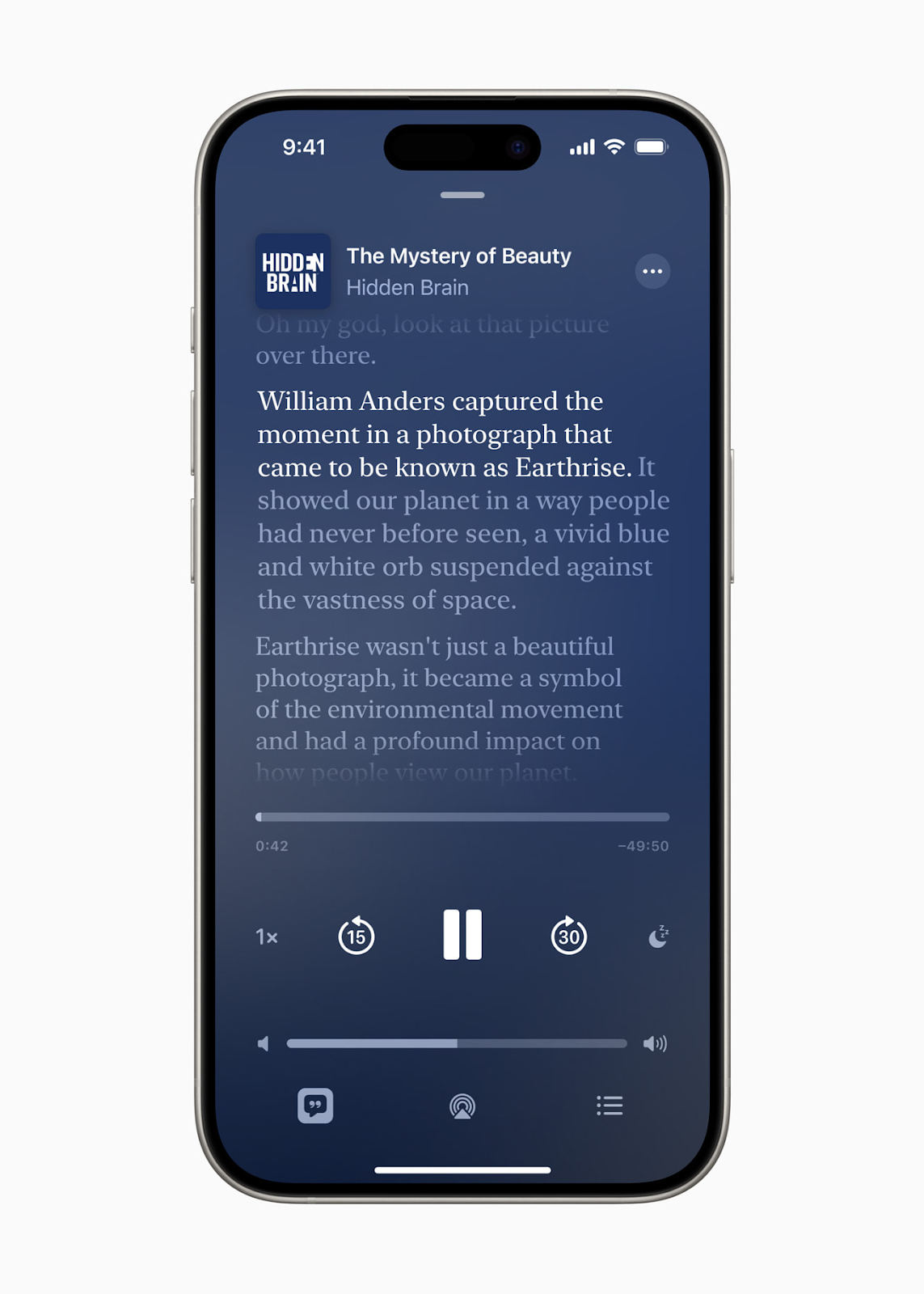
Some podcast platforms now generate transcripts automatically. For example, Apple Podcasts (as of iOS 17.4) includes auto-generated transcripts for episodes, which are searchable and synced with the audio. No setup required. Listeners can follow along word for word.
Paid Option:
Built-in options are usually free, but platforms like Buzzsprout or Castos may offer advanced tools as part of their paid hosting plans. These can include editable transcripts, timestamps, or direct export to blog posts.
How to Get a Podcast Transcript Using Tactiq (Free)
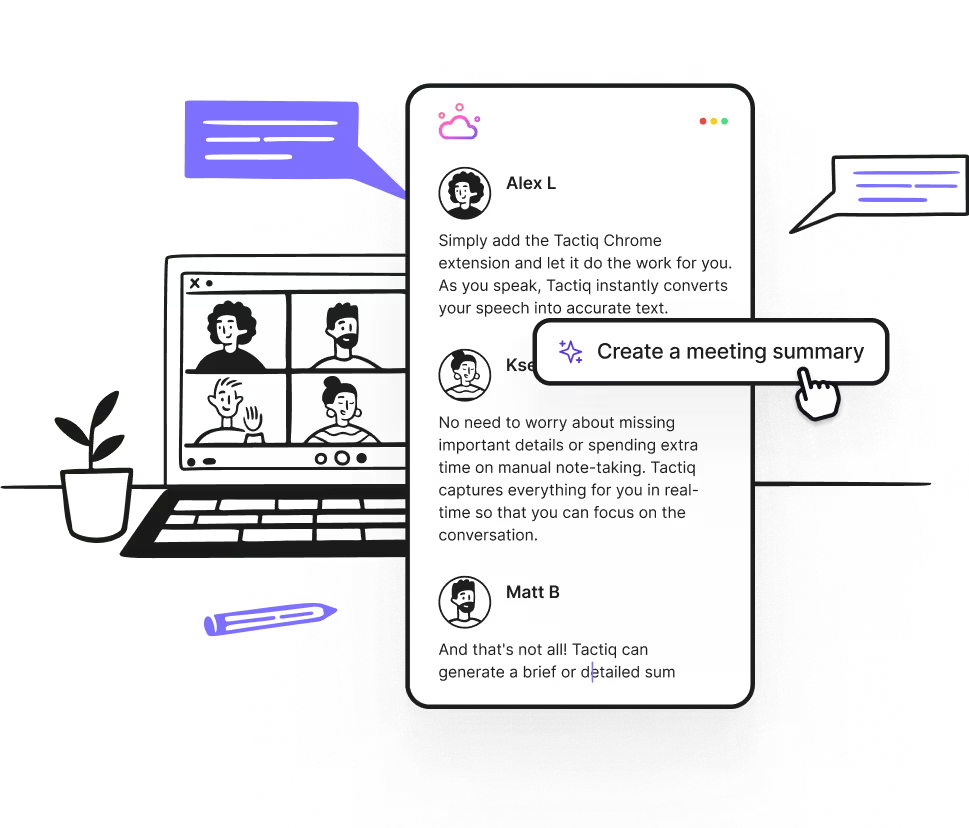
Tactiq gives you two ways to get a transcript of your podcast (opens in a new tab): by uploading a file or by recording it on Zoom, Google Meet, or Microsoft Teams. Here’s how to upload a podcast file:
- Install the Tactiq Chrome extension (opens in a new tab) and pin it to your browser.
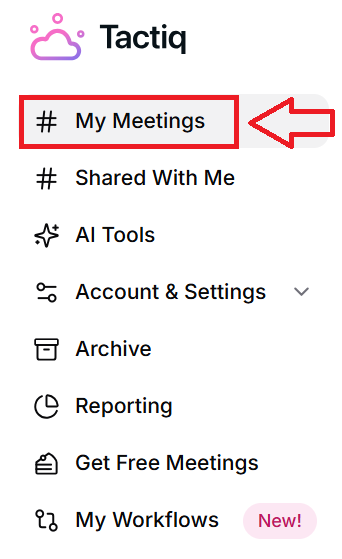
- Log in to your Tactiq (opens in a new tab) account, and click My Meetings in the left-hand panel.
- Click Upload transcript or recording and choose your podcast file. Tactiq supports MP3, M4A, MP4, and MOV formats.
- Click Upload. Tactiq will transcribe your podcast automatically and display it in your My Meetings tab.
- Open the transcript to review, edit, ask AI prompts, or download it in text, PDF, or DOCX format.
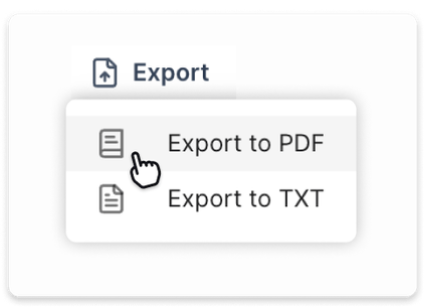
If you record your podcast directly through Zoom, Google Meet, or Microsoft Teams, you’ll get an automatic transcript without having to upload anything. Once the meeting ends, the transcript will appear under My Meetings in your Tactiq dashboard, ready to read or repurpose.
Want the convenience of AI summaries?
Try Tactiq for your upcoming meeting.
Wrapping Up
Getting a podcast transcript doesn’t have to be complicated or expensive. With the right tools, you can turn any podcast file into clear, editable text that helps more people access your content, boosts your SEO, and gives you more ways to reuse what you’ve already created.
If you want a fast and free way to transcribe podcasts, install the Tactiq Chrome extension, upload your podcast file, and get your transcript in minutes. No setup or subscription needed.
Try it out now and see what your podcast looks like in text.
FAQ
Your questions, answered.
If you have any further questions, Get in touch (opens in a new tab) with our friendly team
Can you get a transcript for a podcast?
How to format a podcast transcript?
How do I turn my podcast into text?
Is it worth transcribing a podcast?
Which tool can I use for free to get a podcast transcript?
Related articles

Gemini 3.5 Transcribe: Google Transcript Model Explained
Context Engineering vs Prompt Engineering: What Your AI Agents Are Missing

Claude Memory: How to Import and Manage Your AI Context

Claude Cowork Connectors: Automate Recurring Work

Google Gemini MCP Support: Where It Works and Setup Tips

Best Claude Skills: Top Picks for Meetings, Content, and Code

5 Best AI Scheduling Assistants

Microsoft Teams MCP: How to Access Meeting Content With AI
Want the convenience of AI summaries?
Try Tactiq for your upcoming meeting.
Bringing AI into your meetings has never been so easy.
Add to Chrome - It's free!(opens in a new tab)Try Tactiq in your upcoming meeting!
Sign up now