
How to Automatically Take Video Notes for Free
- Published:
- May 17, 2025
- Updated:
- June 12, 2026

Video meetings, recorded calls, and online courses are packed with important information. But pausing every few minutes to write things down breaks your focus and slows everything down.
Automatic video note-taking solves that. AI tools (opens in a new tab) now extract transcripts, key points, and summaries for you, so you can stay present and review the details later at your own pace.
In this article, you'll learn how to:
- Use simple techniques to take better notes from videos
- Generate notes automatically with free AI tools
- Get transcripts from YouTube videos (opens in a new tab) in a single click
- Share notes and summaries with your team without extra effort
TL;DR: How to Automatically Take Video Notes for Free
You don't need to take notes manually. Paste any YouTube link into Tactiq's free YouTube Transcript Generator (opens in a new tab) for an instant transcript, or upload a video recording to get AI-powered summaries in seconds. Install the Tactiq Chrome extension (opens in a new tab) to automatically capture key points from every meeting, free.
What Is a Video Note-Taker Tool?
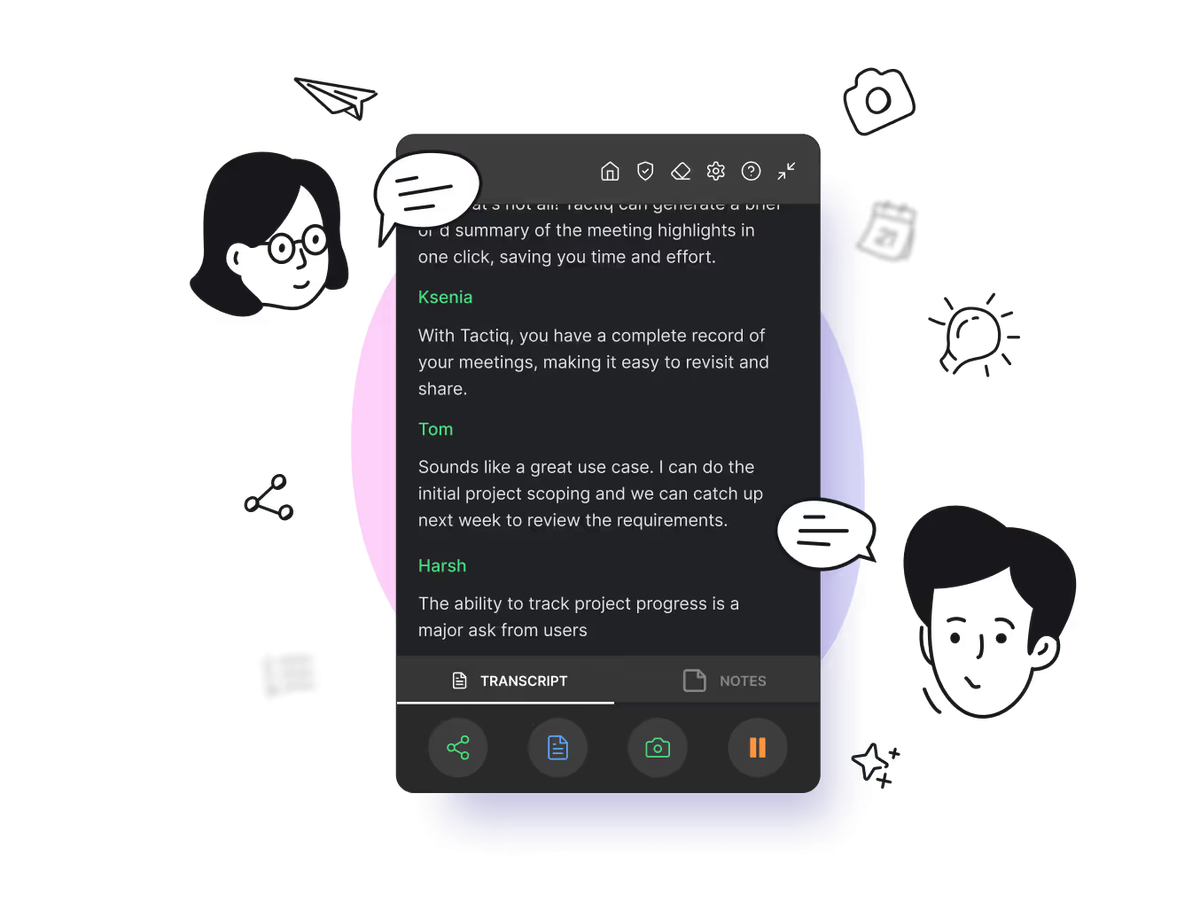
A video note-taking tool captures everything said in a video and turns it into written text you can review later. Some tools also highlight key points, add timestamps, or generate a quick summary.
Instead of juggling a notebook while watching, you can focus on listening. The tool handles the rest:
- Transcribing the audio
- Organizing the video content, and
- Making it easy to share notes or revisit them later
These tools are especially useful for educational videos, long meetings, and online videos where you don't want to miss anything important. For organizations managing large volumes of educational or training content, a CMS with visual editor (opens in a new tab) capabilities can simplify the process of organizing, formatting, and publishing video summaries and related resources.
For meeting-specific tools like Tactiq (opens in a new tab), no bot joins the call. The Chrome extension runs directly in your browser, so your sessions stay private and distraction-free.
Want to explore more options? Check out our full breakdown of the best video note takers (opens in a new tab).
Video Note Taking Techniques
You don't always need special software to get more out of a video. Sometimes, small changes in how you watch can help you take notes faster and more clearly. Here are a few practical ways to improve your note-taking process.
1. Turn on closed captioning.
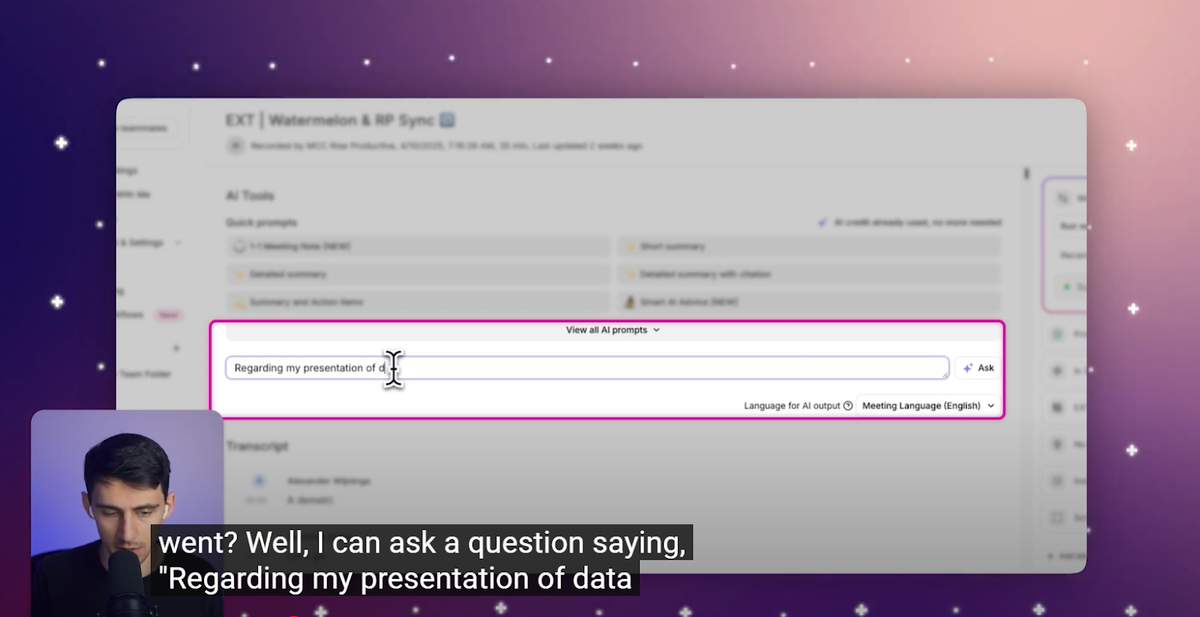
Closed captions help you follow along as you watch. Many online videos, especially on YouTube, have built-in captions. Turning them on lets you scan the words on screen to spot key points more easily or pause at the right moment.
This is also helpful if the speaker talks fast or has an accent. With captions, you catch more of what's said without needing to rewind.
2. Get the transcript.
Some platforms automatically create a transcript alongside the video. A YouTube transcript shows every word spoken, broken down by time. This makes it easy to copy and paste the parts that matter most.
Pro Tip: Paste any YouTube link into Tactiq's free YouTube Transcript Generator (opens in a new tab) to get a full transcript instantly. No account needed. Use it to pull key points from long videos before your next meeting.
3. Use chapters as guides.
When videos are broken into chapters, it's like having a built-in outline. Chapters help you jump straight to the section you need, so you can focus your video note-taking on one part instead of rewatching everything.
This works especially well for long online course videos or recorded trainings. Use the chapter titles to spot major topics and organize your detailed notes around them.
4. Upload your lecture or recorded session.
Not every important video happens live. If you have a recorded lecture or training session, you can upload it to an AI tool to get instant notes without rewatching the whole thing.
Tools like Tactiq generate a full transcript with timestamps, so you can navigate long class recordings and jump straight to the sections that matter. Instead of spending time scrubbing through video, you get organized notes you can review, highlight, and share.
This is especially useful for students who want AI notes from a lecture recording, or anyone who needs to revisit a session or a client call without sitting through it again.
How to Automatically Take Notes from a Video with Tactiq
Tactiq helps you take video notes without typing a word. It works with virtual meetings on Zoom, Google Meet, and MS Teams, as well as recorded calls, audio files, and other video content. Here's how to use it, step by step.
1. YouTube Video Transcript (Free)
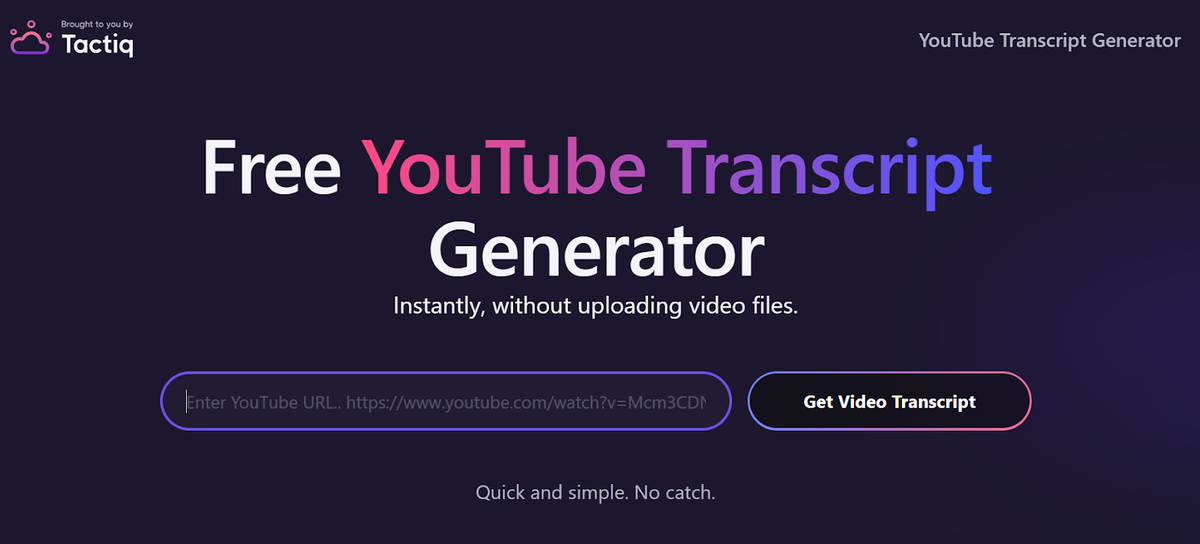
If you're watching a public YouTube video, Tactiq's free YouTube transcript generator (opens in a new tab) gives you the full script instantly. Just paste the video link into the tool and get a clean transcript you can scan, highlight, and save.
2. Upload video to Tactiq (Free Tier).
Have a video recording from a meeting or training session? You can upload it directly to Tactiq and get a transcript in seconds. First, download the Tactiq Chrome extension (opens in a new tab). It's free and takes less than a minute to set up.
Once installed:
- Sign in to your Tactiq account.
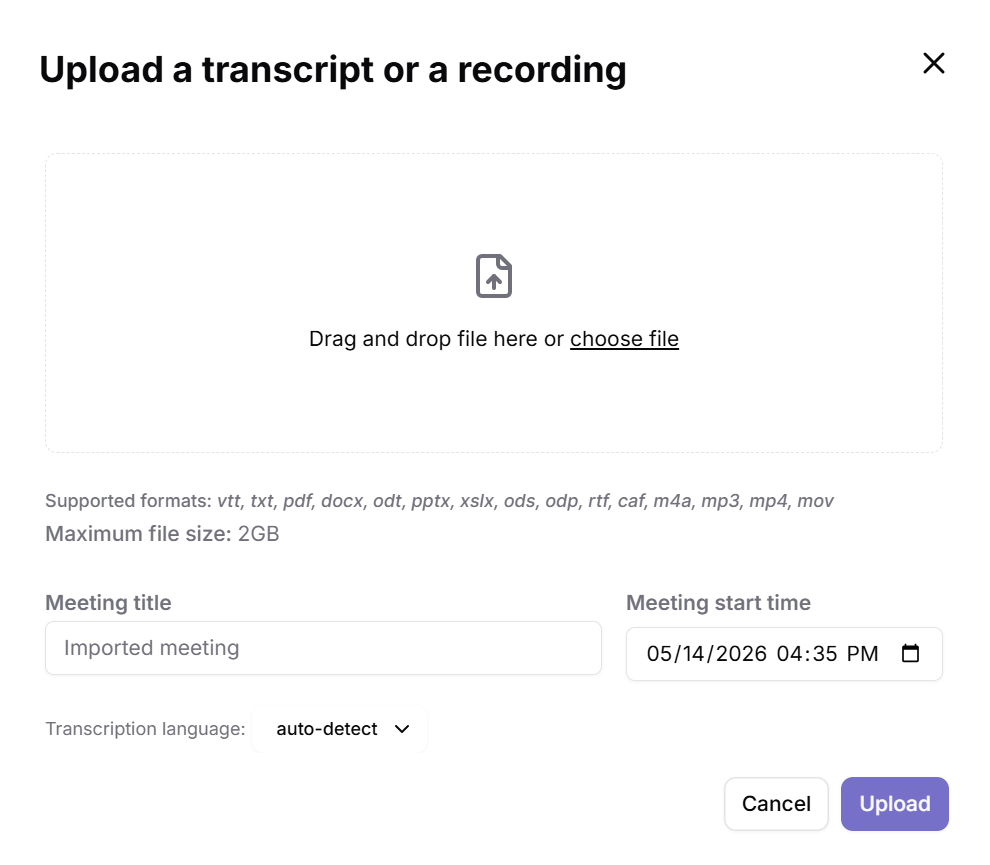
- Click "My Meetings" on the left panel, then click "Upload Transcript or Recording."
- Choose your video, audio file, or an existing transcript in PDF or Google Doc format.
- Click "Upload" and let Tactiq automatically transcribe and summarize it.
After uploading, use built-in prompts to generate notes, action items, or AI-powered summaries (opens in a new tab) in a single click. You can also type your own prompt to ask the AI anything specific about the recording.
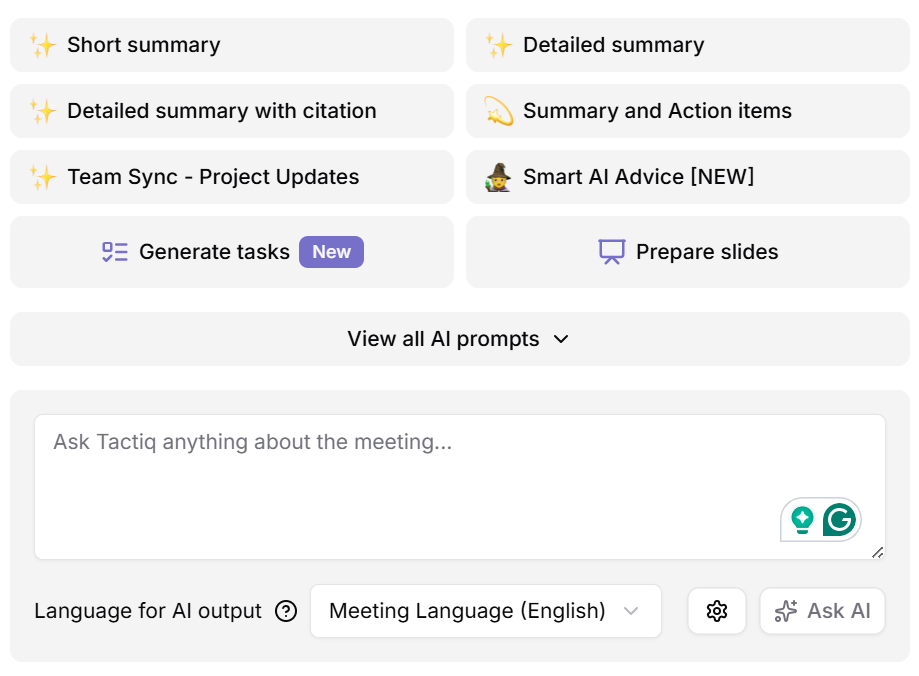
For live Google Meet sessions, Tactiq's Chrome extension captures audio directly from your browser. That means Google's March 2026 policy change doesn't affect it. Third-party bots get flagged in Google Meet. Tactiq's extension doesn't.
Want the convenience of AI summaries?
Try Tactiq for your upcoming meeting.
3. Share your video notes
Once your notes are ready, sharing them is simple. Copy key highlights, export them to Google Docs, or send a link to teammates, all from one place. You can also save the transcript and summary to review at your own pace, which is helpful for anyone catching up after a meeting.
Start Taking Better Video Notes Today
Capturing important information from video content doesn't have to be a manual task. From turning on captions to using transcripts and chapters, small changes make a big difference. And with Tactiq, you can generate notes, create AI-powered summaries, and share your takeaways without the extra effort.
Join over a million users who've stopped taking manual notes and get instant, searchable ones from every meeting. Add Tactiq to Chrome; it's free (opens in a new tab).
FAQ
Your questions, answered.
If you have any further questions, Get in touch (opens in a new tab) with our friendly team
Should I take notes while watching a video?
Is there a free AI note taker for videos and meetings?
Can I use ChatGPT to transcribe a video?
How do I take notes from a recorded Zoom call?
What are some quick ways to improve your video note-taking process?
Related articles

Gemini 3.5 Transcribe: Google Transcript Model Explained
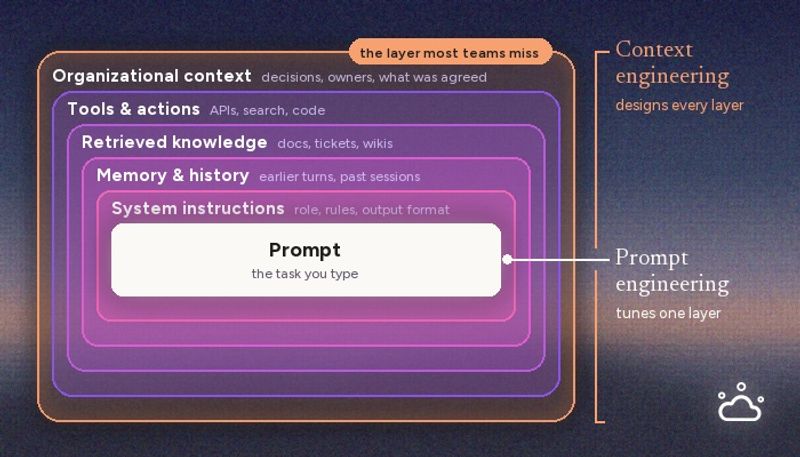
Context Engineering vs Prompt Engineering: What Your AI Agents Are Missing

Claude Memory: How to Import and Manage Your AI Context

Claude Cowork Connectors: Automate Recurring Work

Google Gemini MCP Support: Where It Works and Setup Tips

Best Claude Skills: Top Picks for Meetings, Content, and Code

5 Best AI Scheduling Assistants

Microsoft Teams MCP: How to Access Meeting Content With AI
Want the convenience of AI summaries?
Try Tactiq for your upcoming meeting.
Bringing AI into your meetings has never been so easy.
Add to Chrome - It's free!(opens in a new tab)Try Tactiq in your upcoming meeting!
Sign up now