
How to Convert Text to PPT AI for Free?
- Published:
- January 4, 2026
- Updated:
- September 30, 2026

Creating a presentation often takes longer than expected. You start with text, then spend hours adjusting layouts, fonts, and images. That work adds up fast.
AI tools (opens in a new tab) change how slide creation works. You can convert text into a complete presentation in minutes. The AI handles structure, slide flow, and design elements. You keep full control over edits.
Many free tools now act as an AI presentation maker. Paste your content, choose a style, and generate slides ready for Microsoft PowerPoint or Google Slides. The best part: no design skills are required.
In this article, you’ll learn:
- Top free tools to generate presentations
- Three simple steps to convert text into slides
- Best practices for AI-generated presentations
- How transcripts turn into ready-to-use presentations
Top Free AI Tools To Convert Text To PowerPoint
Free AI presentation tools make slide creation faster and easier. Each option below supports different workflows, from lesson plans to pitch decks.
1. Slidesgo AI Presentation Maker
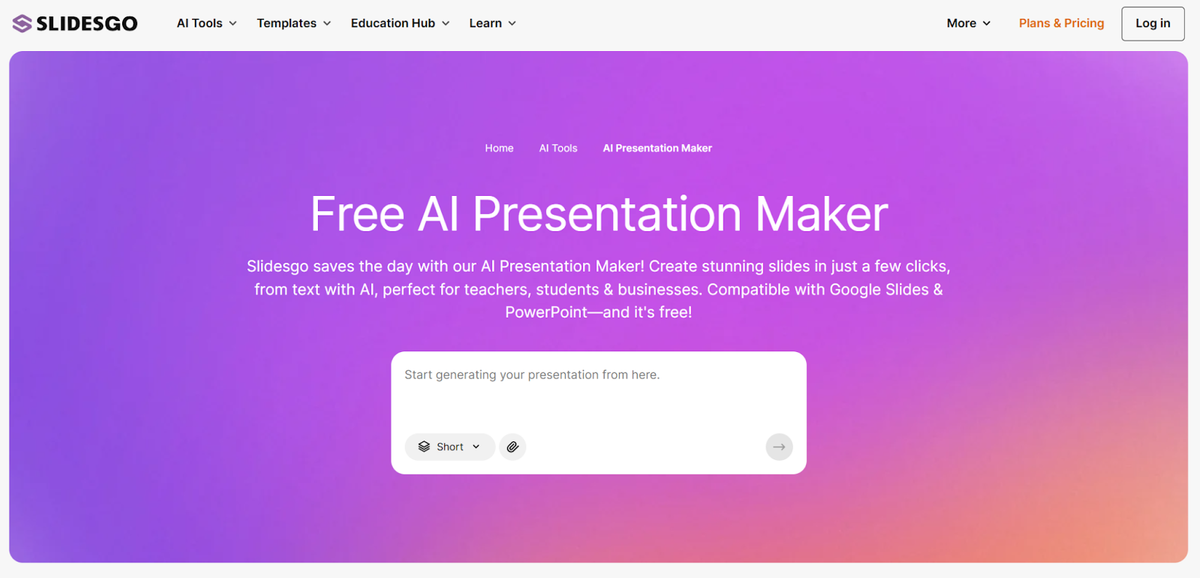
Slidesgo’s AI Presentation Maker (opens in a new tab) helps you convert text into an AI-generated presentation in a few clicks. You enter a topic or paste text, and the AI builds a complete presentation with structured slides and visuals.
Key features
- 100+ various templates
- Fully editable slides
- Exports in PPTX format
- Works with Google Slides and Microsoft PowerPoint
- Supports file uploads (.pdf, .docx, .txt up to 25 MB)
Slidesgo creates professional slides that look polished without design skills. You can refine text, swap images, and adjust layouts before downloading.
Pricing
- Free – 3 AI-generated presentations per month, free templates, PPTX download
- Premium – From $2.50/month, unlimited presentations, premium templates, ad-free editing, team discounts
Best for
Educators, students, freelancers, and small teams who want to create presentations quickly.
2. Presentations.AI
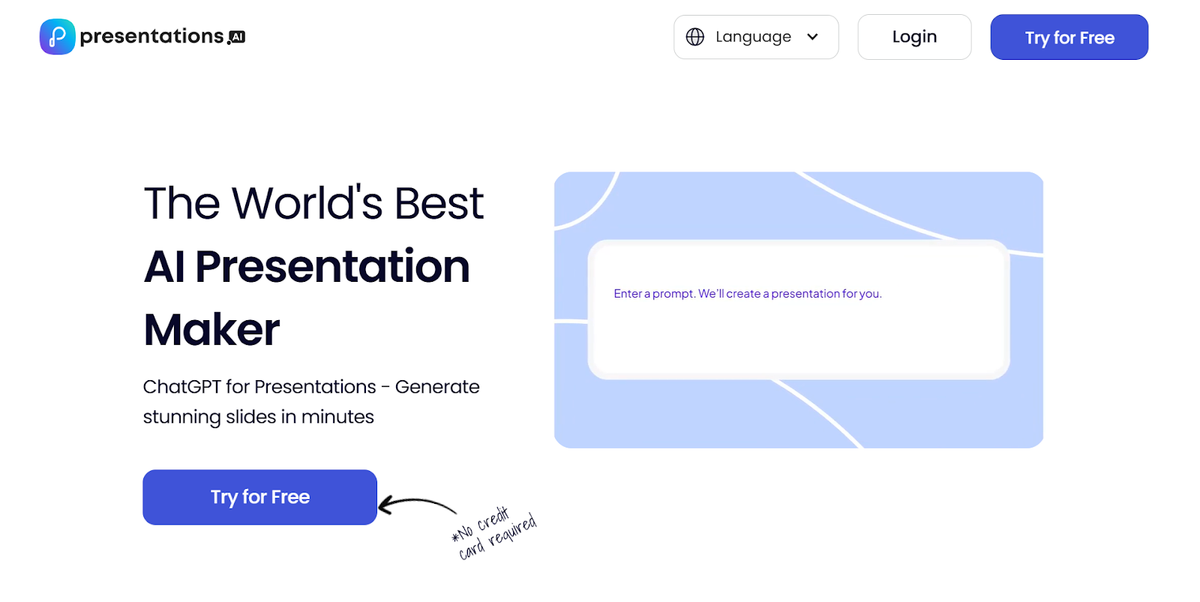
Presentations (opens in a new tab).AI (opens in a new tab) is an AI presentation generator built for creating professional presentations fast. You start with a short text prompt or document, and the platform produces a ready-to-use presentation with clear structure and polished visuals.
Key features
- AI-generated presentation with structured slide flow
- Editable slides with full control over layouts and style
- Team collaboration with comments and shared editing
- High-quality PowerPoint export that preserves formatting
- Browser-based editing, no extra software needed
Presentations.AI works well for pitch decks, recurring reports, and stakeholder updates where slide quality matters.
Pricing
- Free – 3 complete presentations, fully functional
- Paid – From $198/year, unlimited presentations, advanced brand controls, team collaboration, high-fidelity PowerPoint export
Best for
Business professionals and teams creating professional slides where consistency, clarity, and export quality are critical.
3. Edraw.AI Presentation Maker
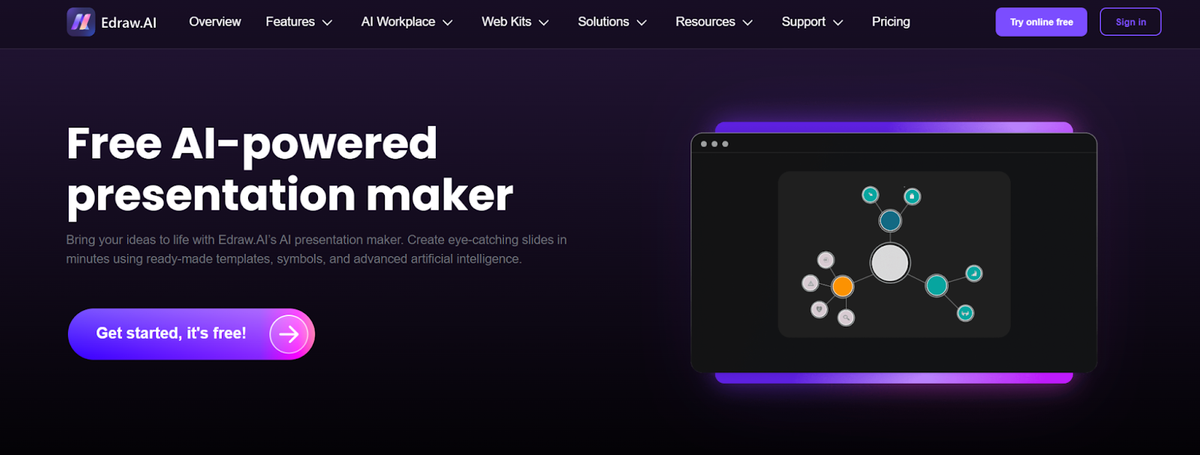
Edraw.AI (opens in a new tab)’s presentation maker helps convert text and structured ideas into an AI-generated presentation using templates, diagrams, and a free-form canvas.
This tool works well for users who already have content in documents or reports and want more visual control than standard slide tools allow.
Key features
- AI presentation maker with content suggestions
- 100+ templates plus diagrams and symbols
- Infinite canvas with flexible layouts
- Fully editable slides with drag-and-drop tools
- Exports to PPTX and PDF formats
Edraw.AI is useful when presentations need diagrams, visuals, or non-linear layouts without sacrificing edit control.
Pricing
- Free – 500 AI tokens, drag-and-drop editor, 100 MB cloud storage
- Paid – From $6.58/month, more AI tokens, unlocked templates, watermark-free exports, team features
Best for
Users who want to convert existing text files, reports, or structured ideas into visual-heavy presentations.
4. NoteGPT AI PPT Maker
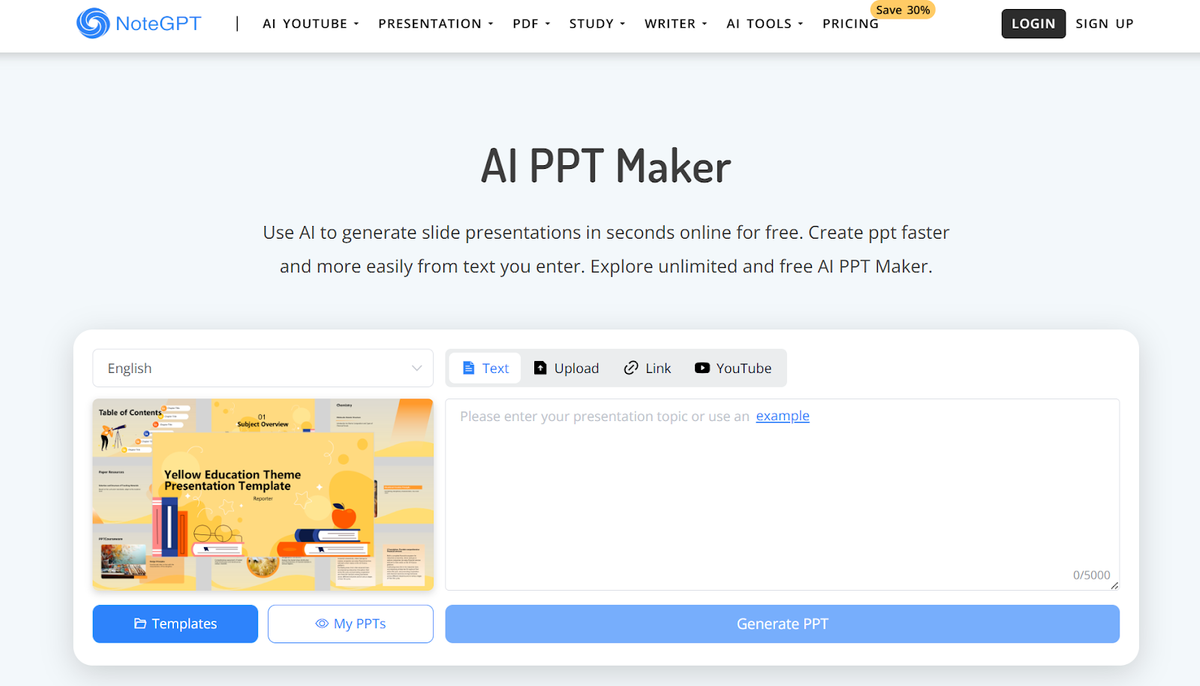
NoteGPT’s AI PPT Maker (opens in a new tab) supports text input, file uploads, links, and even YouTube videos. That makes it useful when you want to turn existing content into an AI-generated presentation fast.
Key features
- Free AI PPT maker with no ads
- Generate presentations from text, files, links, or YouTube
- Multiple language support for slide generation
- Adjustable slide count and layouts
- Download in PPT or PDF format
NoteGPT focuses on speed and simplicity. You can create slides quickly, preview them, and export without creating an account.
Pricing
- Free – Unlimited basic AI presentations, PPT, and PDF downloads
- Paid – From $9/month, higher limits, premium credits, commercial use, and advanced AI tools
Best for
Quick presentations, students, and users who want a completely free AI slide maker without sign-up friction.
5. SlidesAI
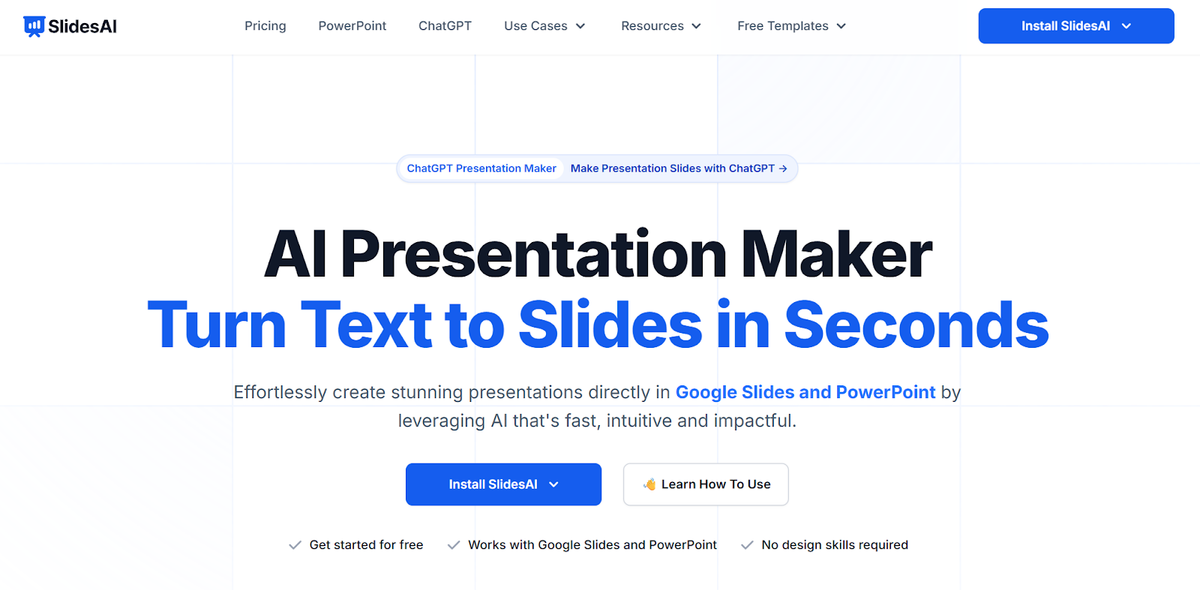
SlidesAI (opens in a new tab) is an AI slide maker built directly for Google Slides and Microsoft PowerPoint. It lets you turn text into slides inside the tools you already use, without learning a new editor.
You enter a topic or paste notes, and SlidesAI generates a presentation with clear sections, structured content, and visual balance. Everything remains editable, so you can refine slides, adjust layouts, and customize visuals as needed.
Key features
- Native integration with Google Slides and Microsoft PowerPoint
- AI-generated presentation from text prompts or notes
- 150+ templates with editable themes and layouts
- Supports multiple languages for slide creation
- Export-ready PPTX format with full compatibility
SlidesAI works well for users who want to create slides quickly while staying within familiar workflows. It’s especially helpful for recurring presentations and collaborative work.
Pricing
- Free – 12 presentations per year, limited character input
- Paid – From $€7.11/month, more presentations, higher limits, document upload, and advanced AI credits
Best for
Google Workspace users, educators, and professionals who want to create presentations quickly without switching platforms.
How To Convert Text To PPT In 3 Simple Steps
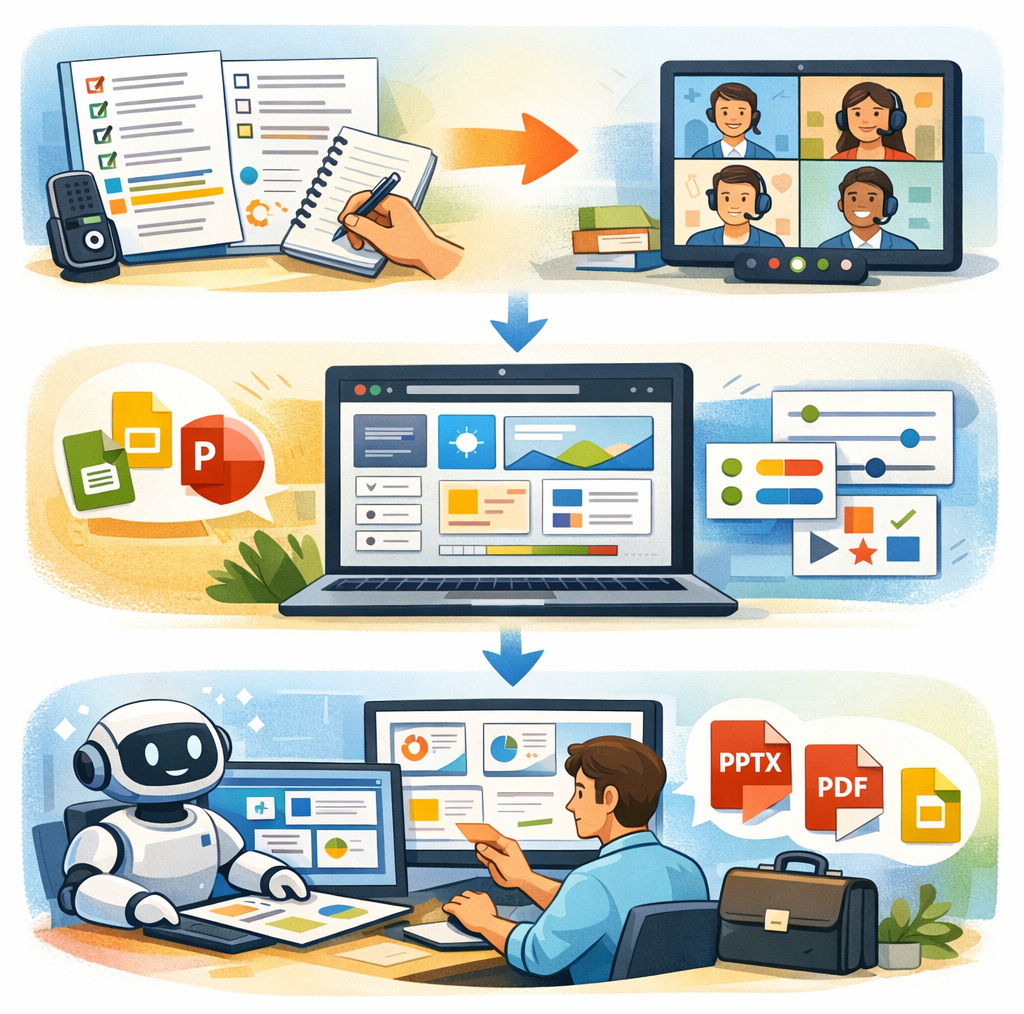
Turning text into slides doesn’t need complex tools or design experience. Most AI presentation tools follow the same simple flow. Here’s how to get clean, professional slides every time.
Step 1: Prepare your text content
AI works best with clear input. Start with structured text before you generate slides.
Good content types include meeting notes (opens in a new tab), reports, articles, outlines, and transcripts. Short paragraphs and clear headings help the AI understand slide breaks.
Clean up long sentences. Remove filler. Keep ideas focused.
Pro tip: Most presentations start in meetings. Tactiq (opens in a new tab) captures those conversations automatically on Zoom, Google Meet, or Microsoft Teams. You'll get clean transcripts with key points highlighted, ready to paste into any AI presentation maker to generate slides in minutes.
Step 2: Choose your AI tool and customize
Pick an AI presentation maker that fits your workflow. Some work inside Google Slides, while others export directly to PowerPoint format.
Select a template, slide count, language, and audience type. Many tools let you customize tone, layouts, and visual style before generating slides.
This step shapes how polished the final presentation feels.
Step 3: Generate, review, and export
Click generate and review the presentation generated by the AI. Check accuracy, flow, and clarity.
Edit text, adjust layouts, and replace images if needed. Most tools export to PPTX, PDF, or Google Slides, so your deck stays fully editable.
Best Practices For Creating Presentations With AI
AI can speed up slide creation, but results improve when you guide the process. These best practices help you get cleaner slides and stronger presentations.
Writing effective prompts
Be clear with your input. State the topic, audience, and goal upfront. Mention how many slides you want and the tone you’re aiming for.
Short, focused prompts lead to better structure. Vague prompts often create generic slides with weak flow.
A strong prompt gives the AI direction, while a weak one leaves too much guessing.
Choosing the right template
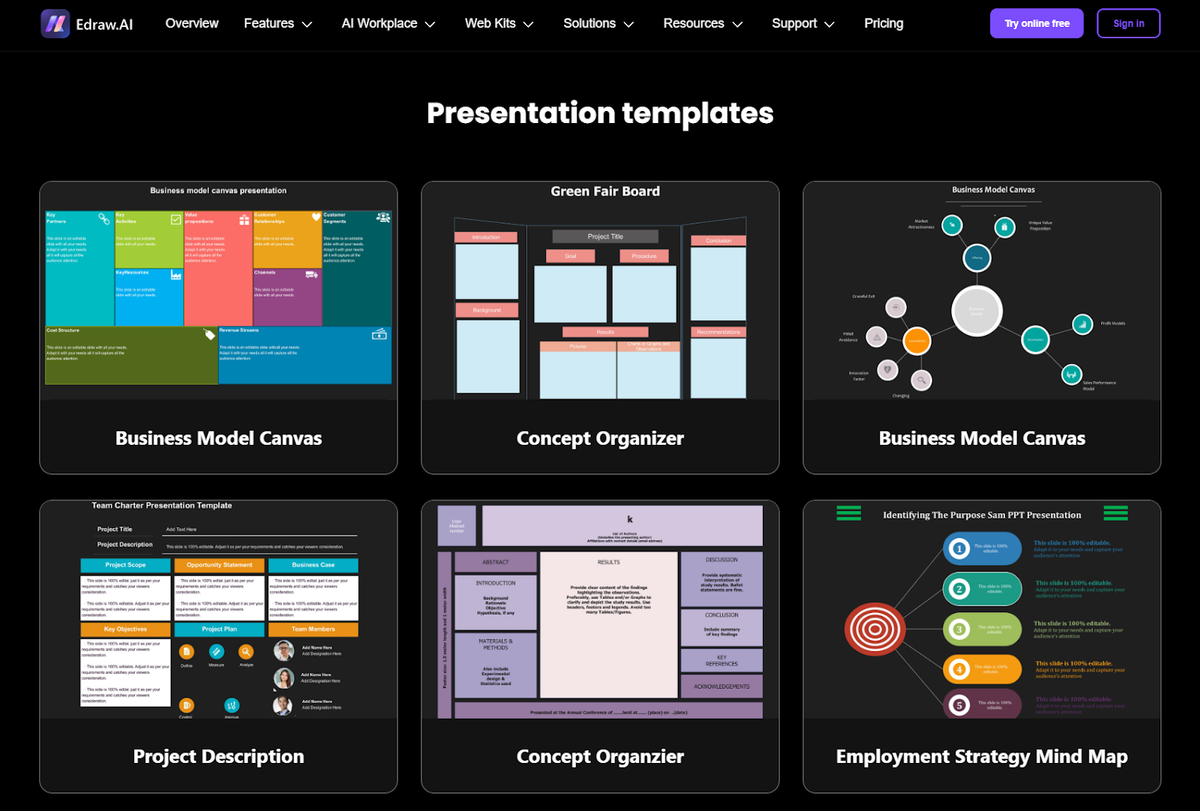
Templates shape how your message lands. Business updates need clean layouts. Educational content works better with visual spacing. Creative decks can handle bolder designs.
Match the template to your audience. Keep fonts, colors, and layouts consistent across slides. Good templates reduce editing later.
Editing AI-generated slides
Always review the output. AI can miss context or oversimplify ideas.
Add examples, clarify data, and refine wording. Adjust visuals so they support the message instead of distracting from it.
AI helps you start faster. Editing makes the presentation feel human.
How To Use a Transcript For Your Presentation Using Tactiq
Presentations often start with conversations. Team meetings (opens in a new tab), interviews, lessons, or planning calls already contain the ideas you need. Transcripts make that content easier to turn into slides.
Converting meeting notes to presentations
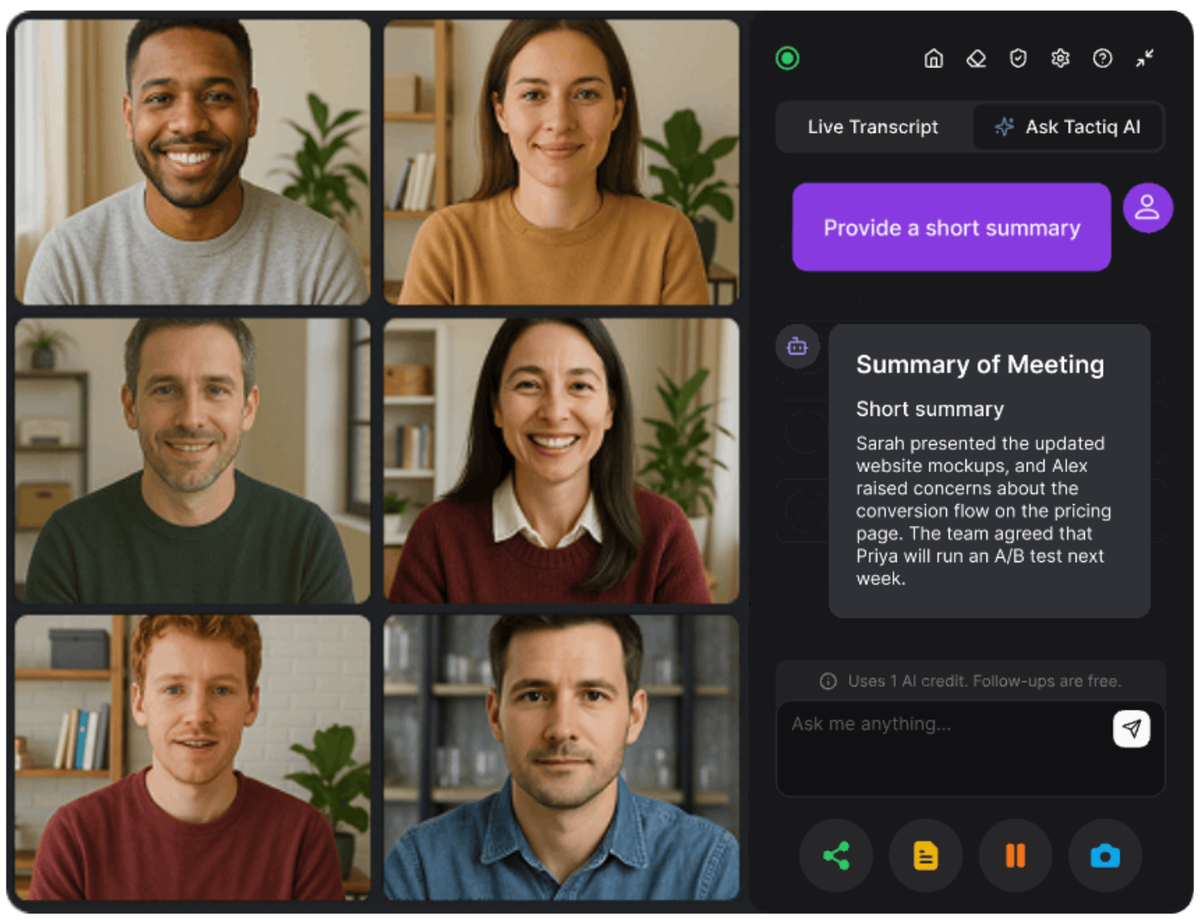
Tactiq (opens in a new tab) automatically transcribes meetings in real time across popular video conferencing platforms like Zoom, Google Meet, and Microsoft Teams. Key points, action items, and speaker insights are captured as the conversation happens.
Those transcripts become clean source material for an AI presentation maker. You can copy highlights, summaries, or structured notes and convert text into slides in minutes.
This works well for:
- Project updates
- Stakeholder reviews
- Internal team presentations
Turning reports and documents into slides
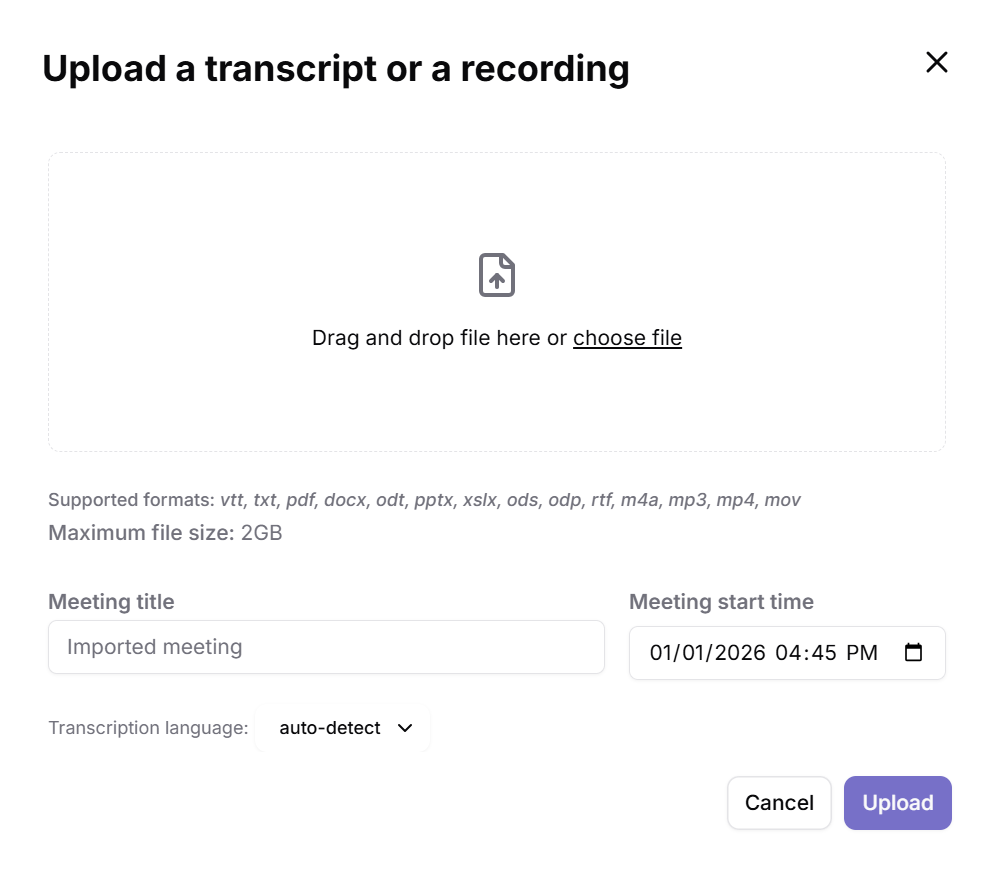
Transcripts don’t stop at meetings. Tactiq also lets you upload documents, audio, or video files (opens in a new tab) and generate text summaries (opens in a new tab).
You can turn:
- Research discussions into academic presentations
- Client calls into proposal decks (opens in a new tab)
- Training sessions into structured slides
Once the text is ready, any AI slide maker can generate a complete presentation from that content.
Creating educational content
Educators and trainers can reuse recorded lessons without extra prep. A session becomes a transcript. That text becomes slides.
Lesson plans, study guides, and course summaries are easier to organize when the transcript already shows the flow.
Ready to turn conversations into slides? Install the Tactiq Chrome Extension (opens in a new tab) to capture meeting transcripts and create presentation-ready content in minutes.
Want the convenience of AI summaries?
Try Tactiq for your upcoming meeting.
Wrapping up
AI tools make it easier to turn text into presentations without starting from scratch. You can convert notes, documents, and transcripts into structured slides in minutes. That means less time formatting and more time refining ideas.
Free AI presentation makers now support editable PowerPoint slides, Google Slides, and PDF exports. You keep control while letting AI handle structure, layouts, and visuals.
For meeting-based presentations, transcripts give you a head start. Tactiq captures conversations, highlights key points, and turns discussions into clean text you can reuse for any AI PPT tool.
If your best ideas live inside meetings, start with the transcript. Use Tactiq to capture the content, then turn it into slides that are ready to present.
FAQs About Converting Text to PPT AI for Free
Is there a free AI tool to convert text to PowerPoint?
Yes. Several tools let you convert text into slides for free. Options like Slidesgo, NoteGPT, and SlidesAI offer free plans with PPT or PPTX downloads, though limits may apply.
How do I convert text to PPT using AI?
Paste your text into an AI presentation maker, choose a template and slide count, then generate slides. You can edit the content and export to PowerPoint or Google Slides.
What is the best free AI presentation maker?
The best option depends on your workflow. Slidesgo works well for templates, NoteGPT is fully free with no ads, and SlidesAI is ideal if you work inside Google Slides.
Can I download presentations in PowerPoint format for free?
Yes. Many free tools support PPT or PPTX export. Some limit the number of downloads or add watermarks, but basic PowerPoint format access is usually included.
How does an AI text-to-PPT converter work?
The AI analyzes your text, outlines key points, and automatically creates slides with headings, bullet points, and visuals. You can then edit layouts, text, and images before presenting.
Related articles
Context Engineering vs Prompt Engineering: What Your AI Agents Are Missing

Claude Memory: How to Import and Manage Your AI Context

Claude Cowork Connectors: Automate Recurring Work

Google Gemini MCP Support: Where It Works and Setup Tips

Best Claude Skills: Top Picks for Meetings, Content, and Code

5 Best AI Scheduling Assistants

Microsoft Teams MCP: How to Access Meeting Content With AI

How Do I Turn Off Google Gemini?
Want the convenience of AI summaries?
Try Tactiq for your upcoming meeting.
Bringing AI into your meetings has never been so easy.
Add to Chrome - It's free!(opens in a new tab)Try Tactiq in your upcoming meeting!
Sign up now