
Gemini vs Google Assistant: Comparison Guide (2026)
December 11, 2025
December 11, 2025
June 4, 2026
June 4, 2026

Choosing between Gemini and Google Assistant can feel tricky today. Both sit on millions of devices, both respond to your voice, and both aim to make daily tasks easier. But the two assistants take very different paths.
One is built for quick commands. The other is designed for deeper conversations and more complex tasks.
Google is moving users to a new AI experience. This change sparked a debate: Which assistant should you rely on now? And how does this new shift affect the way you work, search, plan, and communicate?
Before you make a choice, it’s helpful to understand how each tool works, where they shine, and why this matters as AI roles expand across our daily lives.
By the end, you’ll know:
- How Gemini differs from Google Assistant
- What each one can and cannot do
- When to choose one over the other
- Where Tactiq fits in for meeting tasks
What Is Google Gemini?
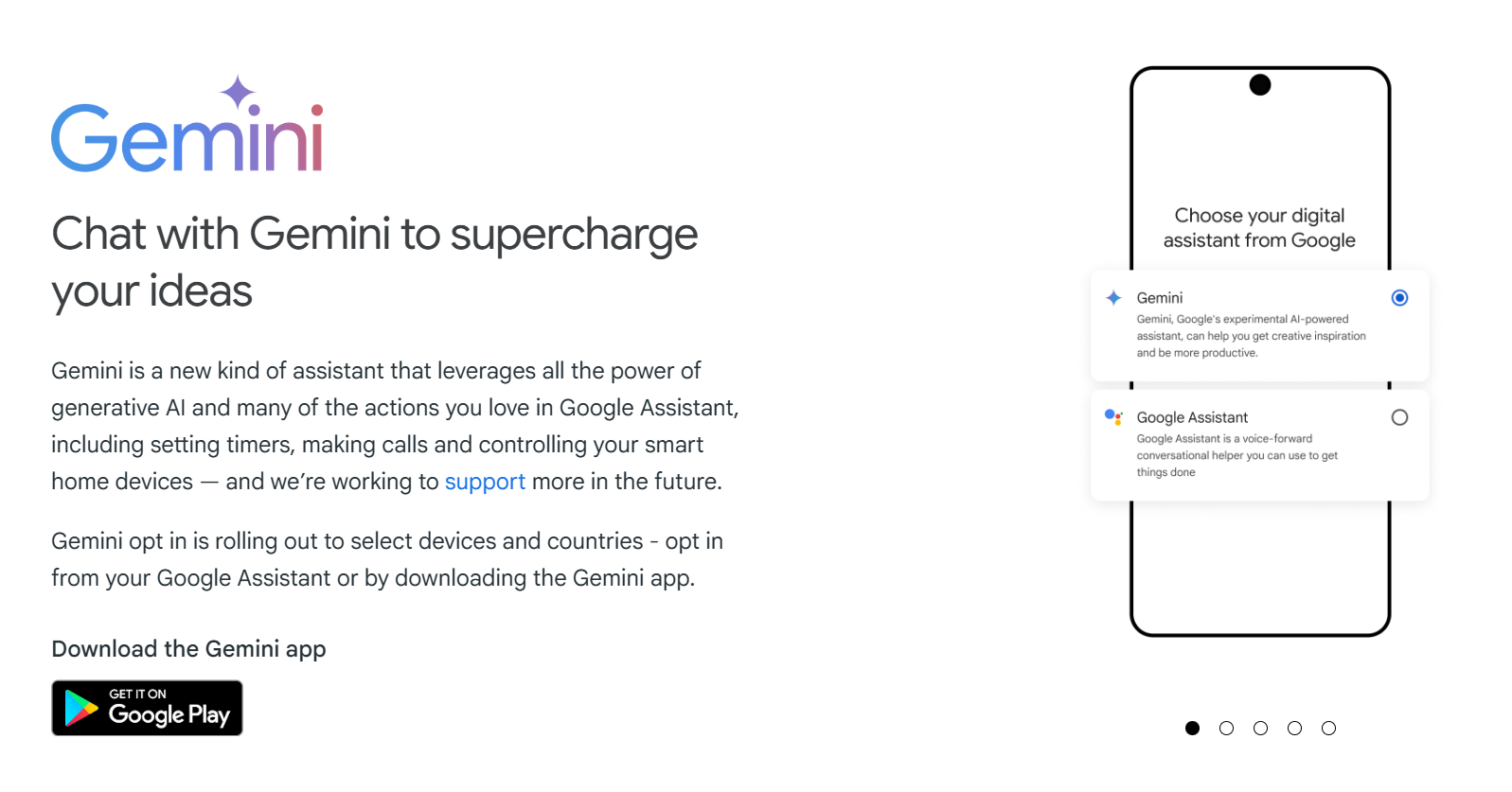
Google introduced Gemini in 2023 as a new AI assistant built on generative AI and advanced language models.
Here’s what makes Gemini stand out:
- Uses generative AI to understand context and answer complex questions.
- Can process multiple formats: text, voice, images, and on-screen content all at once.
- Natural language conversations so you can talk to it like a real assistant, not rely on short commands.
- Google Workspace integration with Gmail, Drive, Docs, and more to draft emails, summarize files, or pull details from documents.
- Reasoning and step-by-step problem-solving for more complex tasks like planning, writing, research, and content creation.
- Works as an AI-powered assistant that can support more complex tasks that traditional voice assistants struggle with.
💡 Pro Tip: For real-time meeting transcripts and AI summaries across Zoom, Google Meet, and Teams, use Tactiq. It’s free to start and gives you shareable notes without extra steps.
What Is Google Assistant?
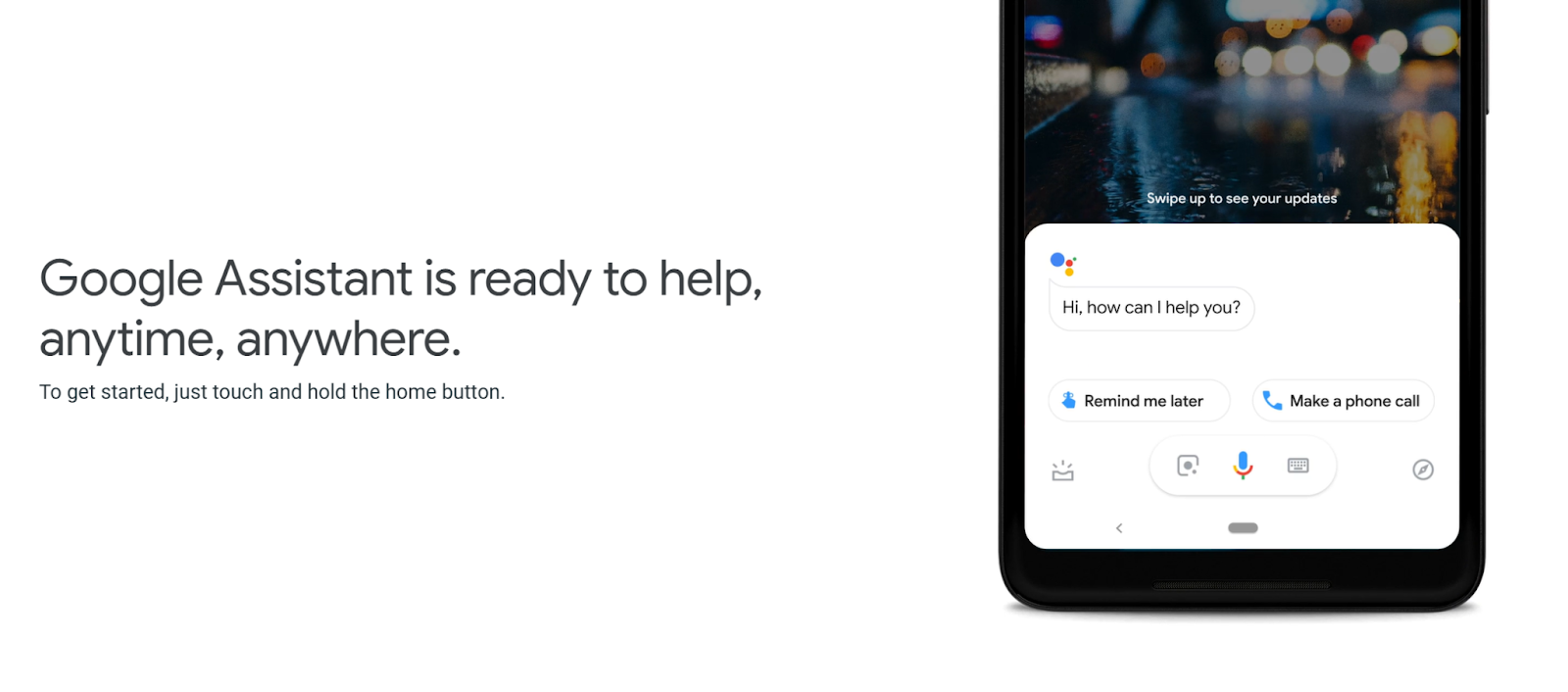
Google Assistant launched in 2016 and became one of the most widely used digital assistants across Android phones, smart speakers, TVs, watches, and home devices. It was built for quick, hands-free actions and simple voice commands to help users move through daily tasks faster.
If you have a Google Home, you most likely have relied on Google Assistant to control your smart appliances.
Here’s what defines Google Assistant:
- Voice-first design that responds to “Hey Google” for instant commands.
- Built on speech recognition and natural language processing (NLP) to answer questions, search the web, and complete everyday tasks.
- Great for quick actions like setting timers, checking the weather, sending messages, or making calls.
- Strong smart home support for controlling lights, thermostats, TVs, and other home devices.
- Wide device compatibility across phones, speakers, watches, headphones, cars, and more.
- Reliable for simple tasks where users need speed instead of advanced reasoning or creativity.
While Google Assistant still handles many voice assistant tasks well, it wasn’t designed for deeper reasoning, content creation, or complex workflows like Gemini.
Gemini vs Google Assistant: 6 Key Differences
Gemini and Google Assistant share the same roots, but they were built for very different experiences. Here’s how they differ.
AI capabilities and intelligence
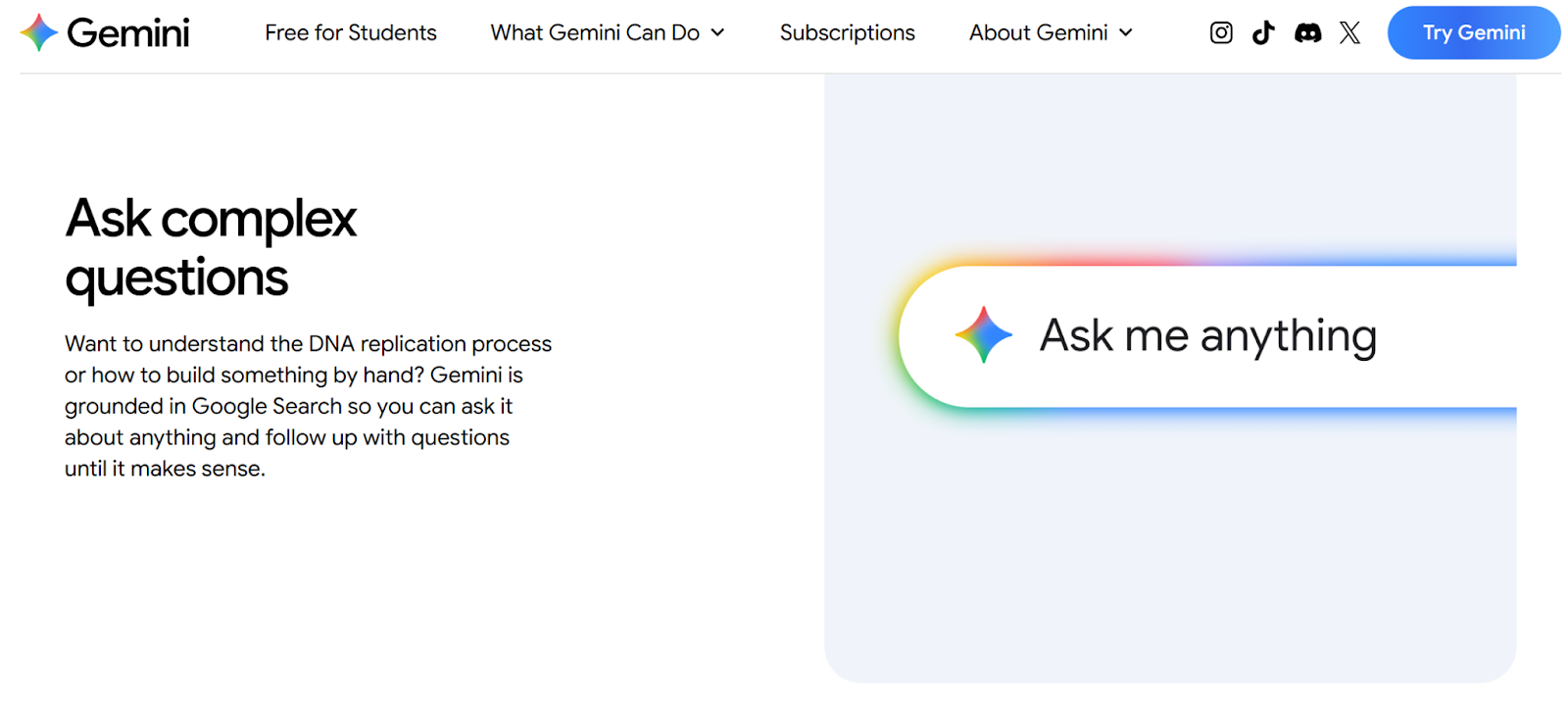
- Gemini uses generative AI to handle complex tasks, create content, and pull details from multiple apps.
- Google Assistant focuses on quick answers, simple commands, and hands-free help.
- Gemini adapts to context and supports a wider range of AI-powered assistant features.
Response speed and accuracy
- Google Assistant still responds fastest for short commands like setting timers or checking the weather.
- Gemini may take a moment longer with heavy requests, but delivers richer, more detailed answers.
- Gemini’s accuracy improves through ongoing user feedback.
Natural language understanding
- Gemini supports conversational language, follow-up questions, and multi-step tasks.
- Google Assistant relies more on direct commands and short phrases.
- Gemini feels closer to interacting with a flexible AI assistant designed for more complex tasks.
Device compatibility
- Google Assistant works across phones, speakers, TVs, watches, home devices, and cars.
- Gemini runs mainly on computers, phones, and eligible Android and iOS devices, with more device support rolling out over the coming months.
- “Hey Google” triggers either Gemini or Assistant, depending on device availability.
Ecosystem integration
- Gemini connects deeply with Gmail, Docs, Drive, YouTube, Maps, and other Google tools to complete tasks across apps.
- Google Assistant integrates well with smart home devices and quick actions.
- Gemini offers a new kind of experience that blends generative AI with everyday tools you already rely on.
Pricing (Free vs Gemini Advanced)

- Gemini offers a free version for everyday tasks.
- Gemini Advanced includes access to stronger models, better reasoning, and expanded capabilities through subscription plans (paid monthly plans start at $19.99).
- Google Assistant remains fully free and available on more home devices.
How Tactiq Complements (Or Replaces) Both for Meetings
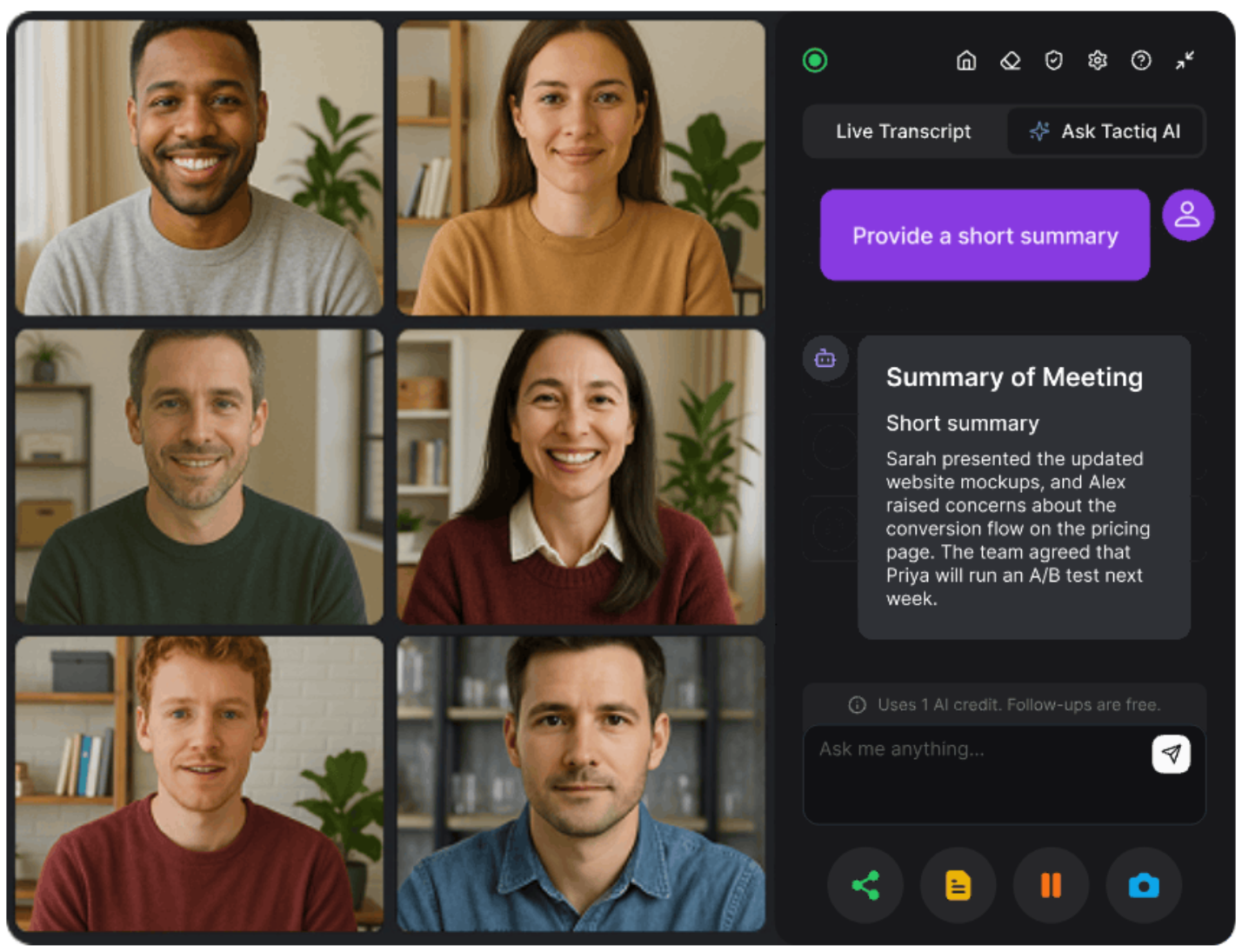
Gemini and Google Assistant can support many everyday tasks, and Gemini now includes meeting transcription and AI-generated summaries inside the Google ecosystem. It’s helpful for quick notes or personal follow-ups.
But if your team meets across different platforms or requires consistent, professional documentation, those built-in tools can feel limited.
Tactiq steps in as a specialized solution. It offers real-time transcription, AI summaries, and flexible exports across Zoom, Google Meet, and Microsoft Teams — and it’s free to start. This gives you accurate meeting notes without being tied to only one device or app.
{{rt_cta_ai-convenience}}
Real-time meeting transcription across platforms
- Transcribes meetings live on Zoom, Google Meet, and Microsoft Teams
- Displays instant text during the call so you can stay focused
- Tags speakers for clarity
- Works for teams that switch between platforms
AI-powered meeting summaries
- Creates clear summaries, action items, and key decisions
- Uses enterprise-grade AI (OpenAI's API) to generate accurate summaries
- Converts long conversations into organized documentation
- Lets you save your favorite prompts for consistent results
Easy export to any format
- Download transcripts or summaries with a click
- Export to Slack, Docs, Notion, task tools, or shared folders
- No need to upload transcripts manually into Gemini or other AI chatbots
Multi-platform support
- Works across major video meeting platforms
- Supports different devices and workflows
- Offers the same transcription quality no matter where you join
Ready to turn every meeting into clear, organized notes without extra work?
Install the Tactiq Chrome Extension for free and get real-time transcripts, AI summaries, and easy exports across Zoom, Google Meet, and Teams.
Which Should You Choose: Gemini or Google Assistant?
Each assistant fits a different kind of daily use. The right choice depends on the tasks you rely on most.
Choose Google Assistant if…
- You want fast responses to simple commands
- You rely on voice assistant features like setting timers or controlling home devices
- You use speakers, TVs, watches, or other home devices
- You prefer short, direct interactions
- You need something lightweight that works across many devices
Choose Gemini if…
- You handle more complex tasks like research, planning, writing, or long-form questions
- You want deeper conversations and richer AI-powered assistant capabilities
- You like having an assistant that understands context and can complete multi-step tasks
- You want access to generative AI models for content creation
- You prefer a tool that pulls information from Gmail, Docs, Drive, and other Google apps
Choose Tactiq if…
- You need an accurate meeting transcription across Zoom, Google Meet, and Microsoft Teams
- You want AI meeting summaries, action items, and clear documentation
- You prefer a free tool that focuses on meeting workflows, not general AI chatbots
- You want exports, transcripts, and follow-ups without extra steps
- You want consistent meeting notes for teams that use different devices and platforms
Choosing the Right Assistant for Your Daily Tasks
Gemini and Google Assistant fill different roles.
Google Assistant stays strong for quick commands, simple voice actions, and smart home control. Gemini focuses on bigger questions, long-form tasks, and generative AI features that help you think, plan, and create.
Both tools support everyday tasks, but meeting work calls for something built specifically for long conversations and detailed follow-ups. That’s why many teams use a dedicated meeting tool to stay organized.
Tactiq provides that focus. It gives you free real-time transcription, clear AI summaries, and easy exports across Zoom, Google Meet, and Microsoft Teams. You get complete records of your conversations without having to jump between apps.
You can also explore how Gemini compares with other AI tools in our guides on Gemini vs Copilot and Perplexity vs Gemini.
FAQs About Gemini vs Google Assistant
Is Gemini better than Google Assistant?
Gemini handles more complex tasks and offers deeper AI capabilities, while Google Assistant stays faster for simple voice commands.
What is the difference between Google Assistant and Gemini?
Google Assistant focuses on quick actions such as timers, calls, and smart home control. Gemini supports rich conversations, generative AI tasks, and multi-step requests.
Can I switch from Google Assistant to Gemini?
Yes. Many phones already prompt users to upgrade, and you can also download the Gemini app to access the new experience.
Does Gemini replace Google Assistant?
Google is upgrading phones to Gemini, while Assistant continues to run on devices that don’t yet support the new AI experience.
Can Gemini transcribe meetings?
Gemini can transcribe Google Meet meetings. For free cross-platform transcription across Zoom, Google Meet, and Teams, tools like Tactiq offer greater flexibility.


Want the convenience of AI summaries?
Try Tactiq for your upcoming meeting.
Want the convenience of AI summaries?
Try Tactiq for your upcoming meeting.
Want the convenience of AI summaries?
Try Tactiq for your upcoming meeting.