
Transcription vs Translation: Key Differences Explained
- Published:
- October 25, 2024
- Updated:
- June 12, 2025

Transcription (opens in a new tab) and translation are essential processes in various industries. While both involve converting language into a usable format, they serve distinct purposes. Understanding their differences can help you decide which one to use and how tools like AI can improve each process.
In this article, we’ll explore the differences between transcription and translation, their applications, and how Tactiq supports both—including AI-powered translation features that make multilingual communication easier.
What is Transcription?
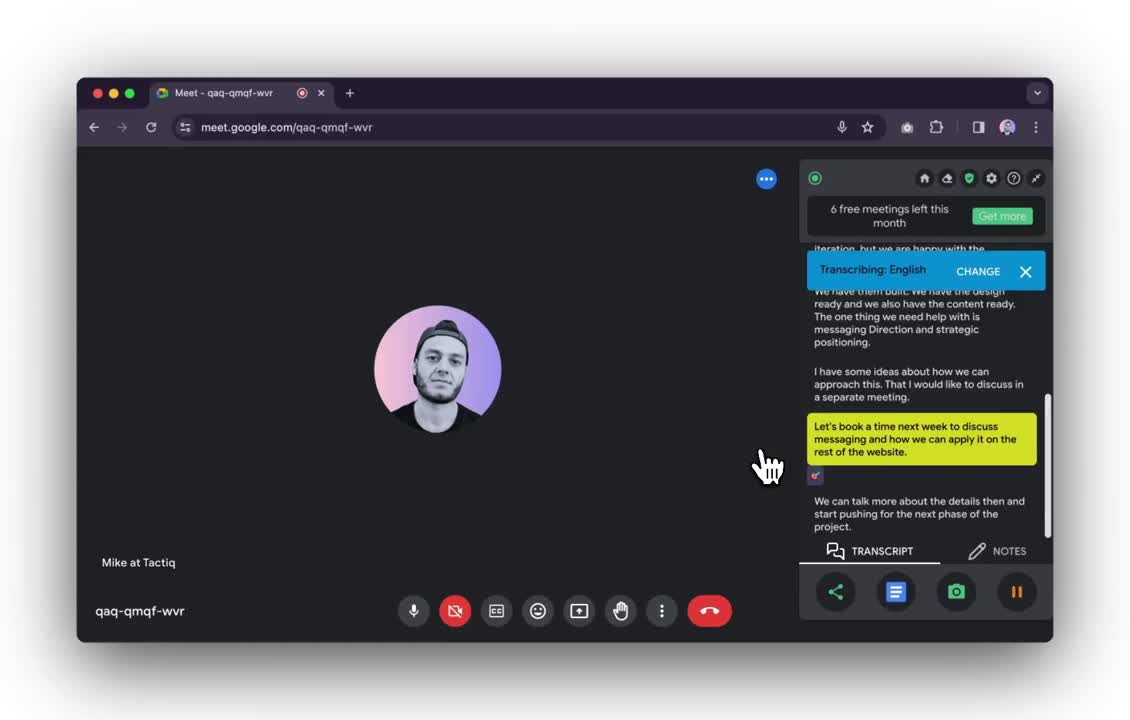
Transcription converts spoken language into written text. It ensures conversations, presentations, and meetings are documented accurately for reference. For example, if you record a business meeting, transcription provides a text-based record of everything discussed.
Common Applications of Transcription:
- Meetings – Keeps a written record of key discussions and decisions.
- Interviews – Helps researchers and journalists accurately document conversations.
- Legal Settings – Creates official transcripts of court proceedings and depositions.
- Medical Documentation – Converts doctor’s voice notes into written medical records.
What is Translation?
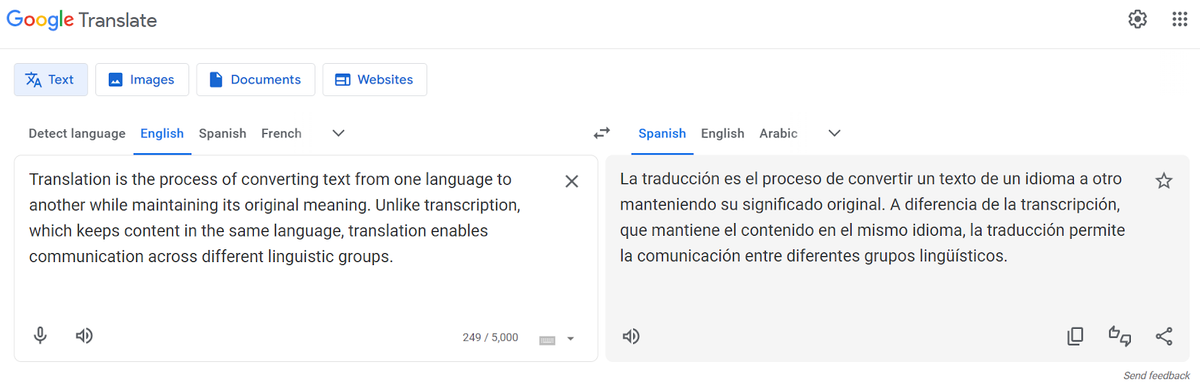
Translation converts written text from one language to another while preserving its original meaning. Unlike transcription, which keeps content in the same language, translation enables cross-linguistic communication.
For example, a company with international offices may need to translate employee handbooks to ensure all team members understand workplace policies.
Common Applications of Translation:
- Global Communication – Helps businesses, researchers, and professionals collaborate across languages.
- Business & Marketing – Translates product manuals, websites, and customer support materials for international audiences.
- Education – Makes learning materials accessible to students in different countries.
- Healthcare & Legal Fields – Ensures that patients and clients receive accurate information in their native language.
Key Differences Between Transcription and Translation
Both transcription and translation involve language processing, but they differ in function and output.
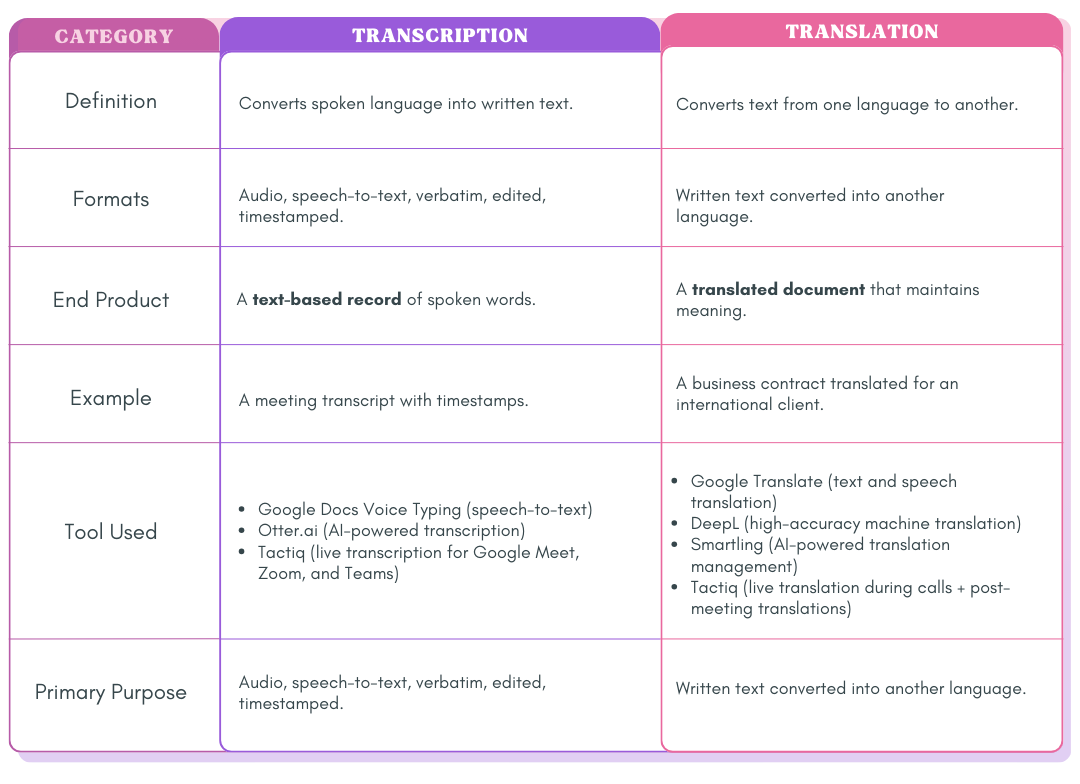
Formats of Transcription
Transcription comes in various formats depending on its use case:
- Audio Transcription – Converts recorded speech into text (e.g., interviews, lectures).
- Speech-to-Text Transcription – Uses AI tools to generate real-time text during conversations.
- Verbatim Transcription – Captures every word, including filler words (e.g., "um," "uh"). Used in legal and research contexts.
- Edited Transcription – Removes unnecessary filler words for clarity, ideal for professional reports.
- Timestamped Transcription – Adds time markers to help reference specific moments in audio or video files.
Choosing Between Transcription and Translation
If you need written records of spoken content, transcription is the best choice. If your goal is to make text accessible to different language speakers, translation is the solution. In specialized fields like healthcare, organizations may also hire clinical documentation specialist support when accurate and well-structured records require dedicated expertise.
By understanding these key differences, you can determine whether speech-to-text transcription, AI-powered translation, or both are needed for your specific use case.
Want the convenience of AI summaries?
Try Tactiq for your upcoming meeting.
How Tactiq Enhances Transcription and Translation
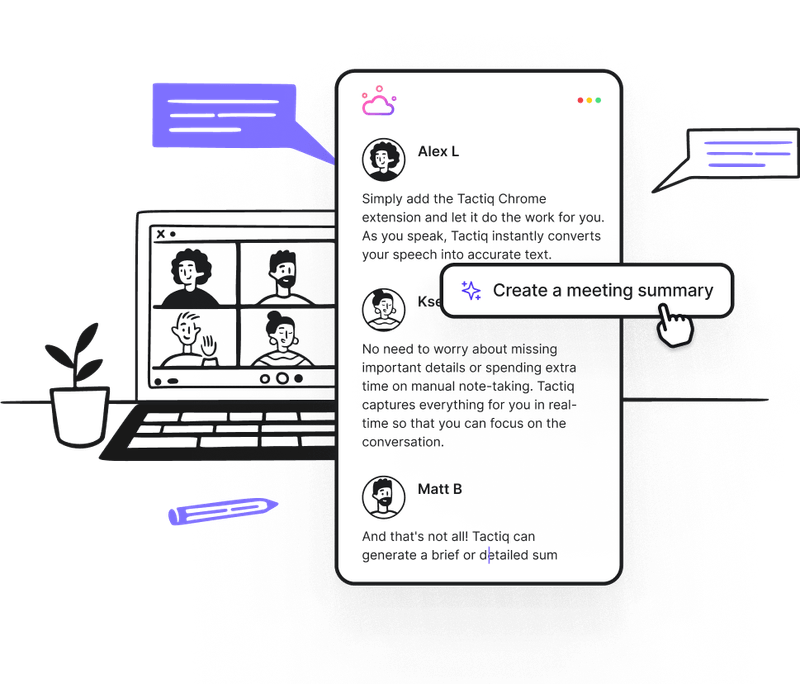
Whether you need to document spoken conversations or translate text for global teams, having the right tools can make all the difference. Tactiq (opens in a new tab) simplifies both processes with real-time transcription, live translation during calls, and post-meeting translation, ensuring seamless multilingual communication.
Tactiq’s Features
- Live Meeting Transcription (opens in a new tab) – Captures conversations in real time across Google Meet, Zoom, and Microsoft Teams in over 30 languages.
- Post-Meeting Translation – After the meeting, convert transcripts into 50+ languages to ensure accessibility for global teams.
- AI-Powered Summaries – Extract key points, action items, and important insights directly from transcripts.
- Custom AI Prompts – Save frequently used translation requests and automate multilingual meeting notes.
- AI Workflows (opens in a new tab) – Automate the extraction of key insights from transcripts, create structured reports, and sync translations with team collaboration tools.
Languages Supported by Tactiq
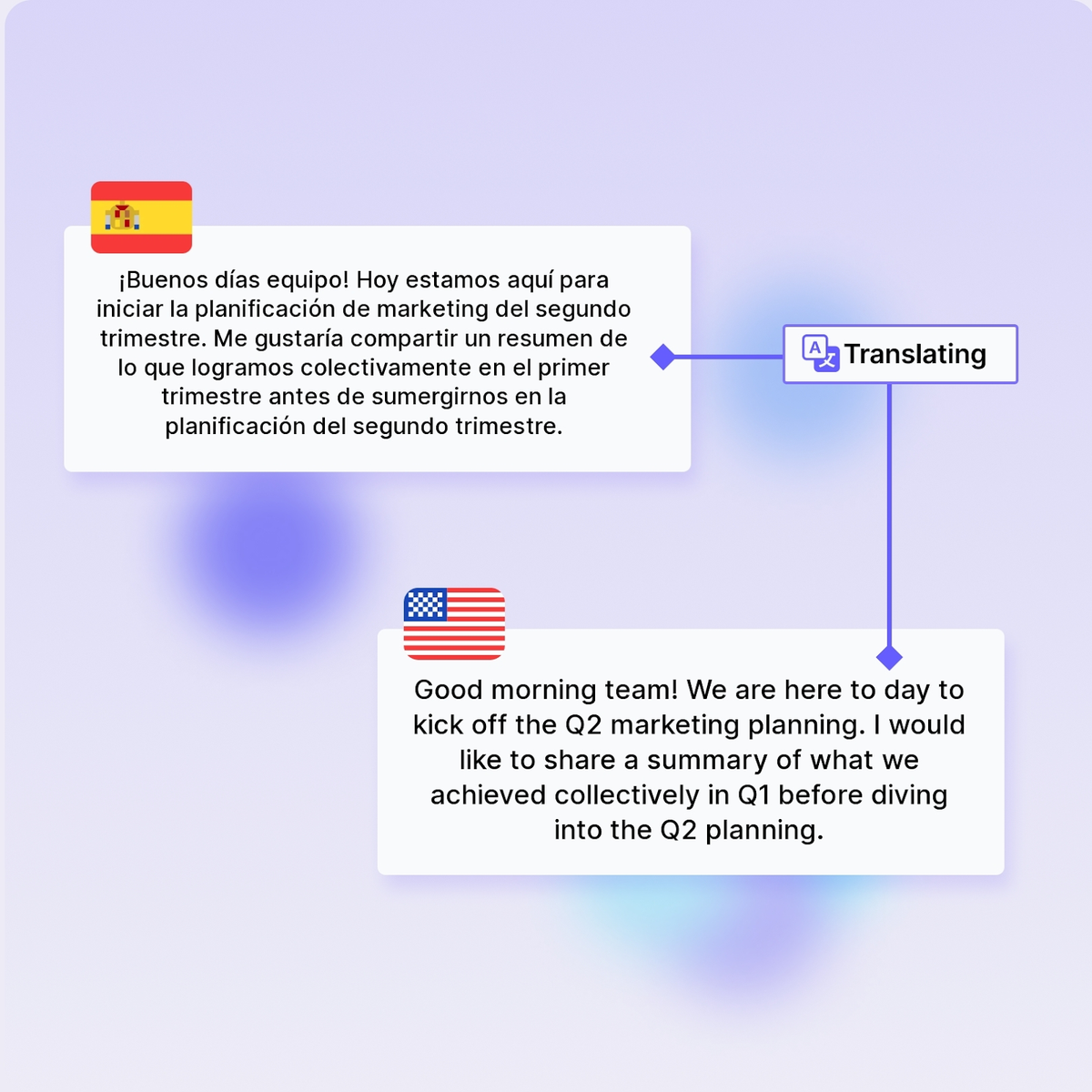
Here are 10 key languages available for translation:
- English
- French
- German
- Spanish (opens in a new tab)
- Portuguese
- Chinese (Simplified & Traditional)
- Japanese
- Korean
- Russian
- Italian
For a complete list of supported languages, check out Translate with Tactiq (opens in a new tab).
FAQ
Your questions, answered.
If you have any further questions, Get in touch (opens in a new tab) with our friendly team
What is the difference between transcription and translation?
What tools or software are used for translation vs. transcription?
When should I use transcription vs. translation?
Does Tactiq handle both transcription and translation?
How does Tactiq’s AI help you save time with meeting notes?
Related articles

Gemini 3.5 Transcribe: Google Transcript Model Explained
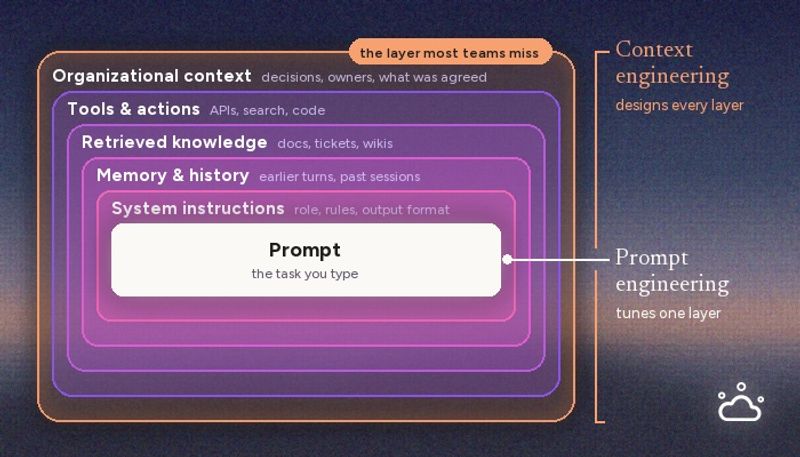
Context Engineering vs Prompt Engineering: What Your AI Agents Are Missing

Claude Memory: How to Import and Manage Your AI Context

Claude Cowork Connectors: Automate Recurring Work

Google Gemini MCP Support: Where It Works and Setup Tips

Best Claude Skills: Top Picks for Meetings, Content, and Code

5 Best AI Scheduling Assistants

Microsoft Teams MCP: How to Access Meeting Content With AI
Want the convenience of AI summaries?
Try Tactiq for your upcoming meeting.
Bringing AI into your meetings has never been so easy.
Add to Chrome - It's free!(opens in a new tab)Try Tactiq in your upcoming meeting!
Sign up now