
Is Google Meet Better Than Teams?
- Publicado:
- September 9, 2024
- Updated:
- October 5, 2026

Google Meet is better if your team uses Google Workspace and wants a straightforward way to join video meetings. Microsoft Teams is better if you rely on Microsoft 365 for chat, files, and collaboration alongside meetings.
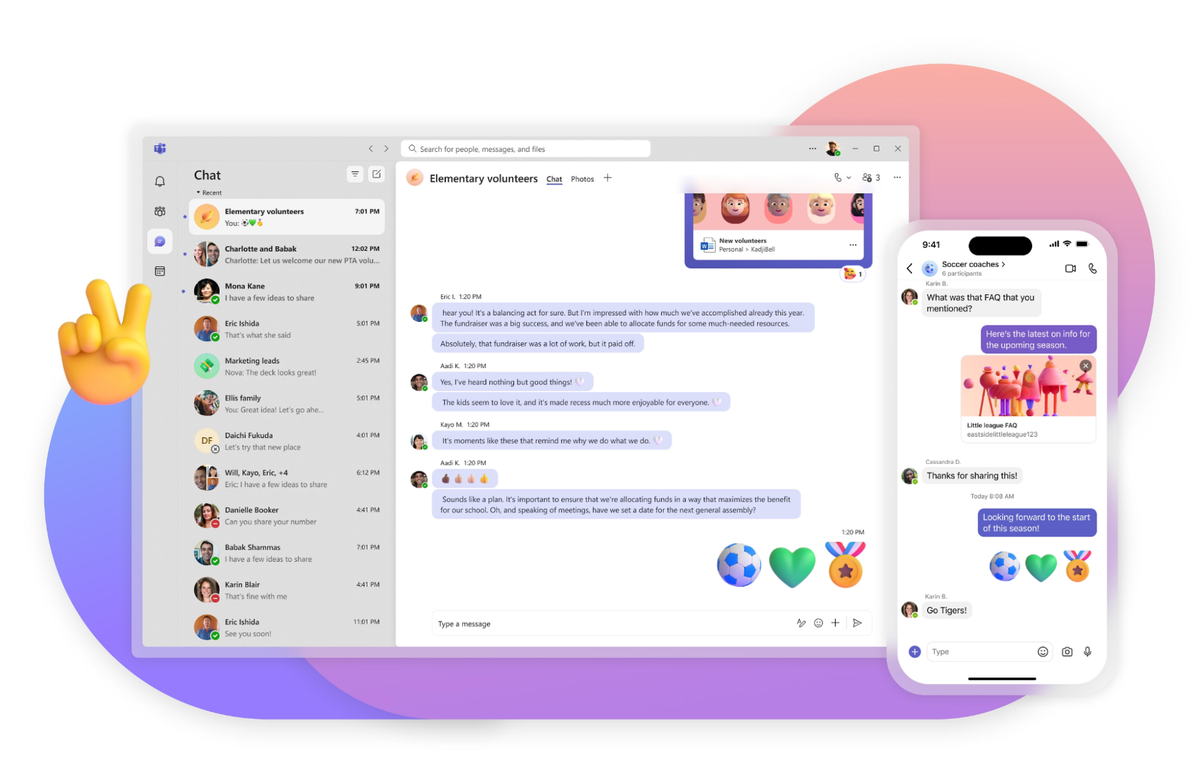
Google Meet vs Microsoft Teams: Key Differences
Compare each platform’s meeting limits, subscription costs, and collaboration tools to see which fits your daily work.
Ease of use
Google Meet keeps the meeting controls simple. You can schedule a call in Google Calendar and share a link for others to join from a browser.
Teams also supports joining from a browser. Its broader interface includes chats, channels, and files, giving users more areas to navigate.
Free plans and meeting limits
Both free plans support up to 100 participants and limit group meetings to 60 minutes. Paid plans differ:
- Google Workspace: Google Meet’s participant limits are 100 for Starter, 150 for Standard, and 500 for Plus. Meetings can last up to 24 hours.
- Microsoft Teams: Teams meeting limits allow 300 participants and up to 30 hours on Essentials and Microsoft 365 Business plans.
Pricing
These are US prices per user per month with an annual commitment:
- Google Workspace: Google Meet’s paid plans cost $7 for Starter, $14 for Standard, and $22 for Plus.
- Microsoft: Teams Essentials costs $4 monthly per user. Microsoft 365 plans with Teams cost $7 for Basic, $14 for Standard, and $22 for Premium.
Both providers may offer introductory discounts. Check their pricing pages for eligibility, promotional periods, and renewal rates.
Collaboration and meeting features
Google Meet connects with Google Calendar, Docs, and Drive. Microsoft Teams brings meeting conversations together with channels, chat messages, and Office apps.
Both platforms offer breakout rooms and meeting recordings on eligible paid plans. For Google Meet, these features start with Business Standard.
Their integrations support different workflows:
- Microsoft Teams: Add apps such as Planner and Wrike as channel tabs to manage project tasks alongside discussions.
- Google Meet: Use third-party add-ons from Google Workspace Marketplace, including Miro for brainstorming and Figma for reviewing designs and editing FigJam boards during calls. You can also connect Google Sheets with Power BI (abre em uma nova aba) to bring spreadsheet data into reports and dashboards.
Check support for your essential tools and your organization’s app permissions before choosing.
💡 Pro tip: Use Tactiq’s MCP connector with Claude to compare discussions captured across Google Meet and Teams. To read meeting summaries and transcripts, you need Tactiq’s Team plan or higher.
Why Choose Microsoft Teams?

Google Meet suits teams that schedule calls, share documents, and manage daily work within the Google ecosystem. Its browser access also makes it easy for new users to join meetings.
Join video meetings from your browser
You can open a meeting link on your computer without installing a desktop client. Google Meet keeps screen sharing, live captions, and other meeting controls within the call. This makes it practical for client calls and virtual meetings with occasional participants.
Connect meetings with Google apps
Google Meet fits the tools your team already uses in Google Workspace:
- Google Calendar: Add a Meet link to an event so participants can join directly from the invitation.
- Google Docs, Sheets, and Slides: Join or present directly from a file using Chrome or Edge on your computer.
- Google Drive: On eligible paid plans, save meeting recordings to Drive for sharing and later review.
For teams working across these Google apps, this reduces the steps between reviewing a document and discussing it together.
Get advanced features for workshops
Google Workspace Business Standard and Plus add tools for more interactive video conferencing:
- Breakout rooms: Split participants into smaller groups for focused discussions.
- Polls and Q&A: Collect responses and organize questions during training or presentations.
- Noise cancellation: Reduce background noise that can make participants harder to hear.
Business Starter does not include these advanced features. Choose your plan based on how you run meetings, alongside participant capacity and storage needs.
How to Keep Meeting Notes Consistent Across Google Meet and Teams With Tactiq
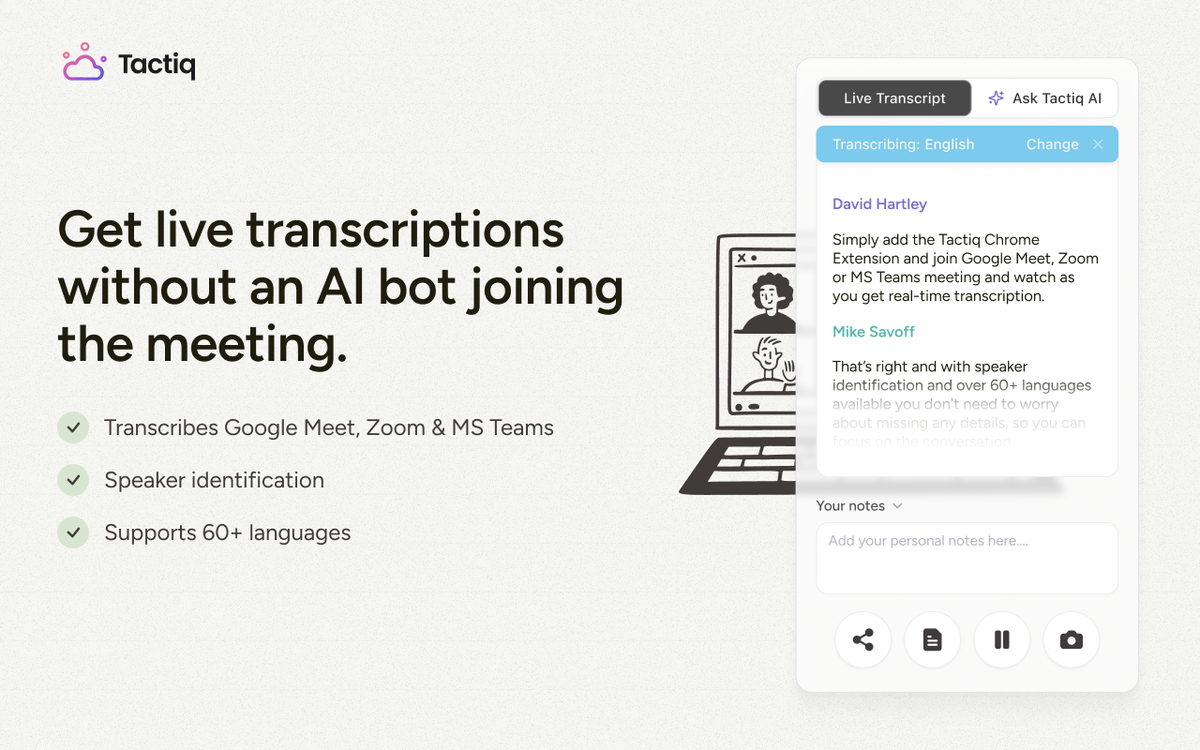
Your team might use Google Meet internally and MS Teams for client calls. Tactiq provides live transcription and AI summaries across both platforms, keeping your meeting notes in one place.
With Tactiq’s meeting automation for Microsoft Teams, you can use the same follow-up process across both platforms:
- Capture the discussion: Use the Chrome extension to transcribe Google Meet and Teams meetings in your browser.
- Create consistent summaries: Apply the same custom prompt to extract decisions, action items, and unresolved questions.
- Prepare follow-ups: Turn the transcript into a client email or project update without rebuilding your notes from memory.
For example, ask: “List each action item with its owner, deadline, and any dependencies mentioned.” Review the output before sharing it.
Install the Tactiq Chrome extension to keep meeting transcripts and summaries together across both platforms.
Quer a conveniência dos resumos de IA?
Experimente o Tactiq para sua próxima reunião.
Verdict: Is Google Meet Better Than Teams in 2026?
Google Meet is the better fit for teams that work in Google Workspace and mainly need straightforward video meetings. Choose Microsoft Teams if channels, file sharing, and Office apps are central to your work between calls.
Teams Essentials costs $4 per user monthly with annual billing, while Google Workspace Starter costs $7 with an annual commitment. However, Essentials does not include the productivity suite bundled with Google Workspace. The better value depends on the tools your team needs.
Before switching, check your existing subscriptions and the features you use regularly. Staying with your current ecosystem can save migration work and avoid paying for overlapping tools.
FAQ
Your questions, answered.
If you have any further questions, Get in touch (abre em uma nova aba) with our friendly team
Is Google Meet better than Microsoft Teams overall?
Which is cheaper in 2026, Google Meet or Teams?
Is Google Meet better for Google Workspace teams?
Does Teams still beat Meet on integrations?
How does Tactiq work with both platforms?
Artigos relacionados

Como anexar arquivo na reunião do Microsoft Teams

As notas de reunião do Microsoft Teams desapareceram

Outra pessoa pode iniciar minha reunião de equipes?

Como convidar usuários externos para uma reunião do Microsoft Teams

Alterar o plano de fundo do MS Teams antes e durante uma reunião
Limite de reuniões do Microsoft Teams: guia completo 2026

Os 30 melhores fundos engraçados para sua reunião do MS Teams (edição de 2026)

Como instalar o Microsoft Teams no Mac (Guia)
Descubra ferramentas
- Gerador de transcrição AI
- Automação de reuniões com IA para Zoom
- Automação de reuniões com IA para equipes da Microsoft
- Automação de reuniões com IA para o Google Meet
- Automação de reuniões com IA
- Criador de fluxo de trabalho de IA para reuniões do Microsoft Teams
- Criador de fluxo de trabalho de IA para reuniões Zoom
- Criador de fluxo de trabalho de IA para reuniões do Google Meet
Quer a conveniência dos resumos de IA?
Experimente o Tactiq para sua próxima reunião.
Trazer a IA para suas reuniões nunca foi tão fácil.
Adicionar ao Chrome - É grátis!(abre em uma nova aba)Experimente Tática em sua próxima reunião!
Inscreva-se agora