Try Tactiq AI meeting tools for free in your next meeting

Generative AI tools are no longer just about generating quick answers. People now expect AI systems to help them think, plan, and work through complex tasks without losing context along the way. That shift has changed how AI chatbots are evaluated, especially for research, writing tasks, and long documents.

Claude AI has gained attention as more people look to access Claude for reasoning, safety, and collaboration. Instead of focusing on speed alone, it emphasizes thoughtful responses, large context windows, and structured problem-solving. This makes it useful for tasks that require deeper analysis and accuracy.

In this guide, you’ll learn:

  • What Claude AI is used for across different workflows
  • How Claude models support complex tasks and content generation
  • How AI safety and Constitutional AI influence Claude’s behavior
  • Where Claude excels compared to other chatbots and AI tools
  • When a meeting-focused solution is a better fit for turning conversations into action

What is Claude AI?

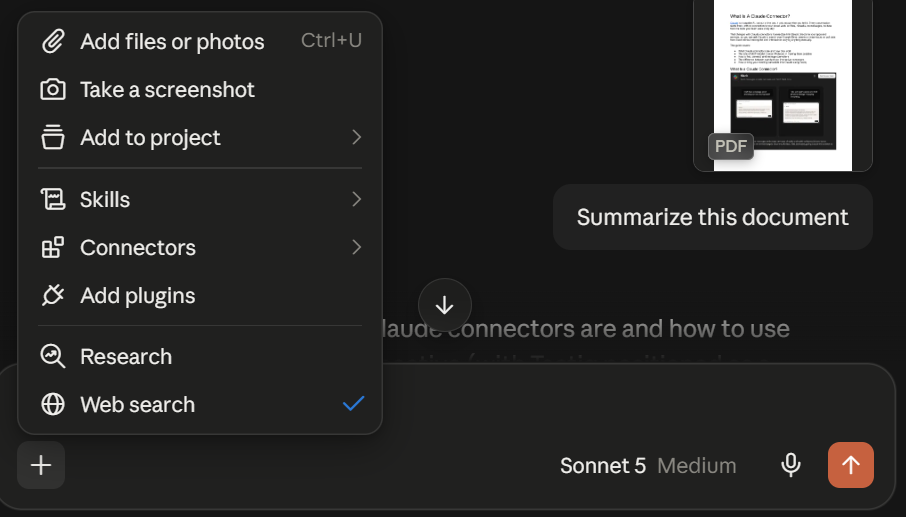
Claude AI
Claude AI

Claude AI is built to support thinking, reasoning, and collaboration across various tasks and workflows. Instead of responding in the same way every time, Claude adapts to context, works with long natural language inputs, and helps users break down complex tasks step by step.

Claude is developed by Anthropic, an AI startup known for its strong focus on AI safety and responsible AI systems. Anthropic’s approach prioritizes usefulness, honesty, and reliability across real-world workflows.

Claude AI key features and capabilities

Claude runs on a powerful model lineup, including:

  • Claude Opus 4.5
  • Claude Sonnet 4.5
  • Claude Haiku 4.5

These models support Claude’s ability to handle complex tasks that require sustained attention and long-range understanding.

Key capabilities include:

  • Large context window support for working with long documents and detailed prompts
  • Agent skills that allow Claude to perform specialized tasks through structured workflows
  • Claude Code for interactive coding tasks, debugging, and logic-based problem solving
  • Support for documents, images, and voice chat, helping users work in more than one format
  • Flexible workflows for research, analysis, writing tasks, and content generation

Claude excels as a capable model that works across many domains and adapts to different needs. That flexibility is its strength. At the same time, some workflows benefit from tools built for a single purpose.

💡 Pro tip: Claude is strong for reasoning and research tasks. For meetings, Tactiq specializes in capturing live conversations and turning them into summaries, insights, and follow-ups without manual effort.

Development background by Anthropic AI

Anthropic AI builds Claude using large language models trained with safety-first principles. The goal is to support complex analysis without sacrificing reliability.

Claude adheres to Anthropic’s core principles around reliability, transparency, and long-term AI safety. Key development highlights include:

  • Expanded context window for long-range understanding
  • Memory features that help with cross-session workflows when enabled
  • Optional memory controls, allowing users to edit or disable memory
  • Team and Enterprise plans that expand Claude AI access with higher usage limits and priority access beyond the free tier
  • Early access programs for testing new features as they roll out

This structure allows Claude to support work that unfolds over time, rather than forcing users to restart each session from scratch.

Importance of safety, honesty, and harmlessness in AI

Ethical AI and safety are central to how Claude is trained and deployed. Anthropic uses Constitutional AI, a method that guides Claude using written principles instead of relying only on human feedback or reinforcement learning.

This approach supports:

  • Safer responses to sensitive or high-risk prompts
  • More consistent behavior across different use cases
  • Graceful refusal handling, where Claude can end harmful chats when needed
  • Reduced risk of misleading or unsafe outputs

These safeguards make Claude more dependable for everyday use and help differentiate it from other AI chatbots that prioritize speed over safety.

‍Use Cases for Claude AI

Different models in the Claude family support different workflows. Its strength comes from handling complex tasks that require context, reasoning, and accuracy over longer sessions.

Below are the most common ways people use Claude AI today.

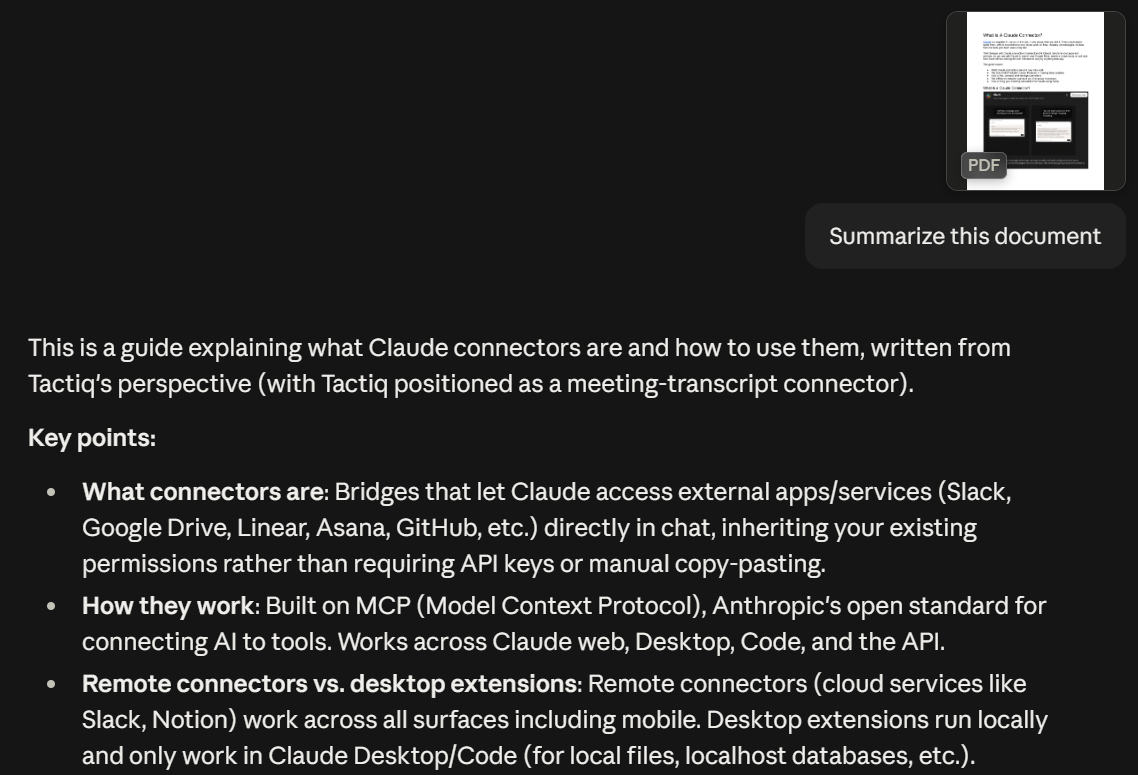
Summarization

Claude for Summarization

Claude works well with long documents and dense material, especially when users upload files directly into a session. Its large context window allows it to process full papers, reports, or transcripts in one session instead of breaking them into parts.

Common uses include:

  • Summarizing long documents without losing key details
  • Condensing research papers into clear takeaways
  • Reviewing meeting notes or text content for quick understanding
  • Working with multiple documents in the same context window

This is useful for people who need clarity fast but still want accurate answers.

Search

Claude for web search

Claude includes internet browsing and web search capabilities that help retrieve up-to-date information. This improves how it answers questions that depend on current data rather than static training data alone.

How this helps:

  • Pulls relevant sources instead of guessing
  • Improves accuracy for research and fact-based queries
  • Supports complex analysis that depends on recent information
  • Reduces the need to switch between tools

This makes Claude more reliable than other chatbots that rely only on older training data.

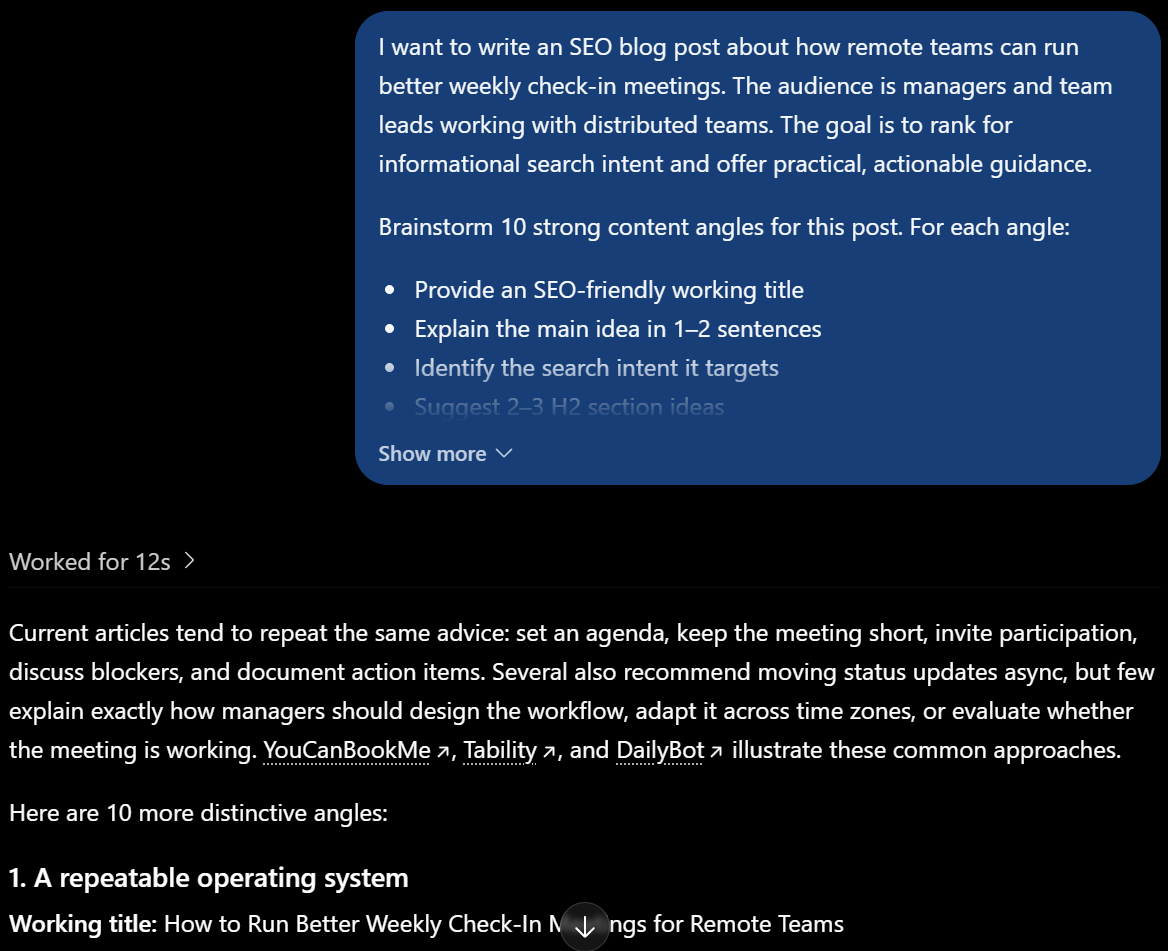
Creative and collaborative work

Claude for creative and collaborative work

Claude supports content generation and collaboration across individual and team workflows. It helps users move from rough ideas to structured outputs.

Typical use cases include:

  • Helping users generate ideas for writing tasks, business plans, or projects
  • Drafting, refining, and improving text content based on AI feedback
  • Collaborating on documents with shared context
  • Supporting enterprise workflows that integrate Claude through agent skills and integrations

Claude is often used as one tool across multiple stages of work rather than only at the start.

Q&A and coding

Claude for Q&A and coding

Claude is widely used for answering questions that require reasoning, not just surface-level replies. It is also used for coding tasks that involve logic, debugging, or explanation.

Key capabilities include:

  • Breaking down complex questions step by step
  • Providing accurate answers with clear reasoning
  • Helping developers write code and debug issues through Claude Code
  • Explaining code logic instead of relying only on code generation

Claude models like Sonnet 4.5 are designed to balance speed and reasoning, making them suitable for daily technical work.

Memory and cross-session workflows

Claude Memory and cross-session workflows

Claude includes optional memory features that help maintain context across sessions. This means that when users open Claude again, the previous context can still support their work.

Memory is opt-in and editable, giving users control over what Claude remembers.

Memory supports:

  • Multi-step projects that span several sessions
  • Ongoing research or writing workflows
  • Consistency across repeated tasks
  • Less repetition when continuing previous work

These features are especially useful for Claude Pro users who rely on long-running projects.

If your work depends on discussions that happen live, you may need more than a general-purpose AI model to keep conversations organized and actionable.

Tactiq: A Claude AI Alternative for Online Meetings
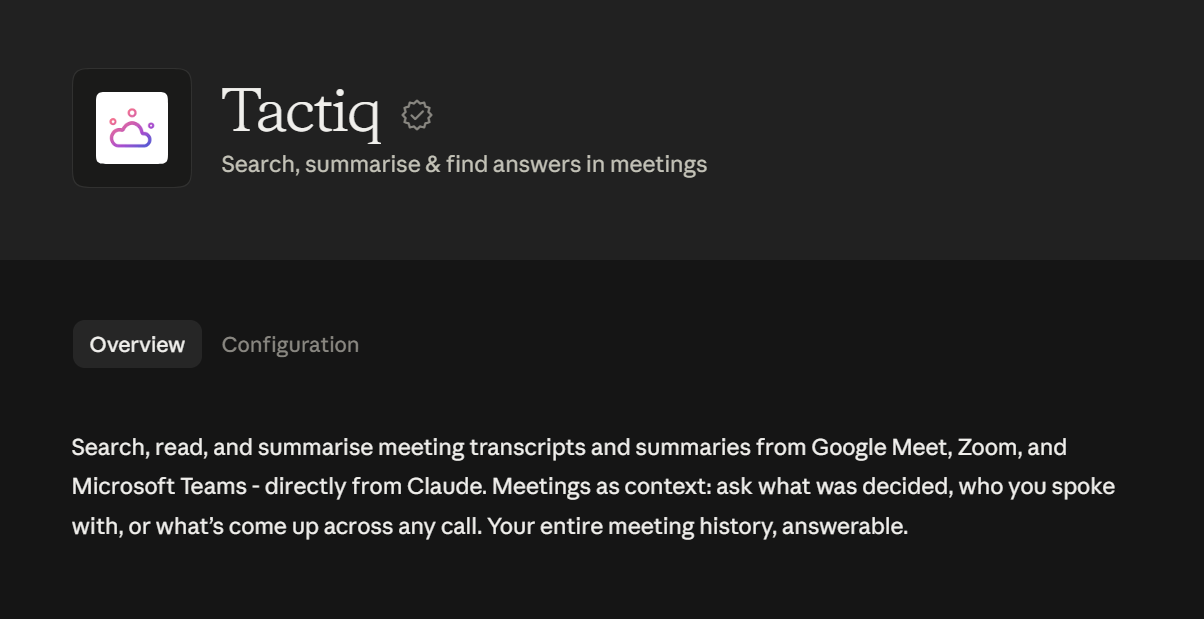
Tactiq_ A Claude AI Alternative for Online Meetings

Claude is designed for broad thinking and complex analysis, but meetings require a different kind of AI support. Tactiq is built specifically to capture live conversations and turn them into clear outcomes.

Tactiq supports meetings across Google Meet, Zoom, and Microsoft Teams, handling notes and follow-ups automatically so teams can stay focused on the discussion.

Key capabilities include:

  • Real-time AI insights during meetings, including live summaries and instant answers
  • Multi-meeting analysis across up to ten meetings at once
  • Daily digests that summarize a full day of conversations in one click
  • Context carry-over for recurring meetings
  • AI workflows and automation for transcripts and follow-ups
  • Tactiq Spaces for organizing meetings by project or team

When meetings drive decisions, a tool designed around live conversation provides clarity that general-purpose AI models are not built to deliver.

👉 Install the free Tactiq Chrome Extension and start capturing your next meeting automatically. No manual note-taking required.

{{rt_cta_ai-convenience}}

Wrapping Up

Claude is a strong choice for reasoning, research, and complex thinking. Its long context windows, safety-first design, and structured responses make it useful across many AI-driven tasks.

Still, no single AI assistant covers every part of the workflow. Claude supports planning and analysis, but meetings generate live discussions that need real-time capture and clear follow-through. That is where Tactiq fits in.

Using Claude alongside Tactiq creates a more complete setup. Claude helps you brainstorm ideas and make decisions. Tactiq captures conversations as they happen and turns them into summaries, insights, and next steps.

Together, they support clearer communication and more reliable outcomes across day-to-day work.

FAQs About What Claude AI is Used For

Is Claude AI better than ChatGPT?

Claude and ChatGPT serve similar roles, but they differ in focus, which often comes up in any price comparison between AI tools. Claude emphasizes long context windows, structured reasoning, and AI safety through Constitutional AI. ChatGPT is often faster for short answers and broad discovery. The better choice depends on the task and how much context you need.

What are the best uses of Claude?

Claude works best for complex analysis, research, writing tasks, and coding workflows that require sustained context. It is often used to reason through lengthy documents, support content generation, and answer questions that need careful, step-by-step thinking.

Is Claude AI safe?

Claude is built by Anthropic with a strong focus on AI safety. It uses Constitutional AI to guide responses, reduce harmful outputs, and handle sensitive prompts more carefully than many other AI systems.

What is so great about Claude?

Claude stands out for its ability to handle large context windows, provide human-like responses, and support complex tasks across sessions. Its design favors accuracy, clarity, and thoughtful interaction over quick but shallow answers.

How do I get better meeting notes with Claude?

Claude can help summarize notes after meetings, but it is not designed to capture live conversations. For real-time transcription, summaries, and follow-ups during meetings, tools like Tactiq are a better fit.

FAQ

Your questions, answered.

If you have any further questions, Get in touch with our friendly team
What is Claude good for?

Claude excels in various tasks and applications, making it a versatile AI assistant. Here are some key areas where Claude stands out: Summarization: Claude can distill long documents, reports, or meeting notes into concise summaries, saving time and effort. Search Enhancement: By improving search capabilities, Claude retrieves information more accurately, helping users find what they need quickly. Creative and Collaborative Writing: Claude assists in generating content ideas, drafting documents, and even brainstorming, making it a valuable tool for writers and teams. Q&A and Coding Assistance: Claude answers complex questions with precision and aids developers by providing coding solutions, debugging advice, and more.

What is Claude AI best useful for?

Claude AI is useful in many practical scenarios. Here are some examples: Business: Teams can use Claude to draft emails, create reports, and generate business plans. Education: Students benefit from Claude’s ability to explain difficult concepts, solve problems, and provide tutoring. Legal: Lawyers and legal teams use Claude to analyze contracts, draft legal documents, and summarize case studies. Media: Journalists and content creators utilize Claude to brainstorm ideas, draft articles, and summarize interviews.

Is Claude Safe to Use?

Claude places a strong emphasis on safety and ethics. Anthropic, the company behind Claude, has implemented various measures to ensure the AI is helpful, honest, and harmless: Constitutional AI: This method involves a set of ethical principles guiding Claude’s responses, making it more reliable and reducing harmful outputs. Privacy: Claude automatically deletes user data within 90 days and does not use conversations to train its AI models without explicit permission. Guardrails: Continuous monitoring of prompts and outputs helps prevent misuse and ensures the AI remains safe and ethical.

How does Claude help you save time with summarization?

Claude quickly condenses long documents, reports, or meeting notes into clear summaries. You save hours by focusing only on the key points, allowing you to make decisions and move forward faster.

Why might you choose Tactiq over Claude for meetings?

You might choose Tactiq if you want real-time transcription, instant meeting summaries, and actionable insights tailored for online meetings. Tactiq’s AI helps you capture every detail and follow up easily, making your meetings more productive.

Want the convenience of AI summaries?

Try Tactiq for your upcoming meeting.

Want the convenience of AI summaries?

Try Tactiq for your upcoming meeting.

Want the convenience of AI summaries?

Try Tactiq for your upcoming meeting.

Want the convenience of AI summaries?

Try Tactiq for your upcoming meeting.

Bringing AI into your meetings has never been so easy.

Try Tactiq in your upcoming meeting!
Sign up now