
Effortlessly Transcribe German Meetings with Tactiq
Effortlessly Transcribe German Meetings with Tactiq
Efficiently transcribe German meetings with Tactiq. Get accurate transcripts and summaries. Start for free today!
Get started for free

Helping the world’s most modern companies communicate better








Get started in seconds.
- 1
Install Chrome extension
Add Tactiq to your browser - 2 clicks and you’re ready for action. - 2
Start the meeting
Join your meeting in the browser to start the live transcription. - 3
Simplify post-meeting tasks
Turn transcripts into summaries, recaps, tasks, and faster project progress.
Transcribe German Meetings Live with Tactiq AI
Efficiently transcribe German meetings with Tactiq. Our AI-powered tool converts German audio to text in real-time, helping you capture every detail and share insights swiftly. Try it for free and see how it transforms your workflow.
Get started for free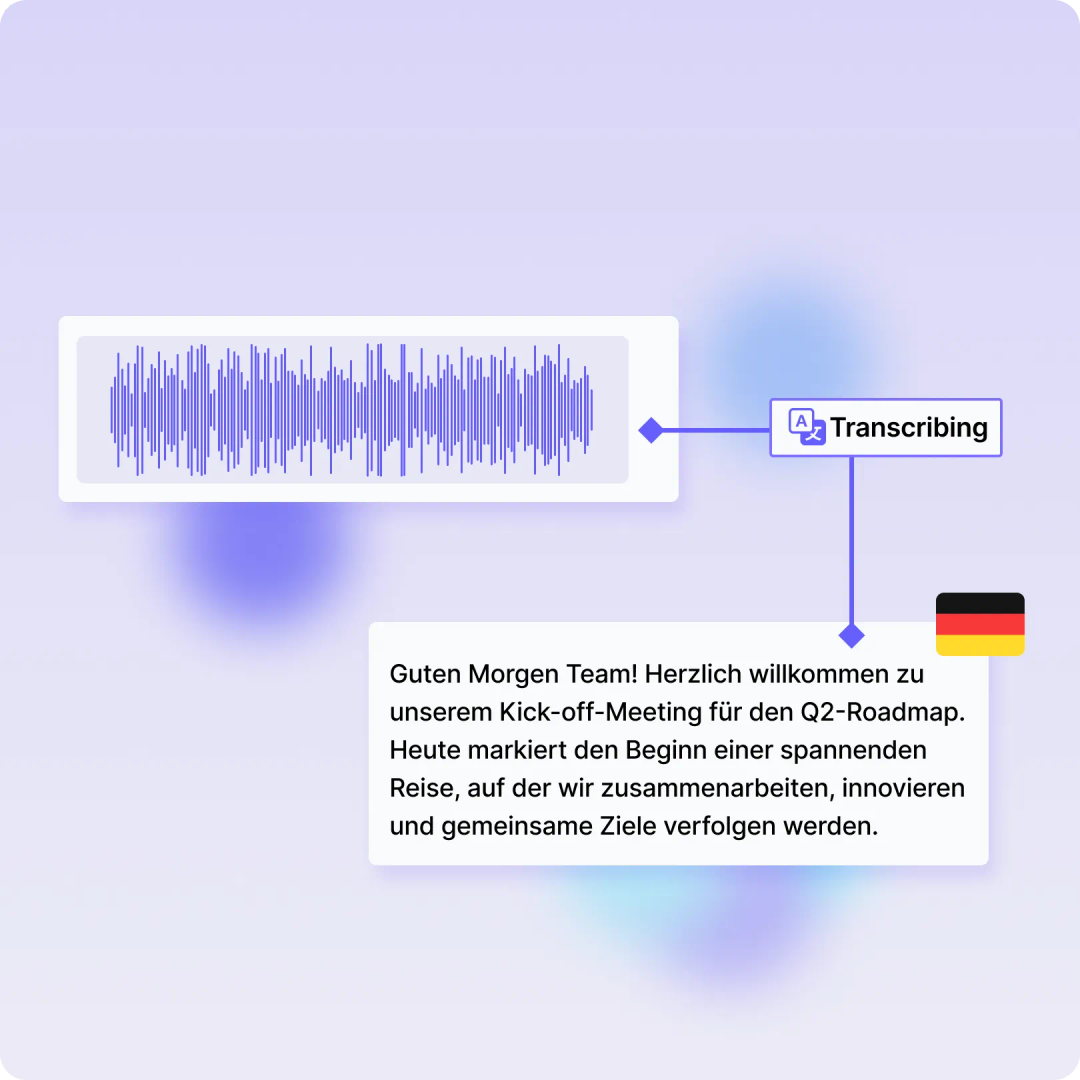
How it works.
After the meeting, Tactiq gives you the full transcript so you can use AI to handle the manual follow-up tasks for you.


How to Transcribe German with AI
Step 1
Start a meeting or upload your German audio/video recording to Tactiq. Our AI kicks in to transcribe German conversations instantly.
Step 2
Translate the German transcript into any language using Tactiq’s AI prompts, ensuring seamless communication with international teams.
Step 3
Summarize, export, and share your German transcript with one click. Keep everyone on the same page and streamline your workflow.
In-meeting actions
Select your language
Tactiq speaks English, Spanish, French, German, and 60+ other languages to generate transcripts for international teams.
Make meetings more productive
Focus on the conversation while you view the transcript, highlight what matters, and take your own notes, moments, specific references, or parts of a presentation you will need for later.
Take screenshots
Add screenshots to your transcript to save important moments, specific references, or parts of a presentation you will need for later.
Add tags & labels
Make it easier to find action items, decisions, questions, or highlights by adding tags, labels, or comments to the live transcript.
Post-meeting actions
Project updates
Use AI to create your project updates that include events, deadlines, discussions, next steps, notes, and takeaways.
Long & short summaries
Get insightful meeting summaries in one click to make the right follow-up actions and get more out of your conversations.
Share & export
Share the transcript via email or shareable link. Export to PDF or TXT for faster documentation, better communication, and time saving.
Action items & recaps
Generate 3 to 5 top action items in regular or markdown format to make sure you stay on top of priorities after the meeting.
Connect your favorite apps.
Tactiq integrates with online meeting software, project management platforms, CMS platforms, communication tools, and much more.





“I’ve tried a lot of different meeting tools, including note-taking apps, AI recorders and I still have to do a lot of manual work to follow up on the meeting. But Tactiq's one-click AI actions have eliminated all the manual work I used to do. They're customizable and reusable, making my meeting workflows faster. Highly recommended for anyone with a lot of virtual meetings."
Maria Shato
Project Manager

"I experienced TacTiq in both languages: English and Portuguese. It was fantastic for both! I recommend it!"

Daniela Maciel Pinto
"Until you actually use it, you will never know how useful it is and how much time can be saved and it makes our work so efficient & increases our productivity. Awesome!"

Anthony David
"This app is extremely useful. We love the summarizing ability. Makes sure that all meeting participants have a record of what was discussed and agreed to"

George Fleming
"I'm very impressed with the app. We have meetings in various languages and Tactiq does an excellent job at understanding the flow of conversations. "

Samuel Cuevas
"Reomiendo 100% esta fabulosa aplicación IA. gran ayuda para todo."

Jorge cardenas gutierrez
"Tested almost all similar products, Only Tactiq.io that transcribes the conversation on the fly."

Andre Daniel Ridwan
"Great transcription and excellent AI features. Saves us a ton of time notetaking for meetings."

Sam Gridley
"I wish I'd had this extension sooner...the newer Ai features make a great product even better. Highly recommended."

Christian Pennisi
"Sou um evangelizador da ferramenta. Todos os meus alunos e colegas professores estão usando."

Helio Costa Jr
Questions? This is the spot for answers!👇
If you have any further questions, Get in touch(opens in a new tab) with our friendly team
How do I transcribe meetings in German with Tactiq?
Can Tactiq transcribe German audio to text?
How accurate is German transcription with Tactiq?
Can I translate German transcripts into other languages?
Is it possible to transcribe German videos with Tactiq?
Can I transcribe German in Zoom, Microsoft Teams and Google Meet?
Yes! Please refer https://help.tactiq.io/en/articles/8627989-what-languages-does-tactiq-support for details. Google Meet generally supports more languages than Zoom and Microsoft Teams.
Put your meeting transcripts to work using AI.
Get your first 10 meeting transcriptions for free. No credit card required.
Get started now