
従業員会議の議題テンプレートの書き方(AIの有無にかかわらず)
February 20, 2025
February 20, 2025
June 2, 2026
June 2, 2026

Do your staff meetings feel disorganized and unproductive? Many teams struggle with chaotic meetings where key points are missed and valuable time is wasted. A well-crafted staff meeting agenda template solves that.
This guide covers everything you need to run focused, efficient meetings. Here's what you'll find inside:
- What a staff meeting agenda template is and why it works
- The key components every strong agenda includes and how to write one
- 11 ready-to-use agenda templates for every meeting type
- Tips for leading productive staff meetings
But here's the part most guides skip. Even a great agenda doesn't write the meeting minutes, track who owns each action item, or send the follow-up recap. Someone still has to do all of that after the call ends.
That's where Tactiq comes in. It handles live transcription and AI-generated summaries across Google Meet, Zoom, and Microsoft Teams, so your notes and action items are ready as soon as the call ends.
TL;DR: Staff Meeting Agenda Template
Need a quick template to copy? Here's a simple one to get you started:
Meeting Name:
Date & Time:
Meeting Link:
Attendees:
Objective:
Agenda Items: [Topic - Owner - Time]
For a deeper dive into building effective agendas, choosing the right format, and using AI to handle notes and follow-ups automatically, read the full guide below.
What is a Staff Meeting Agenda Template?
A staff meeting agenda template is a pre-designed outline used to organize and plan the topics and activities of a staff meeting. It acts as a roadmap for the discussion and ensures all important issues get covered. The purpose is to create a clear structure that keeps meetings focused and productive.
Benefits of using a structured agenda
- Improved focus: Keeps discussions on track and relevant.
- Better time management: Ensures all topics are covered within the allotted time.
- Increased participation: Encourages team members to prepare and contribute.
- Clear accountability: Assigns responsibility for tasks and follow-ups.
- Shared context for hybrid and remote teams: For meetings held over Zoom, Google Meet, or Microsoft Teams, a shared agenda ensures every attendee arrives informed, regardless of location.
How to Write a Staff Meeting Agenda
Here's how to write an effective meeting agenda from start to finish.
Establish the meeting type
Start by identifying the type of meeting you're planning. Setting the right expectations helps everyone come prepared.
Common meeting types include:
- Status update: Review ongoing projects and tasks.
- Brainstorming session: Generate new ideas and solutions.
- Training session: Provide training on new tools or processes.
State the objective
Define the objective clearly and concisely. A specific objective keeps the meeting focused and ensures everyone understands its purpose.
Examples by meeting type:
- Status update: "To review the progress of current projects and address any roadblocks."
- Brainstorming session: "To generate ideas for the upcoming marketing campaign."
- Training session: "To train the whole team on the new project management software."
Identify specific meeting topics
Prioritize and select relevant topics to ensure you address the most important issues first.
Common topics include:
- Project updates: Status reports on ongoing projects.
- Team issues: Addressing team concerns and challenges.
- New initiatives: Introducing new projects or strategies.
💡 Pro Tip: Not sure which topics deserve a spot on the agenda? Use Tactiq to search past meeting transcripts and identify recurring issues, unresolved action items, and themes worth revisiting in your next meeting.
Allocate time for each topic
Estimate and distribute time for each agenda item. Keeping discussions within their allocated time maintains the meeting's pace and focus.
Two practical strategies:
- Assign specific time slots to each topic.
- Designate a timekeeper to monitor the discussion.
Include necessary documents
Distribute relevant documents beforehand. This allows attendees to review materials in advance and come prepared to discuss them.
Supporting documents might include:
- Reports: Financial, progress, or performance reports.
- Previous meeting minutes: Notes from the last meeting to review and approve.
6. Use AI to streamline prep and follow-up
AI tools can handle the time-consuming parts of meeting prep. Before the call, they help you draft agenda items and structure talking points. After the meeting, they generate summaries, extract action items, and automatically send follow-up recaps.
What Should Be Included in a Staff Meeting Agenda?
A well-structured staff meeting agenda ensures all necessary elements are covered. Here's what to include:
- Meeting name, team name, date, time, and meeting link: State all key details at the top. For hybrid and remote teams, always include the video conferencing link alongside the date and time.
- List of attendees and their roles: Include the names of all participants and specify their roles, such as minute taker or timekeeper.
- Recording consent and async update option: For remote or hybrid meetings, note whether the session will be recorded and offer an async update option for attendees across different time zones.
- Review and approval of previous meeting minutes: Start by reviewing notes from the last meeting to ensure all members are up to date.
- Detailed list of agenda items with assigned presenters: List each discussion topic alongside the name of the person responsible for leading it.
- Status updates on action items from previous meetings: Include a section for updates on tasks assigned in prior meetings to track progress and maintain accountability.
Including these elements gives every meeting a clear structure. It keeps discussions focused and ensures nothing important gets missed.
Top 11 Examples of Effective Staff Meeting Agenda Templates
To help you get started, here are 11 effective team meeting agenda templates you can use and view in Google Docs.
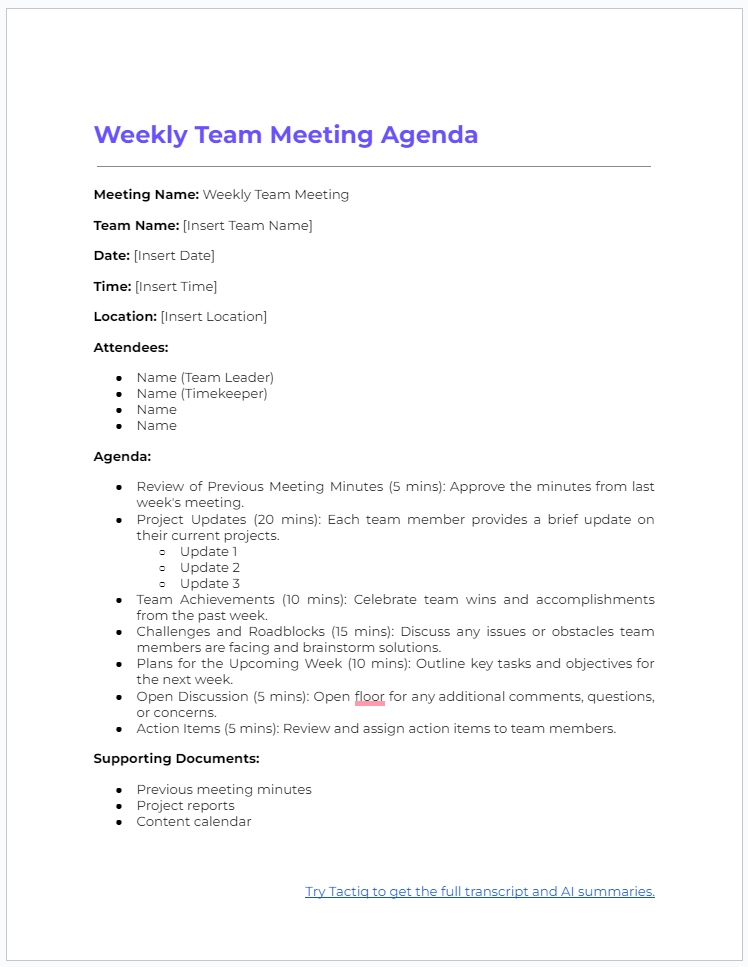
1. Weekly Team Meeting Agenda
A weekly team meeting agenda keeps your team aligned and informed about ongoing projects, recent achievements, and upcoming tasks. It ensures everyone is on the same page, addresses challenges promptly, and sets the plan for the week ahead.
Download the Weekly Team Meeting Agenda Template on Google Docs.
Download the Weekly Team Agenda Template as a .docx (Word) file.
2.Project Kickoff Meeting Agenda
A project kickoff meeting agenda ensures everyone involved in a new project starts on the same page. It clarifies objectives, roles, timelines, and next steps, setting a strong foundation for a successful launch.
Download the Project Kickoff Meeting Agenda Template on Google Docs.
Download the Project Kickoff Meeting Agenda Template as a .docx (Word) file.
3. Brainstorming Session Agenda
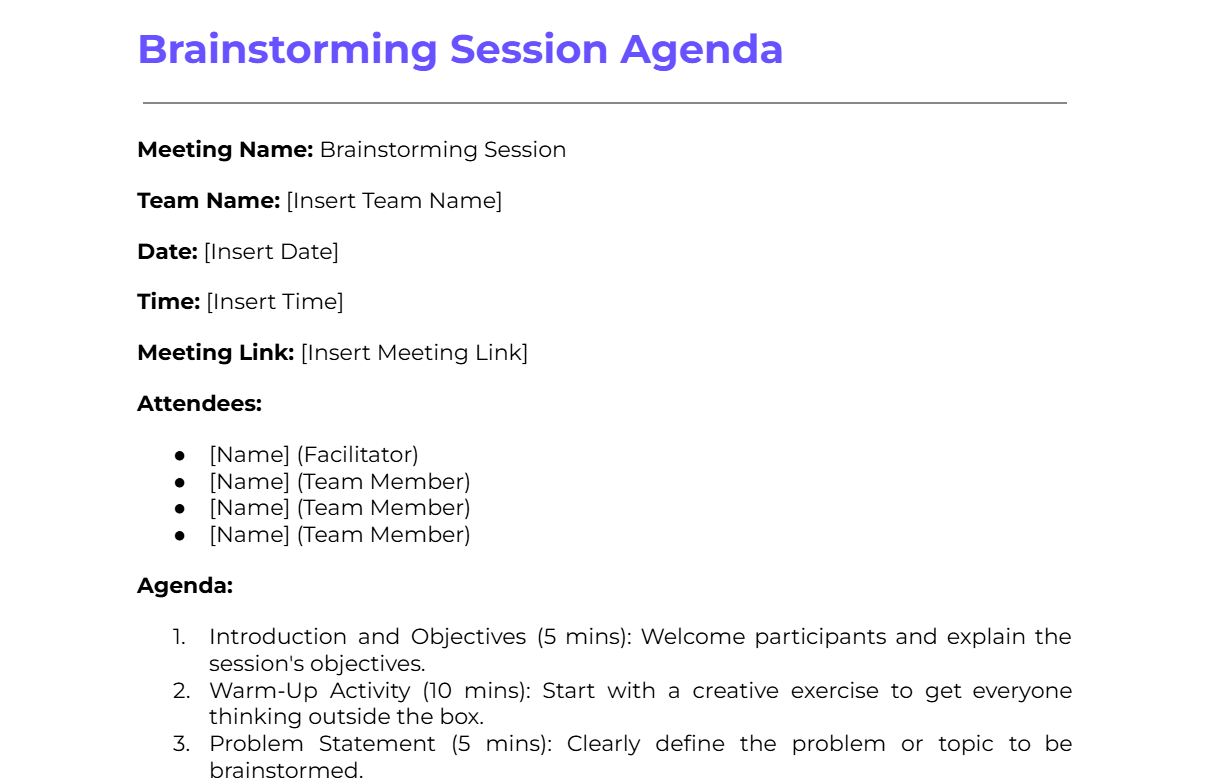
A brainstorming session agenda fosters creativity and generates new ideas. It guides the session to ensure discussions stay productive, inclusive, and focused on developing solutions.
Download the Brainstorming Session Agenda Template on Google Docs.
Download the Brainstorming Session Agenda Template as a .docx (Word) file.
4. Training Session Agenda
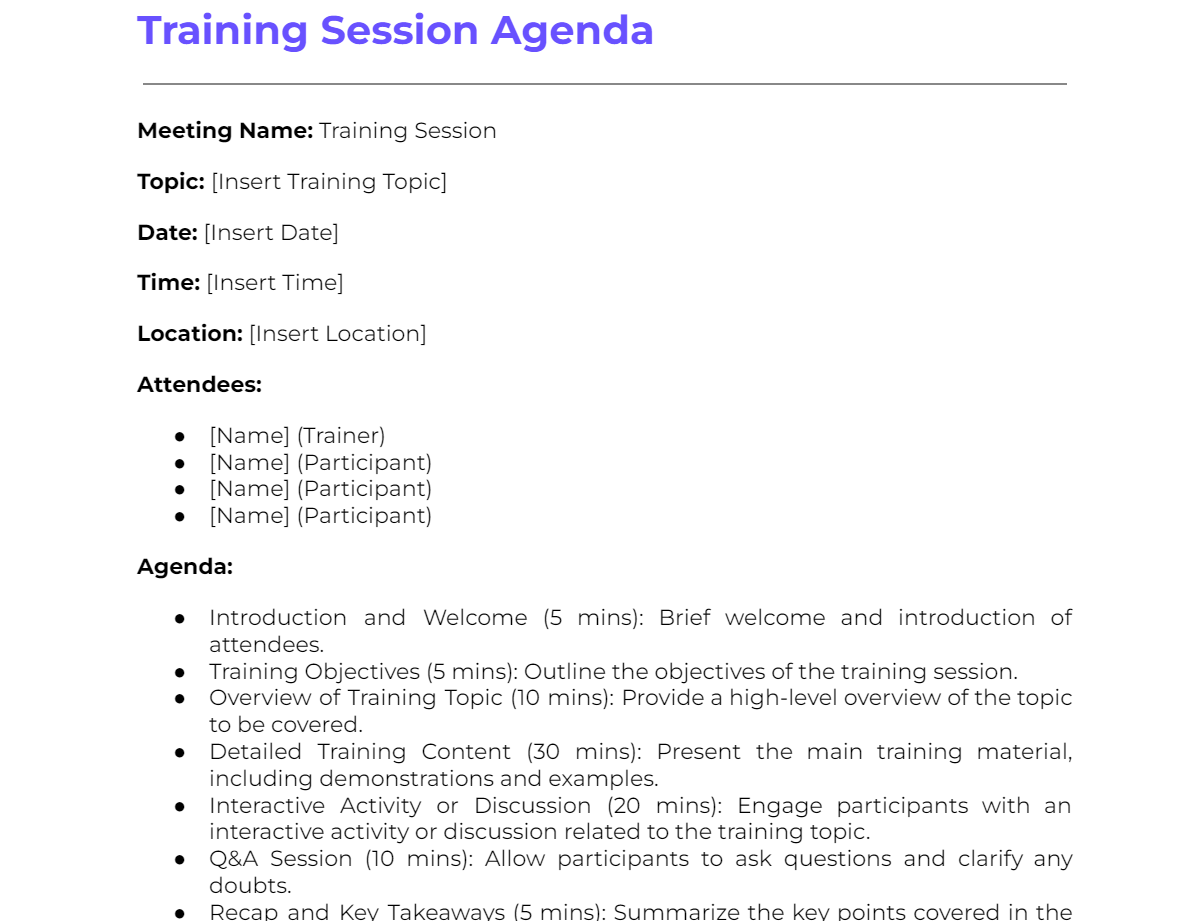
A training session agenda provides a clear structure for educational meetings. It ensures all necessary topics are covered, learning objectives are met, and participants stay engaged throughout.
Template:
Meeting Name: Training Session
Topic: [Insert Training Topic]
Date: [Insert Date]
Time: [Insert Time]
Location: [Insert Location]
Attendees:
- [Name] (Trainer)
- [Name] (Participant)
- [Name] (Participant)
- [Name] (Participant)
Agenda:
- Introduction and Welcome (5 mins): Brief welcome and introduction of attendees.
- Training Objectives (5 mins): Outline the training session’s objectives.
- Overview of Training Topic (10 mins): Provide a high-level overview of the topic to be covered.
- Detailed Training Content (30 mins): Present the main training material, including demonstrations and examples.
- Interactive Activity or Discussion (20 mins): Engage participants with an interactive activity or discussion related to the training topic.
- Q&A Session (10 mins): Allow participants to ask questions and clarify any doubts.
- Recap and Key Takeaways (5 mins): Summarize the key points covered in the session.
- Next Steps and Follow-Up (5 mins): Discuss any follow-up actions or additional resources for further learning.
Supporting Documents:
- Training materials (slides, handouts)
- Interactive activity instructions
- Additional resources or references
Download the Training Session Agenda Template on Google Docs.
Download the Training Session Agenda Template as a .docx (Word) file.
5. Performance Review Meeting Agenda

A performance review meeting agenda provides a structured approach to discussing employee performance. It ensures the review process is thorough, fair, and constructive, covering achievements, areas for improvement, and future goals.
Template:
Meeting Name: Performance Review Meeting
Employee Name: [Insert Employee Name]
Date: [Insert Date]
Time: [Insert Time]
Location: [Insert Location]
Attendees:
- [Name] (Reviewer/Manager)
- [Name] (Employee)
Agenda:
- Introduction and Purpose (5 mins): Explain the purpose of the performance review and what to expect.
- Review of Previous Goals and Objectives (10 mins): Discuss the goals set during the last review and the progress made towards achieving them.
- Employee Self-Assessment (10 mins): Allow the employee to share their self-assessment and reflections on their performance.
- Manager's Assessment (15 mins): Provide the manager's perspective on the employee's performance, highlighting strengths and areas for improvement.
- Discussion of Key Achievements (10 mins): Recognize and celebrate the employee's key accomplishments over the review period.
- Areas for Improvement (10 mins): Identify specific areas where the employee can improve and discuss actionable steps.
- Setting New Goals and Objectives (15 mins): Collaboratively set new goals and objectives for the upcoming review period.
- Development Plan (10 mins): Discuss opportunities for professional development and any training or resources needed.
- Employee Feedback (5 mins): Allow the employee to provide feedback on the review process and any additional comments.
- Next Steps and Follow-Up (5 mins): Outline the next steps, including any follow-up meetings or actions.
Supporting Documents:
- Previous performance review notes
- Employee self-assessment form
- Goal-setting template
- Development plan resources
Download the Performance Review Meeting Agenda Template on Google Docs.
Download the Performance Review Meeting Agenda Template as a .docx (Word) file.
6. Problem-Solving Meeting Agenda
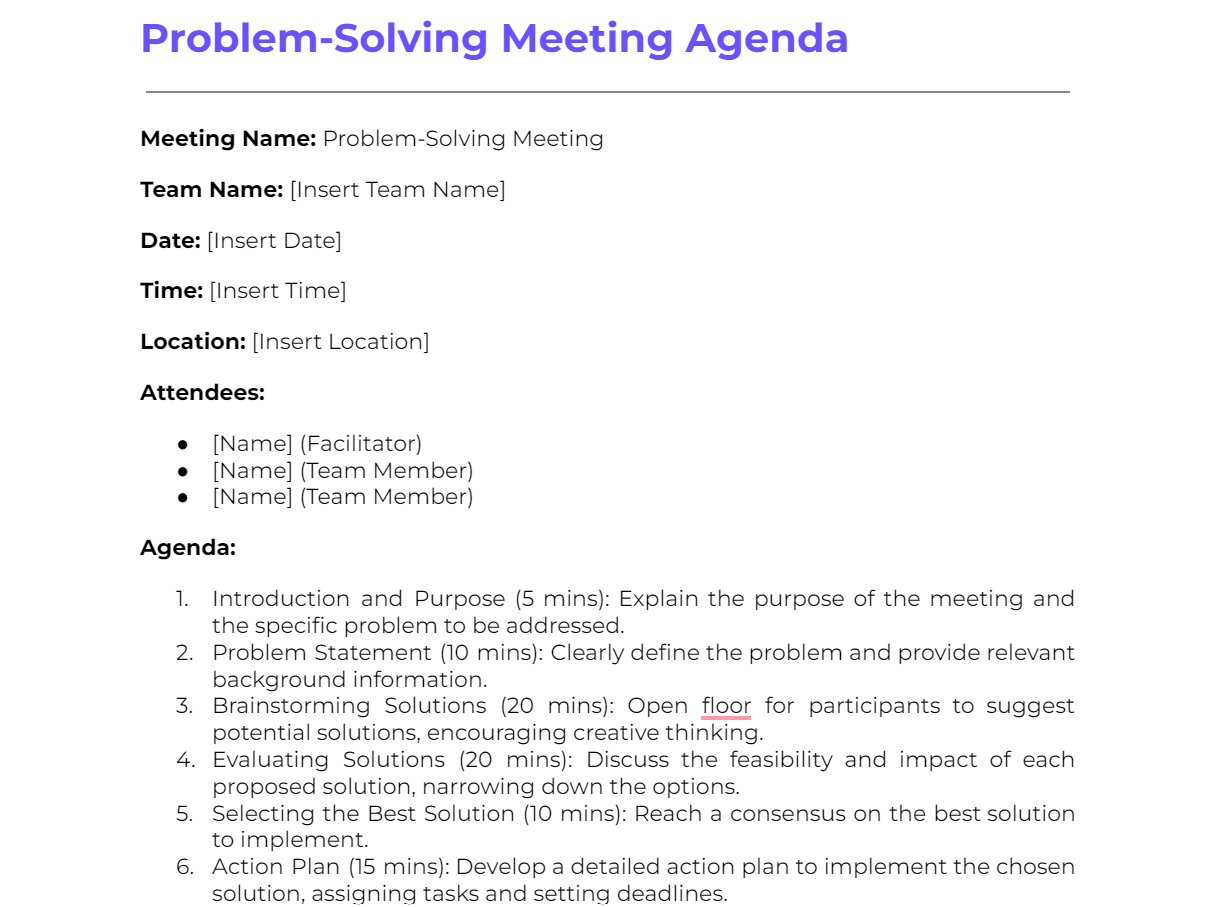
A problem-solving meeting agenda helps teams identify and address specific issues. It ensures the problem is clearly defined, potential solutions are explored, and actionable steps are assigned before the meeting ends.
Template:
Meeting Name: Problem-Solving Meeting
Team Name: [Insert Team Name]
Date: [Insert Date]
Time: [Insert Time]
Location: [Insert Location]
Attendees:
- [Name] (Facilitator)
- [Name] (Team Member)
- [Name] (Team Member)
Agenda:
- Introduction and Purpose (5 mins): Explain the purpose of the meeting and the specific problem to be addressed.
- Problem Statement (10 mins): Clearly define the problem and provide relevant background information.
- Brainstorming Solutions (20 mins): Open floor for participants to suggest potential solutions, encouraging creative thinking.
- Evaluating Solutions (20 mins): Discuss the feasibility and impact of each proposed solution, narrowing down the options.
- Selecting the Best Solution (10 mins): Reach a consensus on the best solution to implement.
- Action Plan (15 mins): Develop a detailed action plan to implement the chosen solution, assigning tasks and setting deadlines.
- Risk Assessment (10 mins): Identify potential risks associated with the chosen solution and discuss mitigation strategies.
- Next Steps and Follow-Up (10 mins): Outline the next steps and schedule any necessary follow-up meetings to track progress.
Supporting Documents:
- Problem statement document
- Background information and data
- List of proposed solutions
- Action plan template
Download the Problem-Solving Meeting Agenda Template on Google Docs.
Download the Problem-Solving Meeting Agenda Template as a .docx (Word) file.
7. Strategic Planning Meeting Agenda
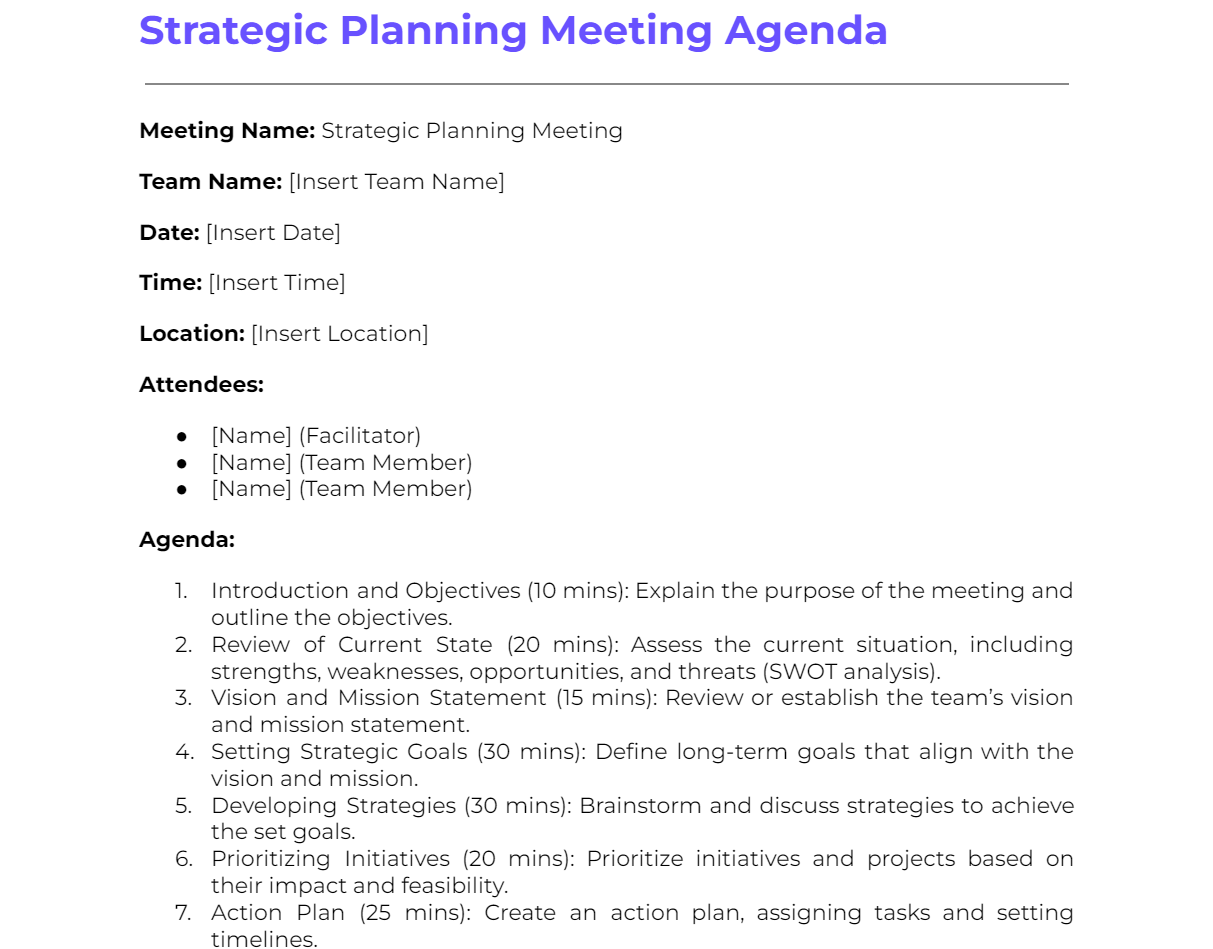
A strategic planning meeting agenda helps your team set long-term goals and define the strategies needed to achieve them. It keeps discussions focused and results in a clear, actionable plan.
Template:
Meeting Name: Strategic Planning Meeting
Team Name: [Insert Team Name]
Date: [Insert Date]
Time: [Insert Time]
Location: [Insert Location]
Attendees:
- [Name] (Facilitator)
- [Name] (Team Member)
- [Name] (Team Member)
Agenda:
- Introduction and Objectives (10 mins): Explain the purpose of the meeting and outline the objectives.
- Review of Current State (20 mins): Assess the current situation, including strengths, weaknesses, opportunities, and threats (SWOT analysis).
- Vision and Mission Statement (15 mins): Review or establish the team’s vision and mission statement.
- Setting Strategic Goals (30 mins): Define long-term goals that align with the vision and mission.
- Developing Strategies (30 mins): Brainstorm and discuss strategies to achieve the set goals.
- Prioritizing Initiatives (20 mins): Prioritize initiatives and projects based on their impact and feasibility.
- Action Plan (25 mins): Create an action plan, assigning tasks and setting timelines.
- Resource Allocation (15 mins): Discuss the resources needed, including budget, personnel, and tools.
- Risk Management (15 mins): Identify potential risks and develop mitigation strategies.
- Next Steps and Follow-Up (10 mins): Outline the next steps and schedule follow-up meetings to monitor progress.
Supporting Documents:
- SWOT analysis report
- Vision and mission statement
- Strategic goals document
- Action plan template
Download the Strategic Planning Meeting Agenda Template on Google Docs.
Download the Strategic Planning Meeting Agenda Template as a .docx (Word) file.
8. Client Update Meeting Agenda
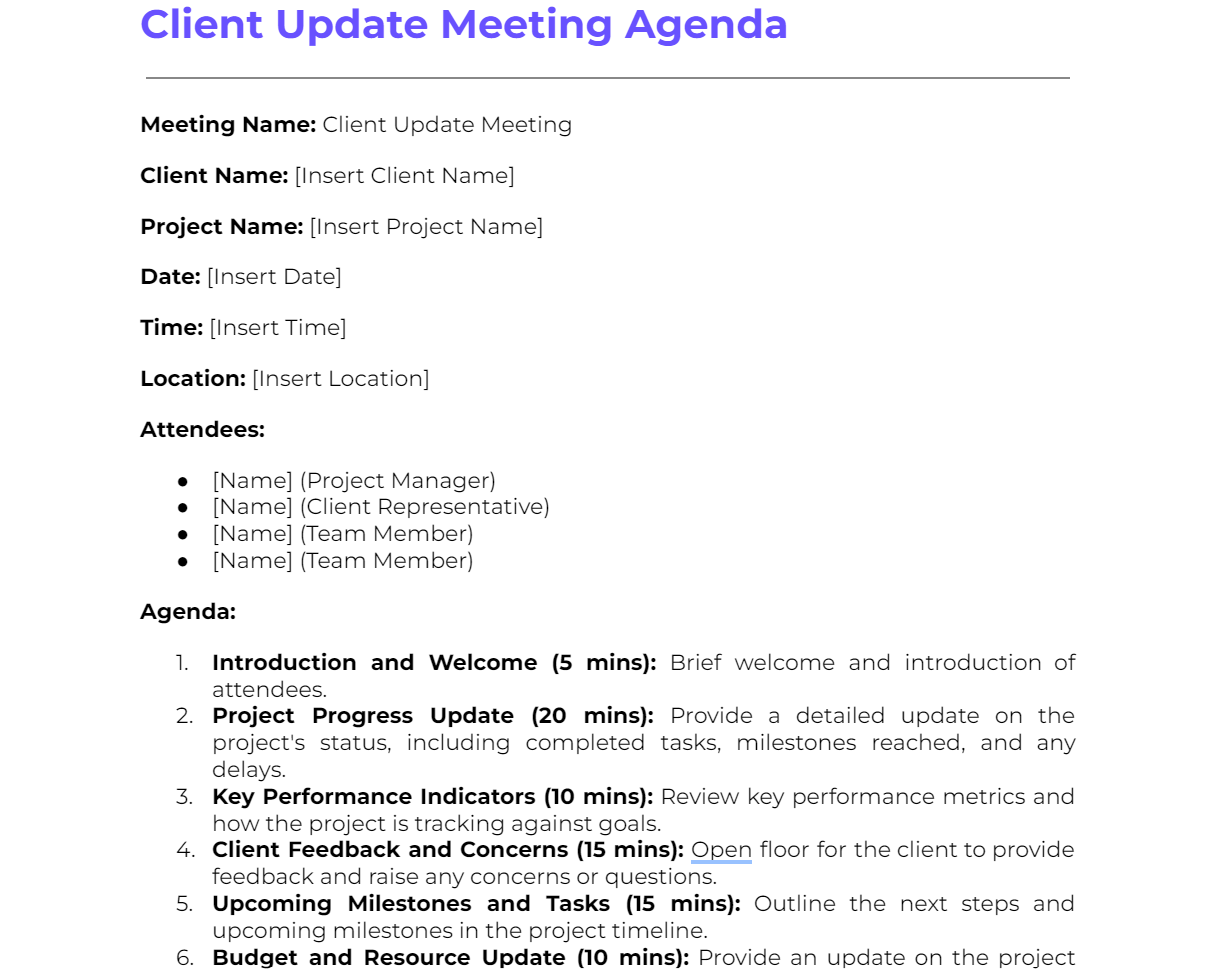
A client update meeting agenda keeps clients informed about project progress. It ensures all relevant updates are covered, client concerns are addressed, and future steps are clearly outlined.
Template:
Meeting Name: Client Update Meeting
Client Name: [Insert Client Name]
Project Name: [Insert Project Name]
Date: [Insert Date]
Time: [Insert Time]
Location: [Insert Location]
Attendees:
- [Name] (Project Manager)
- [Name] (Client Representative)
- [Name] (Team Member)
- [Name] (Team Member)
Agenda:
- Introduction and Welcome (5 mins): Brief welcome and introduction of attendees.
- Project Progress Update (20 mins): Provide a detailed update on the project's status, including completed tasks, milestones reached, and any delays.
- Key Performance Indicators (10 mins): Review key performance metrics and how the project is tracking against goals.
- Client Feedback and Concerns (15 mins): Open floor for the client to provide feedback and raise any concerns or questions.
- Upcoming Milestones and Tasks (15 mins): Outline the next steps and upcoming milestones in the project timeline.
- Budget and Resource Update (10 mins): Provide an update on the project budget and resource allocation.
- Risk and Issue Management (10 mins): Discuss any risks or issues that have arisen and the plans to address them.
- Action Items and Next Steps (15 mins): Review and assign action items to team members and set dates for the next update meeting.
Supporting Documents:
- Project status report
- Key performance indicators (KPI) dashboard
- Budget report
- Risk management plan
Download the Client Update Meeting Agenda Template on Google Docs.
Download the Client Update Meeting Agenda Template as a .docx (Word) file.
9. Monthly Review Meeting Agenda
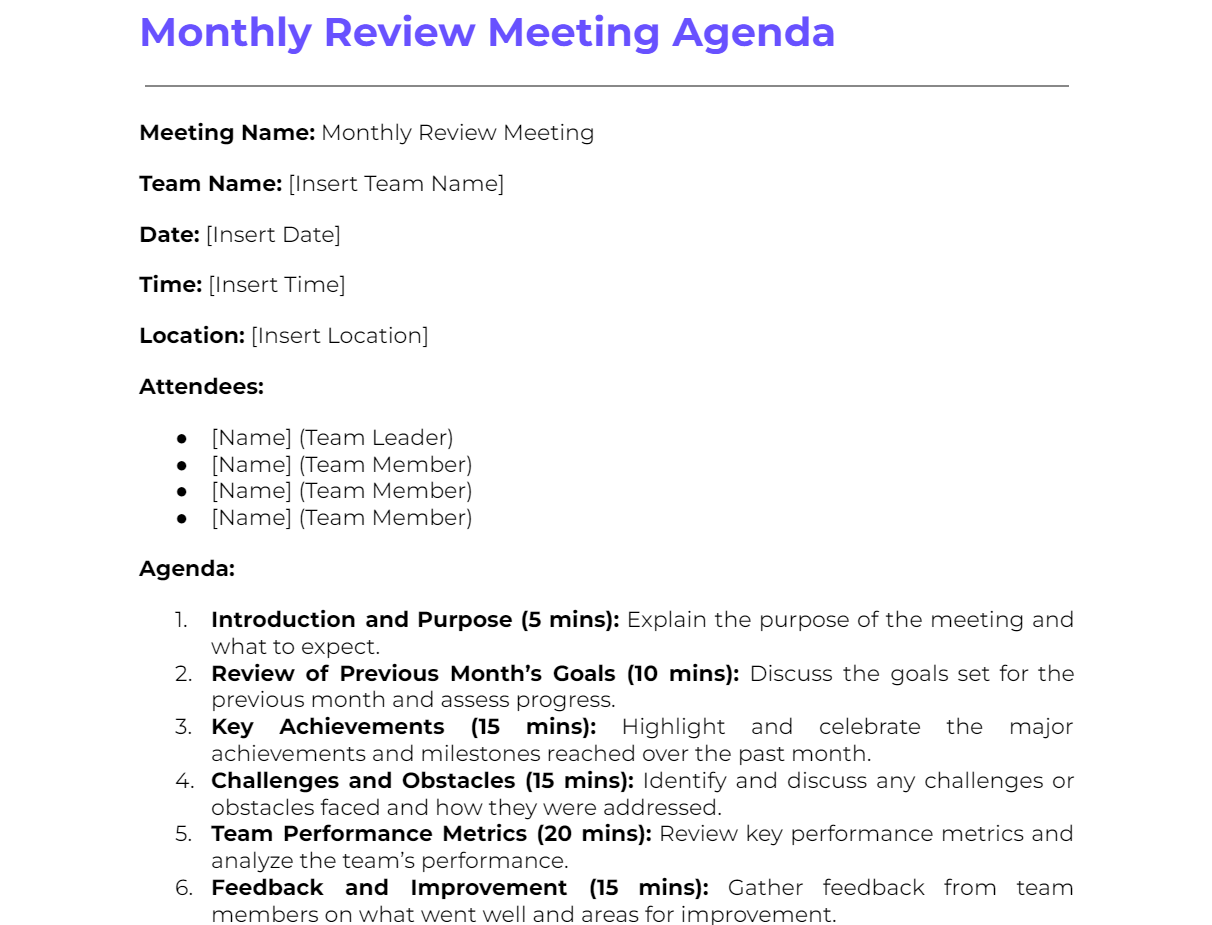
A monthly review meeting agenda evaluates the team's progress over the past month, identifies challenges, celebrates successes, and sets the plan for the month ahead.
Template:
Meeting Name: Monthly Review Meeting
Team Name: [Insert Team Name]
Date: [Insert Date]
Time: [Insert Time]
Location: [Insert Location]
Attendees:
- [Name] (Team Leader)
- [Name] (Team Member)
- [Name] (Team Member)
- [Name] (Team Member)
Agenda:
- Introduction and Purpose (5 mins): Explain the purpose of the meeting and what to expect.
- Review of Previous Month’s Goals (10 mins): Discuss the goals set for the previous month and assess progress.
- Key Achievements (15 mins): Highlight and celebrate the major achievements and milestones reached over the past month.
- Challenges and Obstacles (15 mins): Identify and discuss any challenges or obstacles faced and how they were addressed.
- Team Performance Metrics (20 mins): Review key performance metrics and analyze the team’s performance.
- Feedback and Improvement (15 mins): Gather feedback from team members on what went well and areas for improvement.
- Planning for the Next Month (20 mins): Set goals and outline the plan for the upcoming month.
- Resource and Support Needs (10 mins): Discuss any additional resources or support needed to achieve next month’s goals.
- Action Items and Assignments (10 mins): Assign action items and responsibilities to team members.
- Next Steps and Follow-Up (5 mins): Outline the next steps and schedule the next review meeting.
Supporting Documents:
- Previous month’s goals and performance reports
- Key performance metrics dashboard
- Feedback forms
- Resource and support request forms
Download the Monthly Review Meeting Agenda Template on Google Docs.
Download the Monthly Review Meeting Agenda Template as a .docx (Word) file.
10. Board Meeting Agenda
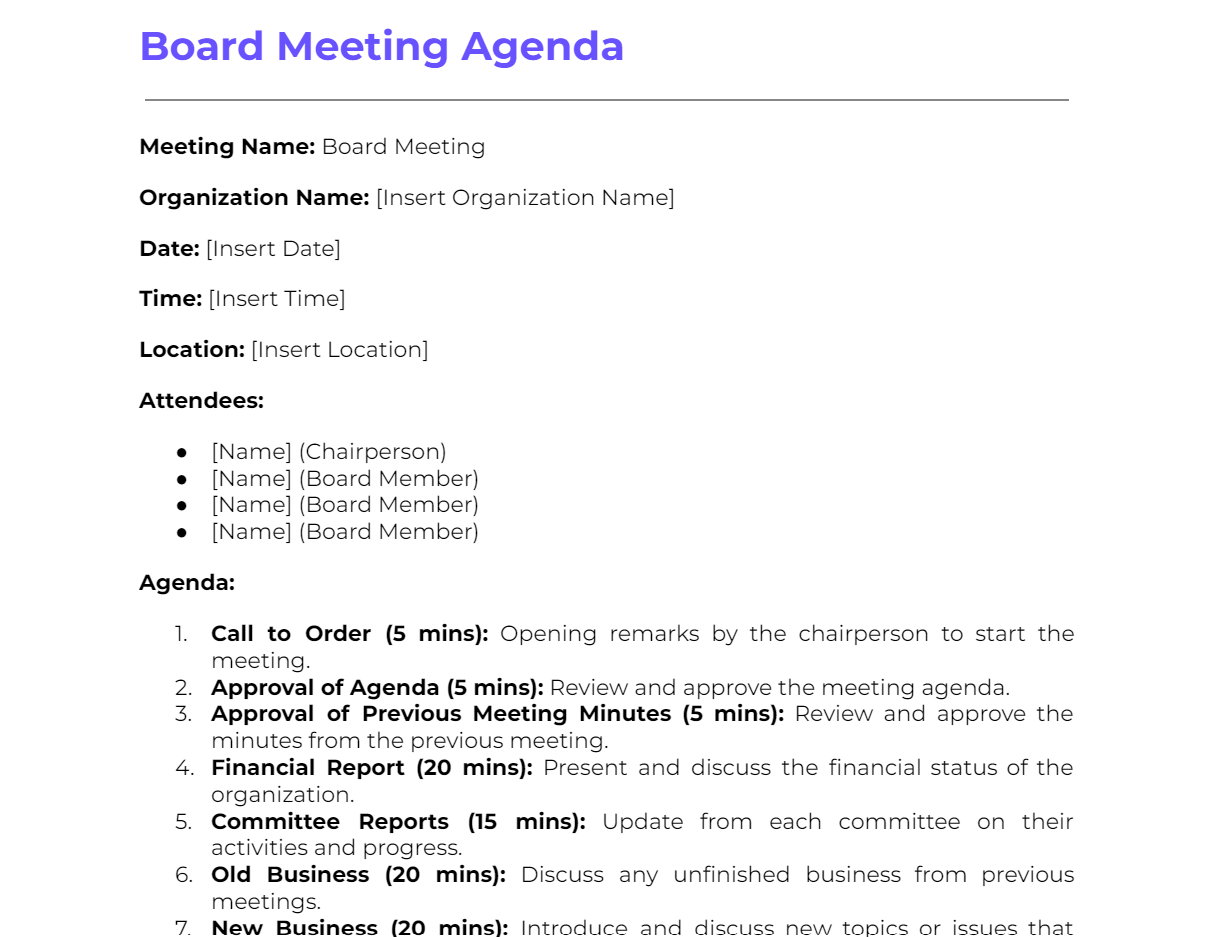
A board meeting agenda ensures that board members discuss critical organizational issues, make important decisions, and review the organization's performance and strategy.
Template:
Meeting Name: Board Meeting
Organization Name: [Insert Organization Name]
Date: [Insert Date]
Time: [Insert Time]
Location: [Insert Location]
Attendees:
- [Name] (Chairperson)
- [Name] (Board Member)
- [Name] (Board Member)
- [Name] (Board Member)
Agenda:
- Call to Order (5 mins): Opening remarks by the chairperson to start the meeting.
- Approval of Agenda (5 mins): Review and approve the meeting agenda.
- Approval of Previous Meeting Minutes (5 mins): Review and approve the minutes from the previous meeting.
- Financial Report (20 mins): Present and discuss the financial status of the organization.
- Committee Reports (15 mins): Update from each committee on their activities and progress.
- Old Business (20 mins): Discuss any unfinished business from previous meetings.
- New Business (20 mins): Introduce and discuss new topics or issues that need attention.
- Strategic Planning (25 mins): Review and update the organization's strategic plan, including goals and objectives.
- CEO/Executive Director’s Report (15 mins): Update from the CEO or Executive Director on organizational performance and key activities.
- Board Member Concerns (10 mins): Open floor for board members to raise any concerns or issues.
- Action Items and Next Steps (10 mins): Review and assign action items to board members and outline next steps.
- Adjournment (5 mins): Officially close the meeting.
Supporting Documents:
- Financial reports
- Committee reports
- Previous meeting minutes
- Strategic plan documents
- CEO/Executive Director’s report
Download the Board Meeting Agenda Template on Google Docs.
Download the Board Meeting Agenda Template as a .docx (Word) file.
11. AI-Assisted Meeting Agenda
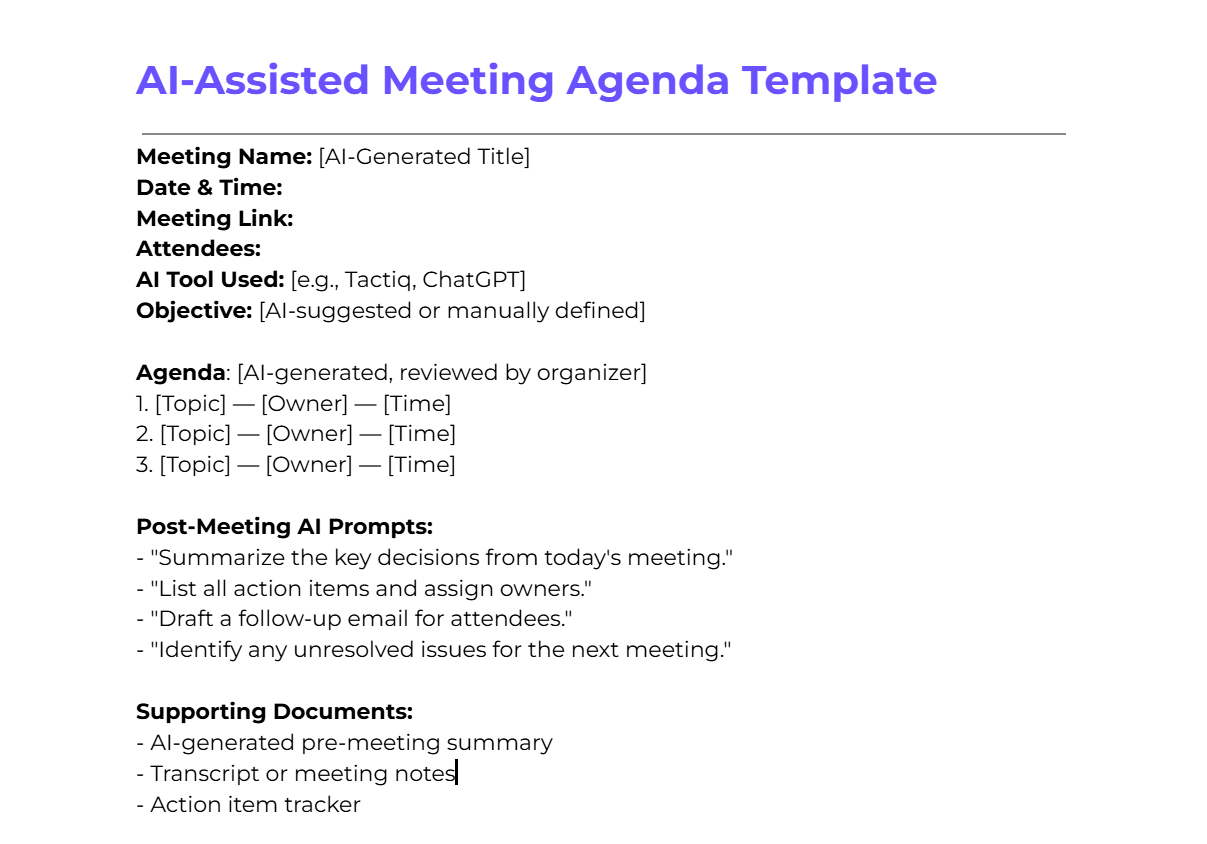
As more teams use artificial intelligence to plan and run meetings, having a dedicated AI-assisted agenda template helps you get consistent, structured results every time. Use it to prompt an AI tool before the meeting and review its output before sharing with attendees.
- Download the AI-Assisted Meeting Agenda Template on Google Docs.
- Download the AI-Assisted Meeting Agenda Template as a .docx (Word) file.
How to use it:
- Open your AI tool of choice (ChatGPT, Tactiq, or similar).
- Paste this prompt: "Create a meeting agenda for a [meeting type] on [date]. The objective is [goal]. Attendees include [roles]. Key topics to cover: [list topics]."
- Review the output and adjust for accuracy and tone before sharing.
- After the meeting, prompt your AI tool to generate a summary, list action items, and draft follow-up messages.
Want AI to handle your meeting notes automatically? Try Tactiq's free AI Note Taker and walk out of every meeting with a full transcript and summary ready to go.
Tips for Leading an Effective Staff Meeting
Leading an effective staff meeting requires preparation, engagement, and follow-through. These five tips will help you run meetings that are productive and valuable for everyone involved.
1. Prepare thoroughly.
Ensure you are familiar with all agenda items, have necessary documents ready, and understand the goals you want to achieve. Preparation sets a positive tone for the entire meeting.
- Review the agenda: Familiarize yourself with all agenda items and anticipate questions or concerns. Use a meeting management guide to structure your prep process from agenda to follow-up.
- Gather materials: Ensure all documents, reports, and presentations are ready and accessible before the meeting starts.
- Set clear expectations: Know the desired outcomes and be ready to guide discussions toward those goals.
2. Start and end on time
Respecting time shows respect for your team's schedules. Starting and ending on time builds a culture of punctuality and efficiency.
- Be punctual: Start the meeting at the scheduled time, even if some attendees are late.
- Manage time carefully: Allocate time slots for each agenda item and stick to them.
- Close efficiently: Use AI-generated summaries to wrap up faster. Tools like Tactiq produce a full meeting summary in real time, so you can close with clear next steps instead of scrambling to recall what was discussed.
3. Foster open communication
A meeting works best when everyone feels comfortable sharing ideas and concerns. Encourage open dialogue from the start.
- Encourage participation: Ask open-ended questions and invite input from all attendees.
- Practice active listening: Pay full attention without interrupting and show that contributions are valued.
- Manage dominant voices: Actively invite quieter team members to share their thoughts so no single person drives the entire discussion.
4. Stay focused and on track
Keeping the meeting on track ensures all topics are covered and no time is wasted.
- Stick to the agenda: Follow the agenda closely and avoid tangents.
- Use a timekeeper: Designate someone to monitor time and signal when to move to the next topic.
- Defer off-topic issues: If unrelated issues come up, note them for a separate discussion after the meeting.
5. Encourage accountability
Accountability ensures the meeting's outcomes translate into real progress.
- Assign action items: Give each task a clear owner and a deadline.
- Send a follow-up: Share a meeting summary and track progress on assigned tasks.
- 進捗状況の確認: その後の会議でタスクの状況を確認できるよう、トラッキングシステムを活用しましょう。
6. AIツールを活用して、すべてを記録し実行に移す
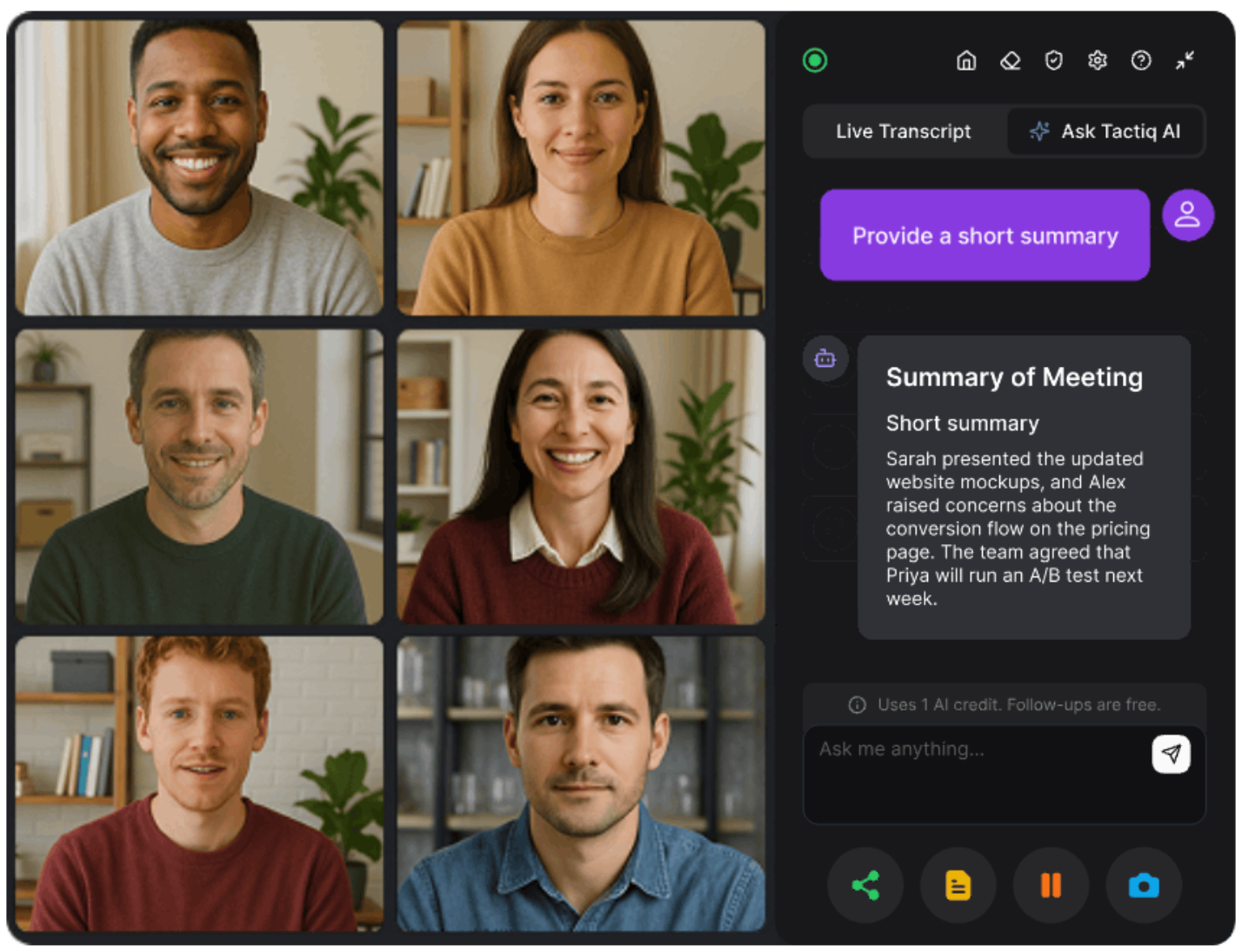
最も整理された会議でさえ、見落としや忘れやすい詳細が生じます。AIツールは、議事録作成、メモ取り、フォローアップを自動で処理することで、そのギャップを埋めます。
Tactiq はGoogle Meet、Zoom、Microsoft Teams内でリアルタイムに機能します。ボットが通話に参加することはありません。リアルタイムで文字起こしを行い、発言者を特定し、会議終了と同時に要約とアクションアイテムを生成します。チームはこれを利用して、手動でのメモ取りをなくし、 共同議事録 を一箇所にまとめ、アクションアイテムをLinear、HubSpot、Slackなどのツールに直接プッシュします。
非同期のフォローアップには、TactiqのAIが議事録から要約メールを作成し、進捗レポートを生成し、次回の会議で未解決の項目にフラグを立てることができます。
Tactiqは、すべてのスタッフ会議を、チーム全体が活用できる文書化され検索可能な記録に変えます。
無料のTactiq Chrome拡張機能をインストール して、次回の会議を終える頃には、メモがすでに完成しています。
{{rt_cta_ai-convenience}}
スタッフ会議のアジェンダテンプレートは、会議のトピック、時間枠、担当者を整理する、事前にデザインされたアウトラインです。これにより、議論が集中し、重要な見落としがなくなり、すべての参加者が準備を整えて臨むことができます。
会議の種類と目的を特定し、主要なトピックをリストアップし、担当者を割り当て、各項目に時間を割り当てます。会議前に参加者とアジェンダを共有し、全員が準備を整えて臨めるようにしましょう。
会議名、日付、時刻、会議リンク、出席者、目的、担当者付きの議題項目、および前回の会議からのアクションアイテムのセクションを含めます。
徹底的に準備し、時間通りに開始・終了し、活発な参加を促し、議題に沿って進め、会議終了前に担当者を明確にしたアクションアイテムを割り当てましょう。
Tactiqは、Google Meet、Zoom、Teamsでの会議をリアルタイムで文字起こしします。通話後、AIが要約を生成し、アクションアイテムを抽出し、Linear、HubSpot、Slackなどのツールと同期するため、抜け漏れがありません。
関連記事




_Main.jpg)
便利なAIサマリーが欲しいですか?
次回のミーティングで Tactiq をお試しください。
便利なAIサマリーが欲しいですか?
次回のミーティングで Tactiq をお試しください。
便利なAIサマリーが欲しいですか?
次回のミーティングで Tactiq をお試しください。