
 Translate Sinhala Instantly with Tactiq's AI Technology
Efficiently translate Sinhala meetings into 35+ languages with Tactiq. Get started for free and enjoy seamless communication.
Get started for free ->
Helping the world’s most modern companies communicate better








Get started in seconds.
- 1
Install Chrome extension
Add Tactiq to your browser - 2 clicks and you’re ready for action. - 2
Start the meeting
Join your meeting in the browser to start the live transcription. - 3
Translate you meeting using Tactiq's AI
Translate transcripts into over 35 languages using Tactiq's AI.

Real-Time Sinhala Translation for Your Meetings with Tactiq
Easily translate Sinhala meetings into 35+ languages with Tactiq AI. Start for free and experience seamless communication.
Get started for free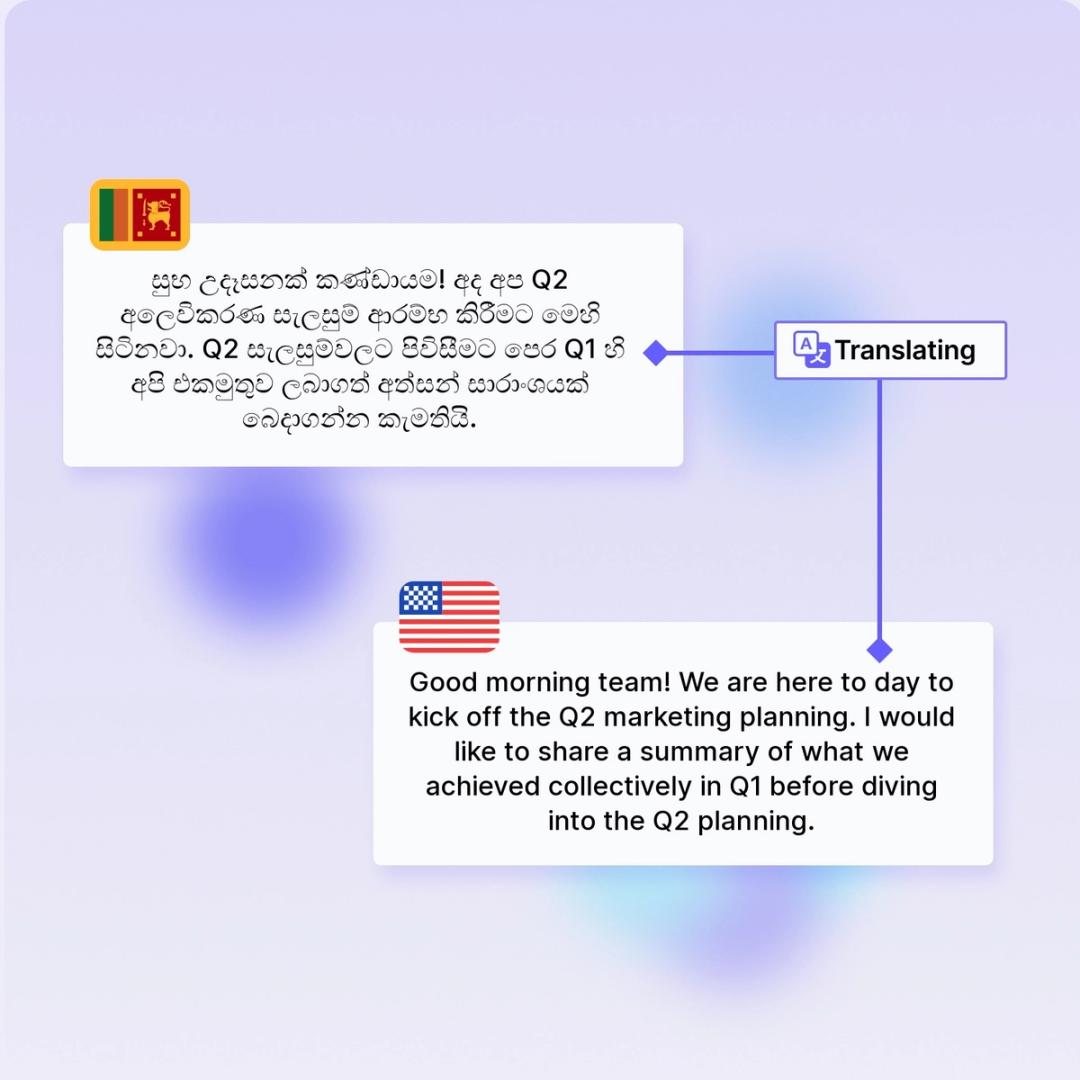
How to translate Sinhala audio or video with AI
- 1Install the Tactiq Chrome extension: Just add Tactiq to your browser with two clicks, and you're ready to start translating.
- 2Join your meeting or upload your recording: Whether it's live or pre-recorded, Tactiq transcribes in real-time.
- 3Translate your transcript using Tactiq's AI: With support for Sinhala translation, convert your transcripts into multiple languages quickly and easily.


Core Benefits
Save Time with Sinhala Translation
Stop spending hours on manual translations. With Tactiq's Sinhala translation feature, you can quickly translate your meeting transcripts into 35+ languages, making it easy to keep everyone on the same page and save valuable time.
Reduce Costs on Translations
Cut down on expensive translation services. Tactiq provides accurate Sinhala translation at no additional cost, empowering your team to communicate effectively without breaking the budget.
Real-Time Results for Better Decisions
Get immediate translations during your meetings, enabling faster and more informed decision-making. With real-time Sinhala translation, there's no waiting for post-meeting notes, making your processes more efficient and effective.
In-meeting actions
Real-time Sinhala transcription
View live transcripts in Sinhala to stay focused on the conversation.
Instant Sinhala translations
Translate Sinhala speech to 35+ languages during the meeting.
Highlight key points
Mark important moments in your Sinhala transcript for easy reference.
Add tags and labels
Organize your Sinhala transcripts with custom tags and labels.
Post-meeting actions
Generate summaries
Create concise summaries from your Sinhala transcripts.
Share and export
Easily share or export Sinhala transcripts via email, PDF, or TXT.
Automate follow-ups
Let AI handle follow-ups and task management from Sinhala transcripts.
Integrate with apps
Connect your Sinhala meeting data with your favorite tools.
Connect your favorite apps.
Tactiq integrates with online meeting software, project management platforms, CMS platforms, communication tools, and much more.





FAQ
Your questions, answered.
If you have any further questions, Get in touch(opens in a new tab) with our friendly team
How do I translate Sinhala meeting transcripts with Tactiq?
Can Tactiq translate live Sinhala meetings?
Can I translate Sinhala videos with Tactiq?
Does Tactiq support multiple languages in the same meeting?
What formats can I use to upload Sinhala transcripts?
Can I translate Sinhala in Zoom, Microsoft Teams and Google Meet?
Yes! Please refer https://help.tactiq.io/en/articles/8627989-what-languages-does-tactiq-support for details. Google Meet generally supports more languages than Zoom and Microsoft Teams.
Put your meeting transcripts to work using AI.
Get your first 10 meeting transcriptions for free. No credit card required.
Get started now