
How to Record YouTube Videos: A Beginner's Guide
- 公開:
- February 20, 2025
- Updated:
- July 17, 2026

Have you ever wanted to start your own YouTube channel but didn't know where to begin? YouTube (新しいタブで開きます) is perfect for sharing your creativity.
In this article, you’ll learn how to record a YouTube video—from the essential equipment you need to setting up your recording space, planning your content, and editing your video.
Essential Equipment for Recording YouTube Videos
1. Cameras
- Webcams - Ideal for vlogs or live streams. Easy to set up and use.
- DSLRs - Provide high-quality video. Great for professional-looking content.
- Smartphones - Convenient and portable. Modern smartphones offer excellent video quality.
2. Lighting
- Softboxes - Provide even, soft light.
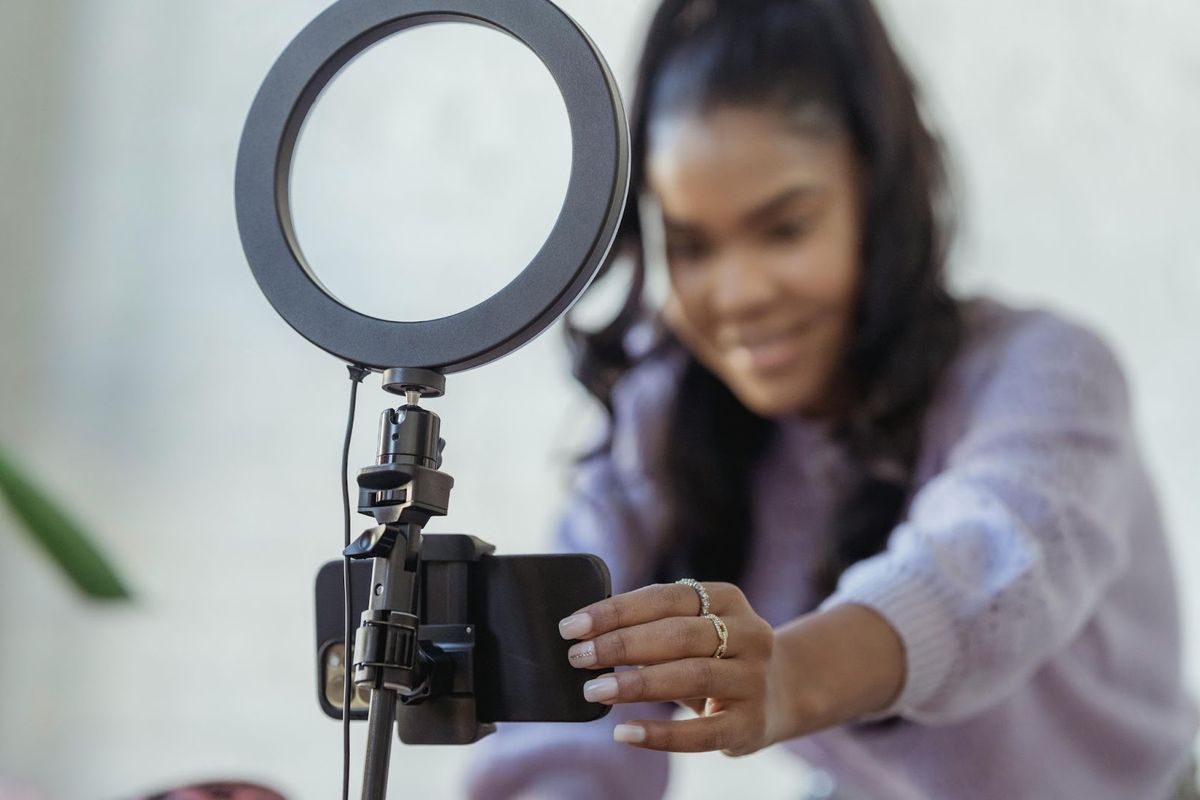
- Ring Lights - Great for illuminating faces.
- Natural Light - Free and effective. Shoot near windows during the day.
3. Audio Equipment
- Microphones - Lavalier mics, shotgun mics, or USB mics.
- Pop Filters - Reduce plosive sounds.
- Audio Interfaces - Improve sound quality when using professional mics.
4. Additional Accessories
- Tripods - Keep your camera steady.
- Gimbals - Stabilize handheld shots.
- Backdrops - Create a clean, consistent background.
Setting Up Your Recording Space
- Choose a quiet location to minimize background noise. Avoid places with echoes or external noise.
- Set up a clean background and use a plain wall, a backdrop, or a tidy room. Avoid clutter that can distract viewers.
- Adjust lighting and ensure your face is well-lit. Avoid harsh shadows. Use multiple light sources if needed.
- Organize your equipment and keep everything within reach. Test your setup before recording to ensure everything works smoothly.
Planning and Scripting Your YouTube Videos
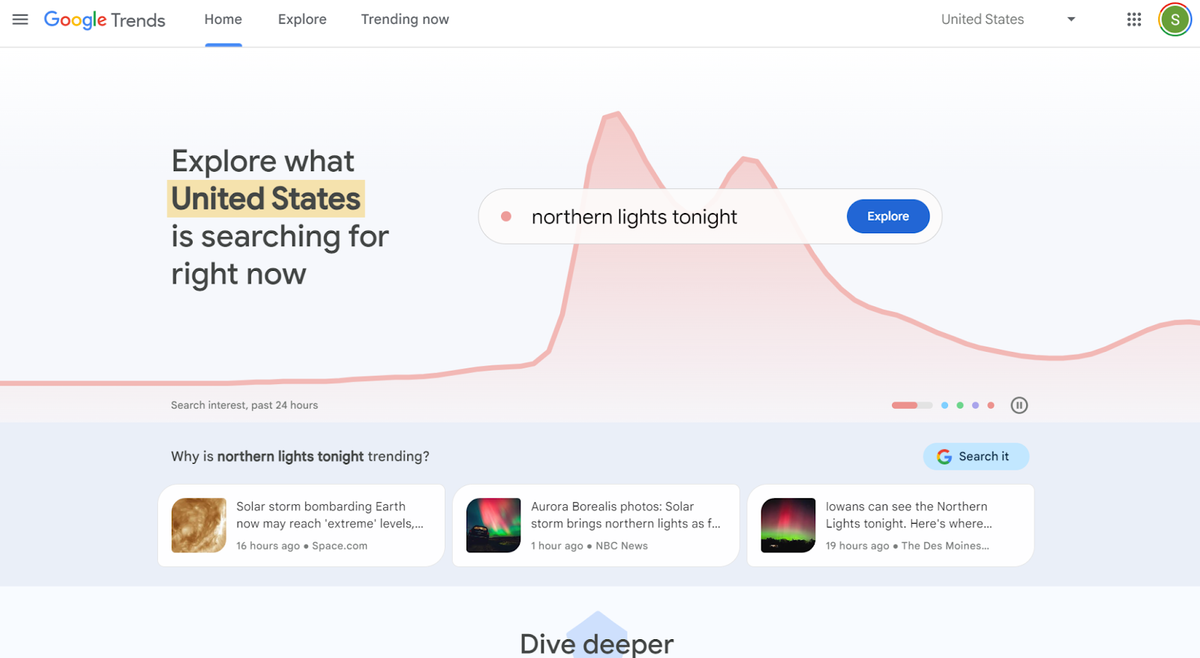
- Know what your viewers are interested in. Use tools like Google Trends (新しいタブで開きます) or YouTube Analytics (新しいタブで開きます).
- Plan the structure of your video. Break it down into sections—intro, main content, conclusion.
- Write a script and ensure clarity and coherence. Practice reading it aloud to improve your delivery.
- Practice your delivery and record a few test runs when recording YouTube videos. Focus on your tone, pacing, and body language.
Recording Your Own YouTube Videos
- Prepare a script so you’ll know exactly the main points you need to cover.
- Choose a software where to record your videos. You can use Descript or your native recording app like Quicktime.
- Set up your camera and position it at eye level to record videos. Check the framing and angles.
- Test audio levels to ensure clear sound quality. Avoid background noise. Alternatively, you can use a noise-canceling microphone to help minimize background noise.
- Record a test clip to check lighting and framing. Make adjustments as needed.
- Record in segments to break your video into parts. This makes it easier to manage errors and retakes. That’s why a script is going to be really helpful when you’re recording the videos to avoid recording unnecessary clip.
Editing Your Recorded YouTube Video
- Edit YouTube videos using editing software like iMovie (新しいタブで開きます) or Adobe Premiere Pro (新しいタブで開きます).
- Use basic editing techniques and cut unnecessary parts, trim clips, and add transitions.
- Enhance audio quality and remove background noise, adjust audio levels.
- Add visual elements like text overlays, graphics, and effects to make your video engaging.
- You can also use AI tools like Vizard (新しいタブで開きます) to cut out silences and add background music.
Uploading and Optimizing Your Video on YouTube
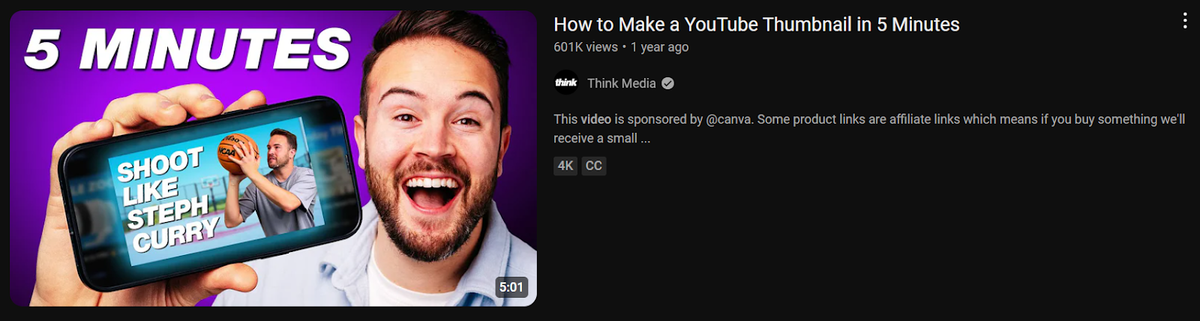
How to Make a YouTube Thumbnail in 5 Minutes (新しいタブで開きます)
- Create an Engaging Thumbnail - Capture attention. Use bright colors and clear images.
- Write a Compelling Title and Description - Use relevant keywords. Make it interesting.
- Add Tags and Choose the Right Category - Help YouTube understand your content.
- Use YouTube's Built-In Tools - Add end screens, cards, and subtitles to enhance your video.
Promoting Your YouTube Video
- Promote your recorded YouTube videos online on platforms like Facebook, Twitter, and Instagram.
- Engage with your audience by responding to comments.
- Create community posts. Utilize social media marketing services to boost YouTube views (新しいタブで開きます), helping your videos gain initial traction more quickly, build visibility, and attract more organic viewers.
- Reach new audiences by working with influencers.
- Optimize your video’s metadata for better searchability.
便利なAIサマリーが欲しいですか?
次回のミーティングで Tactiq をお試しください。
Instant YouTube Meeting Transcripts with Tactiq
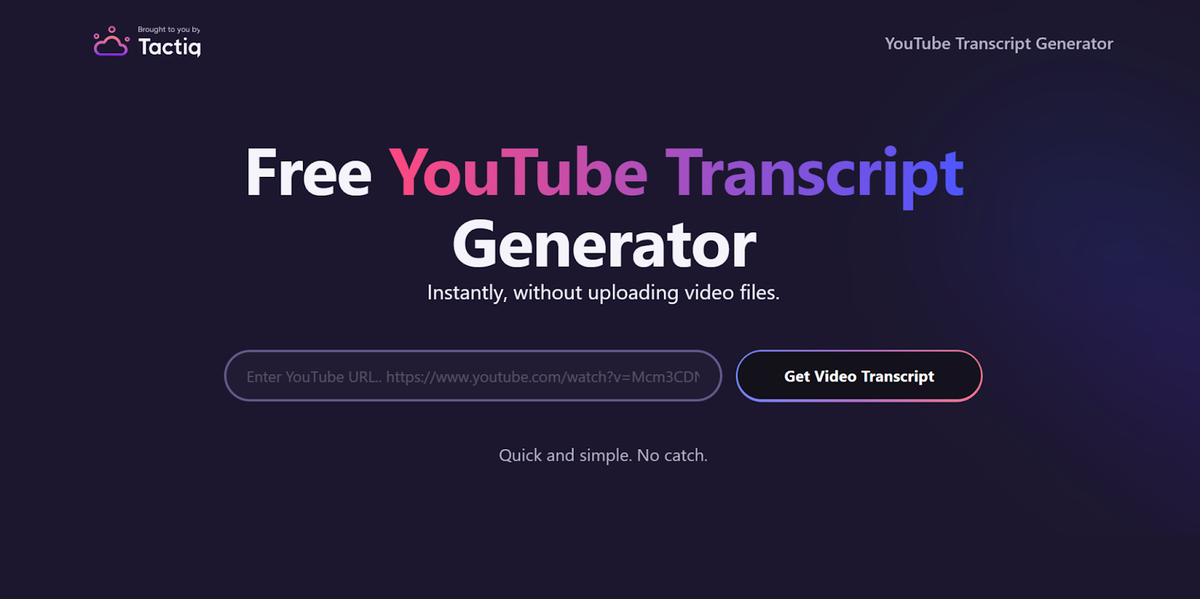
Curious how transcripts can improve your YouTube videos? Transcripts make it easier to create subtitles, boost SEO, and repurpose content for blogs or social media.
Tactiq (新しいタブで開きます)’s Free YouTube Transcript Generator (新しいタブで開きます) lets you turn YouTube videos into transcripts in just a few clicks—just enter the URL, no uploads required!
You can also use Tactiq’s AI features to create content from the transcript, including summaries, blog posts, and social media captions.
Tactiq also records real-time transcripts (新しいタブで開きます) for meetings on Zoom, Google Meet, and MS Teams, capturing every word so you stay focused on discussions instead of note-taking. Get the Free Tactiq Chrome Extension today! (新しいタブで開きます)



便利なAIサマリーが欲しいですか?
次回のミーティングで Tactiq をお試しください。
会議に AI を導入するのがこれまでになく簡単になりました。
Chrome に追加-無料です!(新しいタブで開きます)次の会議でTactiqを試してみましょう!
今すぐ登録