
Tactiq AI Workflow Integration | Google Drive
Automatically update Google Drive after meetings
Send AI-generated meeting insights, summaries, and action items directly to Google Drive to keep your documents organized and accessible.
Create a Google Drive Workflow
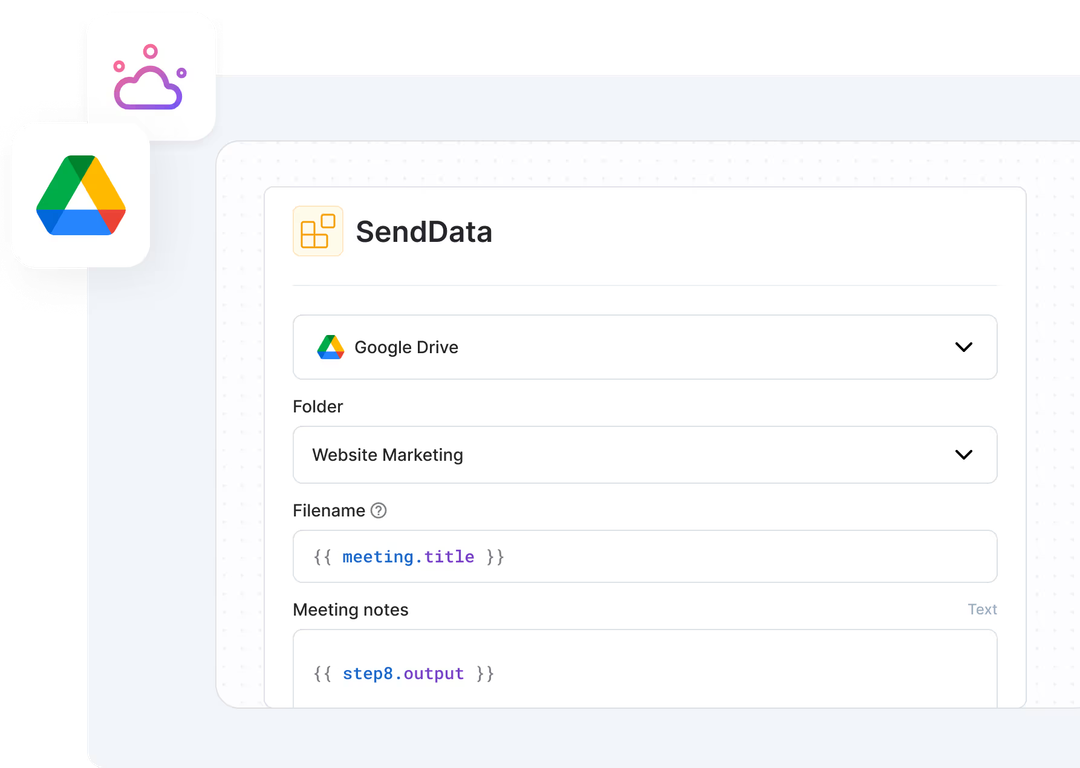
overview
What can Tactiq’s Google Drive integration do for your after-meeting workflow?
Generate meeting insights for Google Drive from meeting transcripts
Extract and generate structured updates from your meeting transcripts using the AI steps in the workflow builder.
Create a Google Drive Workflow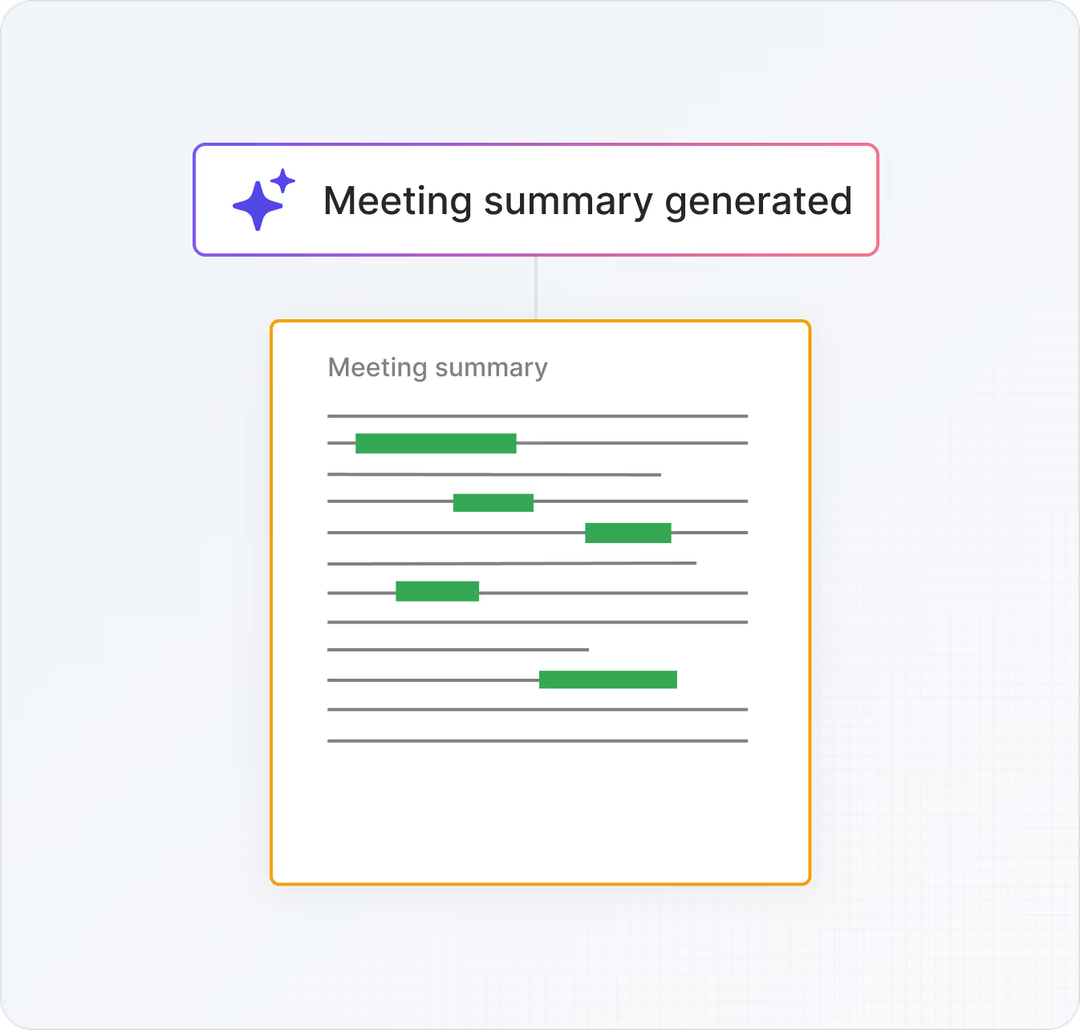
Create and format documents in Google Drive
Create and format Google Drive documents from meeting insights using the share to integration step in AI Workflows.
Create a Google Drive Workflow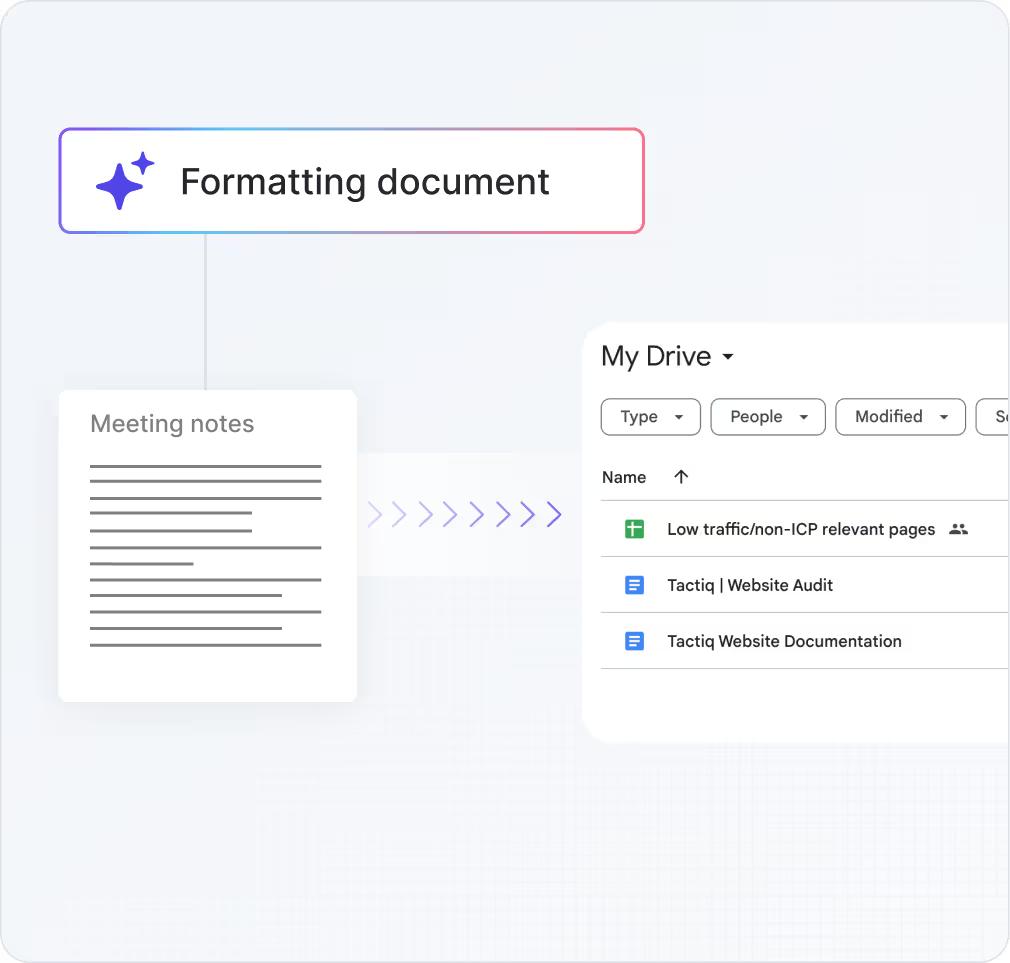
Send updates to Google Drive folders in an instant
Sync meeting insights, summaries, and key action items to specific folders in Google Drive automatically after meetings without manual work.
Create a Google Drive Workflow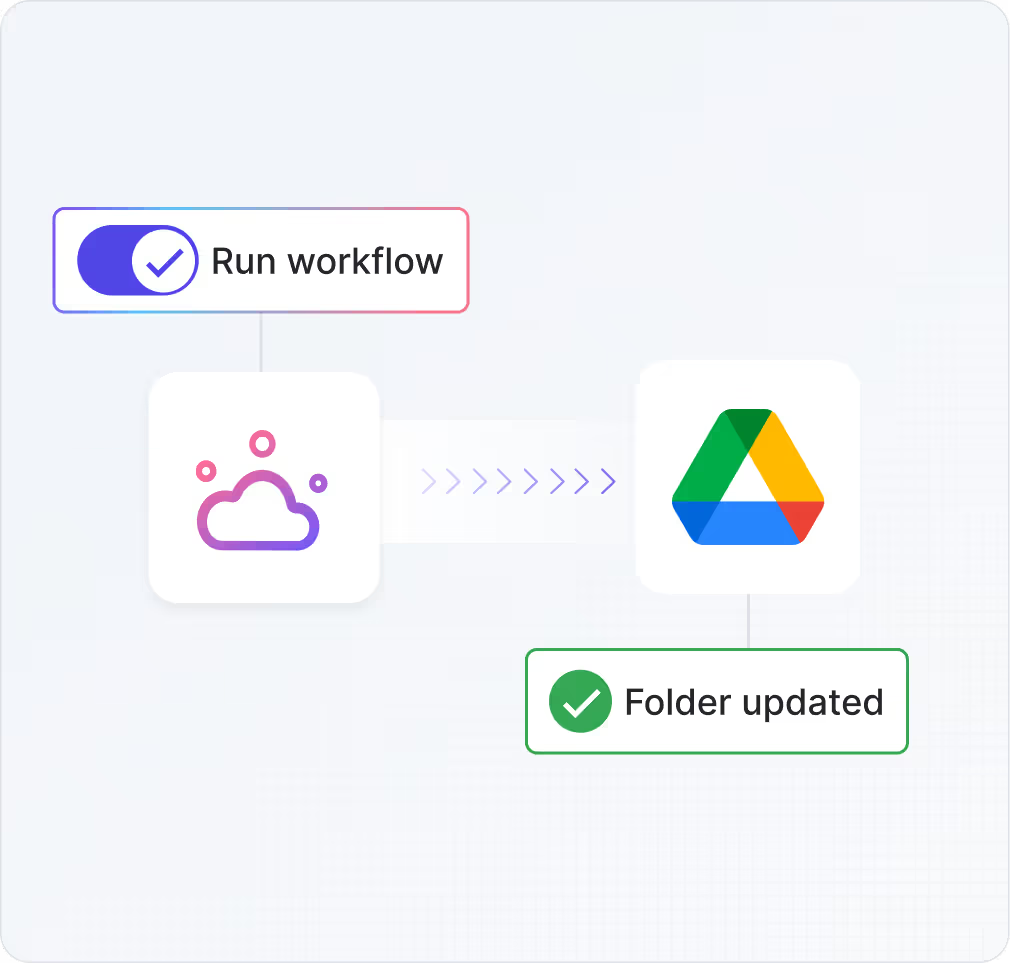
Triggers
 Meeting ends
 More triggers coming soon
Actions
 AI prompt: Generate meeting updates
 Generate resources & materials for Google Drive
 Create new documents across specific folders
 Share to Google Drive
 More actions coming soon
More integrations
Check out all Tactiq's AI Workflow Integrations
Check out our other integrations to improve meeting insight workflows.




Can't find an integration that fits your needs?
We're rapidly rolling out new integrations to supercharge how your team extracts and shares meeting insights. Got ideas? We’re all ears!
Drop your thoughts here (opens in a new tab)what people are saying
Tactiq AI Workflows voted the #5 product of the day on Product Hunt
 (opens in a new tab)
What meeting insights will you automate?
Sign up and get started with your first Tactiq Workflow today.
Get started - it’s free